
All the Things You Need to Know About Healthy Sitting Posture at Work

All the Things You Need to Know About Healthy Sitting Posture at Work

You don’t have to accept back pain as part of your workday. Good posture is important for your health and productivity. It helps reduce strain on your spine, increases your energy, and prevents joint injuries. The best approach is to build healthy habits and use supportive seating. Here’s how you can set up your workspace for comfort and focus.


What is Ergonomic Posture? Meaning and Benefits

The Hidden Costs of Poor Alignment

Many people don’t realize how much a typical office setup can affect their bodies. Slouching at your desk can put pressure on your spine, make it harder to breathe, and slow your digestion. Over time, this can lead to back pain, headaches, and fatigue. To feel better at work, it’s important to learn about posture and how your body moves.

Ergonomic Posture: Meaning and Benefits

What does ergonomic posture mean, and why is it helpful? It means keeping your body in a natural, relaxed position. This reduces tired muscles and takes pressure off your joints. You’ll notice fewer headaches, less back pain, and better blood flow in your legs. With a good setup, your muscles don’t have to work extra hard to keep you upright, so you can stay focused and avoid feeling tired in the afternoon.


Proper Sitting Posture for Office Workers: A Step-by-Step Guide

Just reminding yourself to “sit up straight” isn’t enough. Good sitting posture means your whole body works together with your desk, monitor, and chair. Here’s how to get it right from head to toe.

Spinal Alignment and Sitting Position in Front of Computer Ergonomics

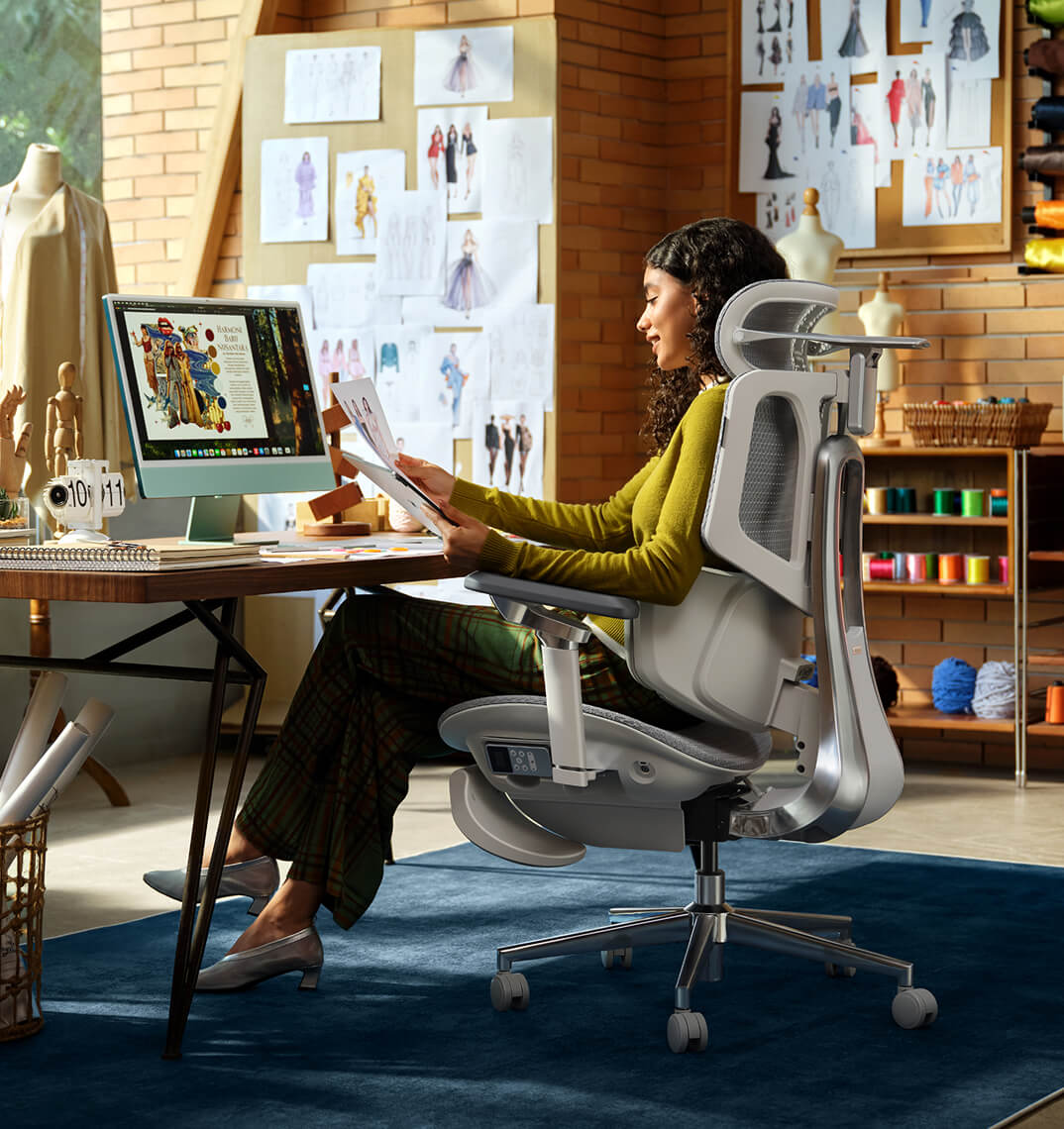
When you set up your computer workspace, start by making sure your monitor is at eye level and about an arm’s length away. This helps keep your neck straight and avoids strain. Sit with your hips all the way back in your chair. If you have an adjustable chair, set the seat depth so your back is supported and there’s a small gap between the seat and the back of your knees.

Feet, Legs, and Circulation

Your lower body matters for posture. Keep your knees at or just below hip level, and keep your feet flat on the floor. If your feet don’t reach, use a footrest. Try not to cross your legs, since it can twist your hips and reduce circulation, which may cause numbness or discomfort.

Ergonomic Armrests for Shoulder Relief and Posture

Pay attention to your arms and wrists. Keep your elbows close to your sides at a natural angle, about 90 to 100 degrees. Good armrests help support your arms and take pressure off your neck and shoulders. Place your keyboard and mouse so your wrists stay straight, not bent up or down.


Why Your Office Chair is Your Most Important Tool

Healthy habits are important, but your chair matters just as much. If your seat is stiff and doesn’t support you, it’s hard to keep good posture all day.

The Search for the Best Ergonomic Chair for Long Hours

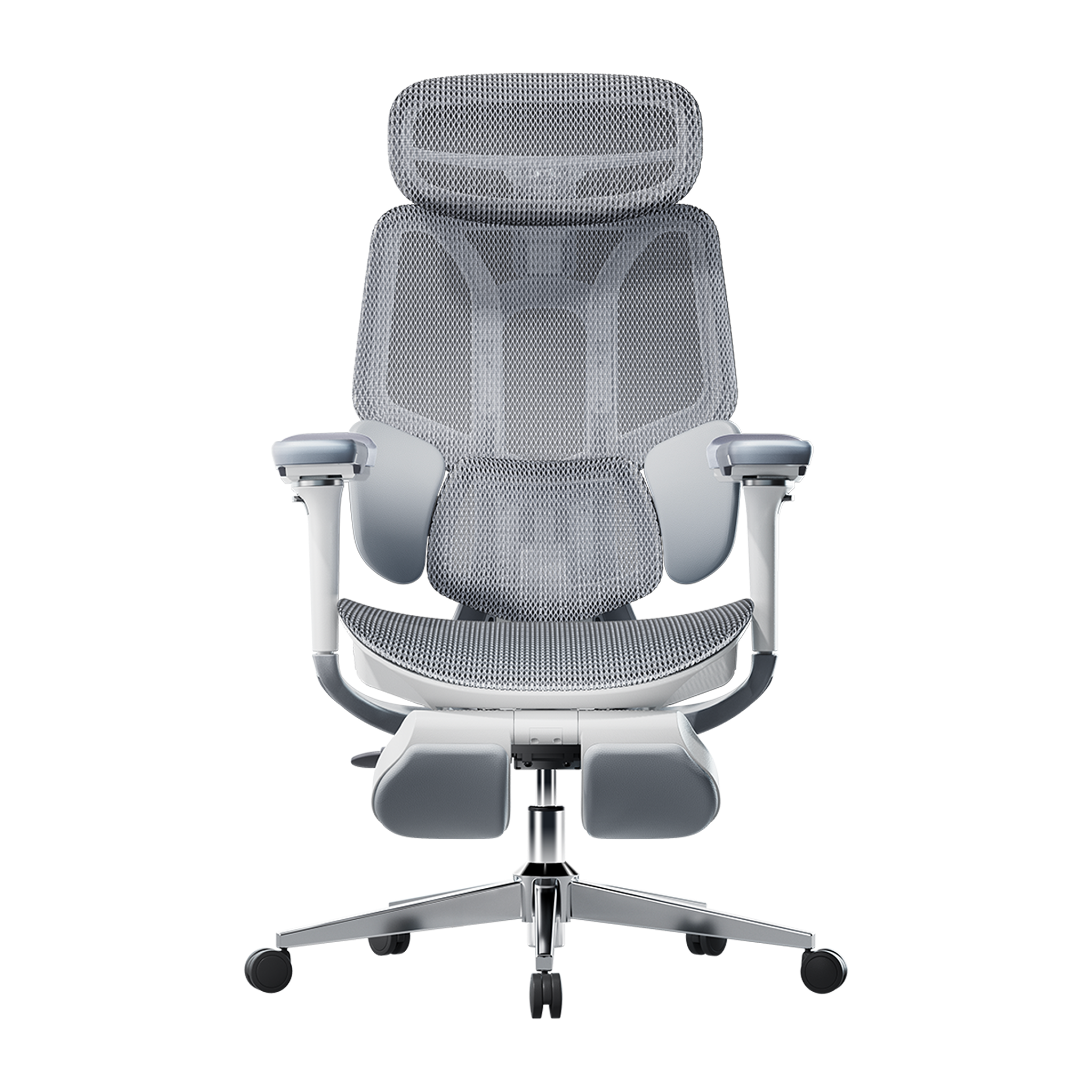
If you spend many hours at your desk, you need a chair that’s made for long use. The best ergonomic chairs move with you and support your spine’s natural curve as you shift positions. Investing in a chair with lumbar support is a smart choice for your health and comfort, whether you work at home or in an office.

Advanced Support: The Science of Lumbar Tracking

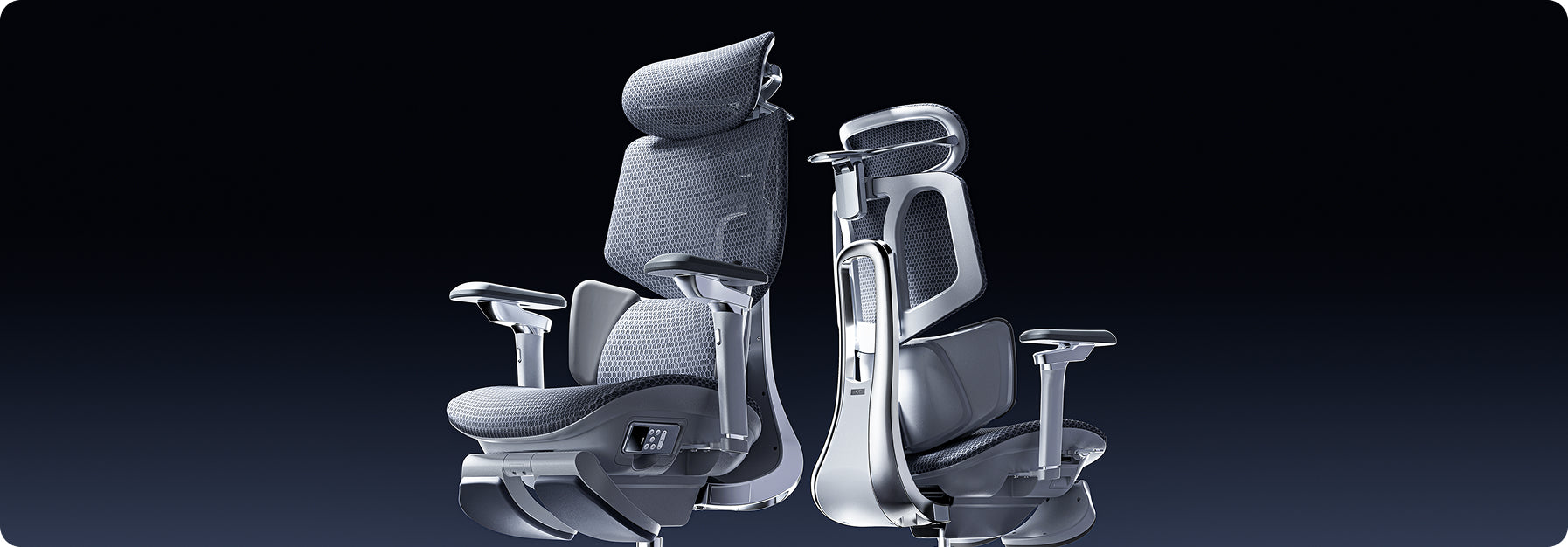
Regular lumbar support doesn’t always work well because we move a lot during the day. An adaptive lumbar chair adjusts as you change positions, like when you lean forward or recline. Some chairs have three zones of support that fit the shape of your lower back and give relief to your muscles, spine, and pelvis. This way, your spine always gets the support it needs, no matter how you sit.


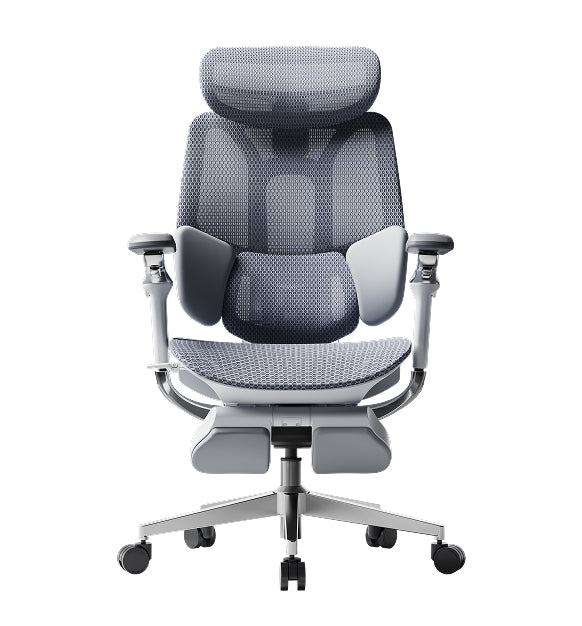
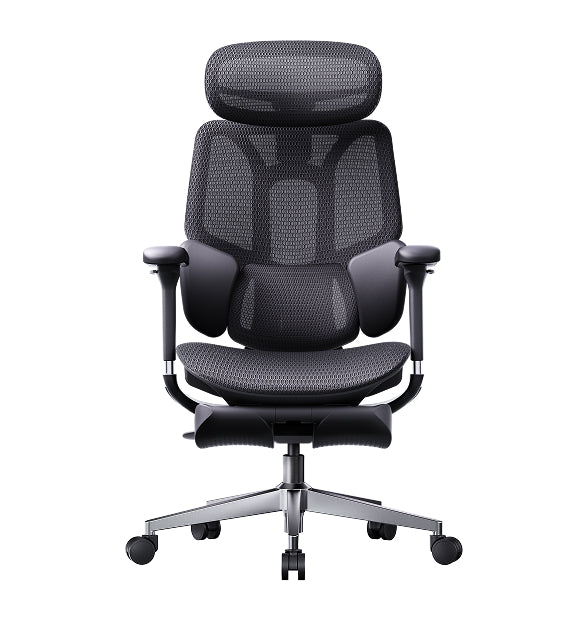
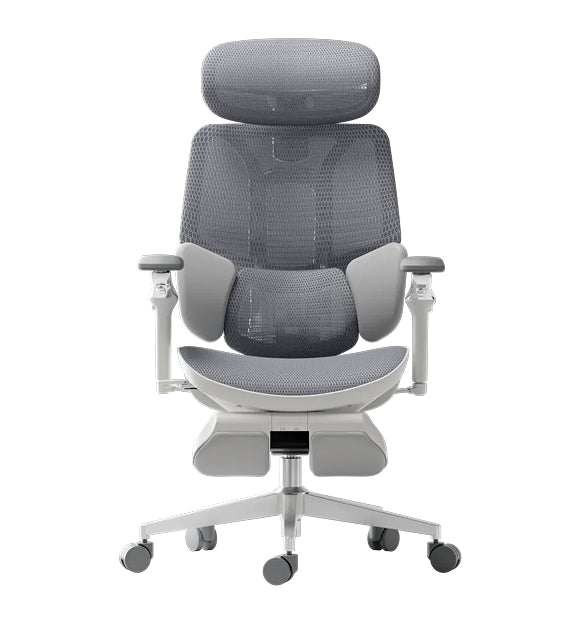
Hbada Ergonomic Chair Comparison: Elevate Your Workspace

We focus on creating chairs that support your health and help you work at your best. Whether you want a top ergonomic chair or a simple, lightweight option for your home office, our products are designed to deliver. Here’s a comparison to help you choose what’s right for your workspace.


Product Model

Ideal User Scenario

Key Ergonomic Features

Lumbar Support Technology

Hbada E3 Air

Home Office / Remote Workers

Breathable mesh, dynamic tilt, ergonomic armrests for shoulder relief and posture.

Standard Dynamic Lumbar

Hbada E3 Pro

Intensive Desk Work / Corporates

Premium / advanced ergonomic features, gravity-sensing recline, ultimate comfort.

best ergonomic chair with 3-zone lumbar support

Hbada AI-Powered X7

Tech Enthusiasts / Posture Focus

Bio-synchronized tracking, real-time posture correction, AI health monitoring.

Adaptive lumbar tracking ergonomic chair


If you want to improve your posture, some new chairs give real-time feedback to help you adjust while you work. Some use smart technology to guide you, while others offer strong, multi-zone support for comfort all day. Consider which features are most important to you, like active feedback or steady support.


Frequently Asked Questions About Healthy Sitting

Q: How often should I take breaks from sitting at my desk?
A: Even with perfect posture, sitting still for extended periods restricts blood flow and stiffens your muscles. You should stand, stretch, or walk for at least five minutes every single hour.

Q: Can a high-quality chair actually correct my bad posture?
A: A chair cannot forcefully lock you into perfect posture, but it provides the necessary biomechanical foundation. An ergonomic chair gently guides your spine into proper alignment and greatly reduces the muscular effort needed to sit upright.

Q: How do I know if my chair’s lumbar support is positioned correctly?
A: Your lumbar support should fit seamlessly into the deepest inward curve of your lower back, resting just above your belt line. It should feel highly supportive but never intrusive. If it pushes your pelvis too far forward or feels too high up on your ribcage, you must adjust the height immediately.

Q: Are armrests strictly necessary for a home office chair?
A: Yes, adjustable armrests are crucial for long-term comfort. Without them, the entire weight of your arms pulls down on your delicate neck and shoulder muscles, leading to severe tension.

Q: What makes an adaptive lumbar system better than standard support?
A: Standard lumbar support is completely static; it only works when you sit perfectly still in one highly specific position. An adaptive lumbar system moves dynamically with your body.


Conclusion

Mastering your desk posture is an ongoing, vital commitment to your physical health. Improving your desk posture is important for your health, focus, and comfort at work. When you sit correctly and use supportive equipment, you can avoid pain and discomfort during your workday. Don’t accept aches and fatigue as normal. Check your workspace, make these changes, and choose an ergonomic setup that supports you.

For more information, please click to:

https://www.hbada.eu/products/e3-air-ergonomic-office-chair

https://www.hbada.eu/products/e3-pro-ergonomic-office-chair

https://www.hbada.eu/products/hbada-x7-smart-ergonomic-chair
Relevant Product

You May Also Like

HBADA E3 Ergonomic Office Chair: Professional Design Meets Leading Technology HBADA E3 Ergonomic Office Chair: Professional Design Meets Leading Technology The HBADA E3 Ergonomic Office Chair is designed to enhance comfort and support with advanced ergonomic features. HBADA, a brand with 16 years of focus on ergonomic innovation, introduces the E3 chair with a T-Shape Support System that adapts to various postures, reducing back, neck, and shoulder strain. Its Three-Zone Elastic Lumbar Support offers targeted support to alleviate lower back pain, while the adjustable 4D Headrest ensures neck and head alignment through customizable height, depth, and swivel settings. The versatile 6D Armrest adjusts in six directions, providing arm support for work, gaming, or relaxation. The chair promotes healthy sitting, making it ideal for extended use in different settings. Available for purchase on  the HBADA website. Ergonomic Chair Buying Guide | How to Choose an Ergonomic Chair? Top Picks for 2026 Ergonomic Chair Buying Guide | How to Choose an Ergonomic Chair? Top Picks for 2026 The Essence of Ergonomics — Ergonomic Technology   As the demand for health solutions for prolonged sitting grows, the Hbada E3 Ergonomic Office Chair has gained significant popularity. The key to effective ergonomics lies in scientifically designed supports that conform to the spinal curve, alleviate lumbar and back pressure, and prevent health issues caused by poor sitting postures. In office, academic, and home settings, ergonomic chairs have increasingly become essential tools for improving posture, enhancing work efficiency, and safeguarding spinal health.   The lumbar and back support technology is also a critical measure of an ergonomic chair's effectiveness. The Hbada E3 Ergonomic Office Chair features a unique T-shaped support system that provides effective support to the lumbar, shoulders, and neck, conforming to the body’s curves. The design of different support modules allows for independent multi-directional adjustments, ensuring precise support while offering a comprehensive comfort experience for the lumbar, shoulders, and neck, catering to varying support needs.   Features of the Hbada E3 Ergonomic Office Chair: • Three-Zone Floating Wing Lumbar Support: For targeted lumbar support, the Hbada E3 features a central mesh hard support flanked by soft support wings on either side. This combination, along with molded foam and protein leather, ensures that every point of the lumbar region is effectively supported, with each zone performing its function optimally. • 4D Dual-Axis Neck Pillow: Supports vertical and horizontal adjustments, as well as dual-axis rotation, providing tailored support for different body shapes and conditions. This feature helps alleviate neck strain and reduce the pressure on cervical vertebrae from prolonged sitting. • 6D Mechanical Armrests: Offer multidimensional adjustments to support the arms during various activities. They can be adjusted up and down, in and out, and forward and backward, easily aligning with any desk height to provide support while working, or comfort during gaming or watching movies. The armrests are designed to synchronize with the backrest’s tilt, ensuring support even when reclined. • Seat Depth and Height Adjustment: The Hbada E3 includes detailed settings with multiple adjustment points to suit various body sizes and weights, providing the perfect lumbar and back support position. • 140° Recline with Auto-Adaptive Gravity-Sensing Base: Allows for easy reclining for individuals of all sizes, making it effortless to lean back at work or take a comfortable nap during breaks, truly making it an excellent office companion.     If you've been sitting at your desk for long periods and are starting to feel various aches and pains, it's definitely time to consider an ergonomic chair tailored to your needs. The Hbada E3 encompasses all the excellent features of a professional ergonomic chair. Not only is it equipped with precise ergonomic technology, but it also offers diverse functional adjustments and a high-elastic mesh fabric design. The entire chair is designed for high-elastic support and pressure distribution during prolonged sitting, greatly alleviating body pain and enhancing comfort at work.   Product Purchase Information: Link: https://www.hbada.eu/products/hbada-e3-pro-ergonomic-office-chair-white Dimensions: 27.6" Depth x 27.6" Width x 44.5-47.6" Height Weight: 69lbs Review of the Hbada E3 Ergonomic Office Chair — Worth Buying? Review of the Hbada E3 Ergonomic Office Chair — Worth Buying? Recently, many people have been asking me to recommend an ergonomic office chair that is both affordable and highly comfortable. After extensive research, I discovered a chair that stands out due to its impressive customizable adjustment features. Once you experience it, you'll definitely want to recommend it to your friends. Today, I will review the Hbada E3 Ergonomic Office Chair from three aspects. I will break it down into several sections, starting with its ergonomic design, specifically its adjustable features. Next, I'll discuss the sitting experience, and finally, I'll examine the materials used in the chair. Make sure to read to the end. Features In terms of functionality, this chair is exceptionally well-equipped for its price range. Let's start with the headrest. The headrest has basic height adjustment features, dual-joint angle adjustments, and can also be adjusted forward and backward. The backrest can be independently adjusted in height as well. The lumbar support is particularly versatile; it can be adjusted up and down, as well as forward and backward. Additionally, it features an adaptive function. The lumbar support consists of three parts, with the sides adjustable to wrap around your waist like small wings. The armrests are among the widest I've encountered, with comprehensive adjustment capabilities. They can be raised and lowered, rotated at a large angle, adjusted forward and backward, and also adjusted left and right. The front end can be folded upwards as well. The armrests feature a 6D adjustment design, offering maximum flexibility. The base of the chair does not use a cable-controlled switch; all controls are located on the right side of the seat. The front switch adjusts seat depth, while the rear switch, when pulled out, unlocks the recline function and can be lifted to adjust seat height. The chair also includes a drawer-style footrest that can be pulled out and flipped up for use. Experience Next, let's delve into the seating experience of this chair. Firstly, the lumbar support is much more comfortable than that of the first generation. The height adjustment allows it to be positioned lower, providing support to my sacral region. The forward and backward adjustments offer the precise lumbar support I need. The upper part of the lumbar support adapts its angle, ensuring a smooth transition between the lumbar support and the backrest without noticeable discontinuities. The floating wing-like sides are particularly beneficial for individuals with a broader build, providing an enveloping support that enhances overall comfort. The backrest adheres well to the back, making for a very comfortable experience. The headrest is notably impressive in size and design. It is large, with a curve that ensures comfort without any pressure points. The height and angle adjustments of the headrest add to its overall comfort. The seat cushion is relatively flat, ensuring that it doesn't feel too shallow nor excessively deep. However, those with very long legs might find the depth slightly lacking. Now, let's consider its dynamic seating comfort, particularly when reclining. The armrests move in sync with the recline, providing continuous elbow support. The lumbar area maintains support without creating gaps. The seat pan features a dynamic balance mechanism; as I recline, the base moves upward in sync with the backrest, ensuring continuous comfort. The reclining experience is excellent, and with the footrest extended, it's very comfortable for resting. Overall, both in terms of ergonomic design and sitting experience, this chair excels. Evaluation Hbada E3 Ergonomic Office Chair Now, let's discuss the footrest. The material is highly satisfactory, appearing very premium. Its adjustments are smooth, although there is slight friction when retracting it. The armrest adjustments are generally smooth, but the forward and backward adjustments are a bit tight, making it less convenient for those with less strength. While the armrests, main supporting structure, and back frame look premium, they are actually made of nylon. Although they support normal weight without issue, pressing down on the front end of the armrests causes slight wobbling. Unlike aluminum, nylon isn't as sturdy. If the material were upgraded to aluminum, it would significantly enhance the chair's value. The headrest, with its stylish design and combination of painted finish, nylon, and aluminum materials, looks impressive. However, it occasionally gets stuck during adjustments, which doesn't meet my expectations for a flagship model in terms of material or feel. The chair's height is friendly for shorter individuals, but it comes with a compromise: the five-star base appears to be aluminum but is actually made of steel, designed with a seamless, weld-free finish. The gas lift is a four-stage design by Qiang, a reputable domestic brand. Summary Overall, the Hbada E3 Ergonomic Office Chair offers a wide range of adjustment features and a very comfortable sitting experience. It is suitable for a broad audience, comfortably supporting individuals up to 240 pounds and those up to 188 cm in height. You can learn more about it or purchase the chair at Hbada.