
What Is the 20-8-2 Rule? Everything You Need to Know About Healthier Sitting and Productive Work

What Is the 20-8-2 Rule? Everything You Need to Know About Healthier Sitting and Productive Work

Sitting at your desk all day can quietly harm your health, making it harder to focus and putting stress on your lower back. Some people think standing all day is the answer, but too much standing can also lead to tired muscles and poor circulation.

The key to keeping your spine healthy is to keep changing your position throughout the day. Dr. Alan Hedge, an ergonomics professor at Cornell University, created the 20-8-2 rule to help you add movement to your work routine and boost your energy.


Deconstructing the Formula: The 30-Minute Ergonomic Cycle

The 20-8-2 rule divides each half hour of your workday into three easy steps. Following this routine helps keep your muscles loose and your blood flowing.

20 Minutes: Focused Sitting  8 Minutes: Active Standing  2 Minutes: Dynamic Movement


The 20 Minutes: Focused Sitting (With Proper Alignment)

Start with 20 minutes of focused work while sitting. Make sure your feet are flat on the floor, your elbows are at 90 degrees, and your lower back is well supported.

The 8 Minutes: Active Standing

After 20 minutes, stand up for the next 8 minutes. Standing changes the pressure on your spine, activates your core, and helps your body work better. This is a good time to take calls, review documents, or check your email.

The 2 minutes: Dynamic Movement

For the last 2 minutes, leave your desk. Use this time to walk around, get some water, or do light stretches. This short break helps relax your muscles and refresh your mind for the next round.


Architectural Pairing: Selecting the Right Desk Environment

To follow this movement routine easily, your workspace should let you change positions quickly. Manual crank desks can slow you down and make it harder to stick with the routine.

A premium adjustable desk system makes transitioning effortless. For example, pairing this cycle with a high-end Herman Miller standing desk provides programmable, single-touch height adjustments that move to your exact standing and sitting heights in seconds. This speed allows you to transition between positions seamlessly without interrupting your train of thought or slowing down your output.


Seating Engineering: Maximizing Your 20-Minute Sitting Window

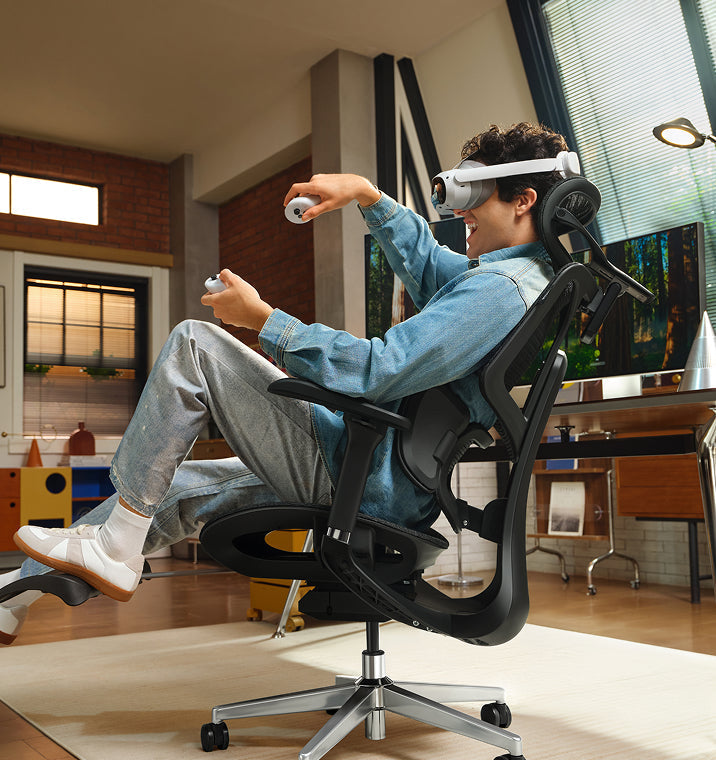
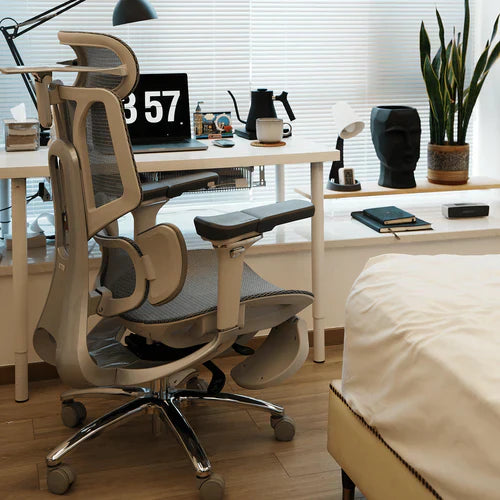
The 20-minute sitting phase of this rule is only effective if your chair provides active support for your body. If you spend those 20 minutes slouching in a rigid, unyielding chair, your muscles will tighten before you even begin the standing phase.

Our advanced seating designs align with this movement philosophy by replacing manual levers with responsive, automated engineering:

Adaptive Structural Control: HBADA E3 Pro

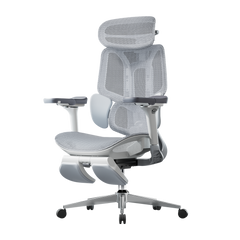
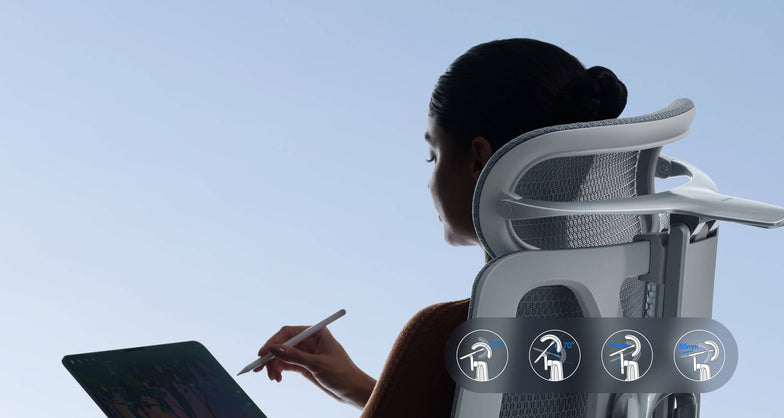
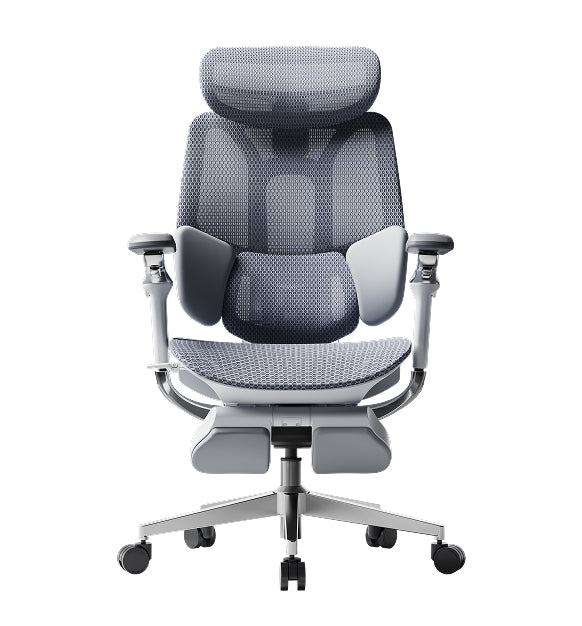
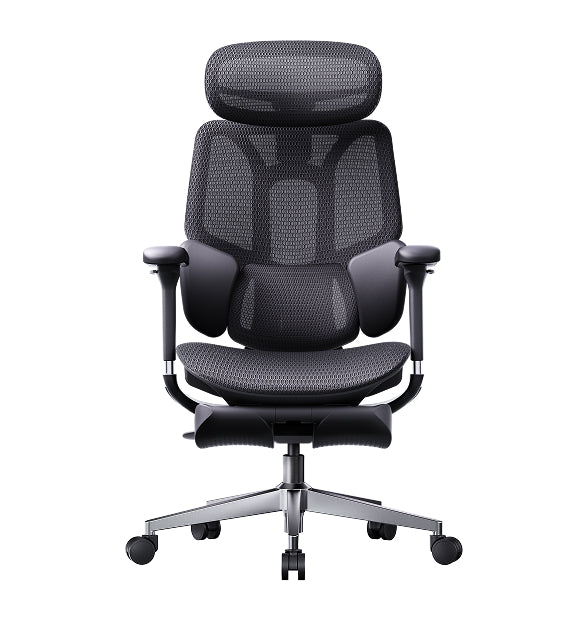
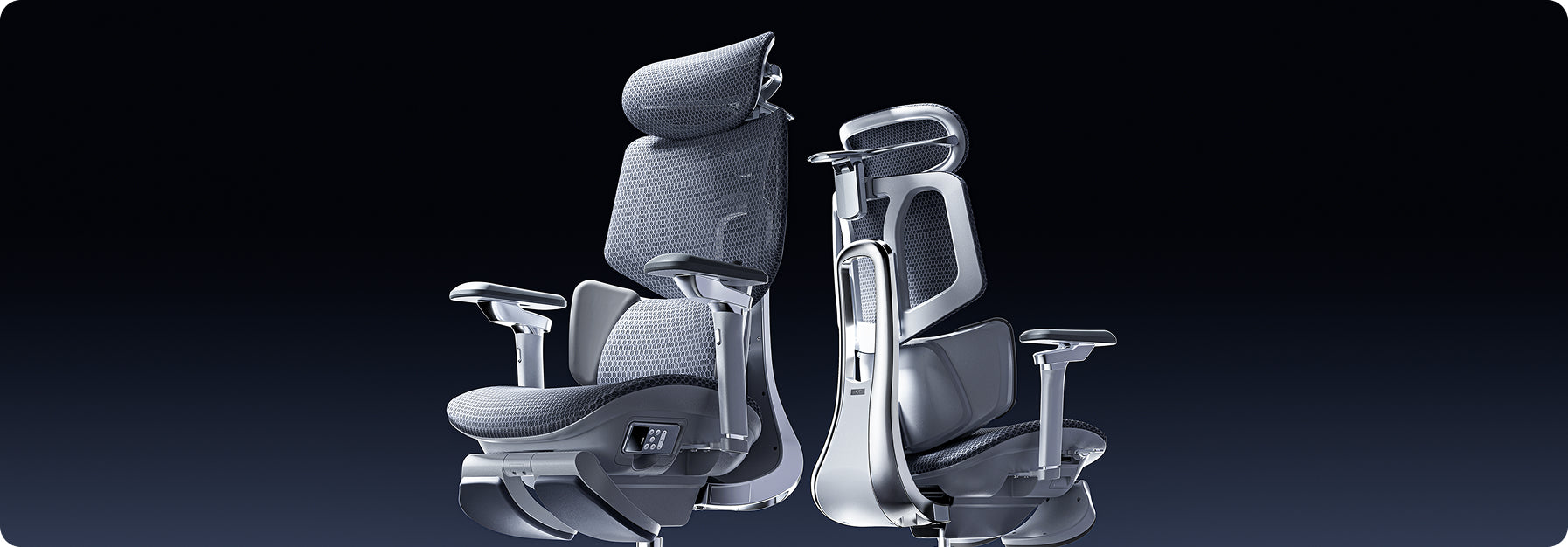
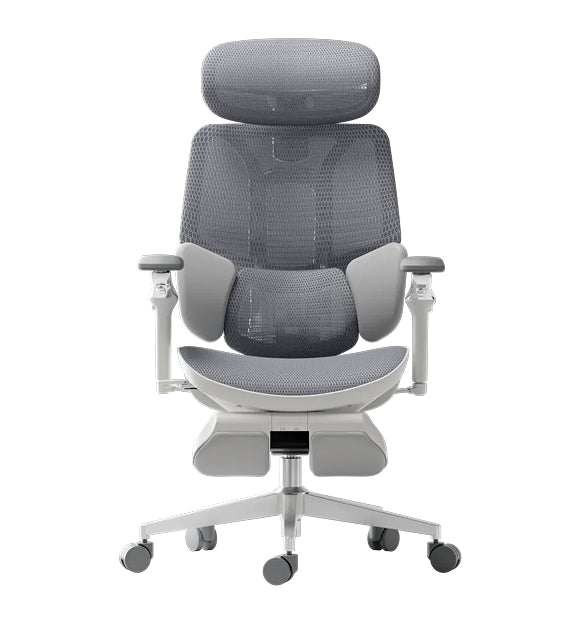
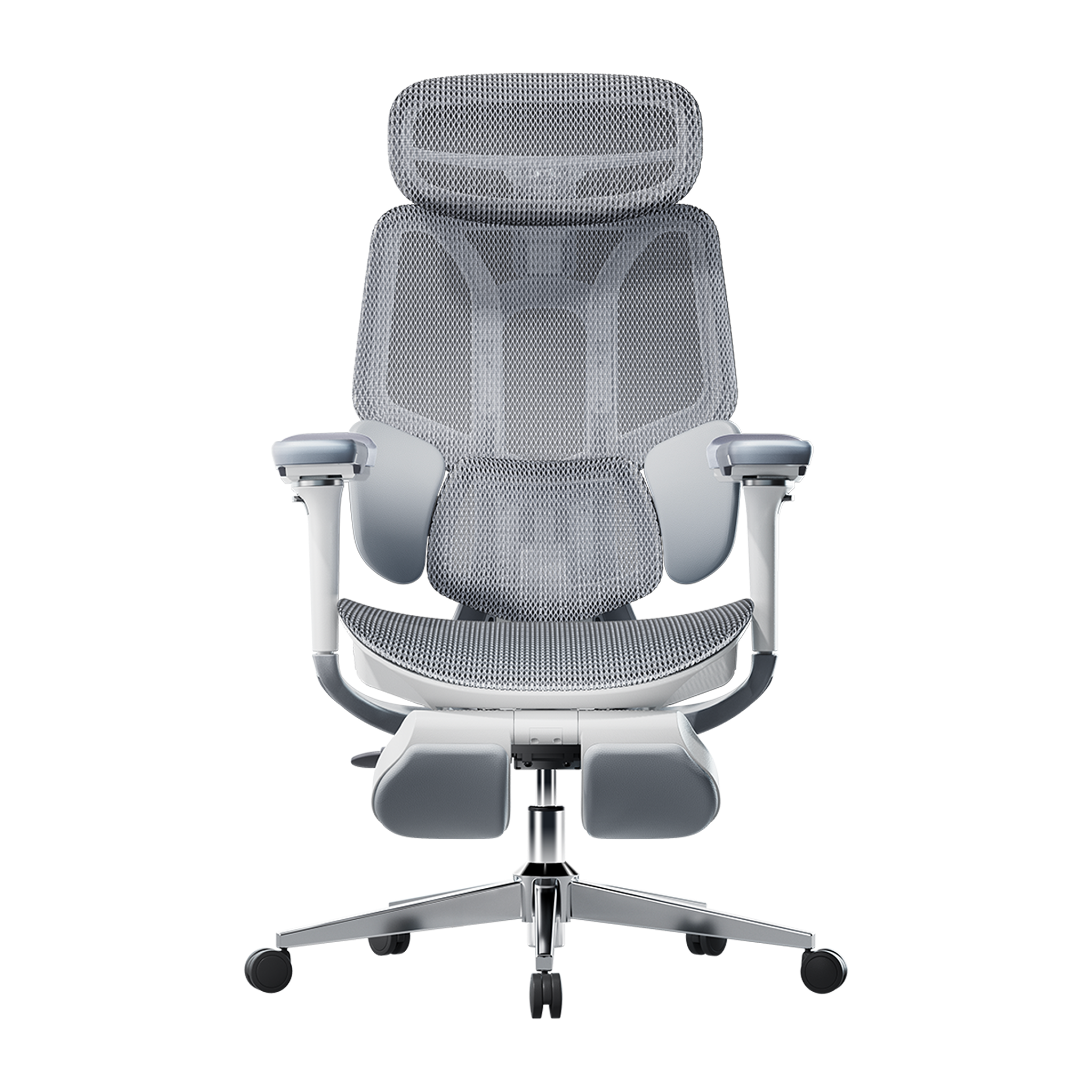
The HBADA E3 Pro 2026 Edition is designed for users who move frequently while working. Its 3-zone lumbar support system features a central section for spinal support and side wings that adjust up to 40 degrees to accommodate lower back movement.

When you change positions or lean forward, the chair’s tracking system moves with you and fills the gap in your lower back, so you don’t have to adjust anything yourself.

Smart Automated Wellness: Hbada AI-Powered x7

For posture support, the Hbada AI-Powered x7 functions as a smart wellness assistant. It uses sensors to monitor your sitting position and adjusts in real time.

When you start your 20-minute work session, the chair automatically adjusts its support to fit your body. If you begin to slouch, it shifts its support to keep your posture straight and comfortable.


Feature Synergy Matrix: Enhancing the 20-8-2 Workflow

Workspace Component

Core Function in the Cycle

Mechanical Option (E3 Pro)

Advanced Active Option (X7)

Lumbar Support Strategy

Protects the spine during the 20-minute focus window

3-Zone Adaptive Wings with 5° Elastic Tracking

Motorized AI Smart Tracking with Real-Time Adjustments

Armrest Integration

Unloads weight from neck and shoulders while typing

720° Omni-Mechanical Positioning

720° Bio-Sync Robotic Tracking

Muscle Relief Systems

Relieves deep tissue tension during transitions

Breathable, High-Elasticity CloudMesh

8D Bionic Massage & Graphene Heat Therapy

Movement Compatibility

Adapts to changing postures without manual levers

Auto-Balance Gravity-Sensing Chassis

Posture Memory with Sensor-Driven Adjustment


Practical Checklist: Tips and Guides to Automate Your Routine

Starting a new routine can seem tough at first. Here are some simple tips to help you add the 20-8-2 method to your day:

· Deploy Digital Triggers: Use a browser extension or a smartwatch application to manage your intervals. Set a recurring 20-minute alert to prompt your transition to standing, followed by an 8-minute reminder to start your movement break.

· Batch Your Work Tasks: Align your daily tasks with your physical positions. Use your 20-minute sitting window for deep, focused work, such as coding or writing. Save your 8-minute standing window for low-intensity tasks, such as checking team updates or reviewing presentations.

· Utilize Thermal Therapy: If you feel muscle stiffness during your sitting window, activating the built-in heat settings on an advanced chair can help soothe lower back muscles, keeping your body limber for the upcoming movement phases.


Frequently Asked Questions (FAQ)

Can I stand for 20 minutes and sit for 8 minutes instead?

No. Dr. Hedge’s research shows that standing still for more than 10 minutes can cause blood to pool in your lower extremities, increasing static strain on your veins and feet. Keeping your standing window to 8 minutes provides the ideal vascular reset without creating structural discomfort.

How does an adaptive lumbar support chair help with the 20-8-2 rule?

A standard office chair stays locked in a single position, forcing your body to adapt to the frame. An adaptive chair automatically moves with you, keeping your lower back continuously supported throughout your sitting window so you can transition to standing without muscle stiffness.

What should I do during the 2-minute movement window?

Use this time for light, active movement to boost your circulation. You can walk down the hall, refill your water, or perform simple stretches like shoulder rolls and gentle calf extensions. Avoid looking at your phone during this phase to give your eyes a much-needed break.

Is a standing desk absolutely mandatory to use the 20-8-2 rule?

While a high-quality motorized desk makes changing positions effortless, you can start without one. You can use your 8-minute standing phase to take phone calls at a high counter or use a portable laptop riser on a standard table to keep your workflow moving smoothly.


Conclusion

The right workspace configuration depends on how much manual control you want over your daily routine. If you prefer a robust mechanical setup that uses your body weight to instantly adjust its support zones, the HBADA E3 Pro offers an incredibly effective foundation for active ergonomics. However, if you want a workspace that automatically tracks your posture, adjusts in real time with built-in sensors, and includes built-in massage therapy to relieve muscle tension between tasks, upgrading your office with the HBADA AI-Powered x7 is the ultimate investment for your health and daily focus.
Relevant Product

You May Also Like

5 Reasons Why More Europeans Are Switching to Ergonomic Chairs 5 Reasons Why More Europeans Are Switching to Ergonomic Chairs Office spaces across Europe are changing fast. More and more professionals are leaving behind old, stiff office furniture and choosing chairs that offer better support. Sitting for eight to ten hours a day takes a real toll on your body, making it harder to focus and putting extra strain on your lower back. To address this, companies are now prioritizing employee health over cheap, basic furniture. Upgrading to an ergonomic chair helps protect your spine, reduces daily fatigue, and keeps you productive during long workdays.   1. Compliance with Stricter Health and Safety Laws The primary driver behind this continent-wide change is the strict enforcement of updated workplace safety regulations. In the United Kingdom, employers must strictly follow the Health and Safety (Display Screen Equipment) Regulations 1992. These strict laws require that any employee who uses display screen equipment for an hour or more per day have a workstation assessment. The regulations require that seating must be completely stable, allow freedom of movement, and feature adjustable seat height and backrest tilt. Furthermore, under the Equality Act 2010, UK organizations must provide specialized ergonomic equipment as reasonable adjustments for employees with chronic back conditions. These clear legal mandates require employers to provide highly adjustable, health-focused chairs to protect workers from long-term musculoskeletal disorders.   2. Moving Away from Restrictive, Outdated Desk Layouts Many offices still use basic, rigid furniture that isn't good for your health. When setting up a modern workspace, buyers often wonder why so many office chairs come with fixed arms. · Fixed Armrests: These parts restrict natural movement, block the chair from sliding close to the desk, and force users into a forward slouch. · Multi-Axial Tracking Arms: These modules align perfectly with your desk height, keeping your elbows supported and reducing strain on your neck and shoulders. Fixed armrests are still common because they're cheaper to make with simple plastic molds. But they make you sit too far from your keyboard, which strains your arms and upper back. That's why many Europeans now prefer chairs with adjustable armrests that fit different tasks.   3. Targeted Lower Back Care for Sciatica Relief Sitting for long periods can apply uneven pressure to your lower intervertebral discs. When a chair lacks proper spinal support, your pelvis tilts backward, pinching nerve pathways and triggering deep, radiating aches across your lower body. · Continuous Spinal Tracking: Prevents the dangerous pelvic tilting that compresses nerves. · Even Pressure Distribution: Spreads your upper body weight safely across the seat cushion. · Muscle Tension Reduction: Relaxes the deep gluteal muscles that can irritate the sciatic nerve pathway. If you want real relief from sciatica, switching to a chair that responds to your movements is key. Instead of hard plastic backs, our ergonomic chairs use flexible support zones that move with you, spread your weight evenly, and take pressure off your sciatic nerve.   4. Embracing Proactive Health and Dynamic Engineering People in Europe now prefer smart wellness tools instead of old-fashioned, manual furniture. Most want their office chairs to adjust automatically as they move during the day. Our advanced seating lineup reflects this shift by replacing manual control levers with responsive, automated engineering: The Mechanical Choice: Hbada E3 Pro The HBADA E3 Pro is designed for people who want great support without needing power or many adjustments. It has a special 3-zone lumbar support system. The middle part keeps your spine steady, and the two side wings can rotate up to 40 degrees to support your lower back. As you move, the chair follows your posture to keep you comfortable. The Automated Frontier: Hbada AI-Powered x7 If you want the latest in automated health tech, the Hbada AI-Powered x7 gives you a smart, responsive chair. It uses built-in sensors to watch your posture in real time. The chair’s system automatically adjusts the lumbar support to fit your lower back. If you start to slouch during a long day, it changes shape to support you before you feel any discomfort.   Product Comparison Matrix for Corporate Seating · Hbada E3 Air: Designed for compact spaces and daily hybrid work, featuring 3D adjustable armrests and responsive elastic lumbar support. · HBADA E3 Pro: Built for long shifts and power users, utilizing 720° omni-mechanical armrests and a 3-zone adaptive floating wing system. · Hbada AI-Powered x7: Engineered for premium executive suites, offering active AI automated smart tracking, 8D bionic massage, and infrared heat therapy.   5. Optimal Airflow and Temperature Regulation Old-style foam chairs retain heat and moisture, leaving you tired and uncomfortable for long hours. Modern European offices now focus on using breathable materials and advanced fabrics. Chairs with mesh seats and backs let air move freely around you. This keeps your body cool and dry, so you can stay focused even when work gets busy.   Technical Guides: Setting Up Your Workstation Geometry Getting a good chair works best when you also set up your workspace properly. Here’s a checklist to help you get started: · Align Your Line of Sight: Adjust your monitor height so the top third of your display is at eye level, reducing neck strain. · Ground Your Feet: Adjust your seat height so your feet rest flat on the floor with your knees bent at a comfortable 90-degree angle. · Match Armrest Heights: Set your armrest heights to align perfectly with your desk surface, keeping your wrists straight while typing. · Activate Onboard Heat: If your chair includes built-in thermal heating, turn it on during cooler morning hours to keep your lower back muscles flexible.   Frequently Asked Questions (FAQ) How does an ergonomic posture chair help prevent daily physical fatigue? A standard office chair forces your back and neck muscles to work overtime to keep you upright, leading to exhaustion. An ergonomic posture chair cradles your spine’s natural curves, distributing your body weight and allowing your muscles to relax, helping you maintain higher energy levels all day. Why do so many office chairs have fixed arms on cheap models? Fixed armrests are common on cheap chairs because they are inexpensive to manufacture using a single plastic mold. However, they block the chair from rolling close to a desk, forcing you to lean forward and strain your spine, whereas adjustable arms support healthy alignment. Can an adjustable office chair provide dependable sciatica relief during long shifts? Yes. An adjustable chair provides sciatica relief by using flexible support zones that adapt to your movements. This adaptive pressure management prevents pelvic tilt, reduces direct pressure on your lower intervertebral discs, and prevents your lumbar nerves from getting pinched while sitting. How long does it take to adjust to a professional ergonomic chair? Most users experience an adjustment period of 7 to 14 days. During this time, your muscles are adapting to proper posture and unlearning years of slouching. Once this adjustment phase passes, sitting in correct alignment feels completely natural, comfortable, and supportive.   Conclusion The right model depends on your daily workflow and the level of control you want over your setup. If you want a reliable, heavy-duty mechanical chair with highly flexible manual adjustments, the HBADA E3 Pro offers an exceptional balance of performance and value. If you want to experience the future of workplace wellness, with automated posture tracking, built-in thermal relief, and deep-kneading massage therapy, upgrading to the HBADA AI-Powered x7 is an excellent investment for your long-term health and daily focus. Hbada---Help users enjoy a healthy life Hbada---Help users enjoy a healthy life Hbada advocates "user-centered" and "continuous efforts for human health." Excellent brand values are essential to why Liu Tao is willing to cooperate with him. The E3 series of products have been launched as early as 2021. This new release is based on the original series of products, combined with 12,000 hours of testing over the past year, to make subtle improvements to the shape and curvature of the lumbar support so that it can better fit the human waist. The contact area of the lumbar support is increased, and the average pressure is smaller, which is more helpful in relieving abdominal muscle fatigue. It is the Hbada tone that keeps improving and always puts the user's experience in the first place, so that it can continuously improve and innovate the product; Hbada tone can examine the product from the user's perspective, and can effectively solve the pain points in life for users. It can truly change your life and enhance your life experience. Independent research and development, innovation, and creativity As a part of the home furnishing industry that cannot be ignored, ergonomic chairs will replace other types of chairs in the future. Sitting for a long time has become a problem for most people. In the end, every household will be equipped with ergonomic chairs. Because of this, the traditional chair industry is facing the risk of being eliminated. According to the current market share statistics, the largest share of the domestic ergonomic chair market is still Hbada. The wave of the healthy home and smart home era is still unable to shake this Chongshan of the home furnishing industry. China's ergonomic chair industry has experienced "barbaric growth" in the past ten years, achieved a leap in scale, and has had a great influence on the world. However, problems such as ignoring user needs, disorderly low-price competition, and lack of innovation ability seriously restrict the healthy development of the industry. The domestic ergonomic chair industry is often labeled with wrong impressions such as "price-for-quantity," "imitation and plagiarism," and "cheap". As a leading enterprise in the industry, Hbada have always been integrating ergonomic classics and innovations. Facing the chaos in the industry, Hbada continue to use the industry benchmark and establish product research and development design, packaging and polishing, sales and installation, and after-sales service. Strict standards have been set up so that every user who chooses Hbada can experience happiness from shopping, return to user needs, focus on product innovation, and truly help users enjoy a healthy life. Prevent Hair in Chair Wheels: Maintenance Tips for Pet Owners & Long Hair Prevent Hair in Chair Wheels: Maintenance Tips for Pet Owners & Long Hair Learn how to get hair out of office chair wheels quickly. Master simple maintenance steps to prevent hair from getting caught in chair wheels for a smoother, cleaner workspace.