Clear answers to common questions about HBADA ergonomic chairs purchased through HBADA.eu, including returns, warranty coverage, delivery, assembly, maintenance, adjustments and replacement parts.

Warranty and Returns
Return eligibility and warranty coverage are different. Returns apply during the initial 30-day period, while warranty coverage applies to eligible manufacturing defects during the relevant warranty term.
What does the HBADA EU 30-day return policy cover?
Products purchased from HBADA.eu may be returned within 30 days of receipt, subject to the conditions in the official EU return policy. The return may relate to comfort, fit, size, appearance or another personal preference.
Contact service@hbada.eu before disassembling or sending the chair. Do not return it to an address on the parcel or a previous return label without authorisation.
Who pays the return shipping cost?
If the chair arrives damaged, defective or incorrect, HBADA covers the eligible return-shipping cost after the issue has been verified.
For a standard change-of-mind return involving preference, comfort, fit or size, the customer is responsible for part of the return cost. HBADA may provide a discounted prepaid label and deduct its cost from the final refund.
Can I return a chair after assembling or testing it?
An assembled chair may still be eligible for return within 30 days, provided it meets the return-policy conditions and is returned with all components, accessories and documentation.
How long does an approved refund take?
Once the returned item has been received, inspected and approved, HBADA.eu states that the refund is normally processed within 5–7 business days. The payment provider may require additional time before the credit appears in your account.
Will the original delivery cost be refunded?
The final refund depends on the reason for return, the original order and any applicable delivery or return-label cost. Contact HBADA EU support for a calculation before sending the chair back.
Does HBADA really provide a five-year warranty?
Yes, but the five-year term does not apply to every component of every chair. Current HBADA.eu coverage is divided by product series and component type.
| Product series | Base, gas lift and casters | Other components |
|---|---|---|
| E3 Series: E3 Pro, E3 Ultra and E3 Air | 5-year extended warranty | 3-year warranty |
| X7 Series | 5-year extended warranty | 3-year warranty |
| Other series, including P, J and E2 | 3-year warranty | 3-year warranty |
Coverage begins from the delivery date and applies to eligible manufacturing defects under normal, non-commercial use.
What is not normally covered by the warranty?
- Normal ageing, wear, fading or pilling of mesh and fabric
- Scratches, stains or dents occurring after assembly and use
- Damage caused by incorrect assembly, misuse or modification
- Damage caused by exceeding the chair’s specified weight limit
- High-traffic commercial or rental use
- Purchases from unauthorised third-party sellers
Is warranty registration required?
The current HBADA.eu warranty page bases coverage on the purchase, delivery date and proof of purchase. Keep your order-confirmation email and order number. If your product documentation contains an additional registration instruction, follow that model-specific instruction as well.
How do I submit a warranty claim?
- Email service@hbada.eu.
- Include the order number or other proof of purchase.
- State the exact chair model and describe the problem.
- Attach clear photos or a short video showing the fault.
- Wait for diagnosis and the authorised repair, part or return instructions.
For a verified covered defect, HBADA may provide a replacement part and installation guidance instead of requiring the complete chair to be returned.
Shipping and Tracking
When will my HBADA.eu order be delivered?
HBADA.eu currently states a processing time of approximately one business day and delivery within about five business days for supported EU destinations. Actual timing may vary by product, location, stock and carrier conditions.
Most supported areas receive free delivery. If a delivery fee applies to a particular product or postcode, it should be displayed during checkout.
Why has my tracking information not updated?
A tracking number may be created before the carrier completes its first physical scan. Check again later and use the tracking number on the carrier’s official website.
If the status remains unchanged or the delivery estimate has passed, contact HBADA EU with your order number and tracking number.
What does my tracking status mean?
- Label created: shipment information has been submitted.
- In transit: the carrier is moving the parcel through its network.
- Out for delivery: delivery is expected that day.
- Delivery attempted: follow the carrier’s redelivery instructions.
- Exception or delayed: the shipment has encountered a temporary issue.
- Returned to sender: contact HBADA EU before placing another order.
The parcel says delivered, but I cannot find it. What should I do?
- Check the entrance, safe place, reception desk and nearby delivery points.
- Ask household members, building staff or neighbours.
- Review the carrier’s proof of delivery.
- Contact the carrier using the tracking number.
- If it remains missing, email HBADA EU with the order details.
What if the parcel was returned to the sender?
Contact HBADA EU with your order number and confirmed delivery address. Support can investigate why it was returned and explain the available redelivery or refund solution.
I did not receive an order-confirmation email. How can I check the order?
Check the spam or junk folder and confirm that the email address used at checkout was entered correctly. If the message is still missing, contact support with your name, delivery address and approximate purchase time. Do not publish payment information in a public message.
After-Sales Support and Replacement Parts
What happens if something goes wrong with my chair?
Stop using the chair if the issue affects stability, the base, gas lift, mechanism or another safety-related component. Record the fault with photos or video and contact HBADA EU.
The support team may diagnose the issue remotely and provide a compatible replacement part, installation guide, repair solution or authorised return instructions.
How do I find compatible replacement casters?
Caster stems and dimensions can vary by model and production version. Do not rely on a universal size unless it has been confirmed for your exact chair.
Send the chair model, order number, caster photos and the product barcode to service@hbada.eu. HBADA can confirm the correct replacement specification.
Can I use third-party replacement parts?
Use model-compatible parts that meet the chair’s original load and safety requirements. An incorrect gas lift, base, mechanism or caster may affect stability and could influence warranty eligibility. Confirm compatibility with HBADA before installation.
Assembly, Maintenance and Troubleshooting
How should I assemble my HBADA chair?
- Match all components and hardware to the model-specific manual.
- Place the seat and backrest on a clean, protected surface.
- Start every screw by hand before tightening it fully.
- Tighten paired screws gradually and evenly.
- Install the gas lift and base in the orientation shown in the manual.
- Check every adjustment and confirm that the chair stands level before use.
Model-specific videos may be available from the official HBADA YouTube channel.
What should I do if a screw is missing or does not fit?
Do not force the screw or substitute hardware with an unknown grade or length. Confirm the part number in the manual, check the packaging and take a photo of the installation position. Contact support for the correct hardware if necessary.
Why is my chair squeaking?
Squeaking may be caused by a loose fastener, debris around a moving joint or friction between fitted components.
- Identify the sound while another person gently moves the chair.
- Check and evenly tighten the relevant accessible bolts.
- Remove visible dust or debris.
- Use only a manufacturer-approved lubricant on an appropriate moving joint.
My chair keeps sinking. What should I do?
First check that the height-adjustment lever is returning to its neutral position and is not continuously pressing the gas-lift actuator. If the chair still loses height during normal use, stop repeatedly operating it and contact HBADA EU. The gas lift may require model-specific inspection or replacement.
The reclining mechanism is stuck. How do I unlock it?
Return the backrest to an upright position and remove pressure from it. Operate the recline lock according to the manual, then lean back gently. Some mechanisms must be unloaded before the lock can release. Do not force the lever.
Why is the seat tilted or leaning to one side?
Place the chair on a level floor, check that all casters are fully seated and inspect the base, gas lift and seat mechanism. Recheck that paired mounting bolts were tightened evenly. Stop using the chair and contact support if a structural component appears bent or damaged.
How often should bolts and screws be checked?
Inspect accessible fasteners after the initial assembly period and periodically thereafter. Frequency depends on use, movement and the chair model. Tighten only to the manual’s requirements and avoid overtightening plastic-mounted components.
How should I clean the mesh?
- Remove loose dust with a soft brush or low-suction vacuum attachment.
- Test a small hidden area before using any cleaning solution.
- Blot lightly with a soft cloth dampened with water and mild cleaner.
- Do not soak, scrub aggressively or use bleach and harsh solvents.
- Allow the chair to air-dry completely away from direct heat.
How can I reduce long-term mesh sagging?
Stay within the specified weight limit, avoid placing concentrated loads or sharp objects on the mesh and do not use the chair as a step. Keep it away from prolonged direct sunlight and heat sources.
Will a small snag affect the mesh?
A minor surface snag may be cosmetic, but it should not be pulled, cut or burned. Photograph the area and monitor it. Stop using the chair and contact support if the opening expands, the surrounding mesh loses tension or the seat/backrest no longer feels secure.
How should I store the chair?
Store it indoors on a dry, level surface, away from direct sunlight, heaters, high humidity and corrosive chemicals. Do not place heavy objects on the seat, armrests or mesh.
Ergonomic Adjustments
Adjustment ranges vary by model. Use the following as setup guidance and confirm each control in your chair’s manual.
How should I adjust the lumbar support?
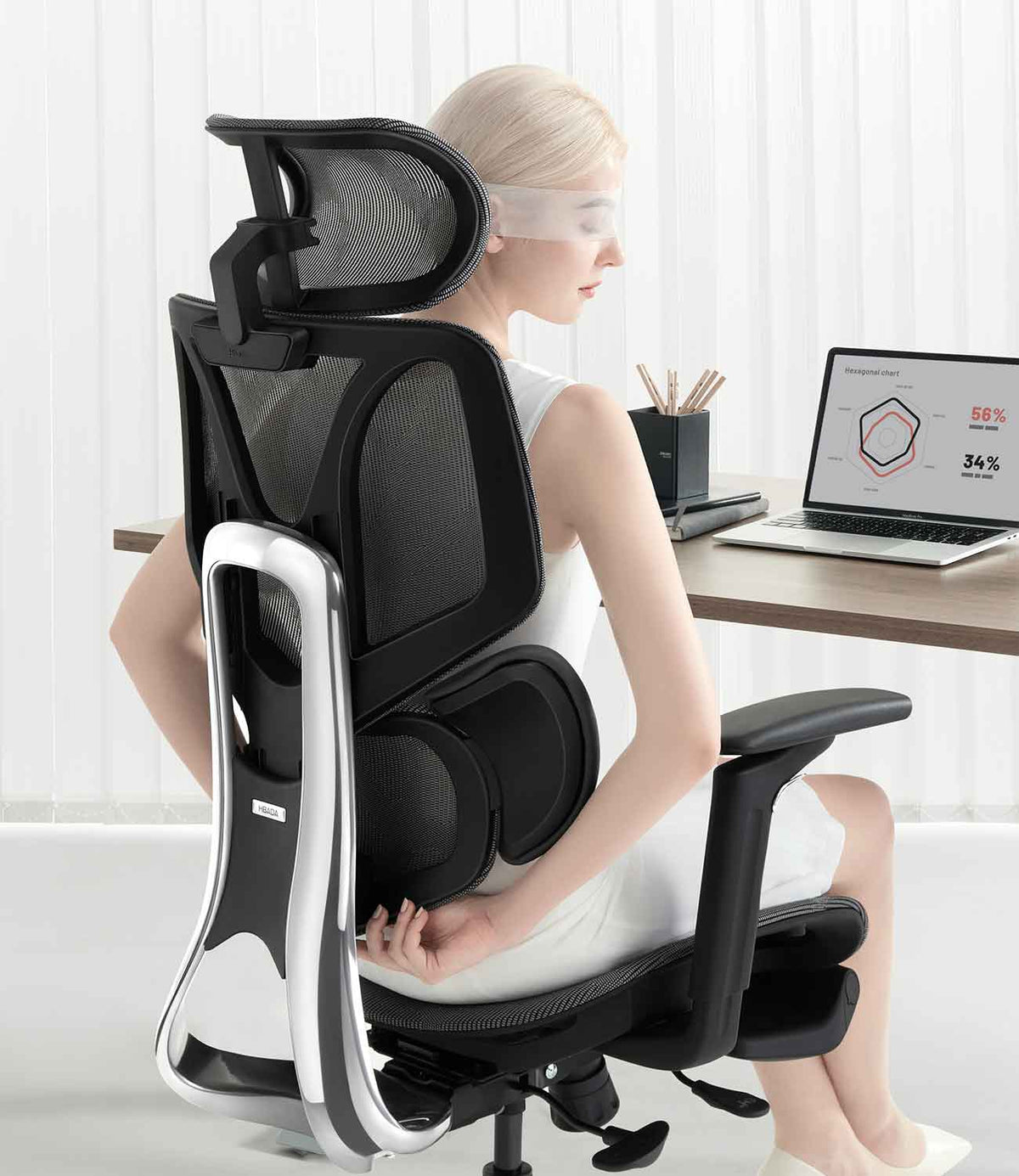
Sit fully against the backrest and position the lumbar support around the natural inward curve of the lower back. Begin with moderate support, then make small changes while seated. The support should feel present without creating a concentrated pressure point.
How should I position the headrest?
Adjust the headrest so it supports the back of the head or upper neck without pushing the head forward. During focused computer work, keep the ears generally aligned over the shoulders and avoid leaning continuously into the headrest.
How do I lock the headrest?
Headrest locking methods differ by model. Move it through the permitted height and angle range until the intended detent or lock engages. Do not force it beyond the stops. Consult the model manual if it moves after adjustment.
How does dynamic lumbar support work?
On equipped models, the lumbar structure follows or responds to changes in sitting posture. It does not eliminate the need for correct seat height, seat depth and desk positioning. Product functions vary, so confirm the system used by your specific chair.
How do I lock the backrest at a reclining angle?
Lean to the desired supported position and operate the recline-lock control shown in the manual. Before unlocking, reduce pressure against the backrest and return toward an upright position. Not every model locks at every point in its recline range.
What do 4D armrests adjust?
Depending on the model, 4D armrests may adjust in height, forward/backward position, inward/outward position and angle. Set them so the forearms are lightly supported while the shoulders remain relaxed.
How should I set the armrests for desk work?
Keep the elbows close to the body and the wrists in a neutral position. The armrests should support the forearms without lifting the shoulders. Lower or reposition them if they prevent the chair from approaching the desk.
Why are the armrests at different heights?
Return both armrests to their lowest setting, then raise each by the same number of adjustment positions. Check that both assemblies are fitted correctly. Contact support if one side does not engage or remains visibly uneven.
What is the correct chair height?
Begin with the feet supported, thighs approximately level and knees comfortably bent. Then align the desk and monitor so you can work without lifting the shoulders or bending the wrists excessively. A footrest may help if the desk cannot be lowered.
Why does the chair feel unstable or wobble?
Check the floor, casters, five-star base, gas-lift seating and accessible fasteners. Some movement in adjustable components can be normal, but pronounced instability, cracking or structural movement requires immediate inspection. Stop using the chair until the cause has been confirmed.
How do I clean noisy or slow-moving casters?
Turn the unoccupied chair carefully according to the manual, then remove visible hair, thread and debris from the caster axles. Wipe the wheels with a slightly damp cloth and dry them. Replace cracked, detached or deformed casters with model-compatible parts.
Footrests and Special Features
How do I deploy and retract the built-in footrest?
On models equipped with a retractable footrest, sit upright and pull the footrest outward using the designated handle or frame. Rotate or extend it only in the direction shown in the model manual. Before standing, return it fully to its stored position.
Why is the footrest difficult to pull out?
Check that the chair is upright, nothing is blocking the rail and the footrest is being pulled evenly rather than twisted sideways. Do not force it. If the rail appears bent, misaligned or damaged, photograph the mechanism and contact HBADA EU.
Where can I find instructions for model-specific smart features?
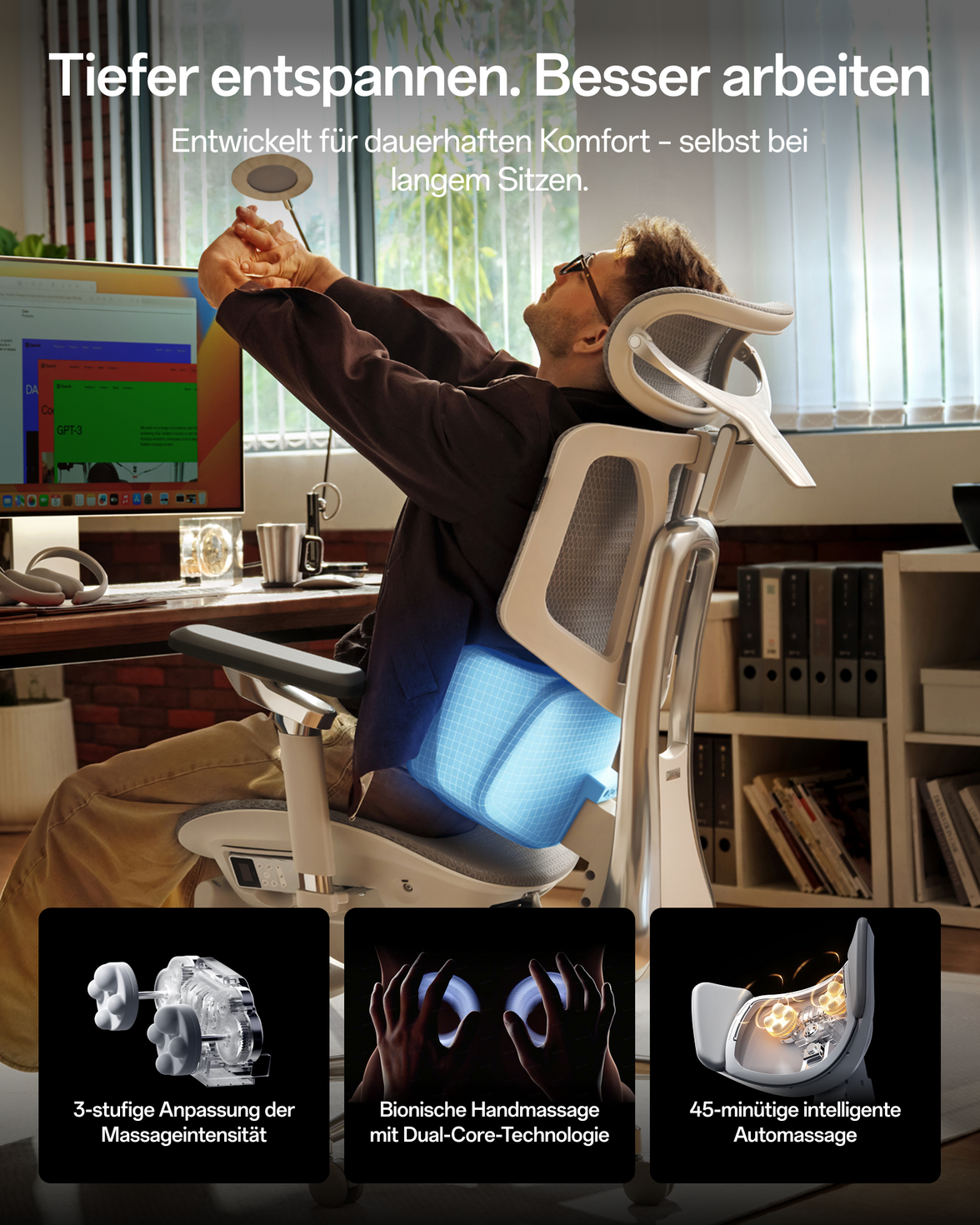
Refer to the manual supplied with the chair and the official HBADA video channel. Smart, powered, heating, massage and ventilation functions differ by model. Use only the supplied or specified power accessories.
Still Need Help?
Contact HBADA EU and include enough information for the support team to identify the correct chair and component.
- Order number or proof of purchase
- Exact chair model and colour
- Photo of the product label or barcode
- Clear description of the problem
- Photos or a short video showing the issue
- Current delivery address if a replacement part may be required
Official HBADA EU Policies
- Return and Refund Policy
- Warranty and Service
- Shipping Policy
- Order Tracking
- Assembly, Maintenance and Troubleshooting
Policy terms and product specifications may change. The official policy and product pages in effect when support is requested take precedence.