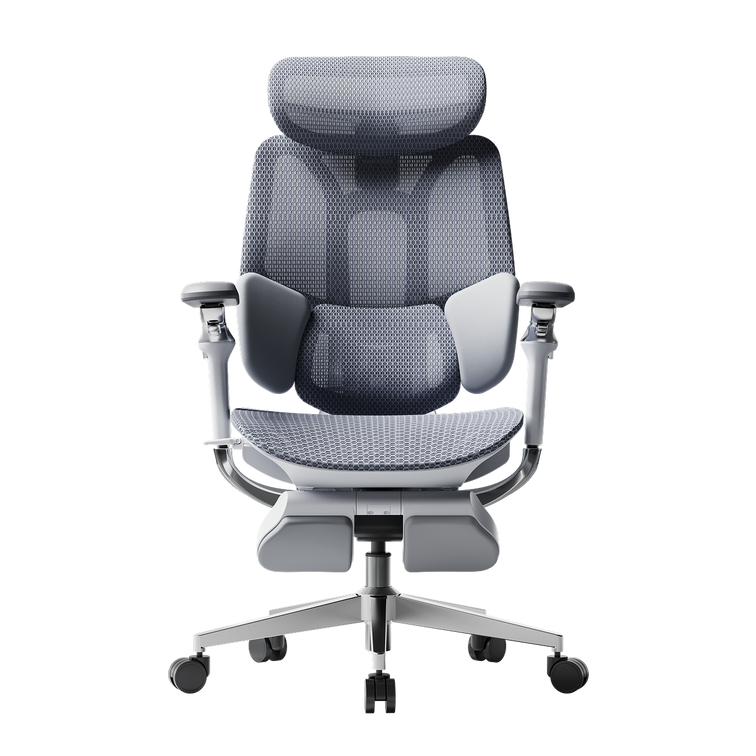
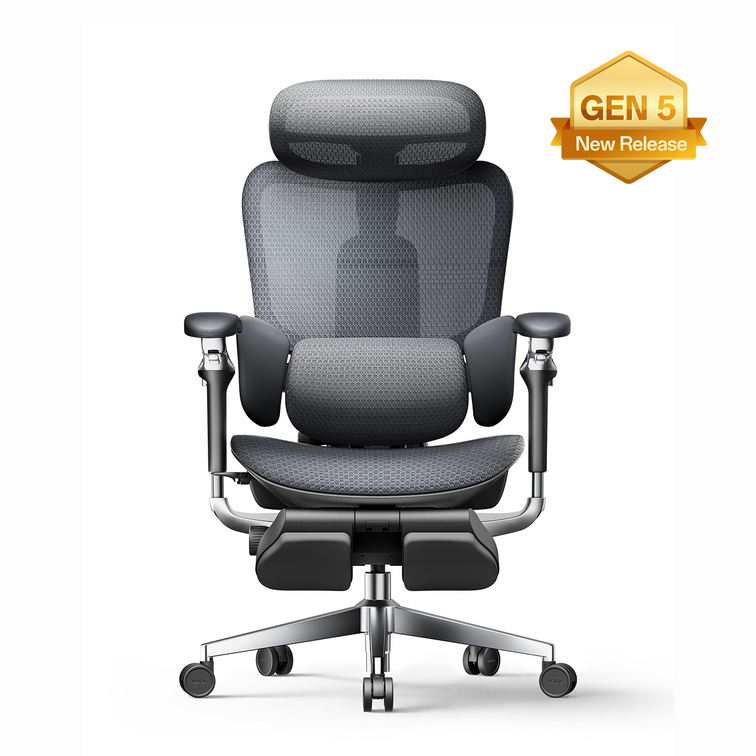
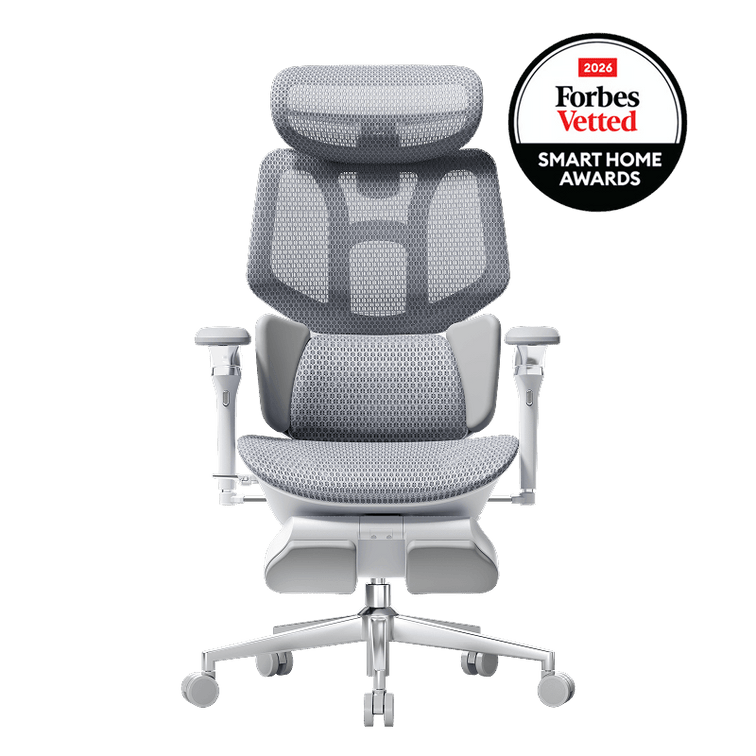
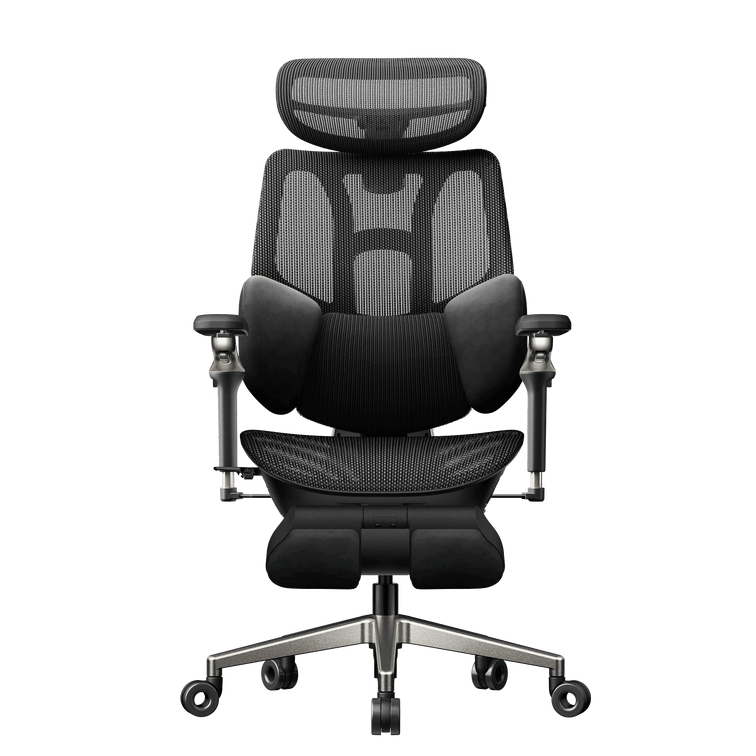







E3 Pro 2026 vs Doro C300
Where support
becomes personal.
A closer look at lower-back contact, the controls behind it and the seat beneath you.
The three-zone idea
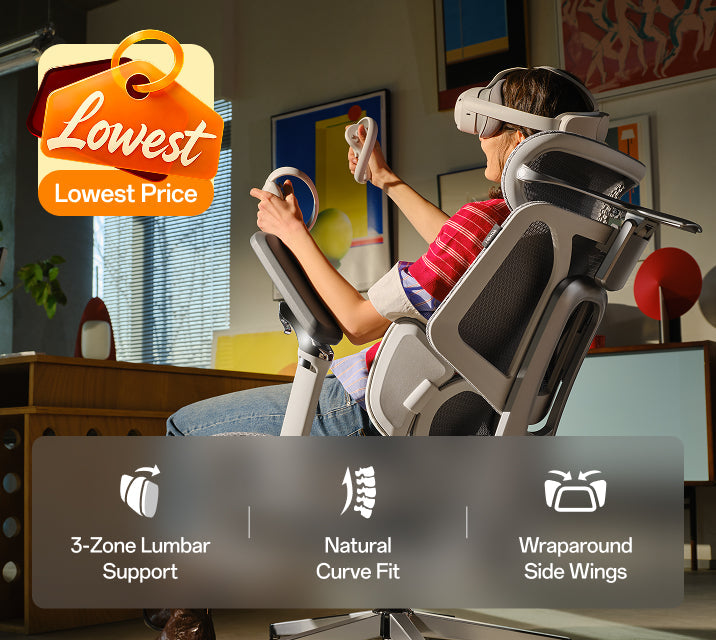
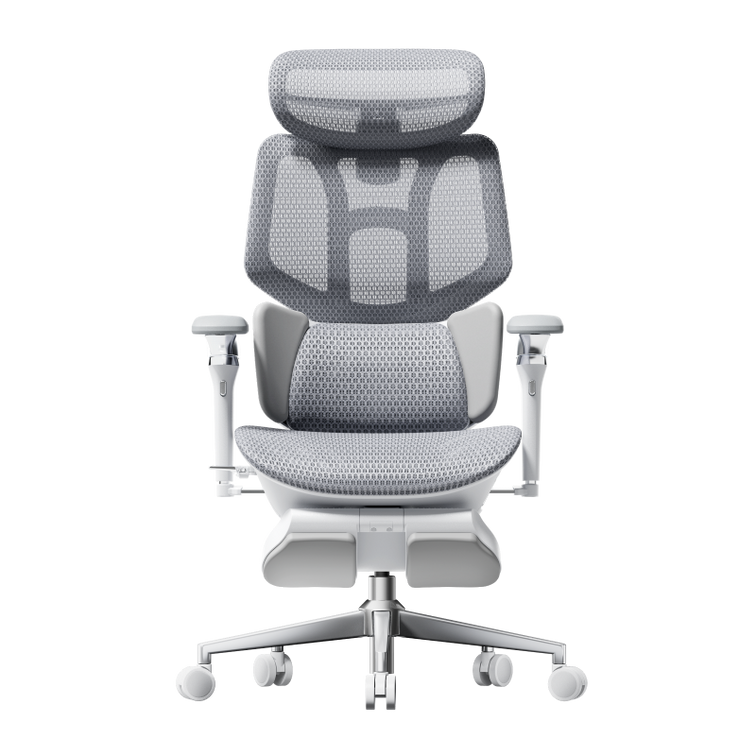
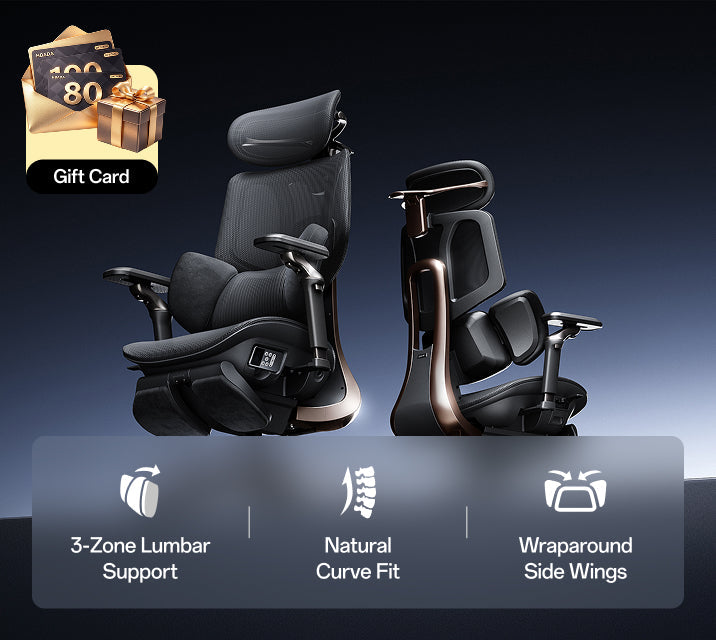
Conceptual diagram, not a product rendering.
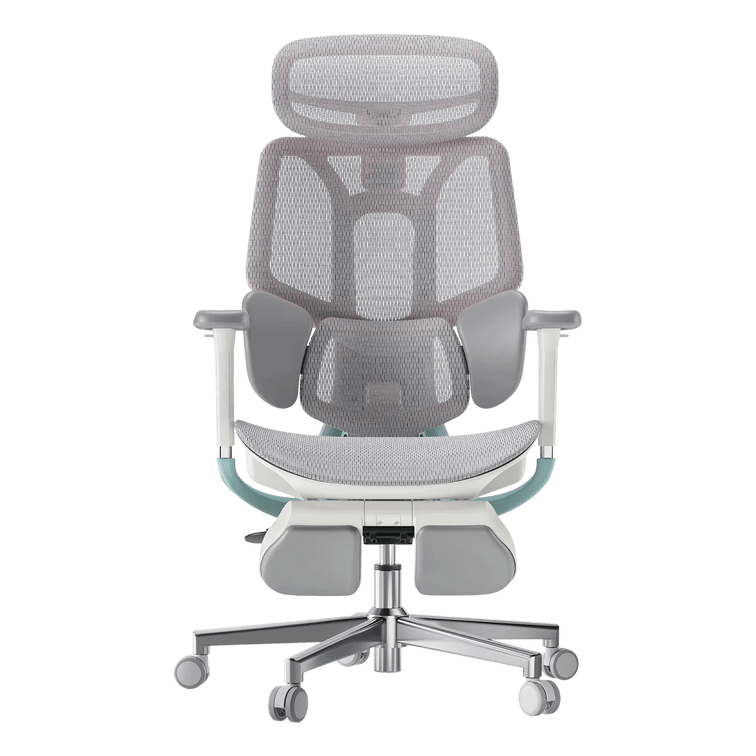
Both chairs offer adaptive lumbar support. The difference becomes clearer when you look at where the support sits and how much of that position you can personalise. Our E3 Pro 2026 combines independent lumbar placement with side wings that change the contour around your waist.
Published by HBADA. This guide compares selected published features, not results from an independent head-to-head test. C300 refers to the standard Doro C300, excluding the C300 Pro and C300 Pro V2. Regional specifications and configurations can differ. SIHOO and Doro C300 are trademarks of their respective owner. No affiliation or endorsement is implied.
Compare the chair you would receive.
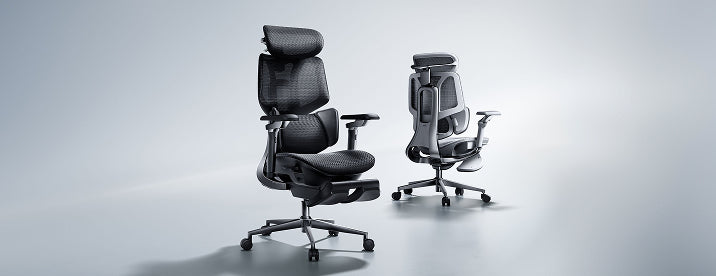
This guide focuses on the HBADA E3 Pro 2026 Edition available through our European store and the standard SIHOO Doro C300 design.
Keep newer C300 Pro models separate when collecting specifications. Check the selected E3 Pro configuration too, including armrests and footrest availability. A shared family name does not guarantee identical mechanisms.
For European orders, confirm the details offered in your delivery country. This comparison does not carry over US prices, return offers or warranty promises.
A good fit starts where the backrest meets you.
Lumbar support contacts the inward curve of your lower back. Height determines where that contact happens. The forward contour influences how firmly you feel it, while the width affects the contact around your waist.
A prominent support can feel misplaced if it meets you too low. You may also move away from a backrest because the seat reaches too far towards your knees. That is why lumbar fit deserves a whole-chair check.
Start with comfortable contact. Refine the position from there.
Inside our three-zone approach.
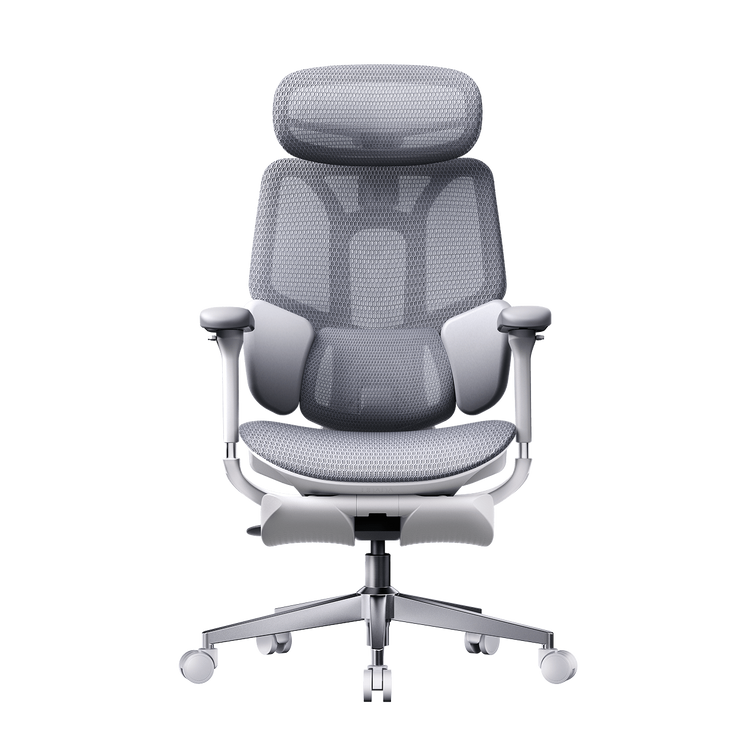
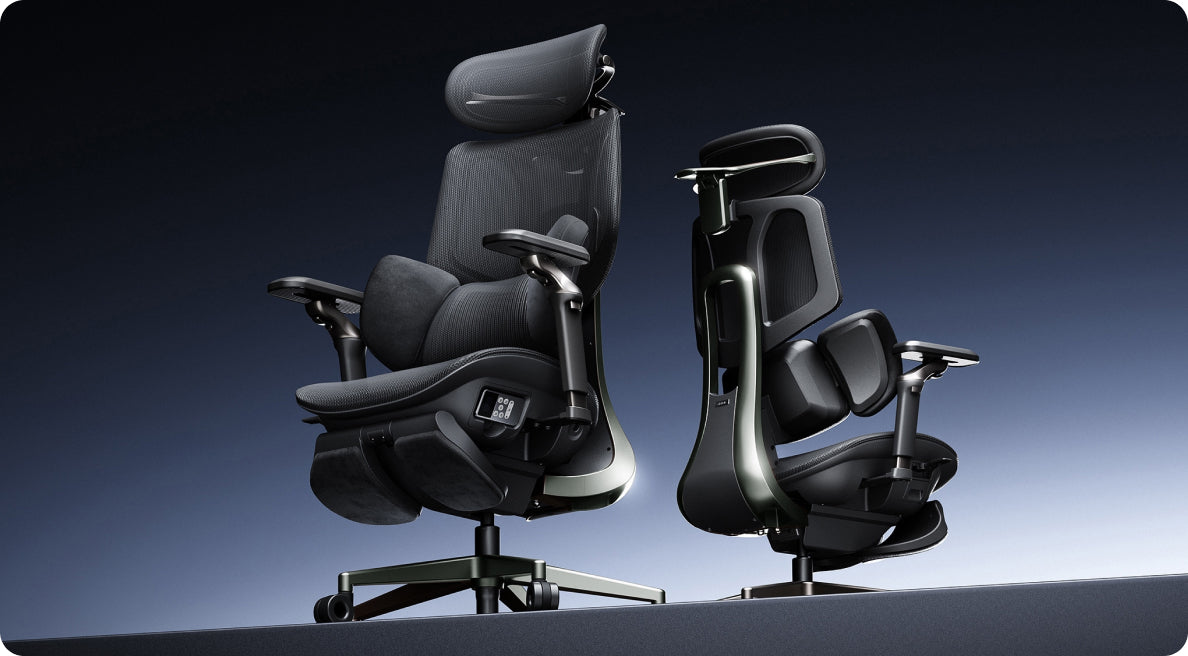
E3 Pro combines a central lumbar section with lateral wings. Personal adjustment establishes the starting fit, while the responsive mechanism accommodates movement.
Place the central support.
The lumbar section has 60 mm of independent height adjustment. Move it gradually until it meets your lower-back curve comfortably. The highest setting is not automatically the right one.
Adjust the side contour.
Rotating wings change the contact around your waist. Open or close them until the support feels natural, without concentrated pressure at the edges.
Check the response as you move.
The lumbar system includes gliding movement and elastic tracking. After setting the chair, move between your working position and a small recline. Notice whether the contact stays comfortable.
A listed dynamic travel distance describes movement within a mechanism. It should not automatically be read as a manually lockable adjustment range. Follow the controls shown for your exact chair.
Give each adjustment a purpose.
These separate controls help you revisit one area without treating the whole backrest as a single fixed contact point. Set the seat first, then refine the backrest and lumbar position.
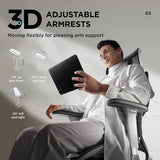
Our current EU E3 Pro page describes a 6D armrest mechanism. Confirm the configuration you select. The standard C300 is described with coordinated armrests and an adjustable headrest, although regional versions should be checked individually.
Direction counts are manufacturer terminology. At your desk, the useful question is whether the arm pads reach your forearms and allow comfortable access to the keyboard. Measure the space beneath the desktop before assuming the chair will slide underneath it.
Your knees can change the lumbar conversation.
A seat that extends too far forwards can encourage you to perch away from the backrest. That changes the support you feel at your waist. A shorter usable seat can create a different problem if you want more thigh contact.
E3 Pro provides 50 mm of seat-depth travel. Sit back, keep your feet supported and adjust for comfortable clearance behind your knees. Recheck the lumbar position after moving the seat.
Our E3 Pro dimensions and configuration information can help you compare the chair with your own measurements. A recommended body-height range is a starting point, since leg and torso proportions vary.
What to look at, side by side.
| Fit question | HBADA E3 Pro 2026 | SIHOO Doro C300 |
|---|---|---|
| How is lumbar contact shaped? | Central support with rotating lateral wings | Self-adaptive lumbar support within a flexible backrest |
| Can lumbar height be set independently? | 60 mm independent lumbar lift | Check independent lumbar controls separately from backrest adjustment |
| Does the backrest adjust? | 80 mm backrest lift | Backrest height adjustment is described in published listings; confirm the regional range |
| What about seat depth? | 50 mm adjustment travel | Published descriptions vary; verify the slider and range for the chosen version |
| How should I compare armrests? | Check the selected mechanism against your desk and tasks | Check coordinated movement and the available adjustment directions |
| What deserves a fit test? | Lumbar placement, wing contact and knee clearance | Adaptive contact after setting the backrest and seat |
This is a feature comparison, not a comfort score. Prices and policy comparisons are excluded because they depend on location, configuration and purchase date. Adjustment labels are not standardised independent ratings.
Why we focus on independent placement.
Your shoulders may feel well supported before the lumbar section is in the right place. An independent lumbar lift gives you a control to revisit that lower contact without moving the entire backrest.
The rotating wings let you refine the contour around your waist. Seat-depth movement then helps maintain that contact while making room behind your knees. This is the practical reason to look closely at E3 Pro when personal fit is high on your list.
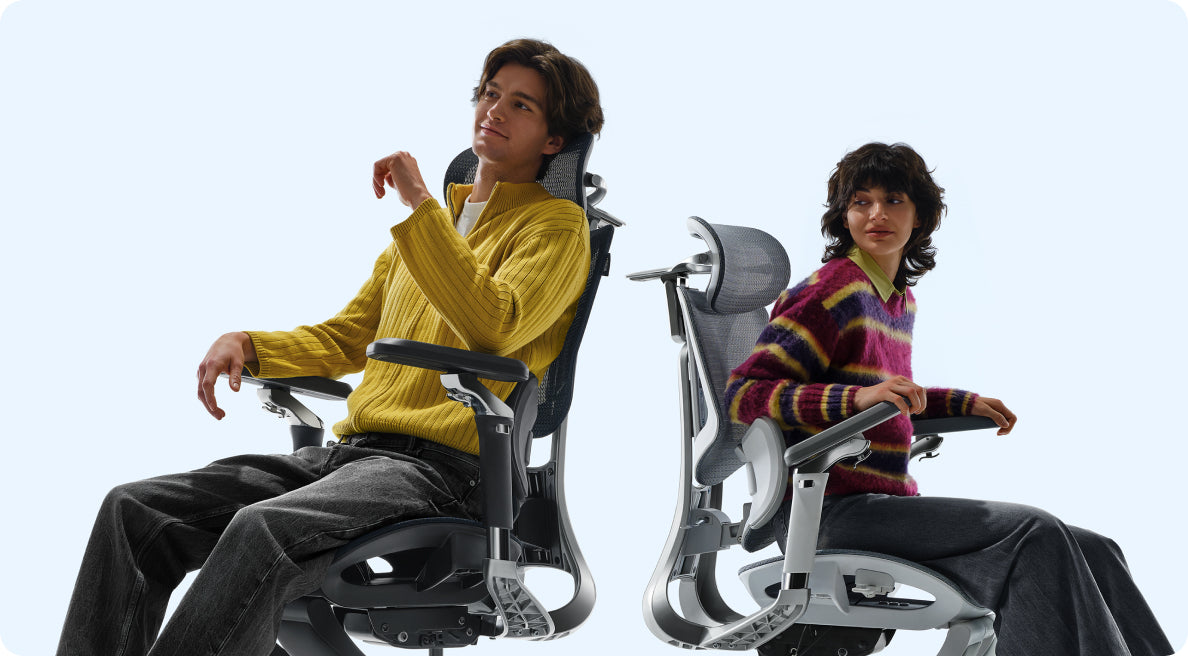
The C300 comparison highlights another important point: adaptive movement and adjustable starting position describe different aspects of a chair. Check both when deciding how much control you want.
A fit check you can actually use.
- Begin with foot support. Set your seat height before judging the backrest. Your desk may require a separate footrest if raising the chair leaves your feet unsupported.
- Sit fully back and check the space behind your knees. Refine seat depth where the mechanism allows.
- Locate the lumbar contact. You should not need to brace against it or repeatedly slide forwards to feel comfortable.
- Place your hands on your actual keyboard or controller. Check forearm support and under-desk clearance.
- Move through your usual working positions. Revisit the settings if a slight recline changes the contact uncomfortably.
- Confirm the configuration and read the purchase terms for your delivery country before checkout.
Recheck your setup after using the chair for a while. Small adjustments can be easier to judge once you are doing your normal tasks. Regular movement and breaks remain part of the routine.
The details behind the comparison.
What is the main E3 Pro vs C300 lumbar-support difference?
Our E3 Pro combines independent central lumbar placement with rotating side wings and responsive movement. The standard C300 centres its design on self-adaptive lumbar contact within a flexible backrest. Compare the exact controls as well as the support shape.
Does backrest height adjustment replace a lumbar lift?
Raising the backrest moves its overall contact position. An independent lumbar lift adjusts the lower-back section separately. They offer different ways to refine fit.
Is every Doro C300 seat fixed?
That conclusion should not be applied across all versions. Published measurements and descriptions differ. Check the seat mechanism and usable range for the exact regional configuration you are considering.
Will a three-zone design suit every waist shape?
Fit varies with body proportions and preferred contact. Adjust the wings gradually and check for comfortable, even support. A feature count cannot guarantee the same sensation for every person.
Can these lumbar features treat a back condition?
They are seating features designed to support a comfortable fit, not treatments for a medical condition. Persistent or worsening pain needs advice from a qualified healthcare professional.
Find your starting position
Make the support your own.
If you want independent lumbar placement and a contour you can personalise, take a closer look at E3 Pro 2026. Compare the available configuration with your measurements and the space beneath your desk.
Discover E3 Pro 2026 →