






Still supportive?
Or time for a change?
Before replacing your office chair, check what has actually changed. A worn component may be repairable; a damaged structure needs a different response.
When should you replace an ergonomic office chair? Replace it when damage or wear cannot be safely and reasonably repaired. Check for sagging support, sinking height adjustment, cracks and unreliable mechanisms. An isolated fault may only need a compatible replacement part. Stop using an unstable or structurally damaged chair until it has been assessed.
How long does an ergonomic office chair last?
There is no universal lifespan for every ergonomic office chair. Materials, daily sitting time, user load, maintenance and environmental conditions all affect how quickly individual components wear.
Judge your chair by its condition rather than replacing it automatically after a particular number of years. A chair used occasionally at home faces different demands from one shared across long working shifts.
Ask whether the seat still supports you, the frame is stable and the controls work as intended. Those checks are more useful than relying on age alone.
Warranty is not an expiry date. Warranty coverage, laboratory testing and useful service life describe different things. A test-cycle figure cannot be directly converted into years, and the end of warranty coverage does not automatically mean the chair needs replacing.
What are the seven warning signs?
Look for changes in support and function. Some faults can be corrected with maintenance or a replacement assembly; others require you to stop using the chair.
| Warning sign | What it may indicate | What to do |
|---|---|---|
| 1. Sagging padding or stretched mesh | The support surface no longer holds you evenly. | Ask whether the seat assembly can be replaced. Replace the chair if support cannot be restored. |
| 2. A seat that keeps sinking | A worn cylinder or a problem with the height-control mechanism. | Have the cause checked and request a compatible part. |
| 3. A cracked base or structural instability | A damaged load-bearing part or connection. | Stop using the chair. Seek an approved repair or replace it if safe restoration is not possible. |
| 4. Broken lumbar support or backrest | Support or attachment has failed. | Request service or a compatible assembly. Do not use a loose or damaged backrest. |
| 5. An unreliable recline lock | The mechanism releases unexpectedly or cannot hold its position. | Stop using the chair until assessed; repair or replace as advised. |
| 6. Broken castors or armrests | A worn part or damaged mounting point. | Replace compatible parts if the remaining structure is sound. |
| 7. Persistent noise, wobbling or discomfort | Loose fixings, wear, poor fit or another workstation issue. | Investigate the cause. Noise alone does not prove the chair needs replacing. |
Lost support does not always mean a new chair
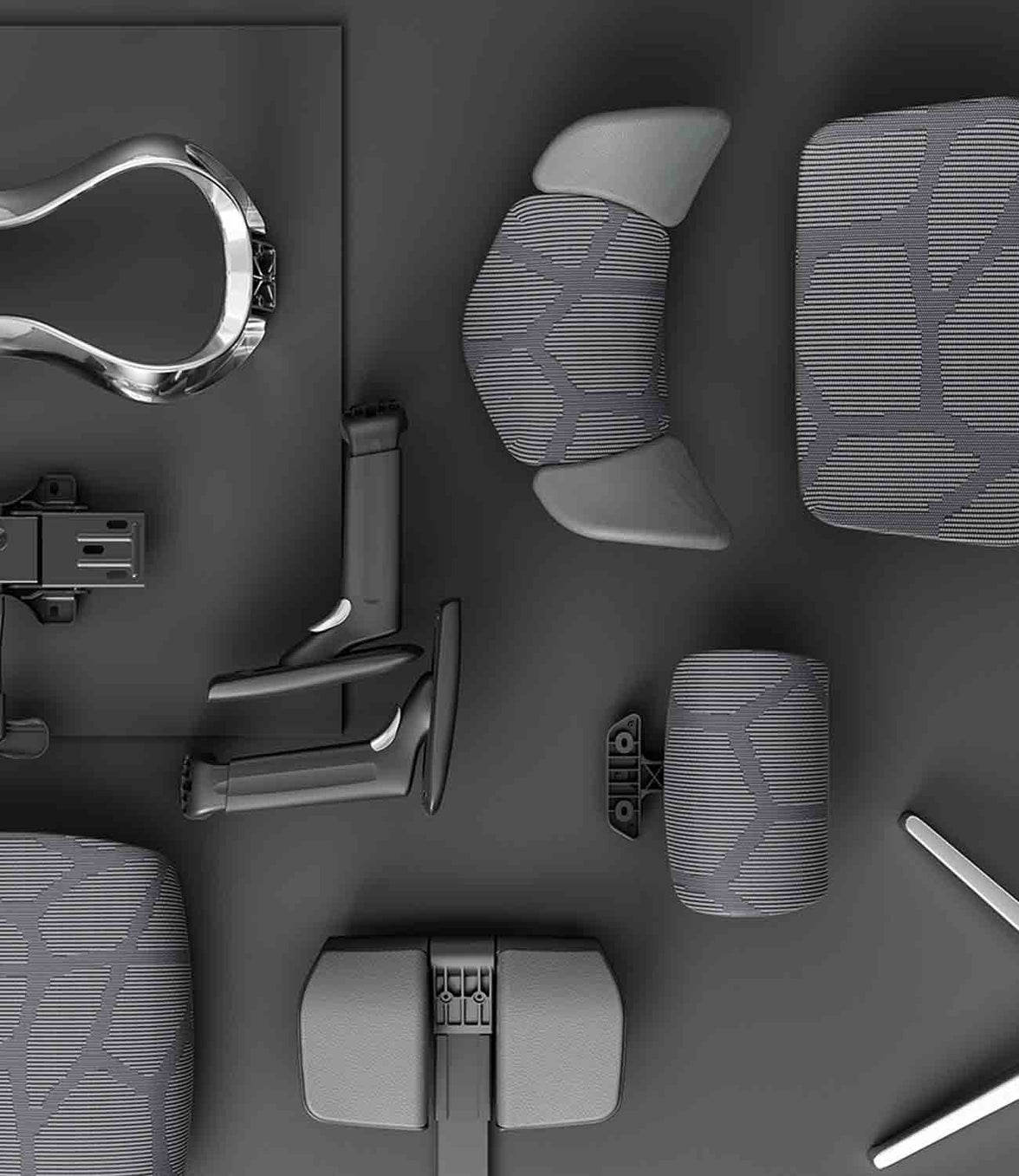
A replacement seat or backrest assembly may restore comfort if the rest of the chair is in good condition. Ask about repair options before assuming that stretched mesh means the entire chair must be discarded.
Instability needs a prompt response
Cosmetic marks and structural cracks are not the same. Stop using a chair that shifts unexpectedly or has damaged load-bearing parts.
EU-OSHA’s office ergonomics guide includes chair stability among its workstation checks. Read the office ergonomics guide.
Should you repair or replace?

Repair can be a practical choice when one component fails on an otherwise sound chair. Replacement is more appropriate when multiple major faults remain or a safe repair is not available.
Repair when…
- The fault has been identified.
- The remaining structure is sound.
- A suitable part is available.
- The repair restores reliable function at a reasonable cost.
Replace when…
- Structural damage cannot be safely resolved.
- Several major components have failed.
- Compatible parts cannot be sourced.
- The repair cannot restore suitable support.
Do not assume castors, cylinders and bases share universal dimensions. Check the part number, fittings, load rating and manufacturer’s compatibility guidance. Include delivery and labour when comparing repair costs with a replacement chair.
Contact support before dismantling. Keep your order details and model information ready, and provide clear photos of the fault. Check the HBADA EU warranty and service information before paying for a replacement part.
Never open, drill, heat or attempt to refill a gas lift cylinder. It is a sealed pressure component. Replacement must follow the model’s instructions; seek qualified help if the process is unclear.
How do you make a chair last longer?

Care is about both cleaning and noticing changes. Use the maintenance schedule and methods supplied for your model.
- Stay within the load limit: do not stand on the chair or use its footrest as a step.
- Check fixings: inspect for looseness as instructed and avoid overtightening.
- Clean mesh gently: use suitable tools and approved cleaners, without soaking electrical components.
- Keep castors clear: remove accessible hair and debris according to the care instructions.
- Protect materials: avoid prolonged direct sunlight, excessive heat and damp storage.
- Act on new faults: investigate sinking, unusual movement or visible damage rather than waiting for failure.
Routine inspection does not mean dismantling the chair. Check accessible areas and ask support before attempting an unfamiliar repair.
Which HBADA chairs should you consider for long-term use?
If replacement is the right decision, look at fit, adjustment, product testing and support for the components you are buying.
| Consideration | HBADA X7 | E3 Pro 2026 |
|---|---|---|
| Support approach | Powered automatic lumbar tracking | Mechanical three-zone adaptive support |
| Comfort functions | Massage, heating and fan-assisted ventilation | Mechanical adjustments and breathable mesh |
| What to ask about | Support for structural parts, powered components and the battery | Support for the mesh seat, lumbar assembly and adjustment mechanisms |
| Warranty and parts | Confirm terms and parts availability for your exact purchase. | Confirm terms and parts availability for your exact purchase. |
The E3 Pro 2026 EU listing reports 120,000 cycles for recline, gas lift and rotation testing. These manufacturer-published test figures provide information about testing, not a guaranteed number of years of use.
HBADA X7
Consider X7 if powered lumbar tracking and additional comfort functions suit your routine.
Explore X7 →HBADA E3 Pro 2026
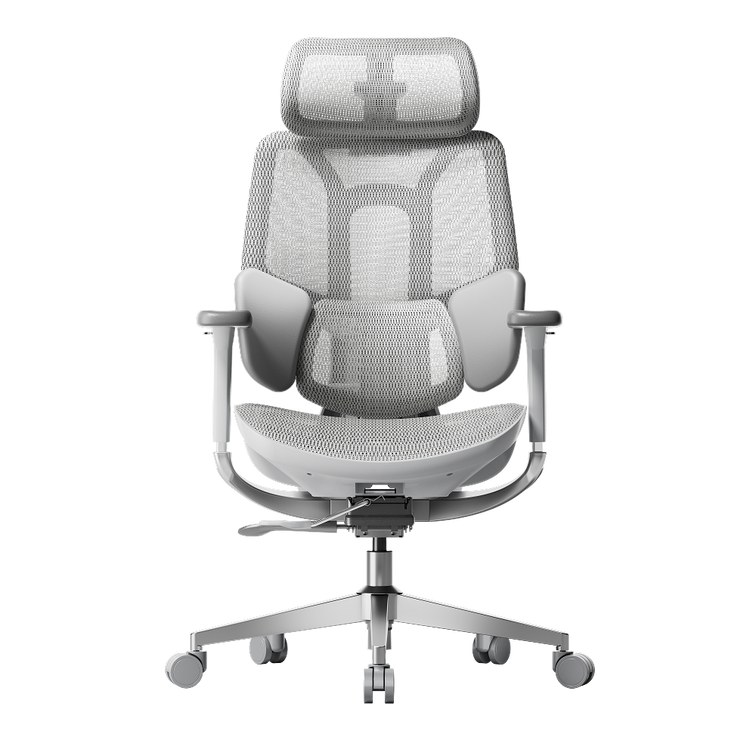
Consider E3 Pro 2026 if you prefer adaptive mechanical support and hands-on adjustment.
Explore E3 Pro 2026 →Check the selected model, purchase terms and applicable component coverage. Do not assume every part carries the same warranty period.
Limitations and when to get help
- A visual inspection cannot identify every internal fault.
- Follow instructions for your exact model, not a similar-looking chair.
- Do not force jammed controls or improvise repairs to load-bearing parts.
- Discomfort can involve workstation fit, movement habits or health as well as chair wear.
- Seek qualified healthcare advice for persistent, severe or radiating pain.
The takeaway: repair what is sound, replace what is not
An ergonomic office chair does not need replacing simply because it is old. Check the support surface, height adjustment, base and mechanisms, then find out whether suitable parts can restore reliable use.
Maintain the chair while it remains sound, stop using it when structural safety is in doubt, and replace it when a safe, practical repair is no longer possible.
Frequently asked questions
How often should you replace an office chair?
There is no fixed interval for every chair. Inspect its stability, support and mechanisms. Replace it when damage or wear cannot be safely and reasonably repaired.
Is it worth repairing an office chair?
It can be, particularly when a single replaceable part has failed. Confirm compatibility, the condition of the remaining chair and the total cost before choosing a repair.
How do you know whether mesh is worn out?
Look for tearing, detached edges or persistent sagging that changes how the seat supports you. Ask whether the mesh or seat assembly is replaceable before discarding the whole chair.
Does a sinking chair always need replacing?
No. The fault may be in the cylinder or height-control mechanism. Have it diagnosed and check for a compatible replacement part. Never attempt to open or refill the cylinder.
Does an old chair cause back pain?
Worn support or poor fit may contribute to discomfort, but chair age does not establish the cause of pain. Review your workstation and seek medical advice for persistent or severe symptoms.
How long is an office chair warranty?
It varies by model, component and purchase terms. Check your order documentation and the relevant warranty policy. Warranty duration is not the same as the chair’s expected usable lifespan.