
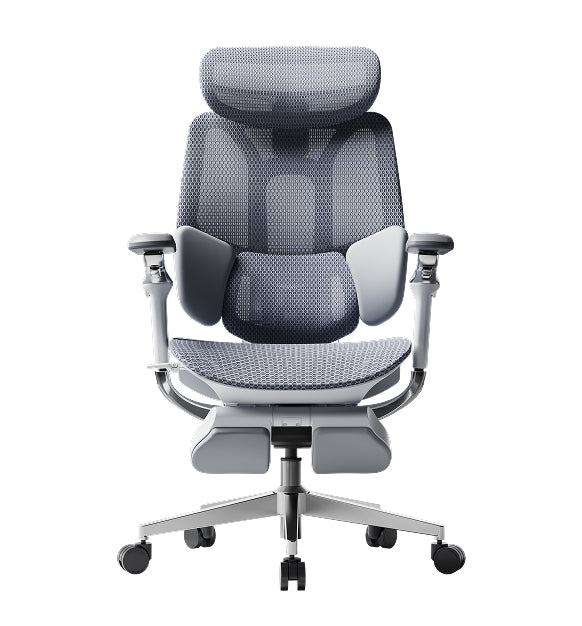
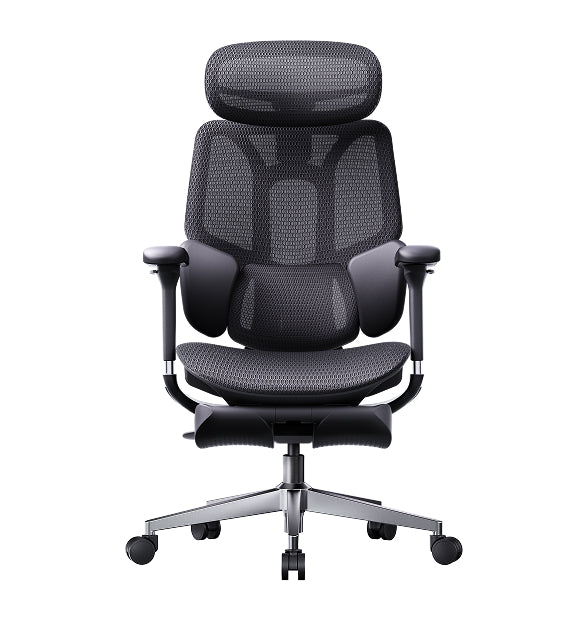
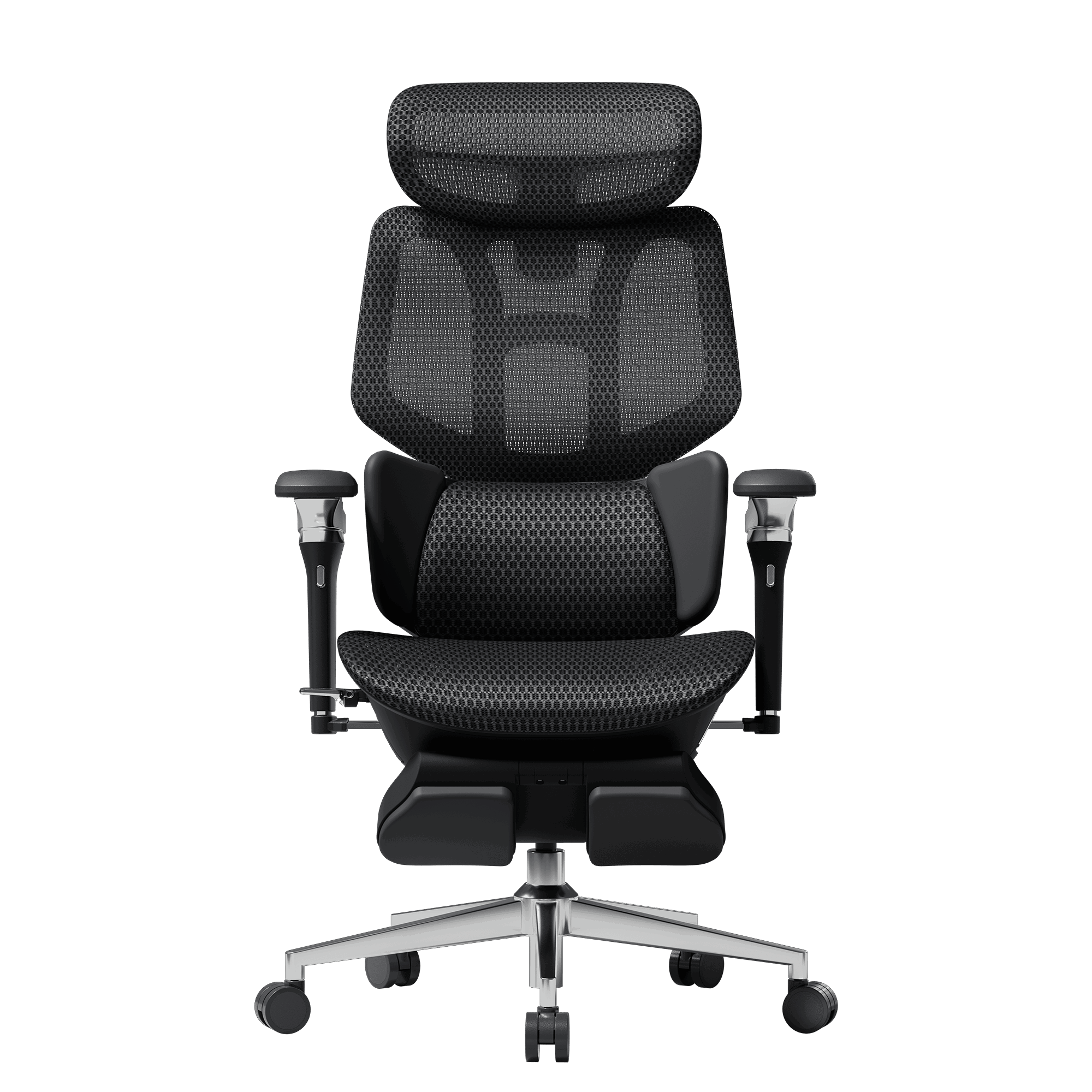
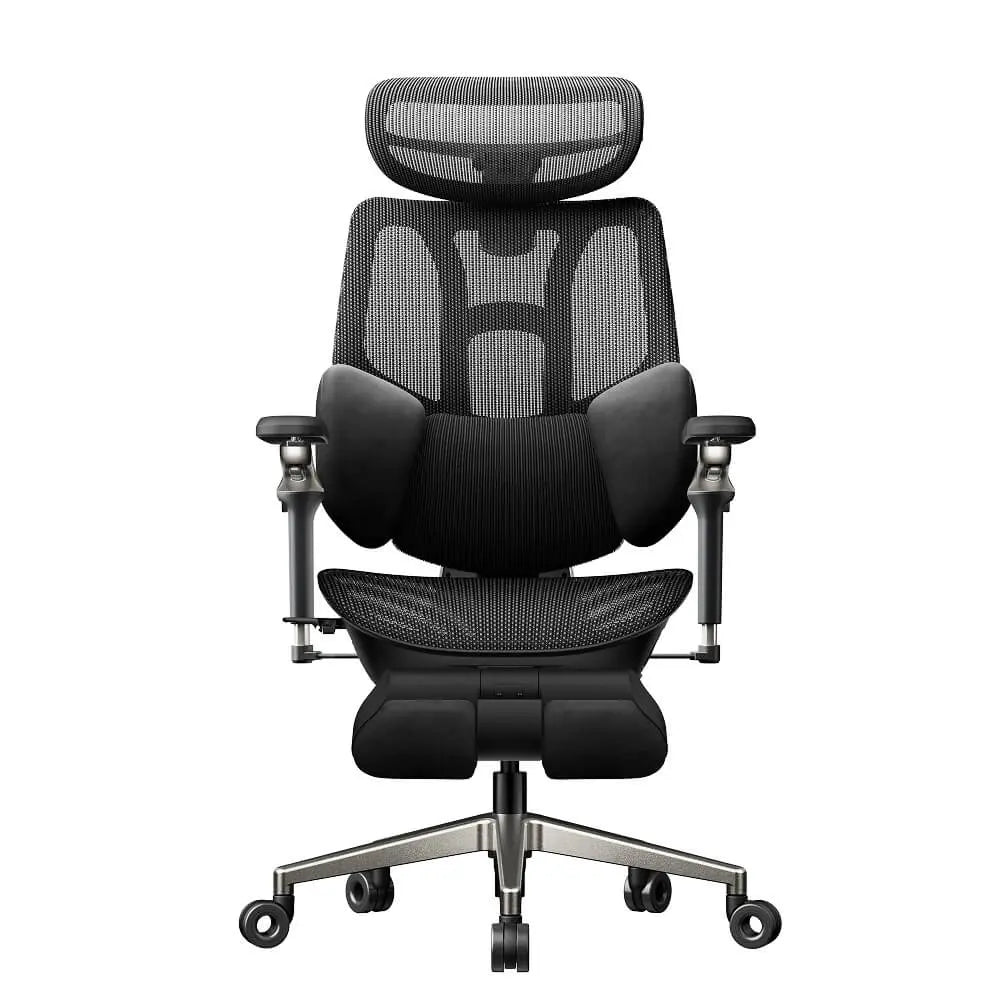
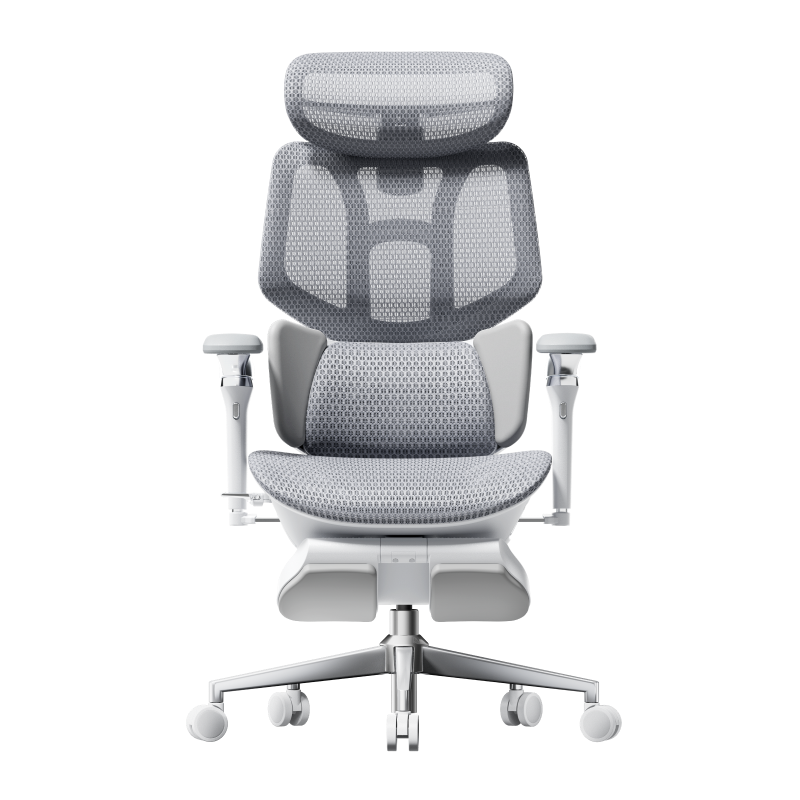
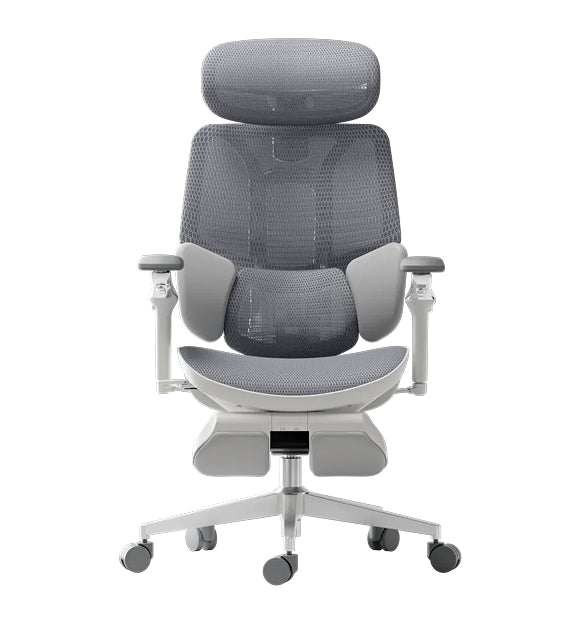
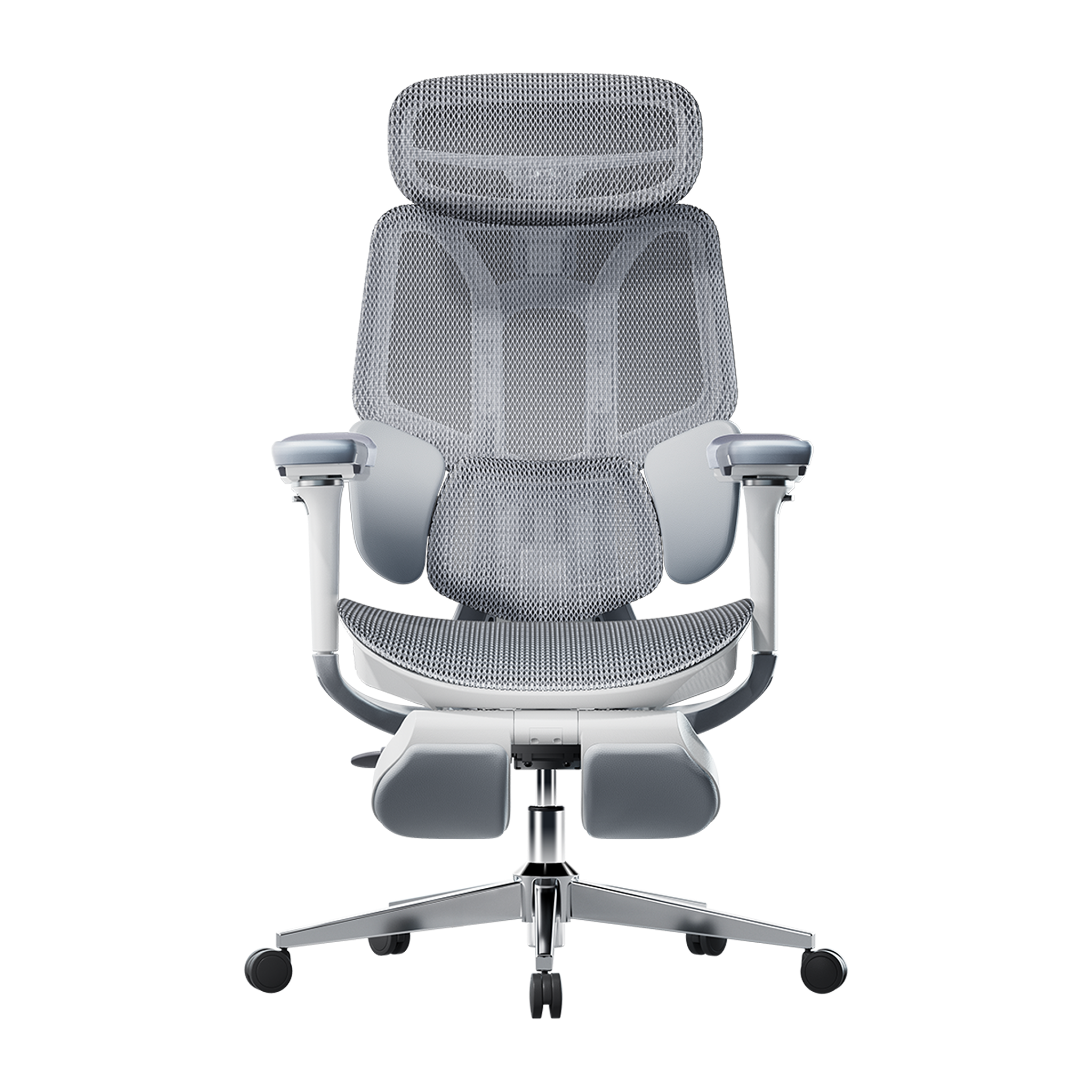
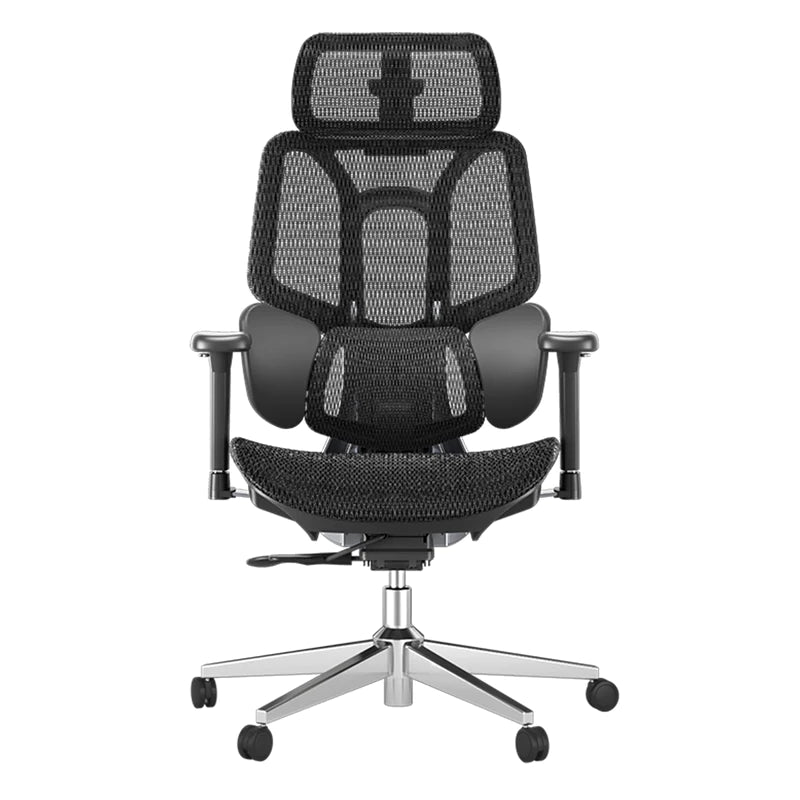


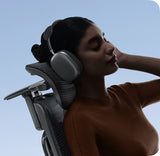
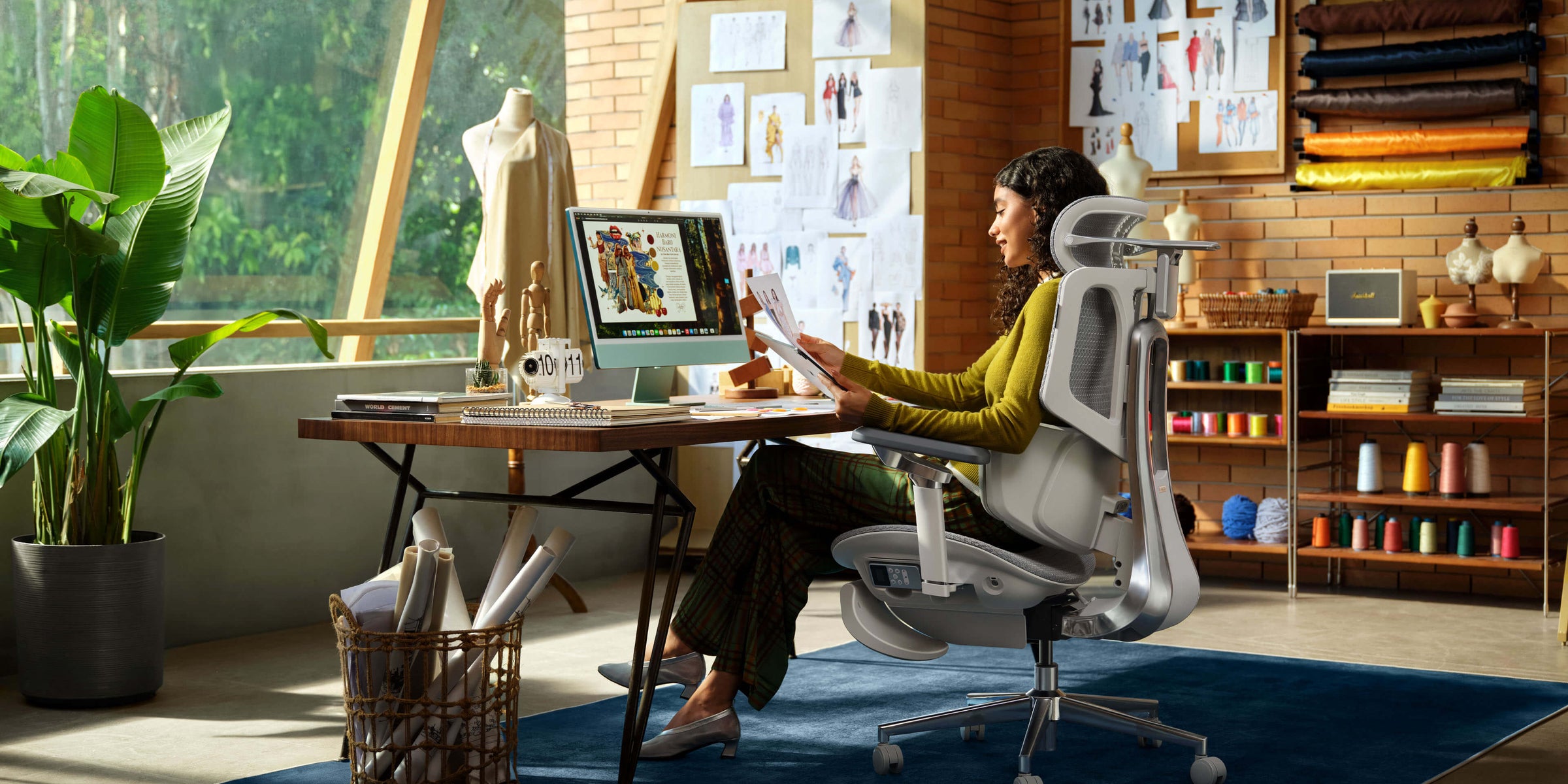
Your office chair says a lot about your workspace, but over time, the fabric collects dust, skin oils, and allergens you might not notice. Most people only pay attention to their chair’s fabric after a spill leaves a noticeable stain.
If you fail to establish a regular sanitation schedule, deep grime will eventually degrade fiber elasticity, trap unpleasant odors, and compromise your indoor hygiene. Learning exactly how to clean a fabric office chair helps you protect your furniture investment, keep your office fresh, and maximize your daily comfort.
Establishing the Timeline: The Professional Office Chair Maintenance Schedule
Regular cleaning stops dust, sweat, and oils from building up on your chair’s fabric. Sticking to a schedule helps your chair look and feel like new.
The Weekly Surface Care Routine
A quick weekly cleaning helps prevent dirt and dust from settling deeply into the fabric. Even tiny particles can wear down the fibers over time, so regular care helps your chair last longer.
Vacuum your chair using a soft brush attachment, making sure to clean the seat, backrest, and lumbar support. Don’t forget to check seams and corners where crumbs and dust can collect.
The Monthly Hygiene Framework
A comprehensive monthly office chair maintenance schedule targets built-up grease and high-contact mechanical components. Beyond the textile panels, wipe down the armrest pads, recline adjustment levers, and the star wheel base with a damp microfiber cloth.
Understanding how often to clean an office chair depends heavily on your daily office environment. In standard hybrid setups or climate-controlled corporate workspaces, a thorough monthly wipe-down keeps the physical touchpoints sanitary and prevents the mechanical chassis from trapping abrasive grit.
Step-by-Step Guide: How to Clean a Fabric Office Chair Safely
When deep cleaning your chair, work carefully and follow each step to avoid soaking the fabric or damaging the glue that holds it together.
Deciphering the Fabric Office Chair Cleaning Code
Before using any cleaning products, check the care label under your chair. These labels use standard codes to show which cleaning routines are safe for your chair’s fabric:
· Code W (Water-Based): You can safely clean this fabric with water-based solutions, mild liquid dish soap, or dedicated upholstery shampoo.
· Code S (Solvents): You must use water-free dry-cleaning solvents only. Applying water to Code S textiles can cause permanent ring stretching or fabric running.
· Code S/W: This allows you to use either water-based cleaners or specialized dry-cleaning solvents, depending on the type of dirt.
· Code X: Do not apply any liquid cleaning agents. This material should be cleaned only by gentle vacuuming or light brushing.
Safe Spot Cleaning and Removing Stains
Accidental ink marks or dark coffee spills require immediate action to prevent the pigments from bonding with the synthetic yarn. When removing stains from fabric office chair cushions, always blot the affected area gently with a clean, dry microfiber cloth to absorb excess liquid. Never rub or scrub the spot aggressively, as rubbing pushes the stain deeper into the fabric backing and damages the weave.
Mix a little mild dish soap with warm water to make some suds. Use a clean towel to gently dab the stain, starting from the edges and moving toward the center. After the stain is gone, use a damp cloth to wipe away any soap residue, and let the chair air-dry away from heat.

Smart Seating Care: Maintenance Protocols for the Hbada AI-Powered x7
If your office chair has built-in electronics, you’ll need to take extra care when cleaning to keep the parts safe.
Safeguarding Integrated Tech During a Deep Clean
The Hbada AI-Powered x7 introduces intelligent electronics to personal spinal care, which means you must follow explicit safety rules before starting a deep clean fabric desk chair routine.
Disconnect Power Battery ➔ Isolate Sensor Zones ➔ Dry Microfiber Wipe ➔ Reinsert Power Core

Always remove the high-capacity, rechargeable 5,200 mAh lithium-ion battery pack and disconnect all charging lines before using any damp cloths. Never allow liquids to come into contact with the integrated computer chip or the automated motorized lumbar tracks. To sanitize a fabric office chair that features integrated electronics, use a completely dry, anti-static microfiber cloth to dust the tracking bay, keeping the sensor surfaces clear without risking liquid damage.
Keeping Active Ventilation Ports Unclogged
This smart chair has a cooling system with two seat fans that pull air through the mesh to keep you cool. Over time, dust and lint can get pulled into the fans and clog them.
Every three months, use a can of compressed air to clean the vents under the seat. This keeps the fans working well and your chair clean.
Maintenance and Hygiene Standards Across Seating Tiers
To make it easier for your team or home office to care for your chairs, we’ve created specific cleaning schedules for each of our main models.
· HBADAE3 Air: Uses a lightweight, high-recyclability polymer mesh. Requires weekly surface vacuuming and simple water-based spot cleaning for light stains.
· HBADA E3 Pro: Built with a double-diamond structural frame and heavy-duty mechanical joints. Requires an annual hardware bolt inspection alongside monthly fabric sanitization.
· HBADA AI-Powered x7: Features active sensor tracking and a built-in fan cooling system. Requires quarterly compressed-air fan cleaning, dry sensor dusting, and regular battery-charging management.
Workplace Hygiene Directives and Corporate Compliance
Keeping office furniture clean isn’t just about looks—it’s important for employee health. In the UK, companies must follow strict safety rules set by the Health and Safety Executive (HSE).
Under the Health and Safety at Work etc. Under the 1974 Act, business owners have a legal duty to provide a clean, safe, and hygienic working environment. Implementing a scheduled chair maintenance program helps companies fulfill these obligations by reducing dust allergens, preventing bacterial growth on shared office equipment, and supporting a healthy indoor environment.
Frequently Asked Questions (FAQ)
Can I use a household steam cleaner on a high-performance mesh chair?
Don’t use a steam cleaner on mesh chairs unless the care label says it’s safe. High heat can weaken the mesh, causing it to sag and become less supportive.
How do I remove deep, lingering odors from a fabric chair cushion?
To safely remove persistent odors from your deep clean fabric desk chair, sprinkle a thin, even layer of commercial baking soda over the dry cushion fabric. Let it sit for 2 to 3 hours, then vacuum it up with a soft-bristle attachment.
Does the integrated tech in an active AI-lumbar-tracking chair make it harder to clean?
No, it doesn’t. The HBADA AI-Powered x7 has advanced sensors and motors, but its frame is made of the same strong materials as those of other professional chairs. The smart features adjust themselves, so you just need to keep the battery charged.
What is the safest way to sanitize a fabric office chair without bleaching the color?
To kill bacteria without fading the fabric, use a sanitizing spray with at least 70% isopropyl alcohol. Spray lightly from about a foot away and let it air dry completely.

Conclusion
Maintaining a clean workspace is about more than just aesthetics; it is a fundamental investment in your long-term health and daily comfort. By sticking to a consistent maintenance schedule and knowing exactly how often you should clean your fabric office chair, you can easily prevent deep stains, eliminate hidden allergens, and protect the life of your furniture.
If you’d rather not make manual adjustments and want a chair that stays fresh, the Hbada AI-Powered x7 is a great option. It combines robust hardware, smart self-adjusting features, and a ventilated seat cushion to keep sweat and dust at bay, helping you stay healthy at work.