



A more personal way to choose
Find your priorities.
Then find your chair.
Your height is only the beginning. Work through 12 questions about body fit, support, your desk and your budget to build a more useful office chair shortlist.
Quick answer: Start with suitable seat dimensions and weight capacity. Then compare lumbar support, armrest movement, materials and optional features. The right office chair should fit your body and work with your desk—not simply have the longest feature list.
Choose an option in each dropdown, then read the guidance beside or below it. Use centimetres for dimensions and kilograms for weight when comparing specifications.
01 / Body fit
Start with what needs to fit.
Check dimensions before adding features to your wishlist.
QUESTION 01
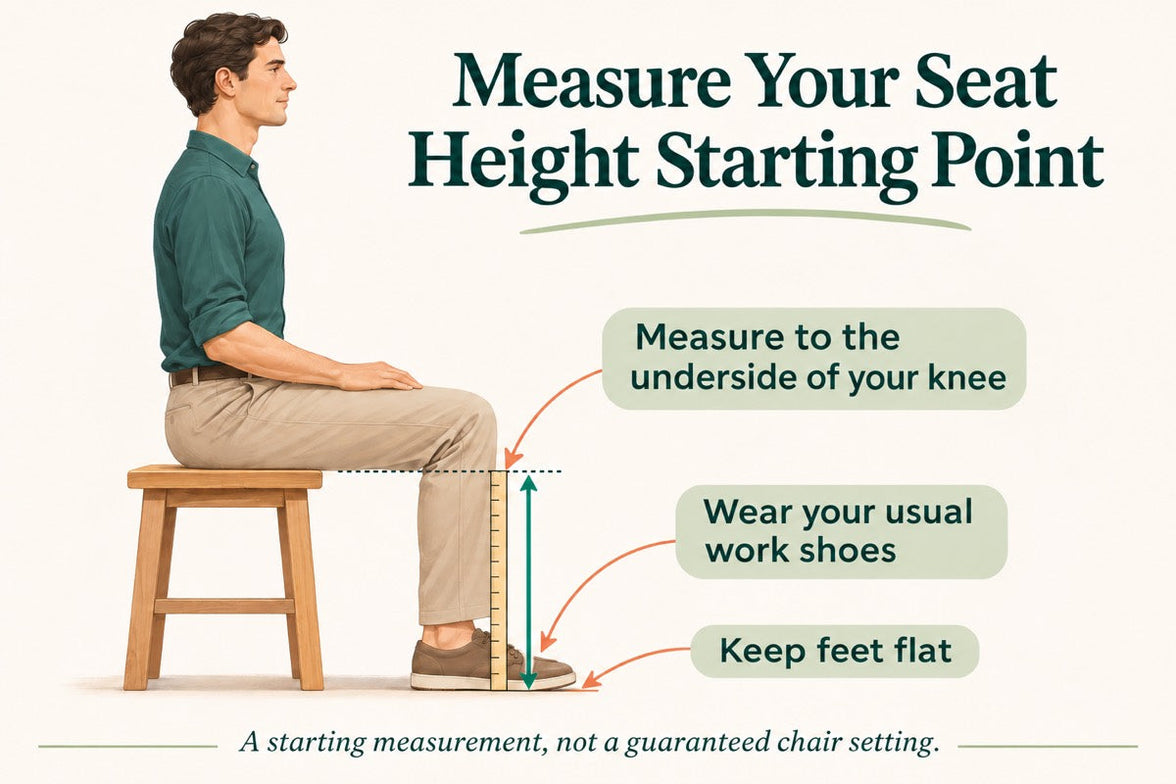
Height helps you start a comparison, but people of the same height can have different leg lengths and torso proportions.
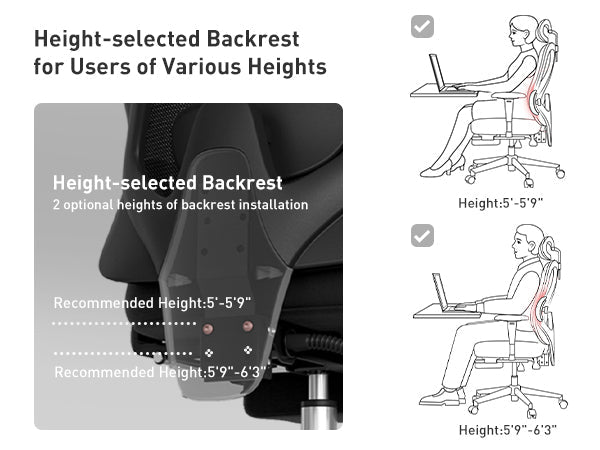
Shorter users should check minimum seat height and depth. Taller users should also check thigh support, backrest positioning and headrest reach.
Check next: Compare actual adjustment ranges. These height bands are not model suitability guarantees.
QUESTION 02
Check your exact weight against the published capacity of the model and configuration you are considering. Selecting a broad range here does not confirm compatibility.
Capacity and seat size are different. A chair may support your weight but still have unsuitable dimensions.
Check next: Verify weight capacity, usable seat width and armrest spacing separately.
QUESTION 03
Sit against the backrest. Check whether the seat presses behind your knees and whether your hips have comfortable room. Your forearms should reach the armrests without stretching outwards.
If the current size works, record those dimensions rather than assuming a bigger chair will be better.
Check next: Follow our chair-fit measurement guide to measure usable height, depth and width.
02 / Comfort preferences
Choose the feel you enjoy.
Think about how you want the chair to support your day.
QUESTION 04
Mesh allows airflow; padding offers cushioning with a different feel. Comfort also depends on seat shape, construction and personal preference.
If cushioning is essential, keep it on your must-have list. Adding a cushion later can change seated height and contact with the backrest.
Check next: Confirm the actual seat construction. Mesh provides ventilation, not active cooling.
QUESTION 05
Look for comfortable contact, not maximum pressure. Lumbar support should not force you towards the front of the seat.
If support feels badly positioned, check seat depth and backrest settings. Both affect where the lumbar section meets your body.
Check next: Compare positioning and adjustment range. A feature name cannot predict your preferred firmness.
QUESTION 06
Check headrest positioning and the room needed to recline. A headrest should not push your head forwards during regular desk work.
A pull-out footrest supports reclined breaks. A separate under-desk footrest serves a different purpose: supporting your feet during upright work.
Check next: Confirm the selected version includes your preferred features. Massage and warmth do not replace a good fit.
Choose the features that serve your workday, not simply the longest feature list.
03 / Your workspace
Make the desk part of the decision.
The chair and the space around it need to work together.
QUESTION 07
For keyboard work, prioritise comfortable access without reaching or raising your shoulders. If you lean forwards, check screen visibility and keyboard distance too.
If you switch between devices, compare useful armrest movements rather than simply counting adjustment directions.
Check next: Identify your two main tasks. Allow for movement and breaks instead of holding one rigid position all day.
QUESTION 08
Measure desktop height and usable space underneath. Drawers, thick edges and support bars may reduce room for your legs and armrests.
If raising the chair helps you reach the desk but leaves your feet unsupported, consider a separate footrest or a suitable change to the work surface.
Check next: Record underside clearance separately from desktop height. Adjustable desks also have range limits.
QUESTION 09
Armrests should not stop you from moving close enough to your input devices. Check their height and spacing against the desktop or keyboard tray.
A laptop links screen position with keyboard position. For longer desk sessions, an external keyboard and mouse may make the setup easier to arrange.
Check next: Decide whether the chair, the input devices, or both need repositioning.
04 / Purchase planning
Turn preferences into priorities.
Keep the practical details in view before ordering.
QUESTION 10
Name the improvement that would make the biggest difference. Then separate must-have requirements from optional extras.
Keep suitable dimensions as a requirement even when another feature is the main attraction.
Check next: Write down one main priority and two secondary preferences. Persistent discomfort deserves professional advice, not just a different chair.
QUESTION 11
Prioritise suitable dimensions, capacity and useful adjustments. Then decide which extras are worth paying for.
Check the final total for your destination, including the displayed tax treatment and any delivery charges. These budget bands are not current product prices.
Check next: Keep a preferred product budget and a maximum total purchase budget.
QUESTION 12
Confirm availability for your exact country and postcode. Selecting a region here does not confirm that it is served.
Review stock or preorder status and the current delivery and return conditions. Do not assume that one country’s shipping arrangements apply across Europe.
Check next: Confirm destination eligibility, assembly needs and any applicable return costs before ordering.
Your answers, organised.
There is no submission step. Review your selections and turn them into three short lists:
- Must fit: seat height, usable depth, width, capacity and desk clearance.
- Should suit you: lumbar feel, armrest movement, material and working positions.
- Nice to have: additional break-time features and styling preferences.
Use your priorities to compare
Where should you start with HBADA?
These are model comparison starting points, not calculated results from your selections. Check the exact specifications, configuration and current price before choosing.
Everyday desk features
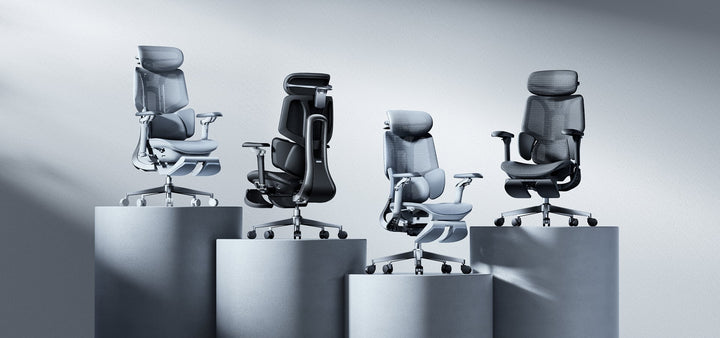
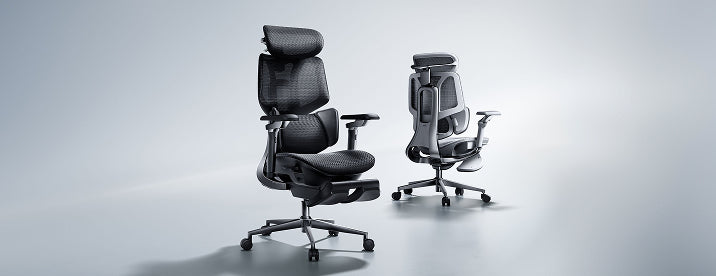
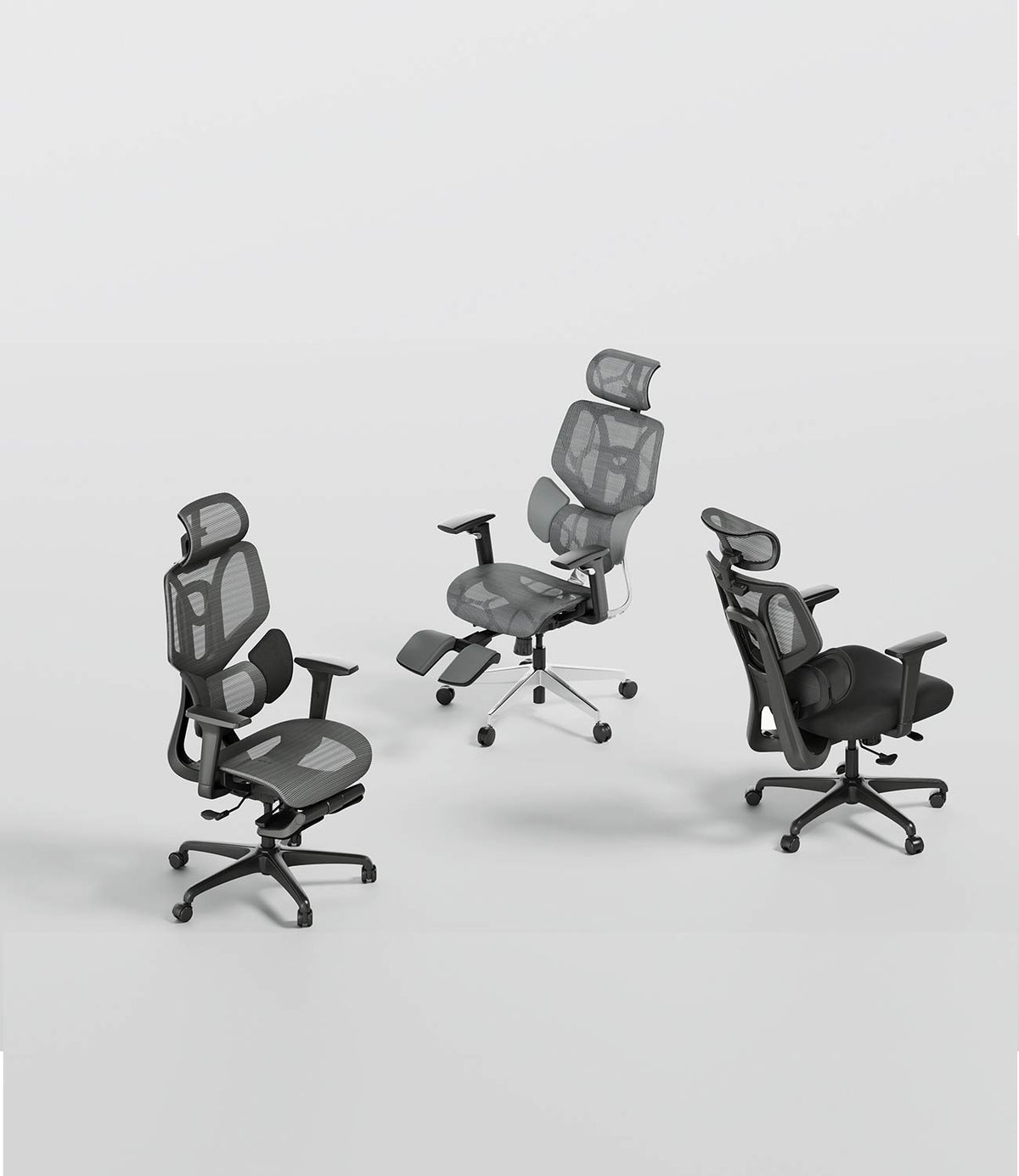
HBADA E3 Air 2026
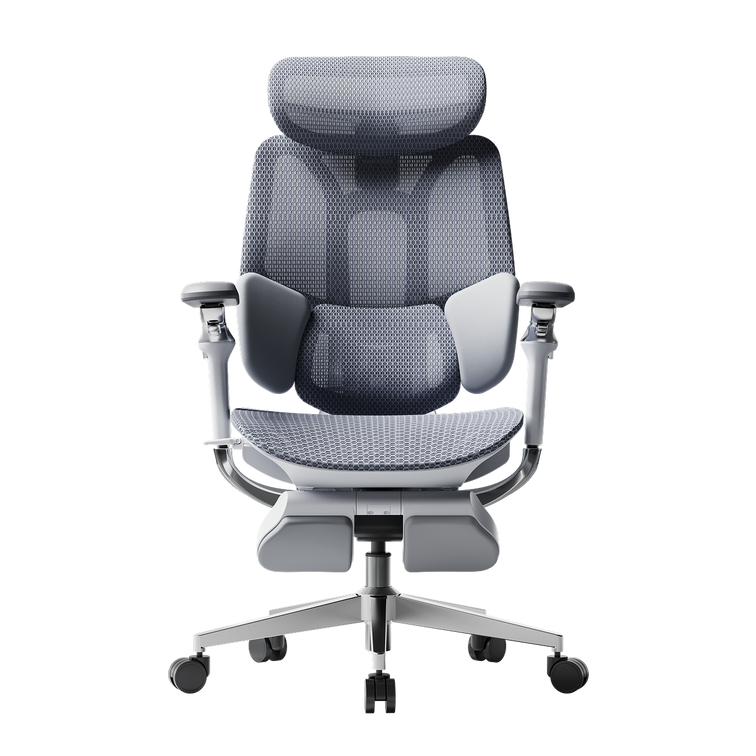
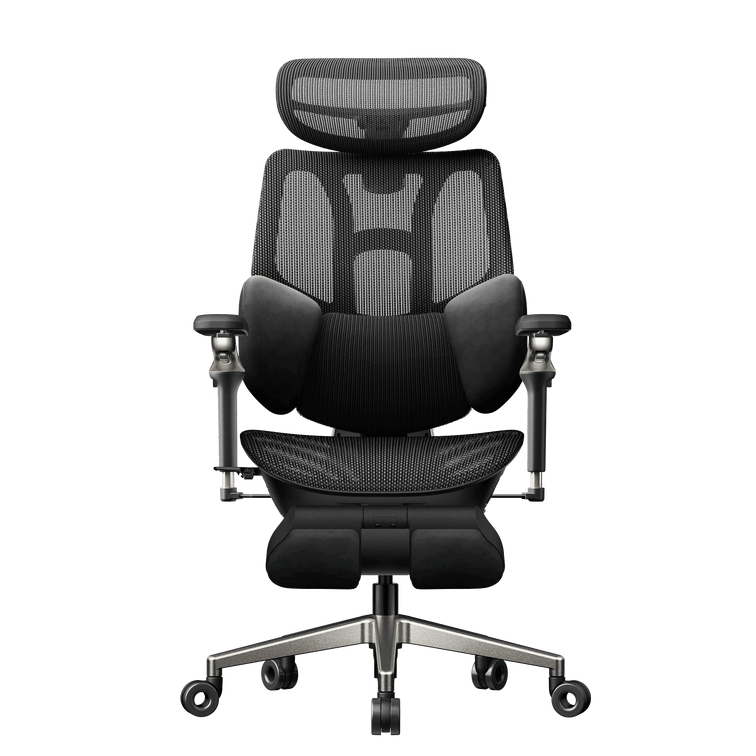
Start by comparing its mesh seating, three-zone lumbar support and adjustable armrests with the features you need for regular desk tasks. Check usable dimensions and adjustment ranges against your measurements.
Explore E3 Air specifications →Arm-position flexibility
HBADA E3 Pro 2026
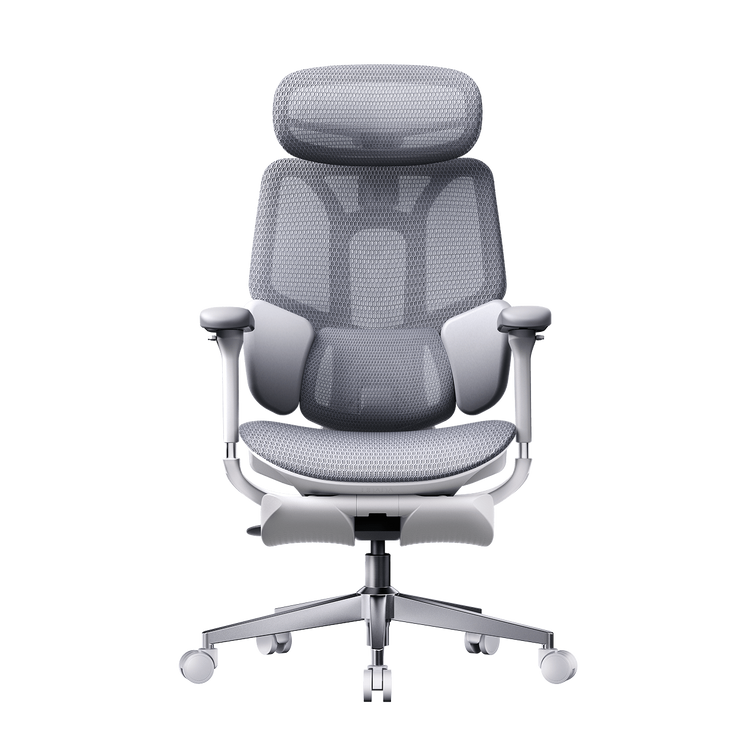
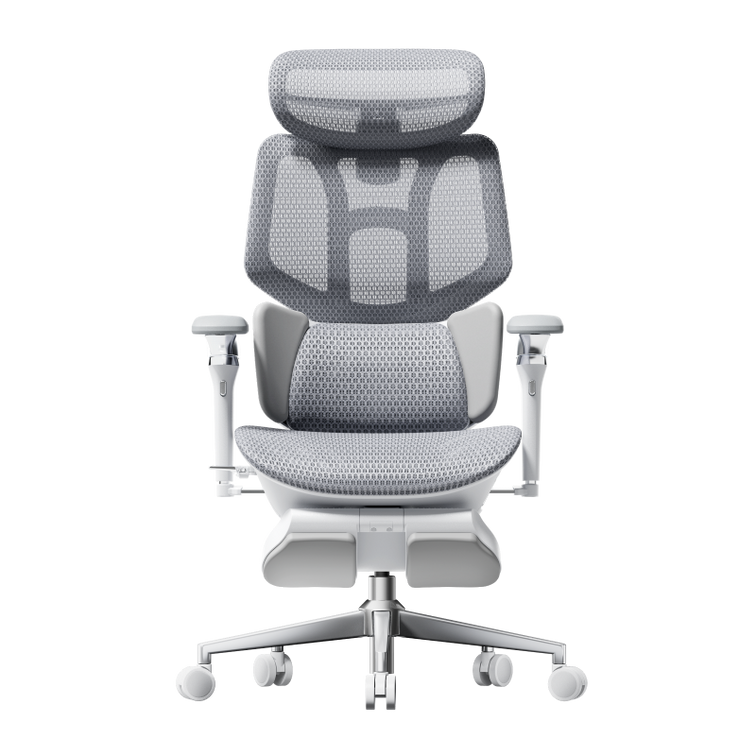
Look at its 720° OmniMechanical armrests if flexible positioning matters when switching between tasks and devices. Compare the movements you need and your desk clearance rather than treating more adjustment as automatically better.
Explore E3 Pro adjustments →Massage and warmth
HBADA E3 Ultra Gen 5
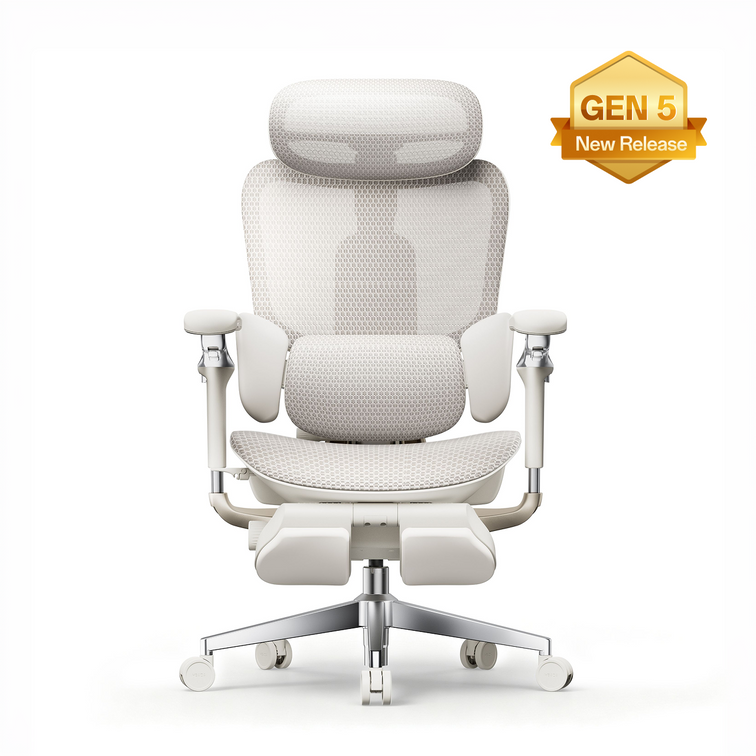
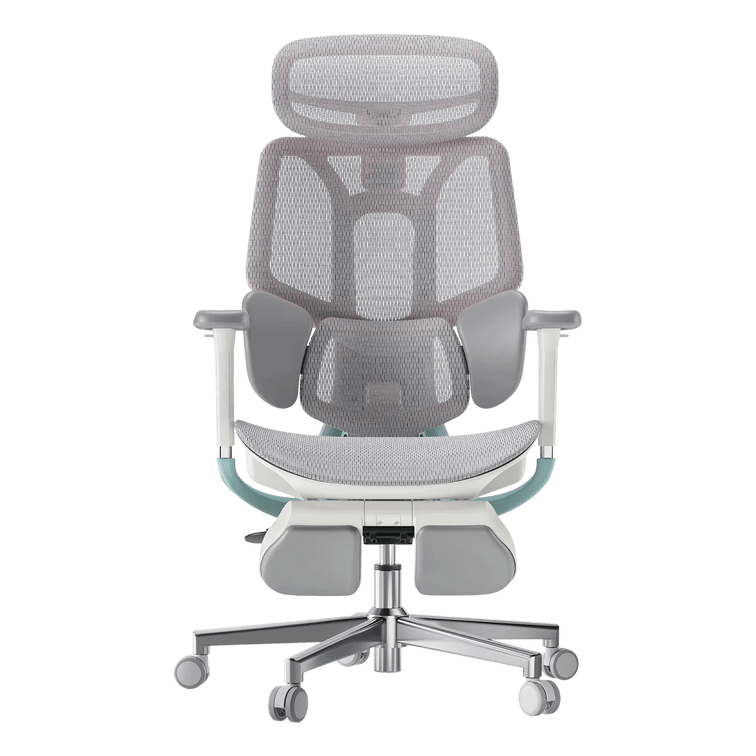
Explore E3 Ultra if built-in lower-back massage and graphene heating are features you would use during seated breaks. Keep everyday fit first: additional comfort features do not compensate for unsuitable seat dimensions.
Explore E3 Ultra →Before you place an order.
- Confirm usable seat dimensions and the exact model’s weight capacity.
- Check armrest clearance, base footprint and space to recline.
- Verify the generation and configuration include the features you expect.
- Review the current price, delivery availability and return conditions.
Our user manuals and assembly guides help explain model-specific controls. For measurement methods, return to our office chair fit guide .
Questions about this guide.
Will my answers automatically recommend a model?
No. The dropdowns help organise your preferences. Use the model descriptions to compare those preferences, then verify specifications before purchasing.
Can I choose a chair from my height alone?
No. Leg length, torso proportions, desk height and personal preferences also matter. Check usable dimensions and adjustment ranges.
Will these answers be sent to HBADA?
This worksheet does not submit answers or create an enquiry. If you contact our team, you decide what information to share.
A clearer checklist.
A more considered choice.
Keep the requirements that matter to you. Confirm the measurements. Choose features that serve your working day. If a specification is unclear, ask us before ordering.
Ask HBADA about chair fit →Opens your email app. Worksheet answers are not included automatically. Regular movement and breaks remain important; persistent pain should be discussed with a qualified healthcare professional.