
Quick answer: Height is only a starting point when choosing an ergonomic office chair. Two people of the same height can have different lower-leg, thigh, torso, hip and shoulder measurements. A chair fits when its seat, backrest, lumbar support and armrests can be adjusted to those individual proportions.
Most chair size guides begin with height. It is convenient, but it does not tell the whole story. Someone who is 175 cm tall may have long legs and a short torso, while another person of the same height may have shorter legs and a longer torso. Give them identical chair settings and one may have unsupported feet while the other finds the lumbar support too low.
The better approach is to use height to create a shortlist, then check whether the chair's adjustment ranges match the parts of your body that actually contact it.
Why Does Height Alone Fail to Predict Chair Fit?
Standing height is one measurement. Chair fit depends on several. The Canadian Centre for Occupational Health and Safety notes that one chair does not fit everyone because body dimensions vary. It also describes chair height calculated from total body height as only a rule of thumb because torso-to-leg ratios can differ widely.
This is why a label such as “recommended for users from 155 to 195 cm” is useful for shortlisting, but not a complete fit guarantee. It cannot tell you whether the seat is short enough for your thighs, whether the lumbar support reaches your lower back or whether the armrests align with your elbows.
How Does Leg Length Affect Seat Height and Depth?
Lower-leg length sets the seat-height target

When the seat is at a suitable height, your feet should be supported by the floor or a footrest without excessive pressure underneath your thighs. A seat that is too high can leave the feet hanging and place pressure behind the knees. A seat that is too low may push the knees upward and make it harder to work comfortably at a standard-height desk.
The UK Health and Safety Executive advises avoiding excess pressure from the seat edge on the backs of the legs and notes that a footrest may be helpful, particularly for smaller users.
Thigh length sets the seat-depth target
A seat that is too deep can press behind the knees or prevent you from using the backrest. A seat that is too shallow may leave too much of the thighs unsupported. Sit against the backrest and look for a small clearance between the seat edge and the backs of your knees. An adjustable seat depth makes this easier for both shorter and taller users.
How Does Torso Length Affect Back and Lumbar Support?
Torso length influences where the backrest, lumbar support and headrest meet your body. A longer seated torso generally needs those support points higher. A shorter torso may need them lower, even when both users have the same standing height.
Lumbar support should meet the inward curve of the lower back rather than pushing into the pelvis or the middle of the back. The exact position is personal, so use the available range to find a supportive setting instead of forcing your body to match a height chart.
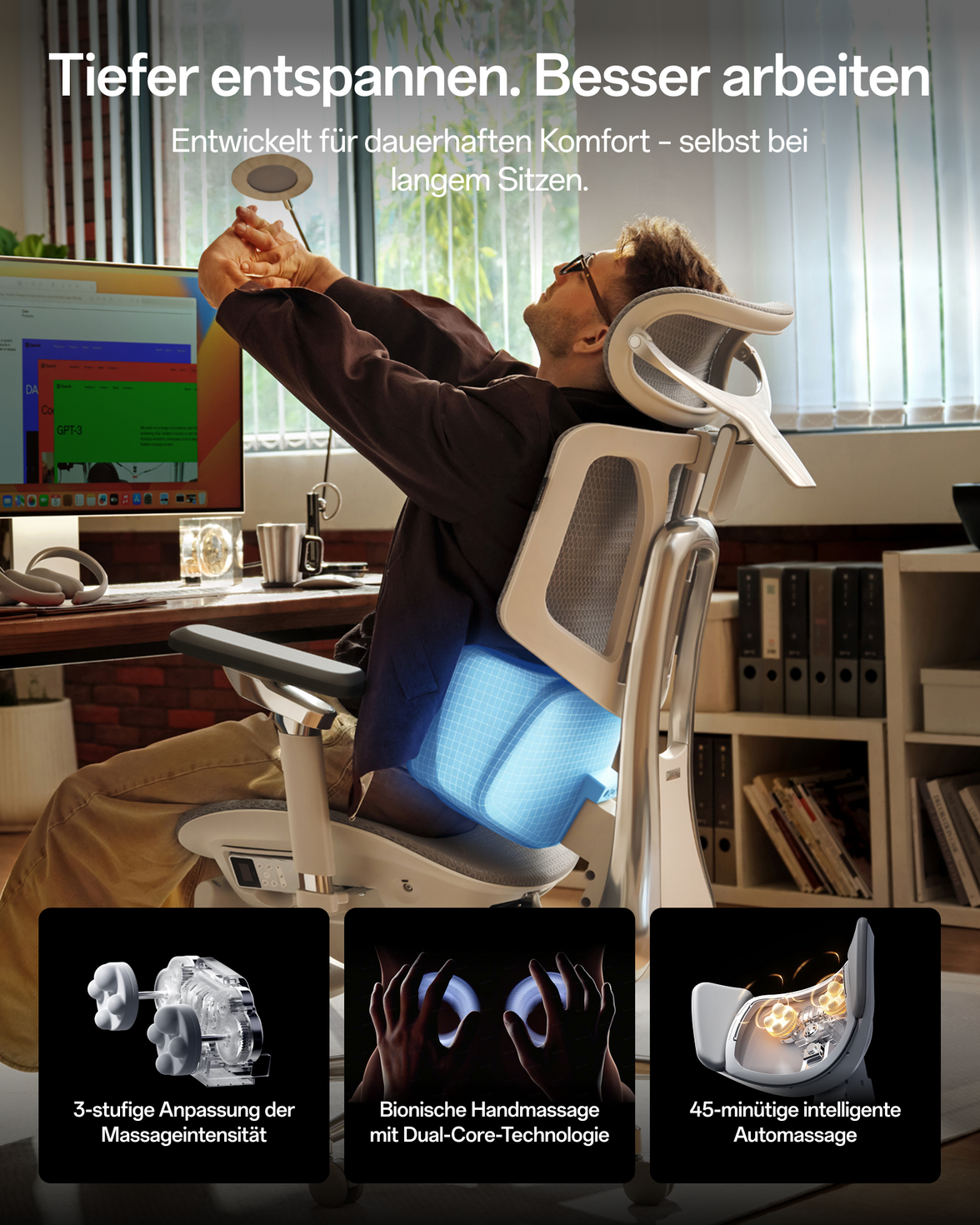
The HBADA E3 Pro 2026 Edition provides 80 mm of backrest-height adjustment and 60 mm of independent lumbar-height adjustment. The HBADA X7 Smart Ergonomic Chair uses powered lumbar tracking that responds as the user's position changes.
These features may help users find a more comfortable sitting position, but an ergonomic chair is not a medical treatment.
How Do Hip and Shoulder Width Affect Chair Fit?

Hip and thigh breadth are the main measurements to check against seat width. The seat should allow room to sit and change position without the frame pressing against the body.
Shoulder breadth relates more closely to backrest space and armrest position. Armrests that are too close can pull broader shoulders inward. Armrests that are too far apart can make a narrower user reach outward. The goal is to support the forearms while the shoulders remain relaxed.
| Body segment | What it affects | Relevant adjustment |
|---|---|---|
| Lower-leg length | Foot support and thigh angle | Seat height or footrest |
| Thigh length | Thigh support and knee clearance | Seat depth |
| Seated torso length | Back, lumbar and head support | Backrest, lumbar and headrest height |
| Hip and thigh breadth | Room on the seat | Seat width |
| Shoulder breadth and arm position | Backrest space and forearm support | Backrest width and armrest span |
How to Measure Your Own Proportions
- Lower-leg height: Sit with your feet supported and measure from the floor to the crease behind your knee.
- Thigh length: Measure horizontally from the back of your buttocks to the crease behind your knee.
- Seated torso length: Measure from the seat surface near your hip to the top of your shoulder.
- Hip breadth: Measure across the widest part of your hips or thighs while seated.
- Natural elbow position: Relax your shoulders and note where your forearms fall without reaching outward.
- Compare each measurement separately: Check the seat, backrest and armrest ranges instead of relying on one height number.
Fit check: Your feet are supported, the seat edge does not press behind your knees, the lumbar support meets your lower back and your shoulders remain relaxed while typing.
HBADA X7 vs E3 Pro: Fit Ranges for Europe

| Adjustment | HBADA X7 Smart | HBADA E3 Pro 2026 |
|---|---|---|
| Seat height | 44.5–53 cm | 46–54.5 cm |
| Seat depth | 40.5–45.5 cm | 45–50 cm |
| Seat width | 52 cm | 51.5 cm |
| Back and lumbar adjustment | Powered tracking, 50 mm front-to-back and 45 mm vertical travel | 80 mm backrest lift and 60 mm independent lumbar lift |
| Recommended height | 150–195 cm | 155–195 cm |
| Maximum load | 150 kg | 150 kg |
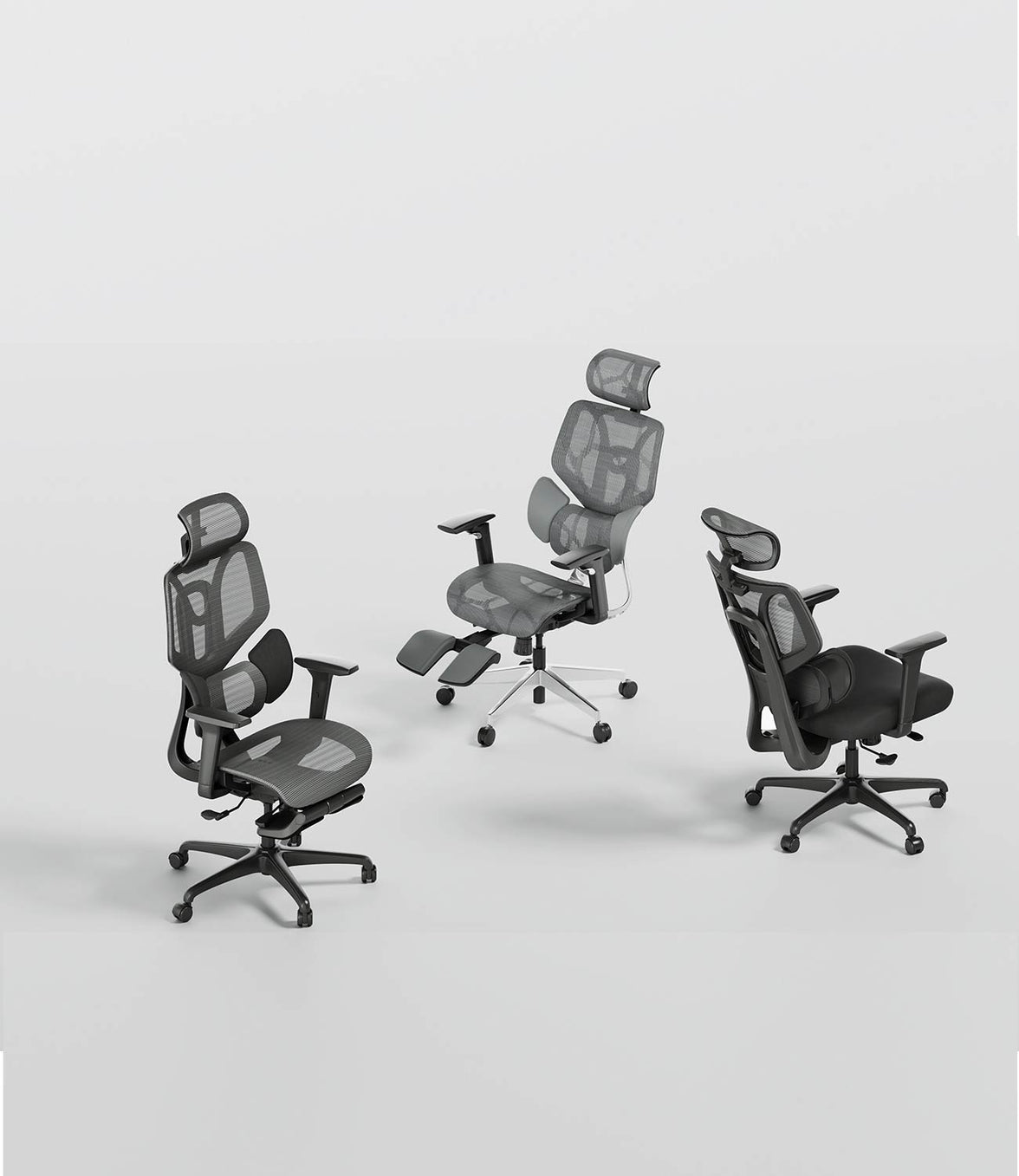
Choose the X7 Smart if you want powered lumbar tracking. Choose the E3 Pro 2026 if you prefer direct mechanical control of the backrest and lumbar position. You can also compare the wider HBADA E3 Series.
Specifications can vary by market, model and configuration. Confirm the current figures on the relevant product page before purchasing.
Limitations and When to Get Help
- Dimensions help predict fit, but cannot guarantee comfort.
- Chair height must be considered together with desk and keyboard height.
- Change position regularly instead of relying on one posture all day.
- Very petite, tall or broad users may fall outside a chair's adjustment range.
If you experience severe, persistent or radiating pain, numbness or weakness, consult a qualified healthcare professional. A chair is not a medical treatment.
Conclusion
Height can help you shortlist a chair, but lower-leg length, thigh length, torso length and body width determine how the individual parts fit. Measure those areas, compare them with the chair's adjustment ranges and test the final setup. The best ergonomic office chair is the one that can be adjusted to your body and your workstation.
Frequently Asked Questions
Can two people of the same height need different chair settings?
Yes. Different leg, torso, hip and shoulder proportions can require different seat, lumbar and armrest settings even at the same standing height.
Is popliteal height the same as seat height?
No. Popliteal height is a body measurement from the floor to the area behind the knee. Seat height is the chair setting adjusted in relation to it. Shoes, seat compression and desk height also affect the final setting.
What if I have a long torso but short legs?
Set the seat height for your legs, then adjust the lumbar support, backrest and headrest separately for your torso. Use a footrest if the chair must remain higher to match the desk.
Are height-based chair charts useful?
They are useful for shortlisting, but not as a fit guarantee. Confirm the individual seat, backrest and armrest ranges before choosing.
Sources
- CCOHS: Office Ergonomics – Ergonomic Chair
- OSHA: Computer Workstation Chairs
- HSE: Working with Display Screen Equipment
- HBADA EU: X7 specifications
- HBADA EU: E3 Pro 2026 specifications