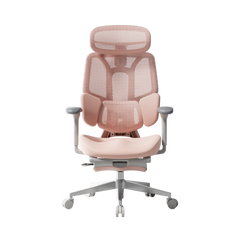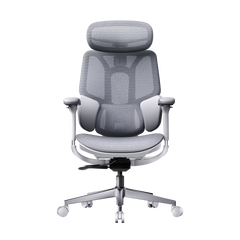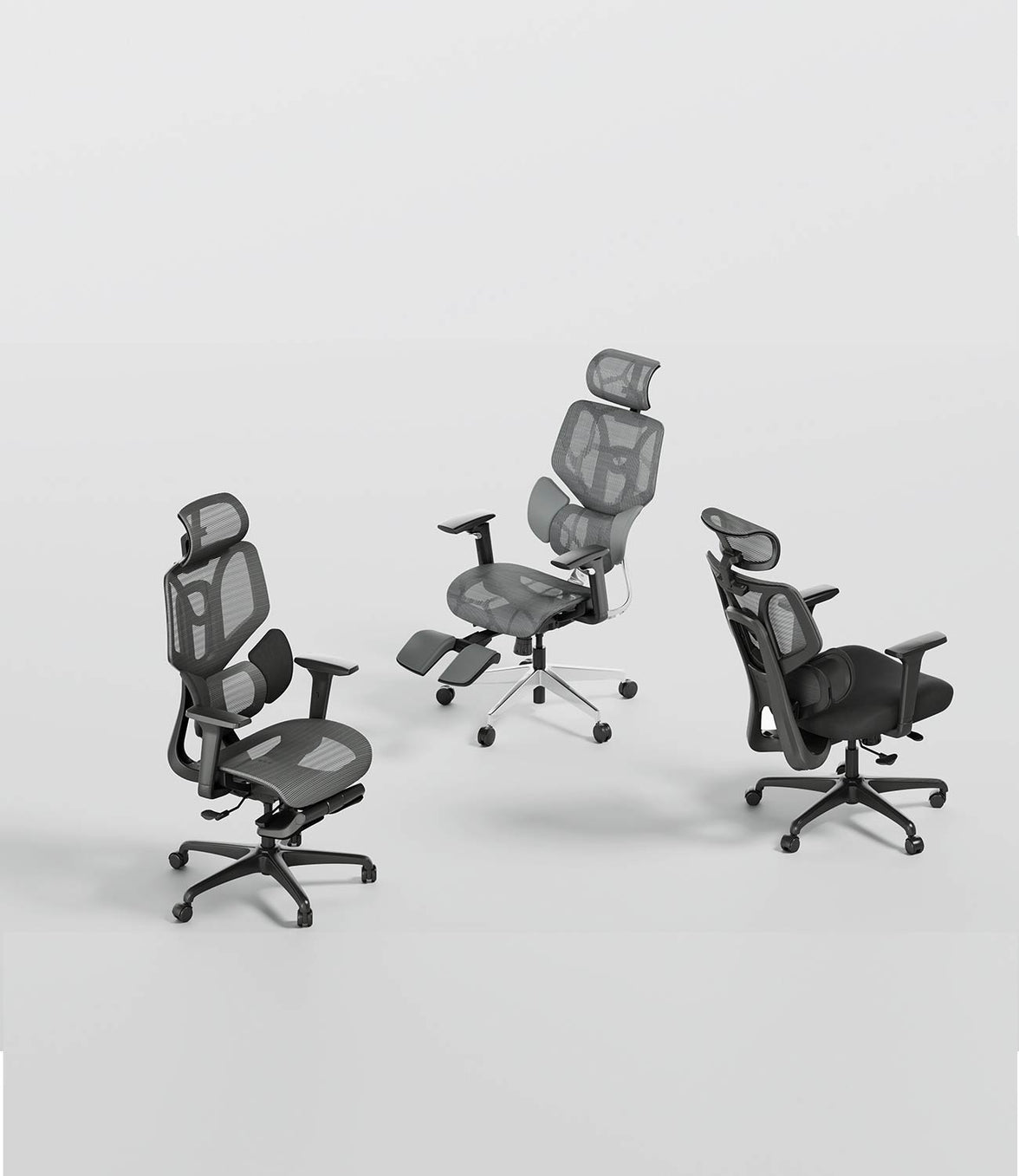








Beyond the
first impression.
Into real life.
Unboxing is only the beginning. Here is a closer look at the HBADA X7’s smart features, everyday comfort and long-term ownership experience.
A smart ergonomic office chair should do more than impress on day one. It should remain useful after the controls become familiar and the chair becomes part of your normal working routine.
This HBADA X7 long-term review brings together media testing and verified owner feedback, covering assembly, AI lumbar support, powered comfort features and the practical details worth considering before you buy.
answer.
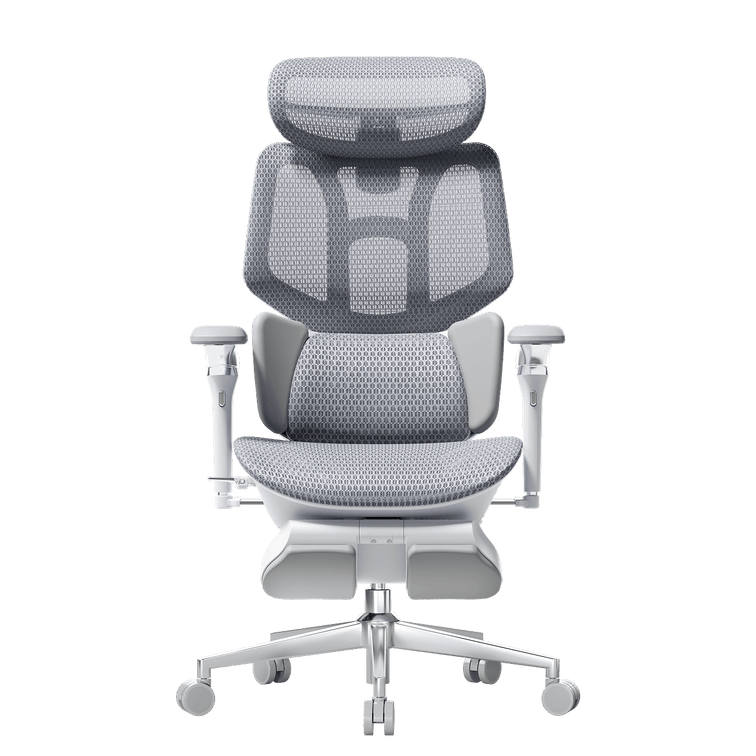
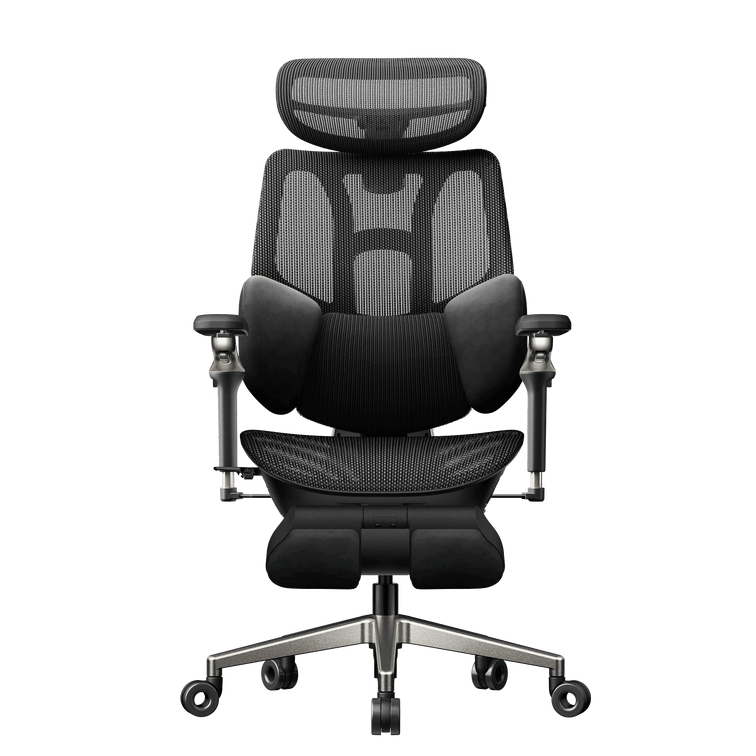
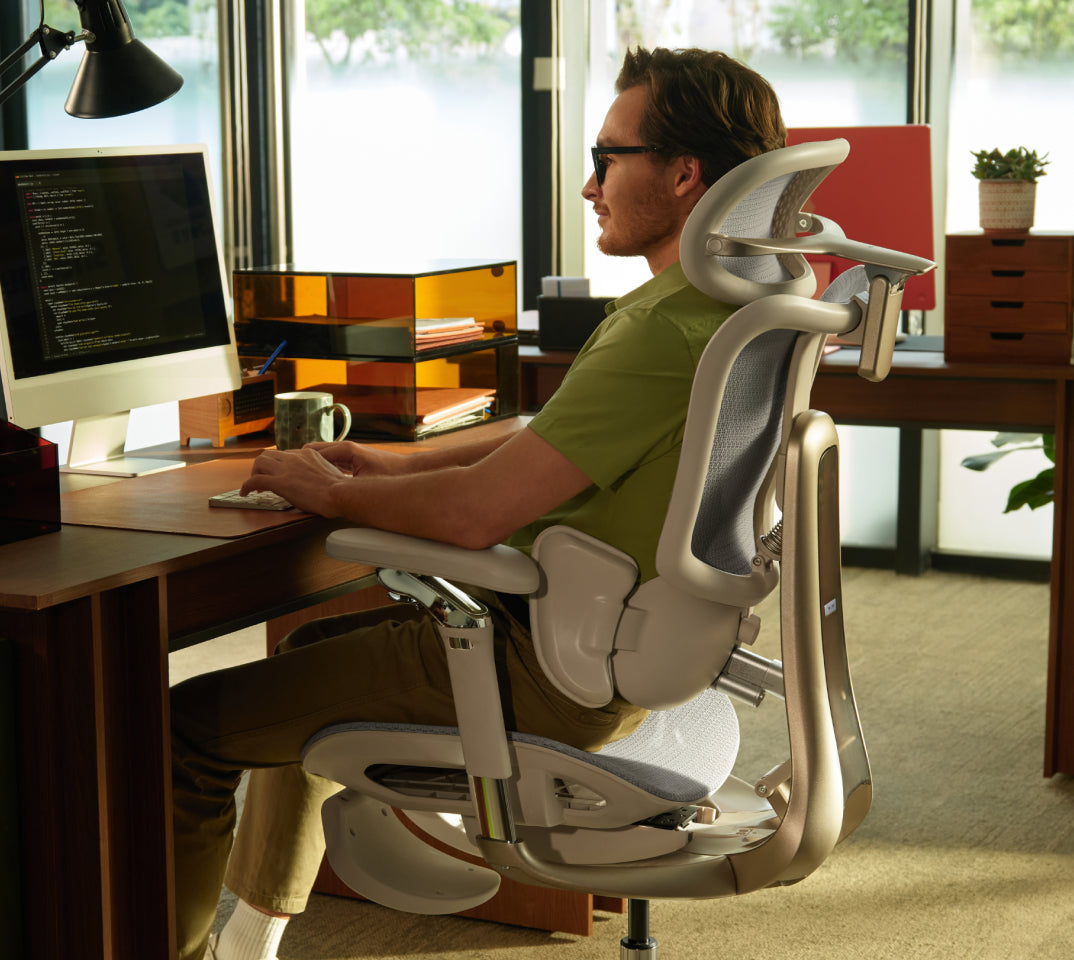
The X7’s defining feature is responsive lower-back support. Reviewers and owners describe lumbar contact that follows changes in sitting position. Its weight, setup and powered components require consideration, but its appeal goes beyond extra features: it is about support that remains useful throughout an ordinary working day.
This brand-authored roundup draws on separate reviewer and owner experiences across different usage periods and markets. It is not presented as a single continuous in-house 90-day test. For an EU purchase, check the selected configuration and local product information.
Make room.
This is not a lightweight delivery.
The X7 arrives as a substantial piece of office furniture. Reviewers highlight the size and weight of the package, making delivery planning a useful first step—not something to think about once the box is already in the doorway.
Clear the route to your workspace, check narrow doorways and consider any stairs along the way. If you live in a flat, think about lift access and the space available for unpacking. Arrange assistance with lifting when needed.
The chair combines mechanical adjustments with powered functions. Its main electronic components are housed within the chair, but connections still need attention during setup. Leave enough space to identify the parts before assembly.
Build it once.
Take the connections seriously.
Assembly accounts collected for this review generally fall within a roughly 20–45-minute window. Your own timing will depend on experience, assistance and the time spent checking the instructions.
Lay out the components
Identify the parts and fasteners using the supplied manual. Protect the chair’s surfaces while working.
Follow the cable routing
Pay attention to the specified connection points. Do not force connectors or trap cables between components.
Check before settling in
Confirm that the mechanical adjustments and powered controls work as described before a full day at your desk.
Reported assembly times describe individual experiences, not a guaranteed setup time. Follow the instructions supplied with your specific chair.
Support that follows.
Not a position you have to find.
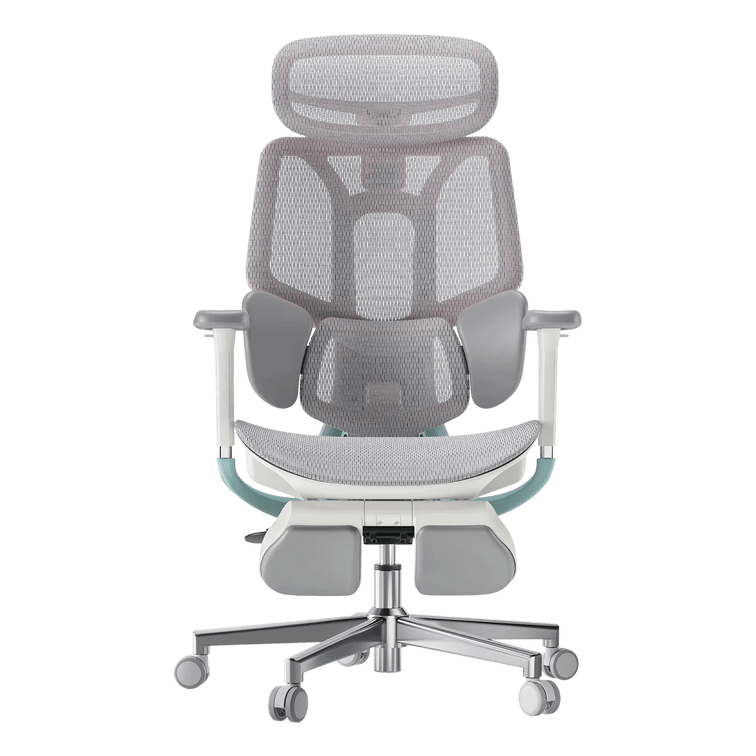
A conventional lumbar pad offers support when your body meets it. The X7’s responsive lumbar system is designed to adapt as your sitting position changes, helping maintain contact with the lower back.
That distinction appears repeatedly in the review material: the support follows movement rather than depending entirely on the user returning to one fixed position.
Responsive contact
Reviewer accounts describe the lumbar support responding as the seated position changes.
A personal setting
The Gadgeteer describes a gentler sensation at lower settings and a more noticeable presence at higher settings.
Everyday convenience
Owner feedback highlights support staying close without repeated manual repositioning during desk work.
Comfort features.
Useful when they fit your routine.
The reviewed X7 setups also bring massage, heating and cooling or ventilation features into the experience. These functions are separate from the chair’s core seat, back and arm support adjustments.
Before ordering, check the X7 configuration available on our EU store . A review describes the package that person used; it should not be taken as a list of what every package includes.
Let support do the quiet work.
Prioritise a comfortable seat position, relaxed shoulders and supportive lumbar contact. Choose powered settings that complement your routine without distracting you.
Change the pace, not just the setting.
Explore the available comfort functions gradually and follow the operating instructions. A seated break can feel relaxing, but it does not replace getting up and moving.
More intensity is not automatically more comfortable. Airflow is not the same as room air-conditioning, and a relaxing massage function is not a medical treatment.
When the features
become familiar.
Long-term value is easier to understand once the chair becomes an ordinary part of the workspace. What stays useful? What do you still adjust? What do you stop thinking about?
Learn the chair before judging the settings.
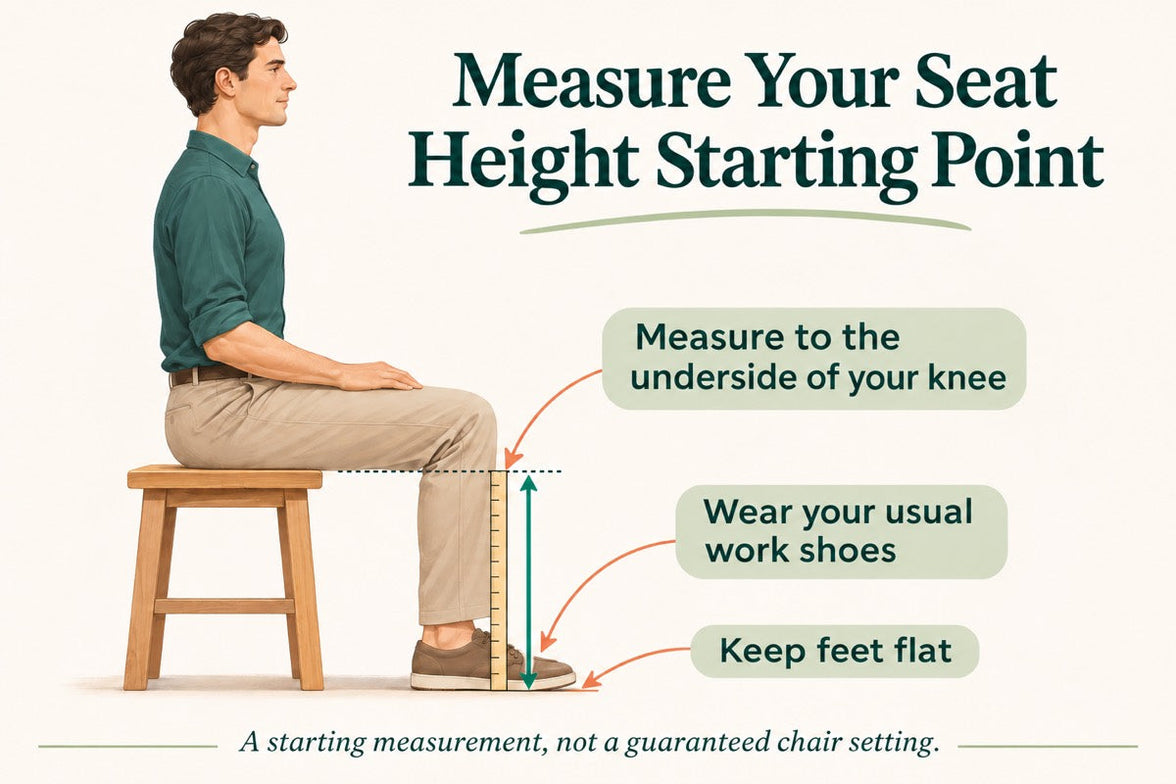
Assembly and initial adjustment shape the first impression. Take time to establish comfortable seat height, seat depth and arm support before deciding how much lumbar contact you prefer.
Comfort becomes part of the working routine.
A designer in the owner feedback collected for this article described a comfortable, stable sitting experience after a month, with less need to reposition for comfort.
Lower-back contact without constant readjustment.
An IT professional highlighted support remaining close during desk-based work without repeatedly repositioning the lumbar support.
Look for consistency, not novelty.
Consider whether the chair still fits comfortably, frequently used adjustments operate as expected and the powered functions continue to earn a place in your routine. A three-month experience is useful context, not a prediction of the chair’s entire lifespan.
These are separate experiences, not a single owner’s timeline. Individual comfort and usage patterns vary.
The best feature is the one
you still appreciate on an ordinary day.
What deserves a closer look?
A powered ergonomic office chair brings ownership considerations beyond upholstery and seat dimensions.
Weight & moving
Reviewers highlight the chair’s substantial weight. Think about stairs and room changes, especially if you regularly move furniture between floors.
Your EU configuration
Compare the specific package offered on the EU store with the version shown in a review. Included accessories and powered features should be checked against your selected order.
Component coverage
Review the warranty terms applicable to your purchase. Structural parts, electronics and batteries may have different coverage terms. Use the information for your purchase market, rather than assuming an overseas review describes the same terms.
Price & delivery
Check the displayed price, delivery availability and final checkout details for your destination. A price quoted in an overseas review is not a current EU offer.
Long-term expectations
Early comfort feedback and durability testing answer different questions. Daily use, care and maintenance all influence the ownership experience beyond the first few months.
Buy for the way you work.
Not just the feature list.
Across the review material, responsive lower-back support is the most consistent theme. The additional comfort functions add flexibility, but the central question remains whether this kind of support matches your working habits and preferences.
You want responsive support.
- Lumbar contact that adapts as you change sitting position.
- Adjustable ergonomic seating with powered functionality.
- Features you can use during both desk work and seated breaks.
You prioritise simplicity.
- You need a lightweight chair to move between floors.
- You prefer a setup without powered components.
- Your main priority is the lowest initial purchase cost.
Start with your body fit, desk setup and the adjustments you expect to use regularly. Then compare the HBADA X7’s features and available options against those priorities.
The X7 is designed for supportive seating and everyday comfort, not to diagnose or treat a medical condition. Persistent pain should be discussed with a qualified healthcare professional.
Before you decide.
How long does HBADA X7 assembly take?
The experiences collected for this review range from roughly 20 to 45 minutes. Allow extra time for checking the connections and follow the manual supplied with your exact model.
What makes the X7’s AI lumbar support different?
The responsive lumbar system is designed to adapt support as your sitting position changes. Reviewers and owners describe lower-back contact that follows movement rather than relying only on a fixed pad.
Does the EU version include everything shown in overseas reviews?
Check the selected configuration and included accessories on the EU product page. A reviewed package or regional version may differ from the one you are ordering.
Is the X7 suitable for a home office?
It can suit a home office where responsive lumbar support and powered functionality are priorities. Check body fit, desk compatibility, delivery access and the space available for assembly.
What should I check before ordering in Europe?
Confirm the configuration, included accessories, delivery availability for your destination and applicable warranty terms. Refer to the EU store and checkout for current pricing rather than a price quoted in an overseas review.
Are all the experiences from one 90-day test?
No. This brand-authored roundup brings together separate media tests and verified owner experiences covering different usage periods. A one-month owner observation is identified separately from the broader long-term discussion.
Does a 90-day review establish the chair’s lifespan?
No. It can help describe early ownership, comfort and feature usability, but total service life also depends on use, care, loading and maintenance.
Smart support.
A more personal way to sit.
Explore the HBADA X7 on our EU store, compare the available configuration and see how responsive lumbar support fits into your working day.