A practical guide to office-chair lifespan, warning signs, maintenance and the decision between repairing an existing chair and replacing it.
Replace or stop using a chair immediately if a structural or safety-critical component is damaged.
What Is the Typical Lifespan of an Office Chair?
There is no single expiry date for an office chair. A chair’s usable life ends when it can no longer provide safe, stable and appropriate support, not simply when it reaches a particular age.

Better materials, a stable base, a suitable gas lift and replaceable components can help a chair remain serviceable for longer. Entry-level chairs may require repairs or replacement earlier, particularly when they are used for long working days.
Concentrate on correct setup, regular cleaning and checking the fasteners after the initial assembly period.
Inspect the castors, armrests, fabric, mesh, adjustment controls and gas lift for wear or changes in performance.
Compare the cost and availability of replacement parts with the condition of the chair’s main structure.
Continue using the chair only while the frame, base, gas lift, mechanism and support surfaces remain safe and functional.
What Affects the Lifespan of an Office Chair?
The manufacturer and original build quality matter, but the chair’s working conditions and maintenance history also influence how long it lasts.

Build Quality
The strength of the frame, base, adjustment mechanism, gas lift and connection points affects the chair’s long-term stability.
Materials and Upholstery
Mesh tension, fabric durability, foam density and the quality of moving components influence resistance to everyday wear.
Daily Sitting Time
A chair used for eight or more hours every working day generally experiences more adjustment cycles and material fatigue.
User Fit and Load
Staying within the stated weight limit and choosing suitable seat dimensions helps reduce unnecessary pressure on the structure.
How the Chair Is Used
Standing on the chair, dropping heavily into the seat or forcing adjustment controls can shorten its usable life.
Maintenance and Environment
Dust, hair, direct sunlight, heat, humidity and loose fasteners can gradually affect castors, upholstery and moving components.
Signs That an Office Chair May Need Replacing
A cosmetic mark does not necessarily mean a chair is finished. Structural damage or loss of stability is more serious than normal surface wear.
Normal Wear
- Minor cosmetic marks
- Dust or hair around the castors
- A removable pad showing light wear
- An accessible fastener needs retightening
Performance Issues
- Castors no longer roll smoothly
- Armrests no longer hold their setting
- The chair makes a new squeaking sound
- The gas lift slowly loses height
Safety Concerns
- Cracked five-star base or frame
- Bent or leaking gas lift
- Unstable seat mechanism
- Structural separation or sudden leaning
An office chair may also need replacement when:

- A safety-critical component has failed and cannot be repaired safely.
- Several major components fail within a short period.
- Correct compatible replacement parts are unavailable.
- The seat cushion has collapsed and no longer provides even support.
- The chair cannot be adjusted to the user’s body or workstation.
- Persistent discomfort remains after the chair and desk are correctly adjusted.
- The chair is too large or too small for the user or available space.
- The chair no longer meets the functional requirements of the workplace.
Should You Repair or Replace Your Office Chair?
Repair is usually most practical when the chair’s main structure remains sound and the failed component is replaceable with an approved compatible part.
| Chair issue | Repair may make sense when | Replacement may be safer when |
|---|---|---|
| Castors | The castors are worn but the base and castor sockets remain intact. | The base is cracked, distorted or no longer holds the castors securely. |
| Gas lift | A model-compatible replacement is available and the base and seat mechanism remain sound. | The cylinder is leaking or damaged and other structural parts have also deteriorated. |
| Armrest or headrest | A replaceable pad, bracket or model-specific assembly has failed. | The mounting point or surrounding frame is cracked. |
| Seat upholstery | The damage is cosmetic and a suitable replacement surface or seat component is available. | The supporting seat structure has collapsed, separated or become unstable. |
| Tilt mechanism | The manufacturer confirms an appropriate replacement component. | The mechanism fails unexpectedly or the correct part cannot be sourced. |
| Multiple faults | Repairs remain economical and restore the chair to safe operation. | Repair costs approach the value of a suitable replacement chair. |
If the chair is still under warranty, contact the manufacturer before ordering a third-party part or attempting a structural repair. An unsuitable gas lift, base, mechanism or castor may create a safety risk and could affect warranty eligibility.
Office Chair Maintenance Schedule
A simple maintenance routine can prevent minor issues from becoming expensive or unsafe faults.
Clean and Observe
- Remove surface dust.
- Vacuum fabric or mesh gently.
- Remove hair from the castors.
- Listen for new sounds.
- Check that controls move normally.
Inspect and Adjust
- Check accessible bolts.
- Inspect castors and base sockets.
- Test height and tilt functions.
- Check armrest stability.
- Inspect cables on powered models.
Complete Condition Review
- Inspect the five-star base.
- Check the gas lift for damage.
- Review mesh or cushion condition.
- Assess fit and support.
- Record repaired or replaced parts.
Clean the Upholstery Regularly
Use a soft brush or low-suction vacuum attachment to remove dust from mesh and fabric. Follow the manufacturer’s care instructions and test any cleaning product on a small hidden area first. Avoid soaking the upholstery or using bleach and aggressive solvents.
Clear Hair and Debris From the Castors
Castors collect dust, thread and hair, particularly on carpeted floors. Remove loose material carefully without damaging the wheel or stem. Do not use a sharp tool in a way that could cut the wheel or injure your hand.
Check Loose Fasteners
Bolts can gradually loosen as the chair moves. Check accessible fasteners with the correct tool and tighten them according to the manual. Avoid overtightening, particularly where bolts connect to plastic components.
Use the Chair as Intended
Sit centrally and remain within the chair’s stated weight limit. Do not stand on the seat, use the armrests as steps or repeatedly force an adjustment beyond its designed range.
Care for Leather Correctly
If the chair uses genuine leather, follow the manufacturer’s material-care instructions. Use only a suitable leather product after testing a hidden area. Products intended for real leather may not be suitable for synthetic upholstery.
Arrange Periodic Workplace Inspections
For shared offices, a facilities or workplace manager can record faults, organise compatible replacement parts and remove unsafe chairs from use before minor problems become larger failures.
How Companies Can Plan Office-Chair Replacement
Large organisations do not need to replace every office chair at the same time. A rolling inspection and replacement programme can spread costs while keeping seating in serviceable condition.
Create a Chair Register
Record the model, purchase date, location, warranty status, repairs and inspection history for each chair or furniture group.
Use Condition-Based Replacement
Prioritise chairs with safety or structural faults instead of replacing equipment solely because it has reached a certain age.
Keep Compatible Spare Parts
Approved castors, arm pads and other serviceable components can reduce downtime when several offices use the same chair models.
Maintain Temporary Spare Chairs
A small stock of inspected spare chairs allows faulty seating to be removed immediately while a warranty claim or repair is processed.
Employees should also have a simple way to report sinking, instability, damaged castors, loose components or persistent fit problems. Reported safety concerns should be assessed before the chair is returned to use.
HBADA EU Office Chairs and Warranty Coverage
HBADA EU offers ergonomic chairs with different adjustment systems, body-fit ranges and powered or mechanical features.
Understand What “Up to Five Years” Means
Under the current HBADA EU warranty structure, the E3 and X7 Series receive five-year extended coverage for the three principal load-bearing components: the five-star base, gas lift and castors. Other components in these series are generally covered for three years.
Other HBADA series generally receive three-year coverage. Eligibility depends on the warranty conditions, normal non-commercial use and confirmation that the issue is an eligible manufacturing defect.
Always check the current HBADA EU Warranty and Service page for the terms applying when support is requested.
| HBADA EU series | Base, gas lift and castors | Other components |
|---|---|---|
| E3 Series | 5-year extended warranty | 3-year warranty |
| X7 Series | 5-year extended warranty | 3-year warranty |
| Other HBADA series | 3-year warranty | 3-year warranty |
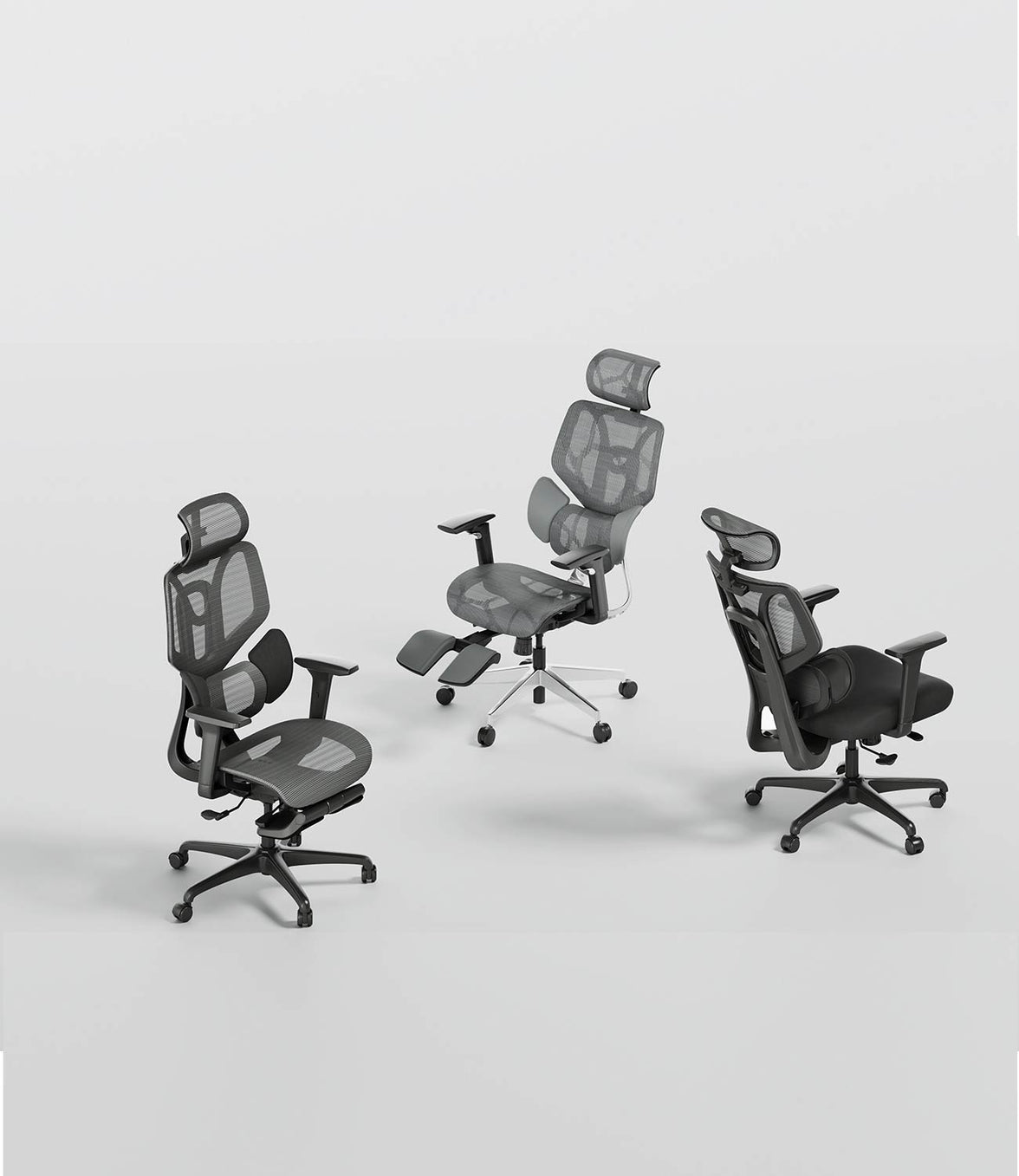
Current HBADA EU options include the mechanically adjustable E3 Series and the smart X7 Series. Compare recommended user height, seat-height range, seat depth, maximum stated load and the type of lumbar support before choosing a chair.
- Explore the HBADA E3 Pro 2026 Edition
- Explore the HBADA E3 Air 2026 Edition
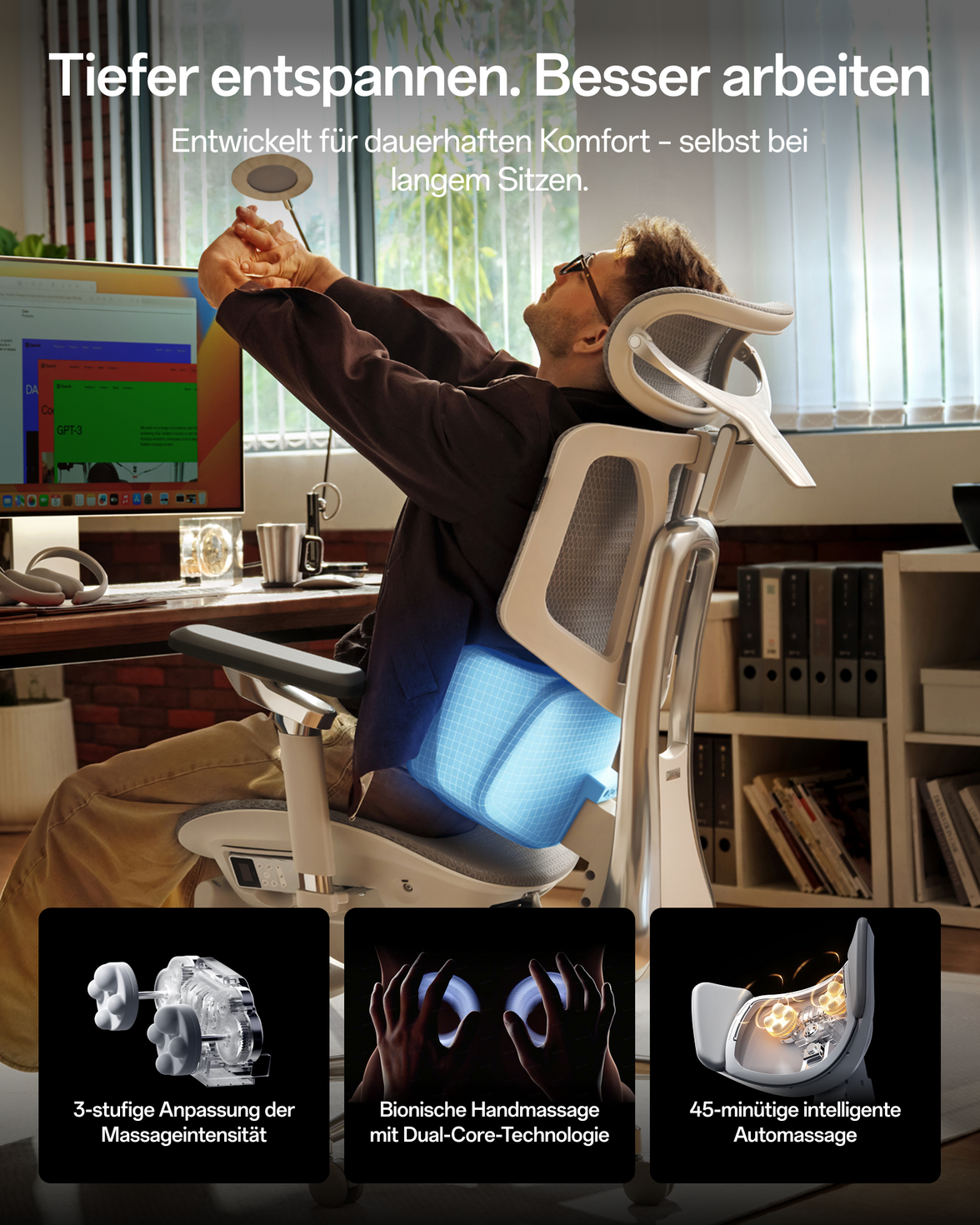
- Explore the HBADA X7 Smart Ergonomic Chair
Specifications, prices, configurations and stock can change. Confirm the current details on the individual EU product page before purchasing.
Frequently Asked Questions
How long should a good office chair last?
A well-built and properly maintained office chair may remain serviceable for approximately five to ten years. This is a practical reference range rather than a guaranteed lifespan. Usage intensity, user fit, environment and component quality can shorten or extend it.
How often should an office chair be replaced?
Replace an office chair according to its condition rather than a fixed calendar. Structural cracks, instability, an unsafe gas lift or unavailable compatible parts are stronger replacement signals than age alone.
Is it worth repairing an old office chair?
Repair may be worthwhile when the main structure remains sound and an approved compatible part can restore safe operation. Replacement may offer better value when several major parts have failed or the chair no longer fits the user.
Can an office-chair gas lift be replaced?
Many gas lifts can be replaced as complete sealed components, but the replacement must be compatible with the exact chair. Never cut, puncture, heat or open a gas cylinder. Contact the manufacturer if compatibility or safe removal is uncertain.
How can I make my office chair last longer?
Clean the chair regularly, remove debris from the castors, inspect accessible fasteners, stay within the specified weight limit and use each adjustment only as designed. Address unusual movement, sounds or height loss before the fault becomes more serious.
Does a five-year warranty mean a chair lasts only five years?
No. Warranty duration and usable lifespan are different. A chair may remain serviceable after its warranty ends, while misuse or abnormal wear may create problems earlier. The warranty defines eligible coverage, not the chair’s expiry date.
Should I replace a chair that causes discomfort?
First check seat height, seat depth, lumbar position, armrests, monitor height and desk clearance. If the chair still cannot fit the user appropriately, a different size or adjustment system may be more suitable. Persistent or severe pain should be discussed with an appropriate healthcare professional.
Maintain What Works. Replace What No Longer Supports You.
Regular inspection helps extend the useful life of a chair, but safety and body fit should always take priority over keeping an unsuitable or damaged chair in service.
Explore HBADA EU Chairs View Chair Maintenance HelpInformation and Review Note
This guide provides general chair-care and replacement guidance. Product specifications and warranty terms should be checked against the current HBADA EU product and policy pages.