Choosing the right lumbar support is not simply about selecting the firmest backrest. The support should match your torso length, body size, preferred sitting position and daily adjustment needs. A lumbar pad that feels comfortable for one person may feel too high, too low or too prominent for someone else.
This guide explains how to choose lumbar support for different body types, how to position it correctly and how standard, 3-zone and powered lumbar-support systems differ.
Table of Contents
- Why one-size-fits-all lumbar support may not work
- Where should lumbar support be positioned?
- Choosing lumbar support for your body type
- How 3-zone lumbar support works
- Adaptive and powered lumbar support
- Lumbar-support technology comparison
- How to adjust your lumbar support
- Frequently asked questions
Why One-Size-Fits-All Lumbar Support May Not Work
Many office chairs use a fixed curve or a single lumbar pad. The difficulty is that people have different torso lengths, hip shapes and preferred sitting positions. A fixed lumbar pad may sit comfortably against one user’s lower back but press against another user’s pelvis or mid-back.
Incorrectly positioned lumbar support may cause you to sit forward, raise your shoulders or lose contact with the backrest. For a more individual fit, look for lumbar support that allows you to adjust at least the height or depth. A flexible backrest can also help maintain comfortable contact as you change position.
Where Should Lumbar Support Be Positioned?
Lumbar support should sit comfortably within the natural inward curve of your lower back. It should provide noticeable contact without forcing your torso forward or creating a painful pressure point.
Use the following signs to check the position:
- Your pelvis remains against the back of the seat.
- Your shoulders feel relaxed rather than pushed forward.
- The support feels firm but not painful.
- Your feet remain supported by the floor or a suitable footrest.
- You can change between upright and reclined positions without losing all backrest contact.
If the support feels like a hard lump, reduce its depth or move it slightly lower. If there is a large unsupported gap behind your lower back, increase the depth or adjust the support upward.

Choosing Lumbar Support for Your Body Type
Height alone does not determine chair fit. Torso length, upper-leg length, hip width and preferred lumbar pressure should also be considered.
Petite and shorter users
Petite users may find that a deep lumbar pad pushes them away from the backrest. Prioritize adjustable lumbar height and depth, together with a seat that can be set low enough for supported feet.
A suitable setup should allow you to sit against the backrest without the seat edge pressing against the back of your knees. If the desk requires a higher seat position, use a stable footrest rather than allowing your feet to hang.
Average-height users
Average-height users may fit a wider range of chairs, but adjustment is still important. Set the lumbar support only after adjusting the seat height and depth. This prevents the lumbar position from compensating for an incorrectly positioned seat.
Tall users
Tall users should pay particular attention to backrest height, lumbar-height range and seat depth. A lumbar pad that cannot be raised sufficiently may sit against the top of the pelvis instead of the lower-back curve.
A high-back chair is not automatically suitable for every tall user. Check the published adjustment range and product dimensions rather than relying only on terms such as “high-back” or “big and tall.”
Users with larger body frames
Users with wider backs or hips may prefer a broad lumbar surface or adjustable side wings that distribute contact across a larger area. Also check the usable seat width, armrest spacing and stated maximum weight capacity.
Users experiencing persistent back discomfort
An adjustable chair may improve sitting comfort, but an office chair is not a medical device and cannot diagnose or treat the cause of back pain. If you experience persistent, severe, radiating or worsening discomfort, consult a qualified healthcare professional.

How 3-Zone Lumbar Support Works
A 3-zone lumbar-support system divides the support surface into a central section and two side sections. Instead of placing pressure at only one central point, the structure is designed to maintain broader contact across the lower-back area.
Depending on the chair model, the side sections may flex, pivot or be manually adjusted. The central section supports the main lumbar area, while the side sections adapt to changes in body position and back width.
Potential benefits of an adjustable 3-zone system
- Broader contact across the lower-back area
- Adjustable height and depth on selected models
- More flexibility when changing sitting positions
- A choice between lighter and firmer support settings
- Improved compatibility with a wider range of body shapes
The best setting is not necessarily the deepest or firmest one. Start with moderate support and increase it only if you can remain comfortably against the backrest.

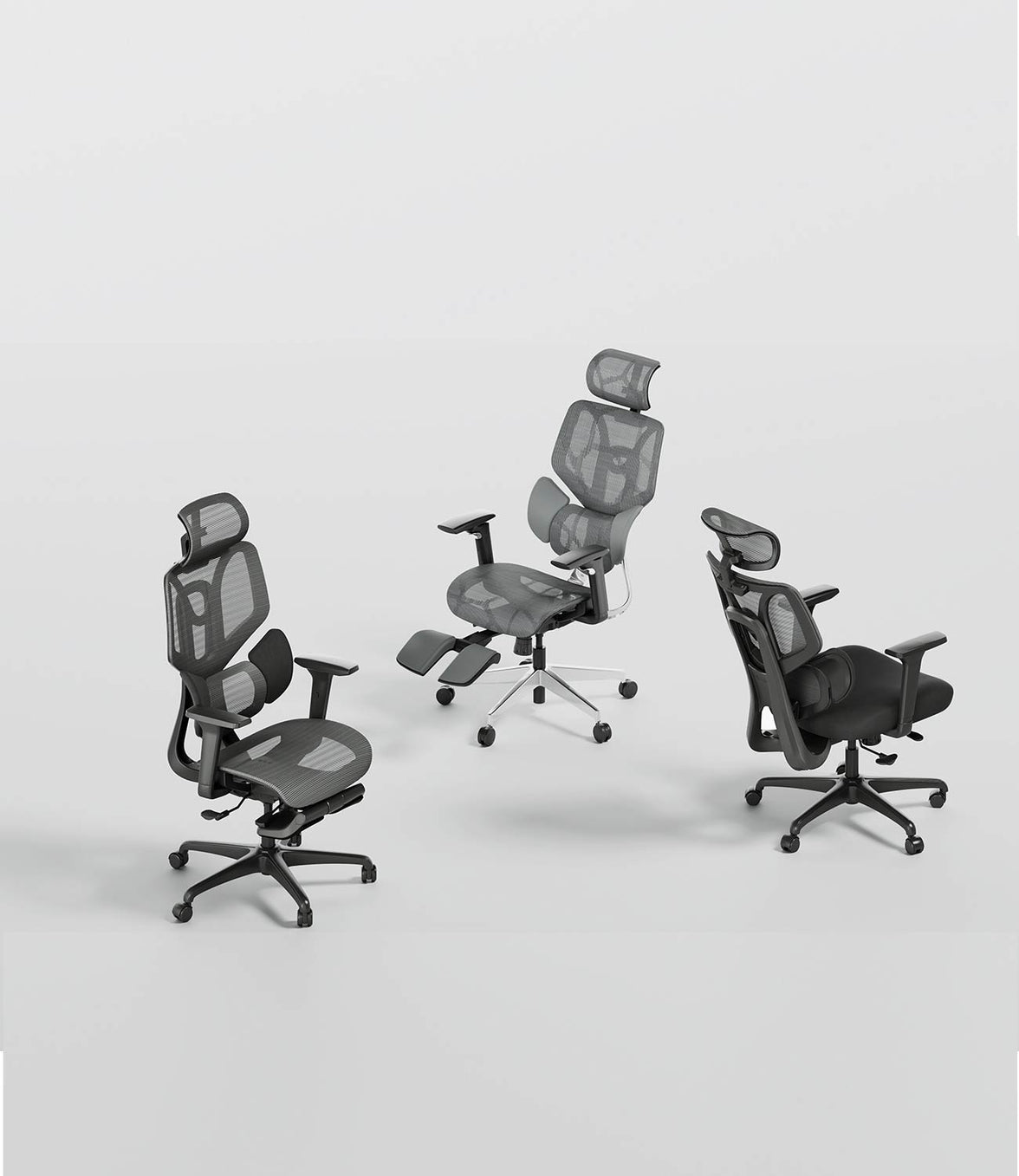
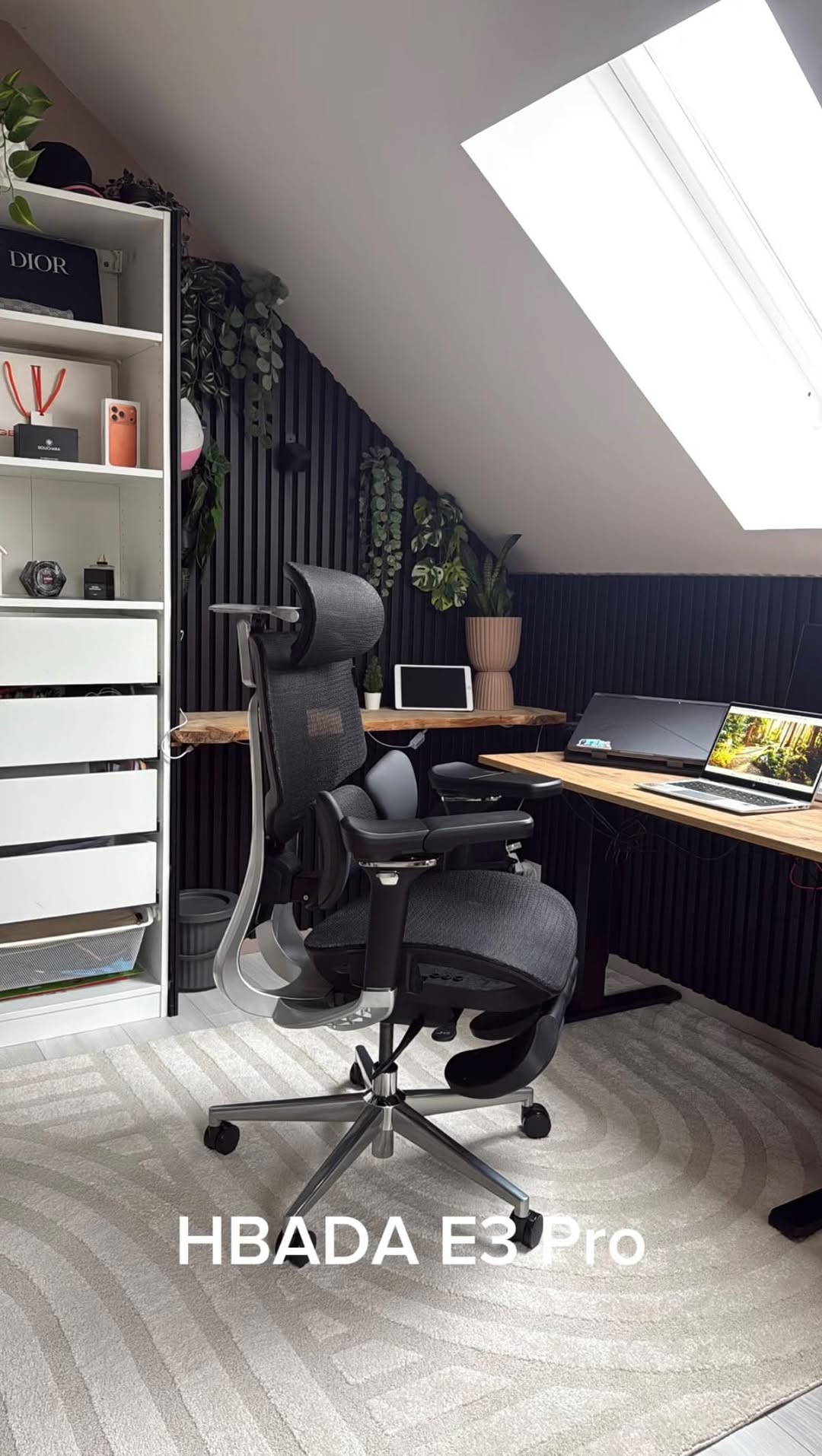
HBADA uses 3-zone lumbar-support designs across selected E3 models. Available height, depth, side-wing movement and tracking functions vary between products, so compare the specifications before choosing.
Explore the HBADA E3 2026 ergonomic chair range or review the HBADA E3 Pro 2026 Edition for model-specific adjustment details.
Adaptive and Powered Lumbar Support
Lumbar-support systems generally fall into three groups: manually adjustable, mechanically adaptive and powered tracking systems.
Manually adjustable lumbar support
A manual system allows the user to set the height, depth or firmness using a lever, knob or sliding mechanism. It is a practical choice for users who prefer a fixed setting that remains consistent throughout the day.
Mechanically adaptive lumbar support
A mechanically adaptive system uses flexible structures, springs or moving sections to maintain contact as the user changes position. It does not necessarily require sensors, electricity or software.
Powered lumbar tracking
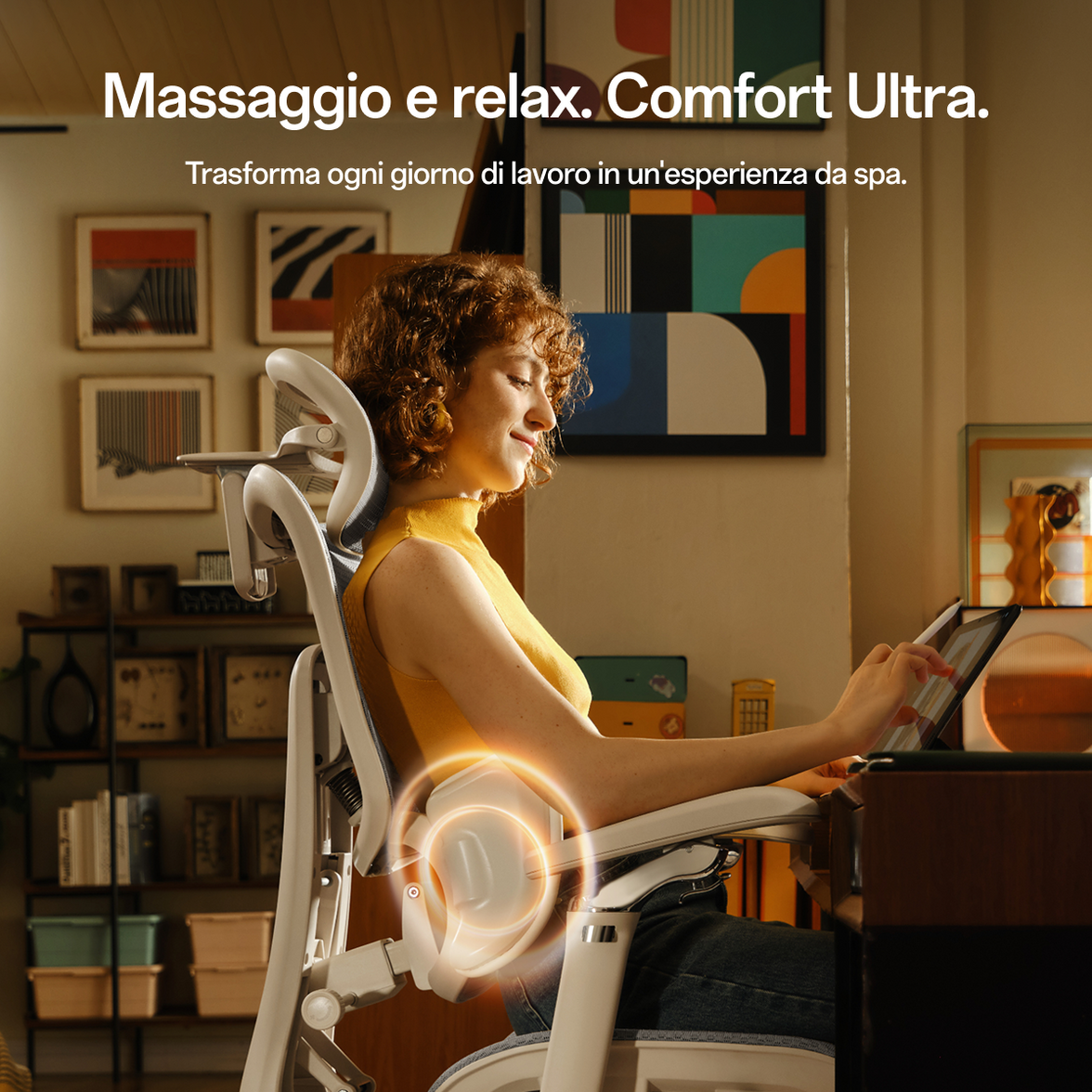
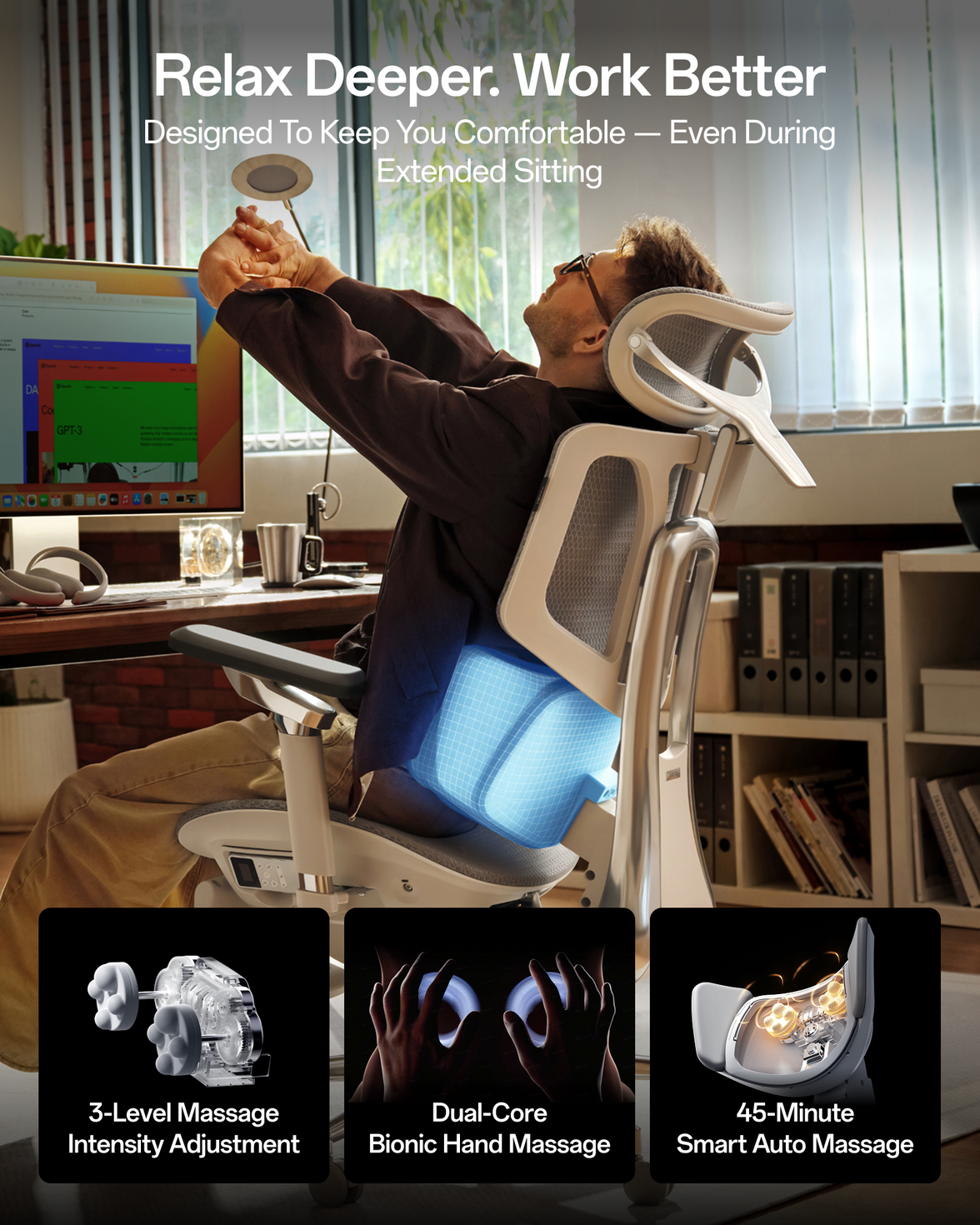
A powered lumbar-tracking system uses sensors and a motorised support mechanism to respond to changes in sitting position. Available pressure levels, memory functions and powered features vary by product.
HBADA X7 Smart Ergonomic Chair
The HBADA X7 Smart Ergonomic Chair combines powered lumbar tracking with adjustable seating features. The currently listed X7 also offers selected powered comfort functions, including massage, warming and seat ventilation.
The published recommended user range for the X7 is 150–195 cm, with a maximum stated load of approximately 150 kg. Users should still compare the seat-height and seat-depth ranges with their individual measurements rather than assuming one chair will fit every body type.

Lumbar-Support Technology Comparison
| Feature | Manual Lumbar Support | 3-Zone Adaptive Support | Powered Lumbar Tracking |
|---|---|---|---|
| Adjustment method | Knob, lever or slider | Manual settings with flexible mechanical movement | Sensors and powered movement |
| Support contact | Usually a central pad or backrest curve | Central support with flexible side sections | Powered support designed to respond to position changes |
| Body-fit range | Depends on adjustment range | Designed for a broader adjustment range | Depends on product dimensions and stated user range |
| Power required | No | No | Yes, for powered functions |
| Best suited to | Users who prefer a fixed personal setting | Users who change position throughout the day | Users who want powered, responsive adjustment |
No single lumbar-support technology is automatically best for everyone. Product dimensions, adjustability, desk compatibility, personal preference and correct setup remain important.
How to Adjust Your Lumbar Support
- Set the seat height. Place your feet flat on the floor or on a stable footrest.
- Adjust the seat depth. Leave a small space between the seat edge and the back of your knees.
- Sit fully against the backrest. Avoid adjusting the lumbar pad while sitting on the front edge of the seat.
- Set the lumbar height. Position it within the natural inward curve of your lower back.
- Start with moderate depth. Increase the support gradually rather than selecting the strongest setting immediately.
- Adjust the armrests. Support your forearms without lifting your shoulders.
- Test more than one position. Check the support while upright and while using a light recline.
- Continue moving. Change position and take regular standing or walking breaks during extended work sessions.
Frequently Asked Questions
How do I know if the lumbar support is in the right position?
The support should sit comfortably within the inward curve of your lower back, usually around the area just above the belt line. It should feel supportive without pushing your shoulders forward or forcing your pelvis away from the backrest.
How firm should lumbar support feel?
Lumbar support should feel noticeable but comfortable. Stronger pressure is not automatically better. Reduce the depth or intensity if the support feels painful, creates numbness or causes you to sit forward.
Is a mesh backrest better than foam for lumbar support?
Neither material is automatically better. Mesh generally offers higher airflow and a suspended feel, while foam usually provides softer, cushioned contact. Lumbar position, adjustment range and individual preference are more important than material alone.
Can lumbar support help users who experience sciatica?
Adjustable lumbar support may improve sitting comfort for some users, but an office chair does not diagnose or treat sciatica. Anyone experiencing persistent pain, numbness, weakness or radiating discomfort should consult a qualified healthcare professional.
Do tall users always need a high-back chair?
Not necessarily. Tall users should focus on the actual backrest height, lumbar-height range, seat depth and headrest position. A chair labelled “high-back” may still be unsuitable if its adjustment range does not match the user’s measurements.
Can lumbar support be too strong?
Yes. Excessive depth or firmness can push the pelvis forward or create a concentrated pressure point. Begin with a moderate setting and increase it only if you can remain comfortably against the backrest.
Is adaptive lumbar support the same as powered lumbar tracking?
No. Adaptive lumbar support may use springs, flexible wings or moving mechanical sections without electricity. Powered lumbar tracking uses sensors and motorised components to respond to changes in sitting position.
Conclusion
The right lumbar support should match your body instead of forcing your body into one fixed position. Before choosing a chair, compare the lumbar-height and depth ranges, seat dimensions, backrest height, weight capacity and available adjustment mechanisms.
Manual lumbar support is suitable for users who prefer a consistent setting. A 3-zone mechanical system provides broader, more flexible contact, while a powered system such as the HBADA X7 Smart Ergonomic Chair is designed for users who want responsive powered adjustment.
Whichever system you choose, correct setup and regular movement remain essential. An ergonomic chair can support sitting comfort, but it should not be presented as a substitute for medical assessment or treatment.
Compare current models in the HBADA ergonomic office chair collection or visit the HBADA EU FAQ centre for additional product and support information.