














You don’t have to accept back pain as part of your workday. Good posture is important for your health and productivity. It helps reduce strain on your spine, increases your energy, and prevents joint injuries. The best approach is to build healthy habits and use supportive seating. Here’s how you can set up your workspace for comfort and focus.

What is Ergonomic Posture? Meaning and Benefits
The Hidden Costs of Poor Alignment
Many people don’t realize how much a typical office setup can affect their bodies. Slouching at your desk can put pressure on your spine, make it harder to breathe, and slow your digestion. Over time, this can lead to back pain, headaches, and fatigue. To feel better at work, it’s important to learn about posture and how your body moves.
Ergonomic Posture: Meaning and Benefits
What does ergonomic posture mean, and why is it helpful? It means keeping your body in a natural, relaxed position. This reduces tired muscles and takes pressure off your joints. You’ll notice fewer headaches, less back pain, and better blood flow in your legs. With a good setup, your muscles don’t have to work extra hard to keep you upright, so you can stay focused and avoid feeling tired in the afternoon.
Proper Sitting Posture for Office Workers: A Step-by-Step Guide
Just reminding yourself to “sit up straight” isn’t enough. Good sitting posture means your whole body works together with your desk, monitor, and chair. Here’s how to get it right from head to toe.
Spinal Alignment and Sitting Position in Front of Computer Ergonomics
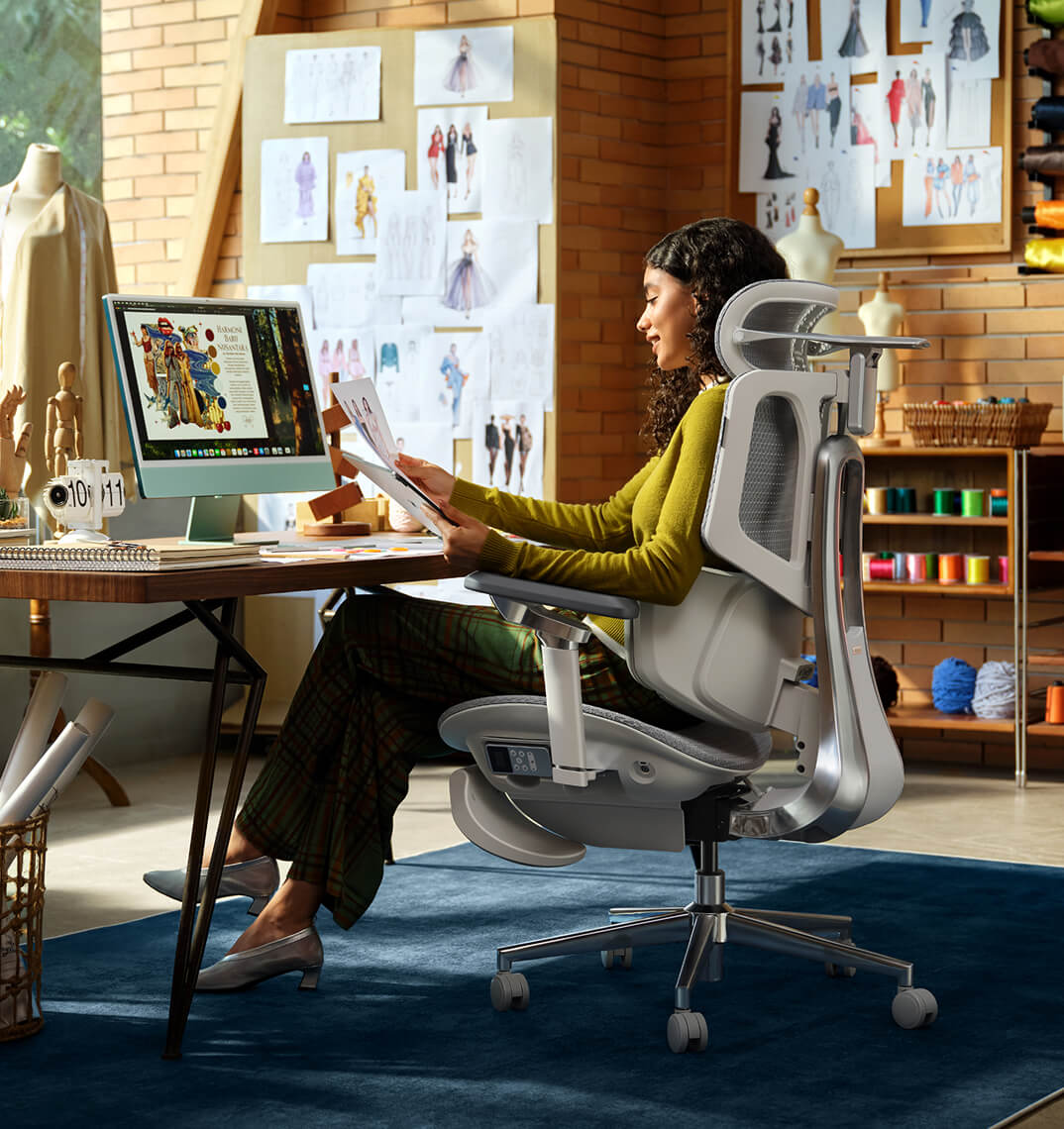
When you set up your computer workspace, start by making sure your monitor is at eye level and about an arm’s length away. This helps keep your neck straight and avoids strain. Sit with your hips all the way back in your chair. If you have an adjustable chair, set the seat depth so your back is supported and there’s a small gap between the seat and the back of your knees.
Feet, Legs, and Circulation
Your lower body matters for posture. Keep your knees at or just below hip level, and keep your feet flat on the floor. If your feet don’t reach, use a footrest. Try not to cross your legs, since it can twist your hips and reduce circulation, which may cause numbness or discomfort.
Ergonomic Armrests for Shoulder Relief and Posture
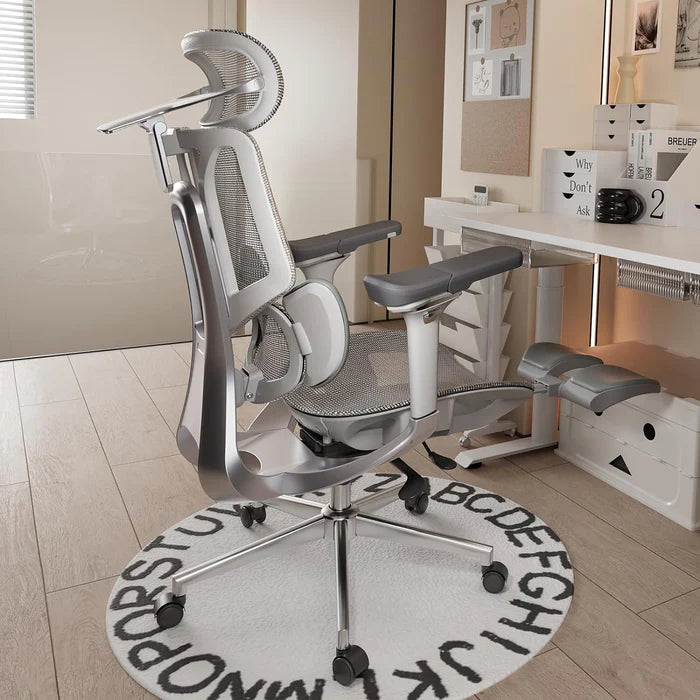
Pay attention to your arms and wrists. Keep your elbows close to your sides at a natural angle, about 90 to 100 degrees. Good armrests help support your arms and take pressure off your neck and shoulders. Place your keyboard and mouse so your wrists stay straight, not bent up or down.
Why Your Office Chair is Your Most Important Tool
Healthy habits are important, but your chair matters just as much. If your seat is stiff and doesn’t support you, it’s hard to keep good posture all day.
The Search for the Best Ergonomic Chair for Long Hours
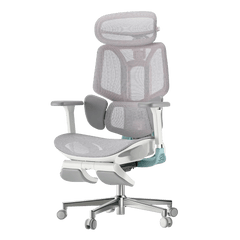
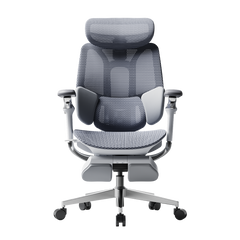
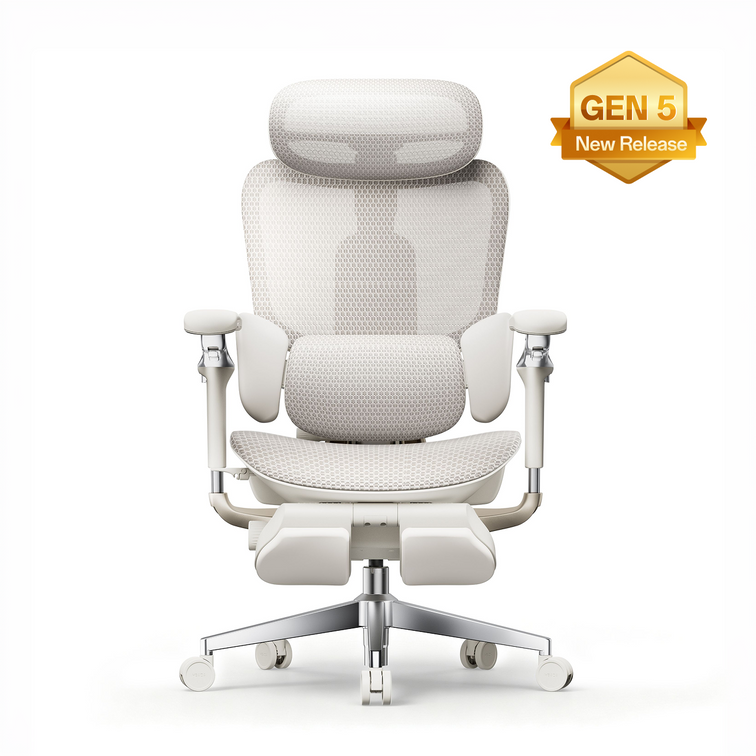
If you spend many hours at your desk, you need a chair that’s made for long use. The best ergonomic chairs move with you and support your spine’s natural curve as you shift positions. Investing in a chair with lumbar support is a smart choice for your health and comfort, whether you work at home or in an office.
Advanced Support: The Science of Lumbar Tracking
Regular lumbar support doesn’t always work well because we move a lot during the day. An adaptive lumbar chair adjusts as you change positions, like when you lean forward or recline. Some chairs have three zones of support that fit the shape of your lower back and give relief to your muscles, spine, and pelvis. This way, your spine always gets the support it needs, no matter how you sit.
Hbada Ergonomic Chair Comparison: Elevate Your Workspace
We focus on creating chairs that support your health and help you work at your best. Whether you want a top ergonomic chair or a simple, lightweight option for your home office, our products are designed to deliver. Here’s a comparison to help you choose what’s right for your workspace.
|
Product Model |
Ideal User Scenario |
Key Ergonomic Features |
Lumbar Support Technology |
|
Home Office / Remote Workers |
Breathable mesh, dynamic tilt, ergonomic armrests for shoulder relief and posture. |
Standard Dynamic Lumbar |
|
|
Intensive Desk Work / Corporates |
Premium / advanced ergonomic features, gravity-sensing recline, ultimate comfort. |
best ergonomic chair with 3-zone lumbar support |
|
|
Tech Enthusiasts / Posture Focus |
Bio-synchronized tracking, real-time posture correction, AI health monitoring. |
Adaptive lumbar tracking ergonomic chair |
If you want to improve your posture, some new chairs give real-time feedback to help you adjust while you work. Some use smart technology to guide you, while others offer strong, multi-zone support for comfort all day. Consider which features are most important to you, like active feedback or steady support.

Frequently Asked Questions About Healthy Sitting
Q: How often should I take breaks from sitting at my desk?
A: Even with perfect posture, sitting still for extended periods restricts blood flow and stiffens your muscles. You should stand, stretch, or walk for at least five minutes every single hour.
Q: Can a high-quality chair actually correct my bad posture?
A: A chair cannot forcefully lock you into perfect posture, but it provides the necessary biomechanical foundation. An ergonomic chair gently guides your spine into proper alignment and greatly reduces the muscular effort needed to sit upright.
Q: How do I know if my chair’s lumbar support is positioned correctly?
A: Your lumbar support should fit seamlessly into the deepest inward curve of your lower back, resting just above your belt line. It should feel highly supportive but never intrusive. If it pushes your pelvis too far forward or feels too high up on your ribcage, you must adjust the height immediately.
Q: Are armrests strictly necessary for a home office chair?
A: Yes, adjustable armrests are crucial for long-term comfort. Without them, the entire weight of your arms pulls down on your delicate neck and shoulder muscles, leading to severe tension.
Q: What makes an adaptive lumbar system better than standard support?
A: Standard lumbar support is completely static; it only works when you sit perfectly still in one highly specific position. An adaptive lumbar system moves dynamically with your body.
Conclusion
Mastering your desk posture is an ongoing, vital commitment to your physical health. Improving your desk posture is important for your health, focus, and comfort at work. When you sit correctly and use supportive equipment, you can avoid pain and discomfort during your workday. Don’t accept aches and fatigue as normal. Check your workspace, make these changes, and choose an ergonomic setup that supports you.
For more information, please click to:
https://www.hbada.eu/products/e3-air-ergonomic-office-chair
https://www.hbada.eu/products/e3-pro-ergonomic-office-chair
https://www.hbada.eu/products/hbada-x7-smart-ergonomic-chair