












A footrest can be a useful part of an ergonomic workstation when your feet do not rest comfortably on the floor. It can provide a stable base, reduce pressure behind the thighs and make it easier to change position during the working day. It should support a well-adjusted chair—not compensate for a poorly arranged workstation.
Use an office footrest when your chair must be raised to match the desk but your feet no longer rest flat on the floor. Choose a stable, non-slip platform that supports both feet without pushing your knees above your hips. An adjustable or gently rocking model can make it easier to vary leg position, but a footrest should not replace regular movement.
When Is an Office Footrest Useful?
A footrest is most useful when correct desk height leaves your feet unsupported.
European office ergonomics guidance recommends that the feet be fully supported by the floor or by a footrest. The knees should generally be level with or slightly lower than the hips, while the back remains supported by the chair.
A common problem occurs when a shorter user raises the chair to bring their elbows and forearms into a comfortable typing position. If their feet then hang above the floor, the edge of the seat may place uncomfortable pressure behind the thighs. A footrest fills the gap and restores a stable base.
A footrest is not automatically necessary. If your feet already rest comfortably on the floor and your chair, desk and keyboard are correctly positioned, adding a high footrest could push your knees above your hips and make the setup less comfortable.
Ten Potential Benefits of an Office Footrest

The value of a footrest depends on the user and workstation. When it is correctly sized and genuinely needed, it may provide the following practical benefits.
- Supports both feet It provides a stable surface when the feet cannot reach the floor comfortably.
- Reduces dangling legs Supporting the feet can reduce the feeling of weight pulling down through the lower legs during seated work.
- Reduces pressure behind the thighs A stable foot position may help prevent the seat edge from pressing excessively into the backs of the legs.
- Helps users reach the backrest With the feet supported, it may be easier to sit back against the chair’s lumbar support instead of moving towards the front edge.
- Supports shorter users A footrest can help smaller users maintain foot support while keeping the chair high enough for the desk.
- Encourages position changes Moving the feet between the floor and footrest introduces small changes during otherwise static sitting.
- Offers an alternative leg position An angled or rocking platform gives users another way to position the ankles and lower legs.
- Supports selected standing tasks A standing footrail or suitable raised footrest allows one foot to be elevated temporarily while standing.
- Can improve reclined comfort A suitable footrest or integrated leg rest may support the lower legs during short reclined breaks.
- Provides a simple workstation adjustment A footrest can be a relatively straightforward solution when the desk height cannot be changed.
Best use: Treat the footrest as one adjustable part of the workstation. Chair height, seat depth, lumbar support, desk height and monitor position still need to work together.
Under-Desk Footrests and Integrated Chair Footrests

The term “office footrest” can describe two different products. They serve different purposes and should not be treated as interchangeable.
| Footrest type | Primary purpose | Best used for | Important limitation |
|---|---|---|---|
| Under-desk footrest | Supports the feet during upright desk work | Users whose feet do not comfortably reach the floor | Should not push the knees above the hips |
| Rocking footrest | Allows small ankle and foot movements | Users who prefer to vary lower-leg position | Must remain stable and controlled |
| Standing footrest or rail | Allows temporary elevation of one foot | Height-adjustable desks and standing counters | Designed for alternating feet, not standing on top |
| Integrated chair footrest | Supports the lower legs when reclining | Short breaks, reading and relaxed positions | Usually not intended for upright typing posture |
How to Balance Sitting, Standing and Footrest Use
There is no single schedule that suits every worker. The more useful principle is to avoid remaining in one position for too long. Change posture regularly and build brief movement into tasks that naturally allow it.
While sitting
Alternate between feet on the floor and feet on the footrest when both positions remain comfortable. Keep your back supported.
While standing
Shift your weight and, if appropriate, rest one foot briefly on a low standing rail. Alternate sides rather than leaning continuously.
While moving
Stand for calls, walk to collect water or printed documents, and take short movement breaks between concentrated tasks.
Standing is not a complete solution to prolonged sitting if it simply replaces one static position with another. A balanced routine includes supported sitting, periods of standing and regular movement.
How to Choose an Office Footrest
Footrests vary widely in height, angle, width, movement and construction. Choose according to your body measurements and workstation rather than relying on a single “universal” design.
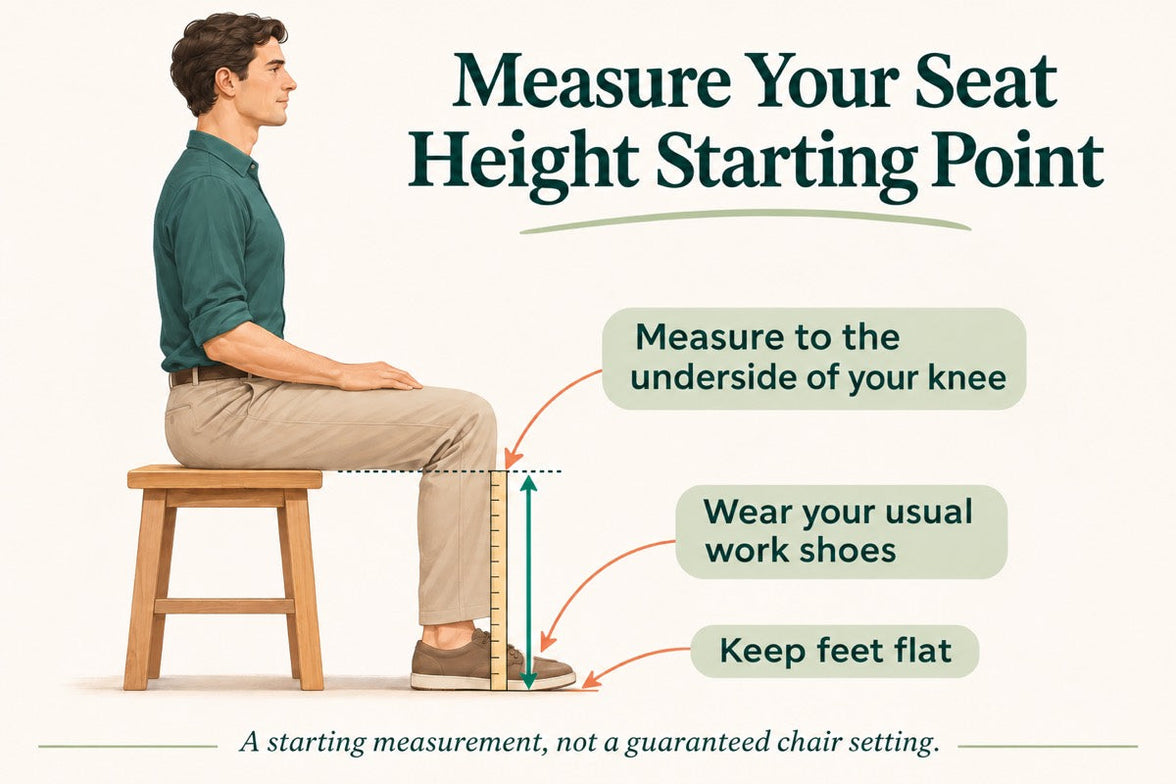
- Start with the height you need. Sit with the chair adjusted correctly for the desk, then measure the space between your feet and the floor.
- Choose adjustable height where possible. Adjustment makes the footrest easier to share and easier to match to different shoes, chairs and desk heights.
- Check the platform angle. A gently angled surface can support a relaxed ankle position. Adjustable tilt is useful when several people use the same workstation.
- Choose enough width for both feet. A width of approximately 38–61 cm may suit many workstations, but the correct size depends on the user’s natural foot position and available space.
- Check platform height. Many seated footrests are approximately 10–15 cm high at the rear. Higher work counters may need a taller purpose-designed model.
- Look for a non-slip surface. Texture should help keep shoes stable without preventing the feet from moving naturally.
- Check stability. The footrest should remain in place during ordinary use and should not tip when pressure is applied.
- Choose durable materials. A well-built plastic, aluminium or steel design can all work. Construction quality matters more than material alone.
- Consider a rocking design carefully. Gentle movement may feel comfortable, but it should remain controlled and should not distract from stable foot support.
- Check the available legroom. The footrest should not force you too far from the desk or interfere with the chair base, cables or other equipment.
Heated footrests introduce electrical components beneath the desk. If you choose one, use a compliant product suitable for your country, keep it away from liquids and damaged cables, and follow the manufacturer’s safety instructions.
How to Use a Footrest Correctly

- Adjust the chair first so your forearms are comfortable at the desk.
- Place the footrest close enough that you do not slide forwards to reach it.
- Support the full foot rather than only the toes or heels.
- Keep the knees level with or slightly below the hips where comfortable.
- Do not press the feet forcefully into the platform for long periods.
- Change foot and leg position periodically.
- Keep enough clear space under the desk to move freely.
- Do not stand on a seated footrest unless it is specifically designed for that purpose.
Which HBADA Chairs Offer Footrest Options?
An integrated chair footrest is intended mainly for reclined rest. It does not perform the same role as an under-desk platform used to support the feet during upright work.
| Feature | HBADA X7 Smart | HBADA E3 Pro 2026 |
|---|---|---|
| Footrest availability | Integrated footrest | Available with selected configurations |
| Primary footrest use | Lower-leg support during reclined rest | Lower-leg support during reclined rest |
| Maximum recline | Up to 140° | Up to 140° |
| Recommended user height | 150–195 cm | 155–195 cm |
| Maximum stated load | 150 kg | 150 kg |
| Best suited to | Powered lumbar tracking and integrated comfort functions | Detailed mechanical adjustment and configuration choice |
HBADA X7 Smart Ergonomic Chair
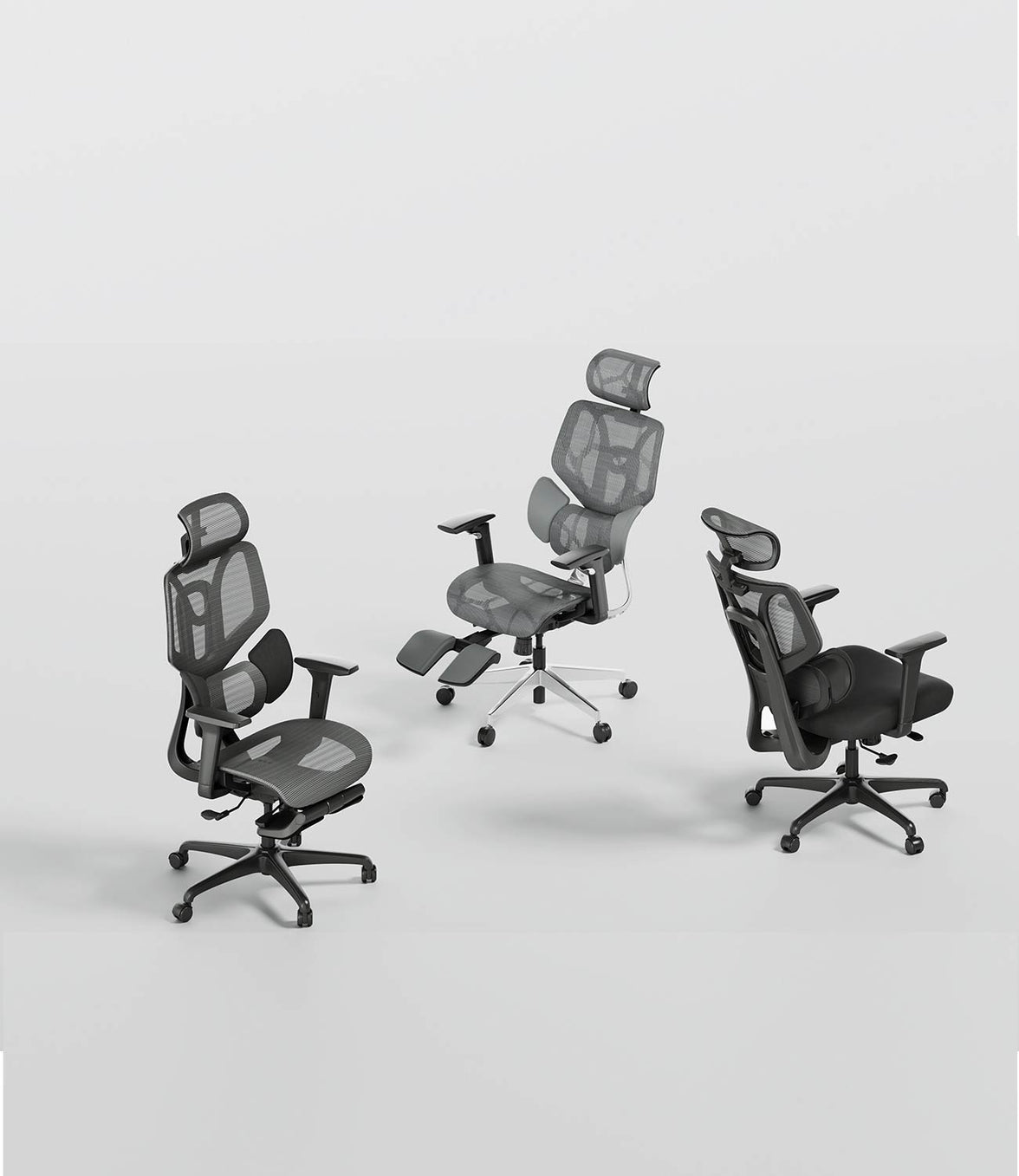
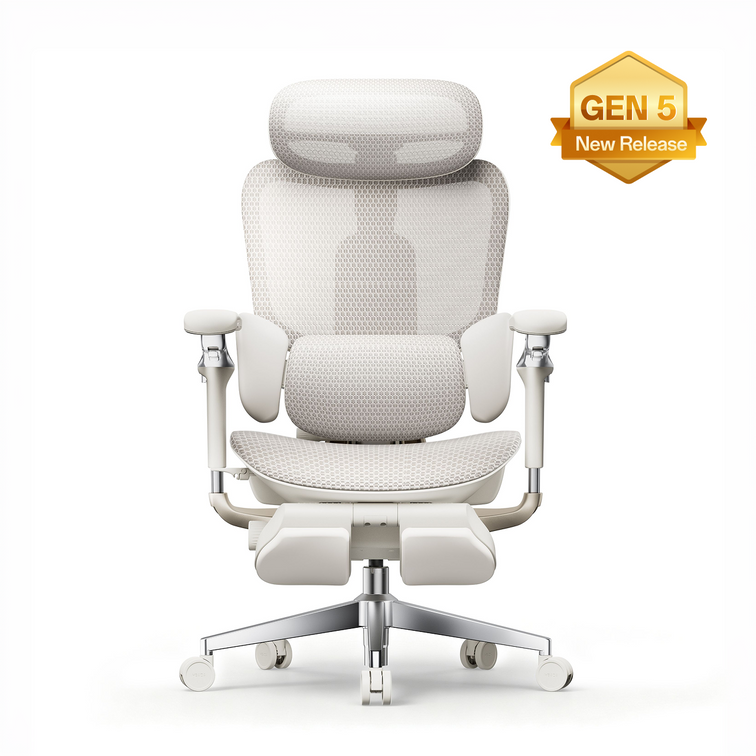
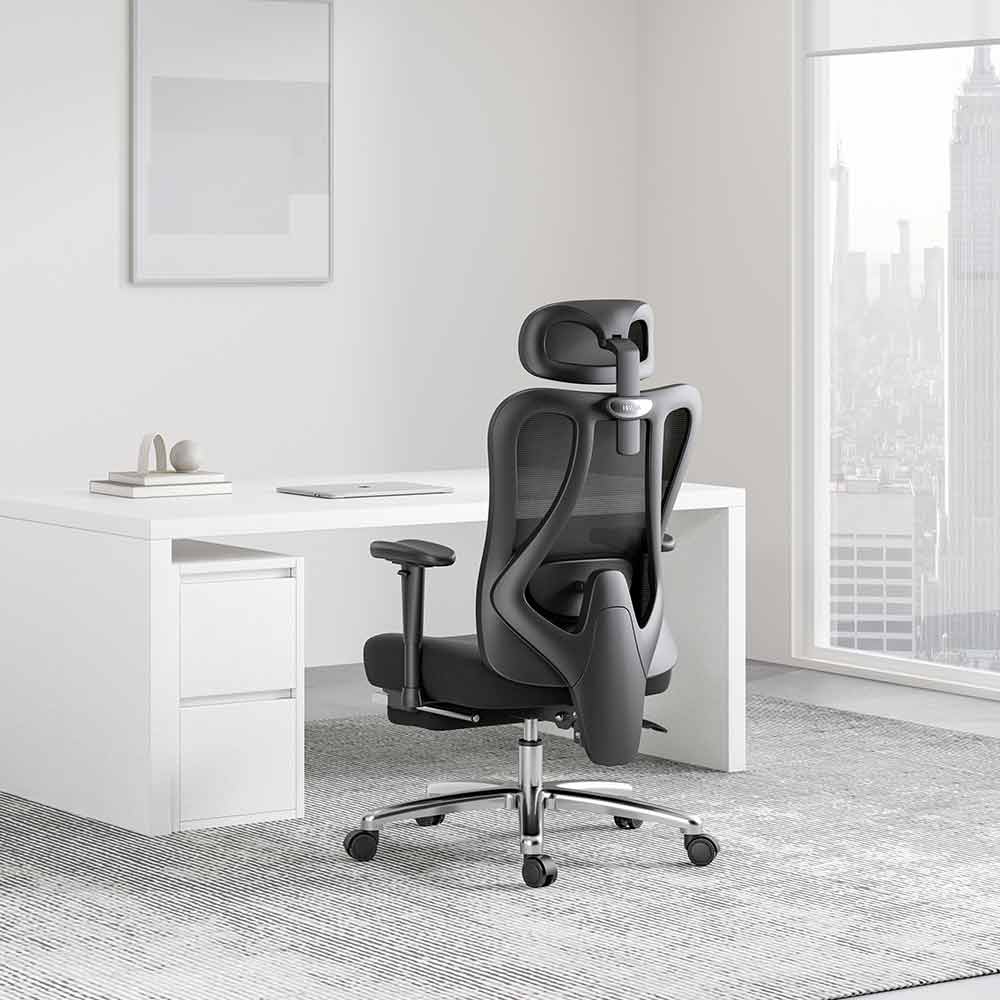
The HBADA X7 Smart combines powered lumbar tracking with an integrated footrest, active seat ventilation, massage and lumbar heating. The footrest is designed to support the legs during reclined breaks rather than replace an under-desk foot platform during upright work.
Explore the complete HBADA X7 Series .
HBADA E3 Pro 2026
The HBADA E3 Pro 2026 is available in selected configurations with or without a footrest. The footrest version may suit users who regularly recline during short breaks; users who mainly remain upright may prefer the standard configuration.
You can also compare the HBADA E3 Series 2026 Edition or browse the wider HBADA EU ergonomic office chair collection .
Availability and included features can vary by country, model and configuration. Confirm the current product details for your European delivery destination before purchasing.
Limitations and Safety Notes
- A footrest should support a correctly adjusted workstation, not replace one.
- Do not use a footrest that pushes your knees uncomfortably above your hips.
- Do not stand on a footrest unless it is designed and rated for standing.
- Stop using a platform that is cracked, unstable, slipping or difficult to adjust safely.
- Keep the area beneath the desk free from cables and other trip hazards.
- Workplace equipment may be subject to national safety requirements and employer risk assessment.
- If leg swelling, numbness, persistent pain or other symptoms continue, seek advice from a qualified healthcare professional.
Conclusion
An office footrest is most useful when your chair must be raised for the desk but your feet no longer rest comfortably on the floor. The right model provides a stable surface for both feet without pushing the knees above the hips or restricting movement beneath the desk.
Choose a stable, suitably sized and preferably adjustable platform. Alternate between supported sitting, standing and movement instead of relying on any single posture throughout the day. If you choose an HBADA chair with an integrated footrest, use it mainly for reclined breaks and treat it separately from an under-desk ergonomic footrest.
Frequently Asked Questions
When should you use an office footrest?
Use a footrest when your chair is correctly adjusted for the desk but your feet cannot rest flat and comfortably on the floor. It should provide stable support without pushing your knees above your hips or forcing you away from the chair’s backrest.
Is an office footrest good for shorter users?
It can be particularly useful for shorter users who need to raise the chair to reach a fixed-height desk. Supporting the feet may make it easier to sit against the backrest and reduce pressure from the seat edge behind the thighs.
How high should an office footrest be?
The correct height depends on the distance between your feet and the floor after the chair has been adjusted for the desk. Many seated footrests are approximately 10–15 cm high at the rear, but an adjustable model is more useful when body size or workstation height varies.
Should your knees be higher than your hips when using a footrest?
Generally, no. The knees should normally remain level with or slightly below the hips in a comfortable seated position. If the footrest raises the knees too far, reduce its height or angle and reassess the chair and desk setup.
Is a rocking footrest better than a fixed footrest?
Neither design is automatically better. A fixed platform provides a stable base, while a rocking model allows small ankle and foot movements. Choose the option that supports both feet securely and allows comfortable position changes without slipping.
Does a chair’s integrated footrest replace an under-desk footrest?
No. An integrated chair footrest usually supports the lower legs during reclining. An under-desk footrest supports the feet during upright work when they cannot reach the floor. The two products serve different ergonomic purposes.
Can a footrest improve circulation?
A footrest can provide support and encourage changes in foot and leg position, particularly when the feet would otherwise dangle. However, it should not be presented as a treatment for circulation problems. Regular movement remains important, and persistent swelling, numbness or pain should be discussed with a healthcare professional.
Should an employer provide an office footrest?
Workplace requirements vary across European countries. A footrest may be appropriate when a worker cannot achieve a comfortable workstation with their feet supported on the floor. The need should be considered as part of the employer’s workstation or display-screen risk assessment under applicable national rules.
Sources
- European Agency for Safety and Health at Work: Ergonomics in Office Work — guidance on supported feet, leg position and workstation arrangement.
- Health and Safety Executive: Display Screen Equipment Workstation Checklist — practical guidance on foot support and pressure behind the legs.
- Health and Safety Executive: Working with Display Screen Equipment — workstation setup, movement and footrest guidance.
- HBADA EU: X7 Smart Ergonomic Chair — product configuration and adjustment information.
- HBADA EU: E3 Pro Ergonomic Office Chair 2026 Edition — product dimensions, configuration and footrest availability.
- HBADA EU User Manual and Assembly Guide — model-specific setup and usage resources.
This article provides general workstation information and is not medical advice. Individual needs and national workplace requirements vary. Product specifications and availability may change by country and configuration; check the current HBADA EU product page before purchasing.