





A longer shift.
A better way to sit.
Choosing an ergonomic office chair for 12-hour shifts means looking beyond the first comfortable five minutes. Focus on support that follows your movement, a seat that fits and adjustments you will actually use.
How do you choose an ergonomic office chair for 12-hour shifts? Prioritise adjustable lumbar support, a seat that matches your body, a useful recline range, breathable materials and a durable build. A retractable footrest can support your legs during reclined breaks. Pair these features with regular movement throughout your shift.
What matters most for a 12-hour chair?
Over a long shift, a small mismatch can become distracting. A seat that is too deep, armrests that push your shoulders upwards or lumbar support that sits too high may feel increasingly noticeable as the day goes on.
Five things deserve particular attention: lower-back support, posture variety, heat and pressure management, build quality and freedom to move. Think of it as choosing an office chair for long hours, with extra emphasis on how the chair feels after your initial adjustment.
- Seat height: your feet should rest on the floor or a separate floor footrest without the seat pressing into the backs of your thighs.
- Seat depth: sit back against the backrest while leaving clearance behind your knees.
- Lumbar position: the support should meet your lower back rather than force you forwards.
- Armrest fit: support your forearms without lifting your shoulders or preventing you from moving close to the desk.
Fit comes before extra features. A useful adjustment range matters more than a long list of controls that do not suit your body or workstation.
Why does dynamic lumbar support matter over 12 hours?

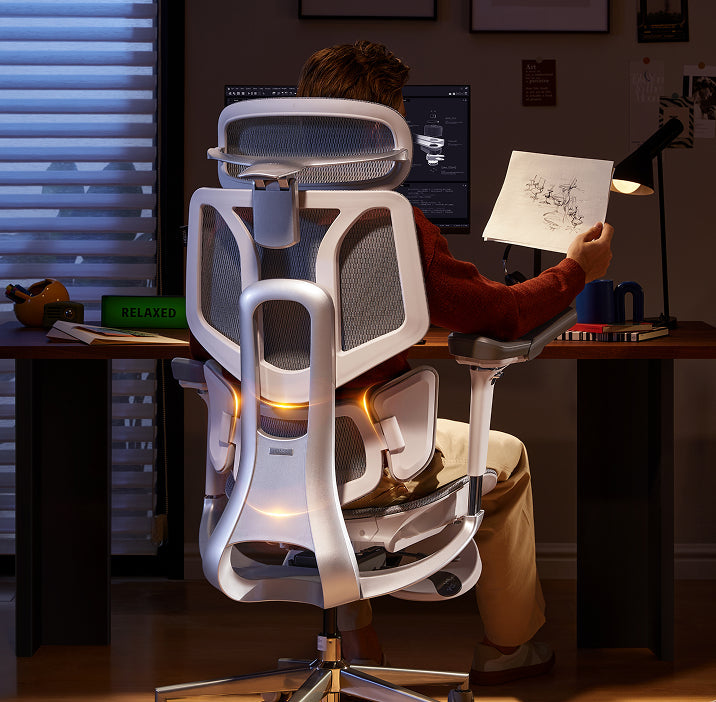
You rarely stay in exactly the same position throughout a shift. You lean towards the screen, settle back for a call and change position between tasks. Dynamic lumbar support is designed to respond to those movements rather than support only one fixed sitting position.
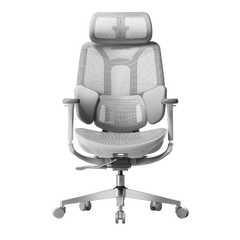
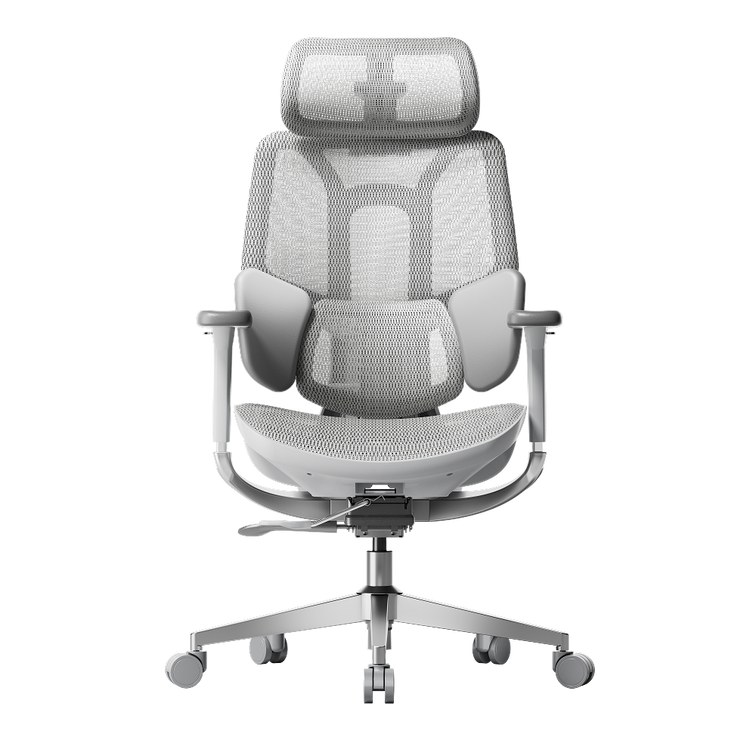
The HBADA E3 Pro 2026 uses a 3-zone adaptive lumbar system with spring-based support and 60 mm of lumbar height adjustment across six levels. The HBADA X7 offers powered lumbar tracking that automatically responds to changes in posture.
The practical question is not simply whether a chair has dynamic support. It is whether that support meets your lower back comfortably when you work and when you lean back. Adjust it gradually rather than assuming that the strongest setting is the best one.
How does posture variety help on long shifts?
No single sitting position needs to last for an entire shift. A useful recline range gives you more ways to sit between focused work, reading and short rest breaks.
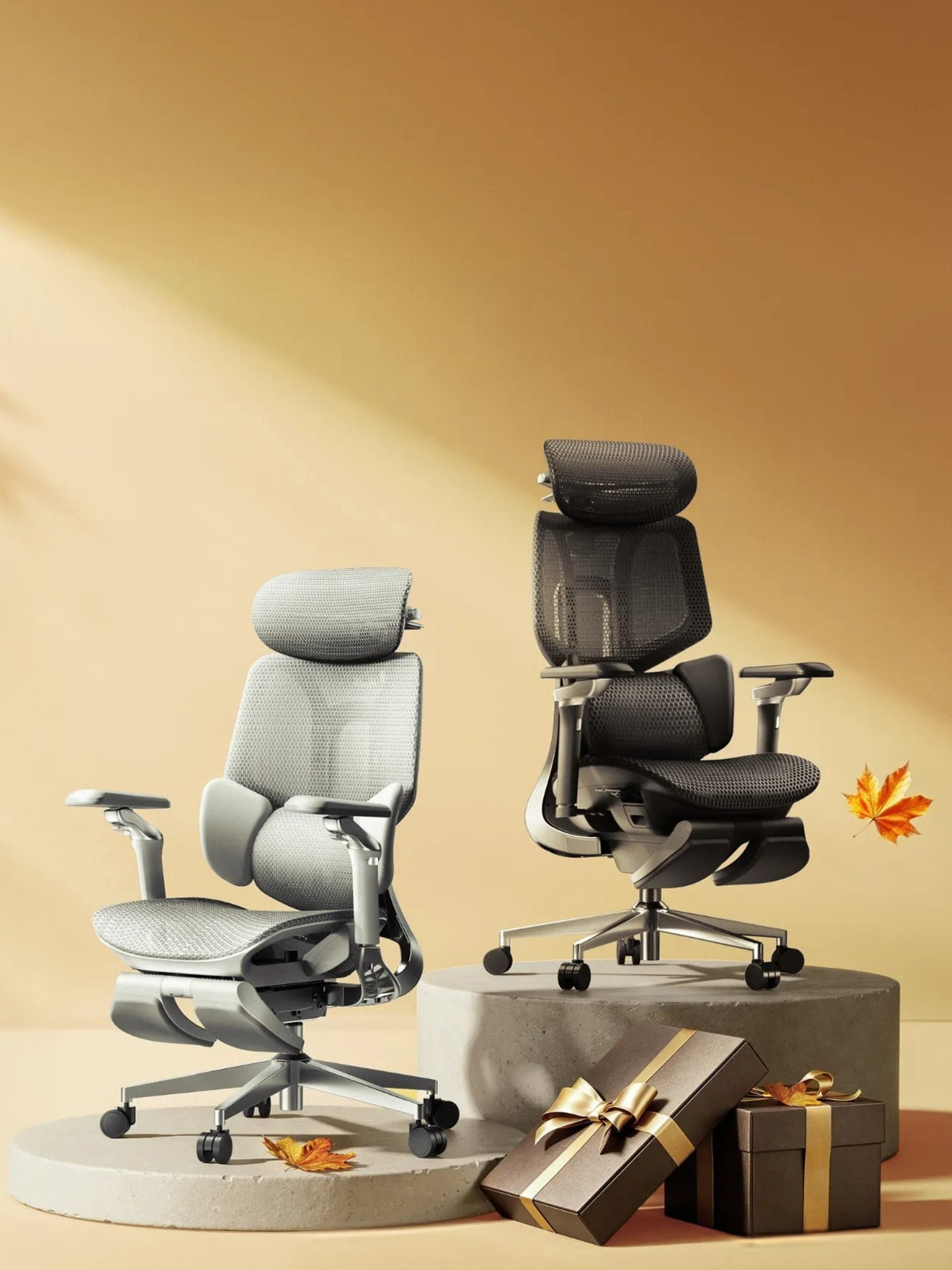
Both the X7 and E3 Pro 2026 offer recline up to 140° with four locking positions. An adjustable headrest helps you position support when leaning back, while a retractable footrest can support your legs during reclined breaks. Choose the footrest-equipped configuration where applicable.
Keep your working posture matched to your desk and screen. A deep recline is more useful for a pause than for reaching forwards to type.
Vary more than the chair angle. EU-OSHA resources encourage movement and changes of posture at work. Reclining adds variety, but getting up and walking remain part of the routine. Read EU-OSHA’s movement guidance .
Why do heat and pressure matter after hours of sitting?

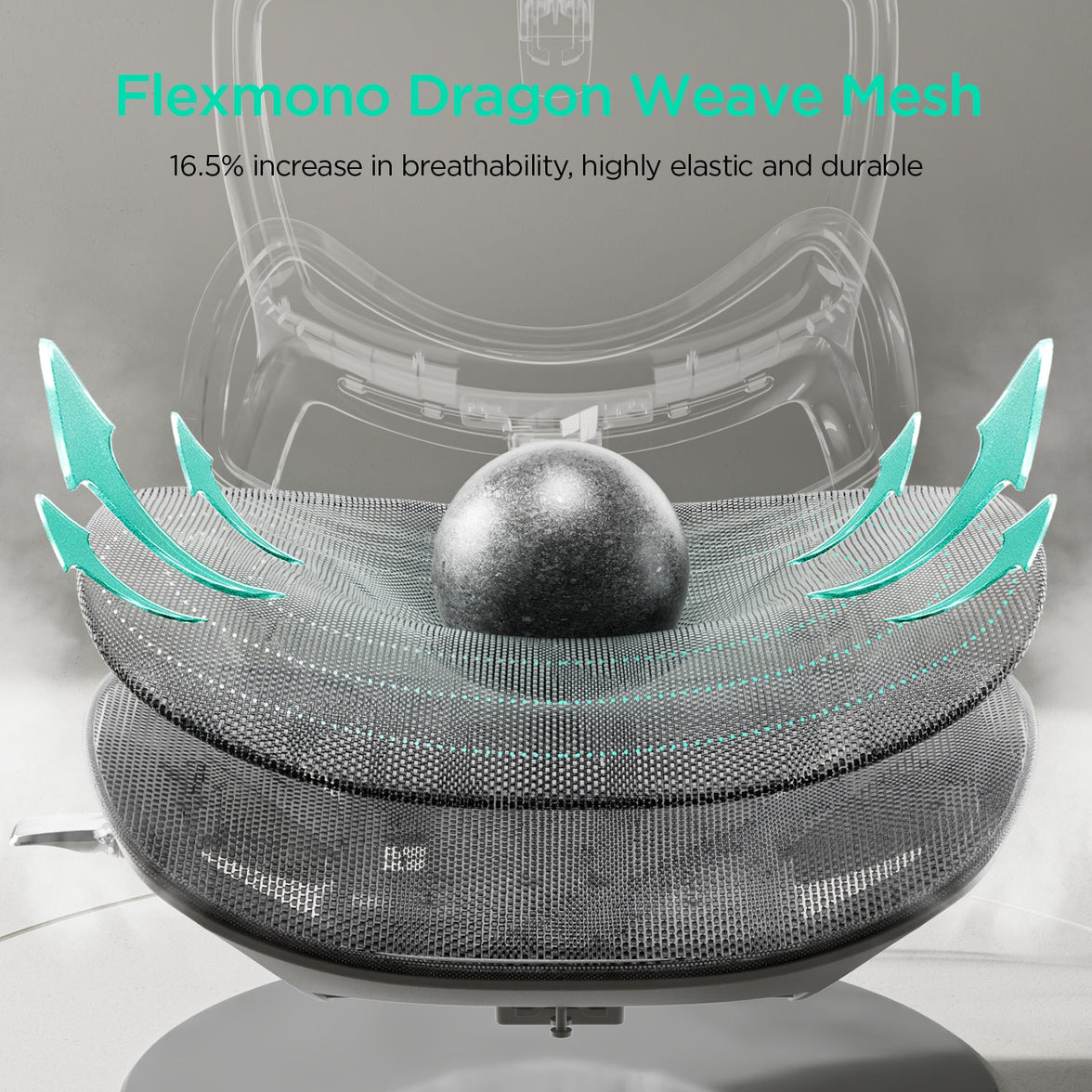
Seat comfort is about both temperature and fit. Breathable mesh allows airflow, while appropriate seat depth helps support your thighs without crowding the backs of your knees.
The E3 Pro 2026 uses a CloudMesh seat. The X7 combines breathable mesh with three-level fan-assisted cooling ventilation. This adds airflow around the seat for users who prefer a cooler sitting experience.
Both models provide 50 mm of seat-depth adjustment. However, their actual seat-depth ranges differ: the X7 adjusts from 40.5 to 45.5 cm, while the E3 Pro 2026 adjusts from 45 to 50 cm. That difference is worth checking before choosing between them.
Mesh and cushioned seats can both work well. Pay attention to how evenly the seat supports you, whether its front edge feels comfortable and whether you can sit against the backrest without sliding forwards.
The 12-hour shift chair checklist

Use this checklist to compare practical adjustments rather than relying on an “all-day comfort” headline alone.
| Feature | Why it matters | What to check |
|---|---|---|
| Lumbar support | Supports your lower back as your posture changes. | Position, adjustment range and comfortable contact. |
| Seat fit | Helps you sit back without pressure behind the knees. | Actual height, depth and width—not just user-height guidance. |
| Recline | Adds options for working and taking a supported break. | Recline controls, locking positions and ease of use. |
| Footrest | Supports the legs during reclined breaks. | Whether your selected chair configuration includes one. |
| Breathability | Allows airflow during longer sessions. | Seat material and whether powered ventilation is included. |
| Armrests and headrest | Let you position support around your desk and tasks. | Reach, clearance and adjustment directions. |
| Build and capacity | Help determine whether the chair suits its intended use. | Maximum load, model-specific testing and maintenance instructions. |
| After-sales support | Makes repairs and ongoing ownership easier to plan. | Warranty coverage, replacement parts and return conditions. |
How to build movement into a long shift
A supportive chair works best as part of a varied working day. Build small changes into tasks you already do rather than saving all your movement for the end of the shift.
- Set up before you start. Adjust seat height, seat depth, lumbar support and armrests, then check your screen and keyboard position.
- Change position between tasks. Move between focused upright work and a more relaxed sitting position when the task allows.
- Take frequent movement breaks. Stand, stretch or walk when practical. A call, a refill of water or a change of task can provide a natural cue.
- Use recline for a supported pause. Lean back and use the retractable footrest if fitted. Treat this as an additional option, not a substitute for leaving the chair.
- Give screen-focused work a break. Look away from the display and alternate with tasks that do not require the same fixed viewing position.
- Recheck comfort mid-shift. If you start perching on the seat edge or reaching forwards, review your setup instead of simply tolerating it.
For practical ideas, see EU-OSHA’s guidance on promoting movement at work .
Which HBADA chair suits 12-hour shifts?
The X7 and E3 Pro 2026 take different approaches to support. Start with their fit, then decide how much powered adjustment and additional comfort functionality you want.
| Feature | HBADA X7 | E3 Pro 2026 |
|---|---|---|
| Lumbar support | Powered automatic tracking | 3-zone adaptive; 60 mm height adjustment, six levels |
| Recline | Up to 140°; four locking positions | Up to 140°; four locking positions |
| Seat depth | 40.5–45.5 cm | 45–50 cm |
| Seat height | 44.5–53 cm | 46–54.5 cm |
| Seat width | 52 cm | 51.5 cm |
| Heat management | Breathable mesh and fan-assisted ventilation | Breathable CloudMesh |
| Extra comfort features | Massage and heating | Mechanical ergonomic adjustments |
| Maximum weight capacity | 150 kg | 150 kg |
| Recommended user height | 150–195 cm | 155–195 cm |
Choose X7 for powered comfort
Consider the X7 if you want automatic lumbar tracking, cooling airflow, heating and massage alongside your ergonomic adjustments.
Explore HBADA X7 →Choose E3 Pro for mechanical support
Consider the E3 Pro 2026 if you prefer adaptive lumbar support, breathable mesh and hands-on adjustment without powered comfort functions.
Explore E3 Pro 2026 →Specifications refer to the linked EU product pages. Check the selected model and footrest configuration before ordering; X7, X7 Air and X7 Prestige are not interchangeable.
Limitations and when to get help
A good chair supports your working position, but comfort also depends on your desk, tasks, movement and individual needs.
- A chair is not a medical treatment or a replacement for regular movement.
- Recommended user-height ranges are a starting point. Check actual seat dimensions and your proportions.
- For shared shift work or continuous workplace use, confirm that the intended usage is covered by the model’s specifications and warranty.
- If pain is persistent, severe or spreading, seek advice from a qualified healthcare professional rather than relying on chair adjustments alone.
The takeaway: choose support you can adjust
Choosing an ergonomic office chair for 12-hour shifts comes down to fit, responsive support and opportunities to change position. Breathable materials and a comfortable recline add useful options, but they work best when the chair is correctly adjusted to your body.
Choose the X7 if powered lumbar tracking and additional comfort functions suit your routine. Choose the E3 Pro 2026 if you prefer mechanical adjustability and adaptive support. Whichever you choose, make movement part of the shift—not something you postpone until it ends.
Frequently asked questions
What kind of chair is best for long shifts?
Look for adjustable lumbar support, a seat that matches your body, usable recline controls and comfortable materials. The best fit lets you sit against the backrest with supported feet and clearance behind your knees. Compare dimensions before deciding which extra features matter to you.
Is it bad to sit for 12 hours?
A 12-hour shift does not need to mean 12 hours of uninterrupted sitting. Break up seated work with movement, changes of activity and opportunities to stand or walk. A supportive chair does not remove the need for those changes.
Do you need a footrest for a 12-hour shift?
A retractable chair footrest can support your legs during reclined breaks. If your feet do not reach the floor while working upright at the correct desk height, a separate floor footrest serves a different purpose. Choose the type that matches your setup.
Is mesh or a cushioned seat better for long shifts?
Both can work well. Mesh allows airflow, while a cushioned seat offers a different sitting feel. Fit, support and comfort matter more than material alone. Test whether the seat supports your thighs without pressure behind the knees.
How often should you take breaks on a long shift?
Build frequent short movement opportunities into your work rather than staying still until one long break. EU-OSHA’s practical guidance suggests getting up for a microbreak at least every 20–30 minutes where feasible. Adapt your routine to your tasks and workplace arrangements.
Does the X7 have cooling?
The X7 offers fan-assisted cooling ventilation with three airflow levels. It moves air through the seating area for a cooler sitting experience; it does not use refrigerated air-conditioning.
How does the E3 Pro 2026 differ from the X7?
The E3 Pro 2026 centres on mechanical adjustment and adaptive lumbar support. The X7 adds powered tracking, ventilation, heating and massage. Their seat-depth ranges also differ, so compare fit as well as features.
Sources
Product details are based on HBADA EU listings. Workplace movement guidance is drawn from EU-OSHA resources.