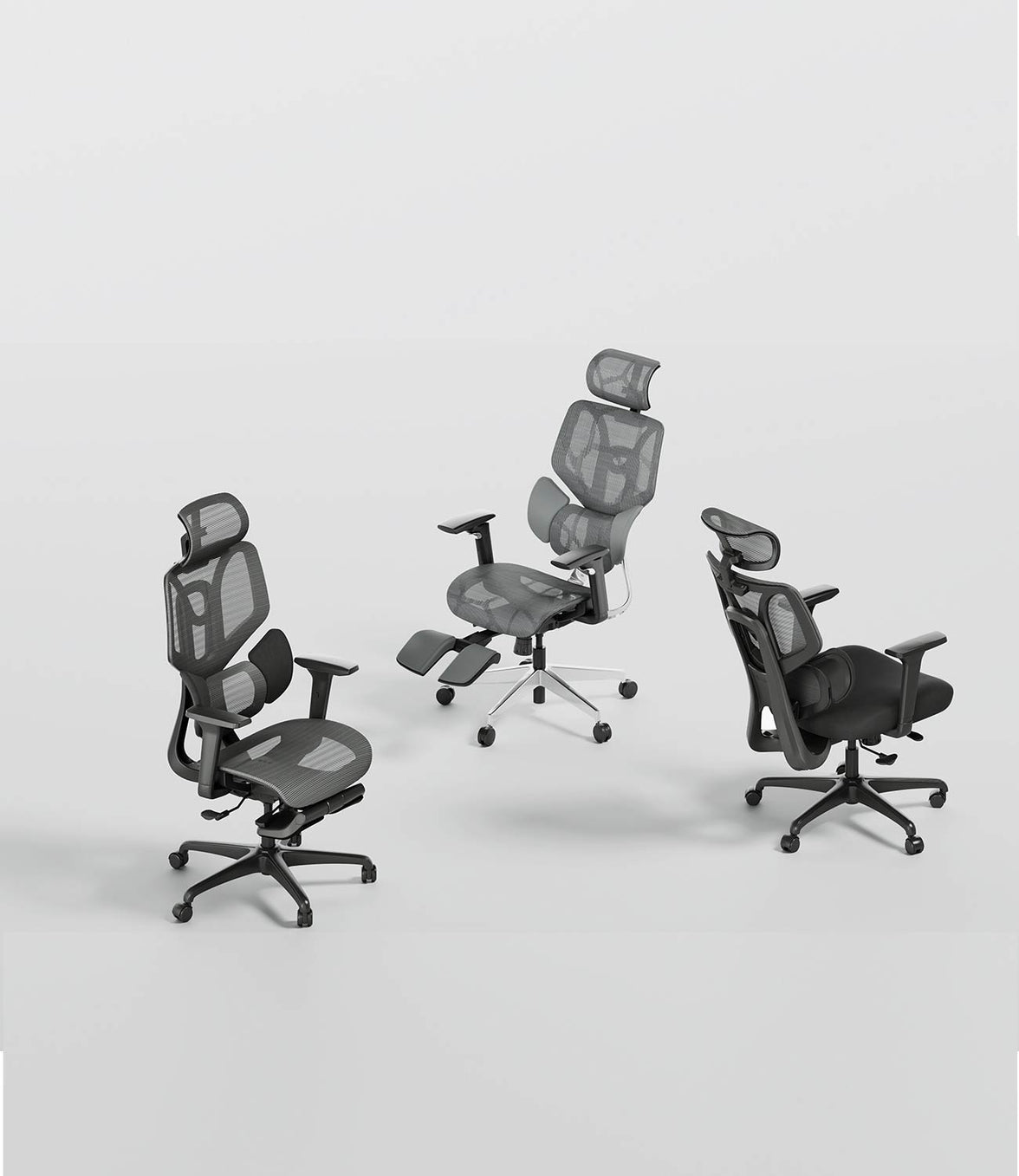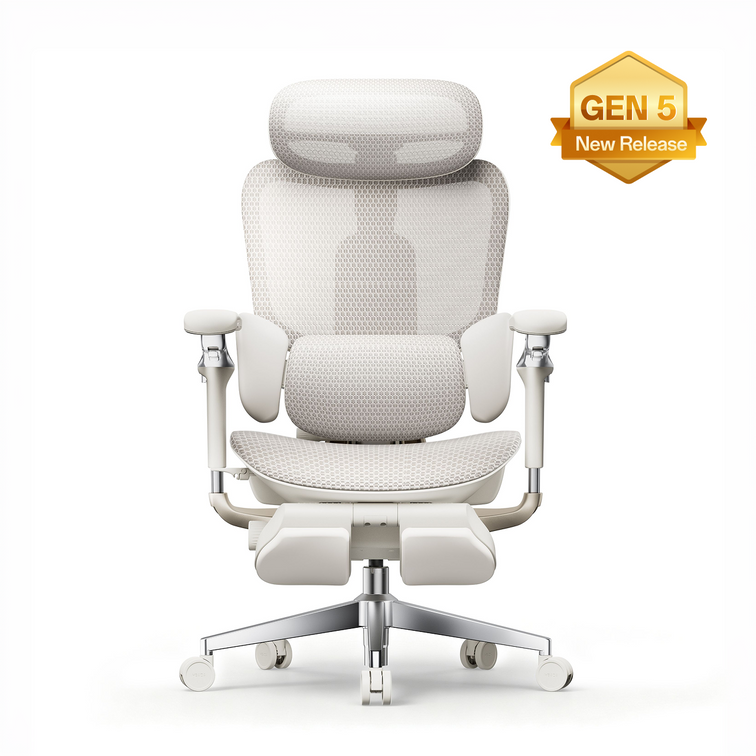














Un escritorio demasiado alto puede obligarte a levantar los hombros, estirarte para alcanzar el teclado o elevar la silla hasta que los pies dejen de apoyarse cómodamente en el suelo. Sustituir el escritorio entero es una opción, pero no siempre es necesario. Una silla adecuada, un reposapiés, una bandeja para teclado o un convertidor de escritorio pueden permitirte adaptar el puesto de trabajo que ya tienes.
¿Qué solución es la mejor para un escritorio demasiado alto?
La opción adecuada depende de tu estatura, el espacio disponible, el presupuesto y si quieres alternar entre estar sentado y de pie. La siguiente comparación ofrece un punto de partida práctico.
| Configuración | Ideal para | Ventaja principal | Limitación importante |
|---|---|---|---|
| Silla elevada y reposapiés | Escritorios fijos altos y presupuestos limitados | Sencillo y relativamente económico | El reposapiés debe ser estable y estar bien colocado |
| Silla baja y bandeja para teclado | Usuarios que trabajan principalmente sentados | Acerca el teclado a la altura de los codos | No permite trabajar de pie |
| Silla y convertidor de escritorio | Escritorios existentes que no se pueden sustituir | Permite trabajar sentado y de pie | Es posible que la altura del monitor y la del teclado no se puedan ajustar por separado |
| Escritorio de altura regulable y brazo para monitor | Puestos de trabajo compartidos o de uso prolongado | Ofrece el mayor rango de ajuste | Suele requerir la mayor inversión |
Silla de altura media con reposapiés
Ideal para: personas que necesitan una forma rápida de llegar a un escritorio fijo situado a una altura superior a la ideal.
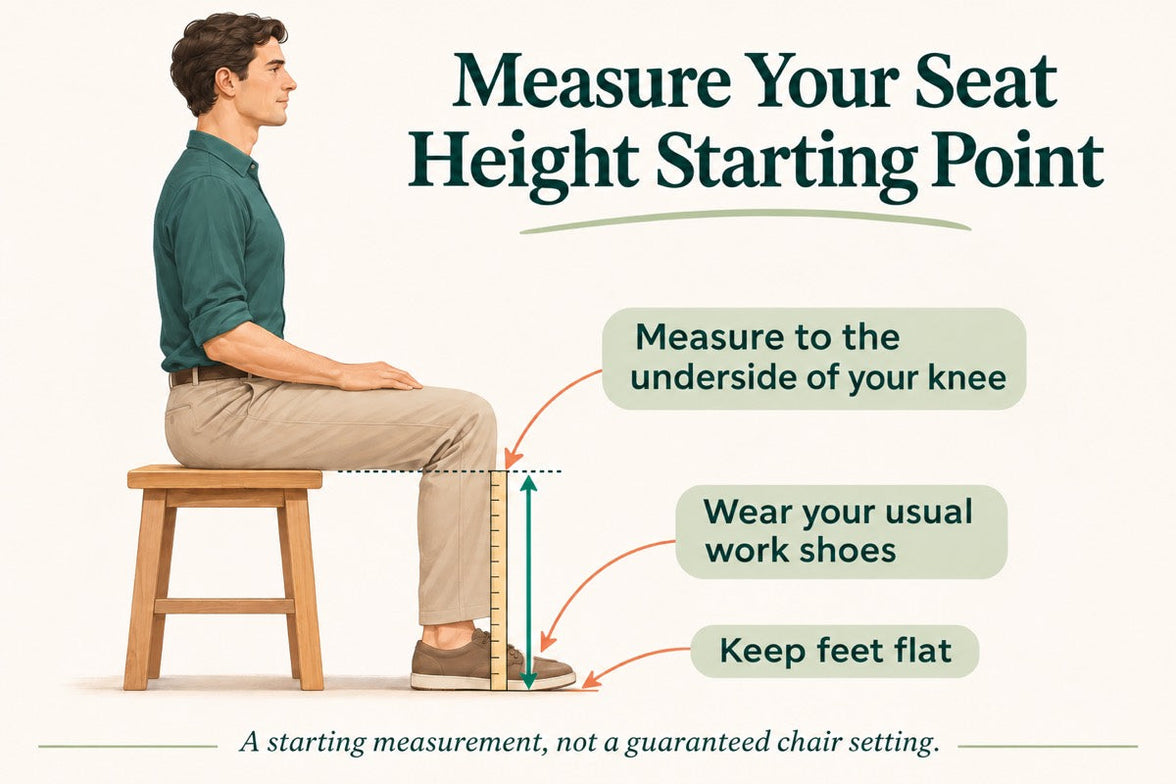
Elevar la silla puede mejorar la relación entre los codos y el teclado. Si los pies dejan de llegar al suelo, un reposapiés del tamaño adecuado debe sostenerlos, en lugar de dejarlos colgando.
Una silla equipada con un pistón de gas de altura media —de aproximadamente 12 a 13 cm, según el diseño de la silla— puede proporcionar la altura adicional necesaria. Las medidas varían según el fabricante, así que comprueba el rango completo de altura del asiento en lugar de basarte únicamente en la medida del cilindro.
- Eleva la posición al sentarse sin sustituir el escritorio.
- Un reposapiés estable ofrece apoyo cuando los pies no llegan al suelo.
- Suele costar menos que sustituir todo el puesto de trabajo.
- Un reposapiés inestable o demasiado pequeño puede moverse durante el uso.
- La silla debe seguir siendo estable y adecuada para el rango de altura previsto.
- Esta disposición no reduce el tiempo que se pasa sentado.
Silla baja con bandeja para teclado debajo del escritorio
Ideal para: personas de baja estatura y puestos de trabajo sentados en los que no se puede bajar la superficie del escritorio.

En lugar de elevar al usuario hasta el escritorio, una bandeja debajo del escritorio baja el teclado y el ratón hasta el usuario. Esto puede facilitar el trabajo con los hombros relajados, los codos cerca del cuerpo y las muñecas en una posición cómoda.
Una configuración con la silla más baja también puede permitir mantener los pies apoyados en el suelo. Antes de instalarla, comprueba que la bandeja tenga suficiente espacio para el teclado y el ratón y que no reduzca el espacio para las rodillas.
- Acerca el teclado al usuario en lugar de obligarlo a levantar los brazos.
- Puede ser adecuada para quienes no llegan cómodamente al suelo desde una silla elevada.
- Puede liberar espacio de trabajo adicional en la superficie principal del escritorio.
- Una bandeja estrecha puede dejar poco espacio para el ratón.
- Algunas bandejas pueden reducir el espacio para las piernas debajo del escritorio.
- Un puesto fijo para trabajar sentado también debe combinarse con movimiento regular y cambios de actividad.
Silla baja con convertidor de escritorio
Ideal para: adaptar un escritorio existente para trabajar tanto sentado como de pie.

Un convertidor de escritorio se coloca sobre la superficie existente y sube o baja la superficie de trabajo. Puede ser una forma relativamente sencilla de alternar entre trabajar sentado y de pie sin comprar un escritorio completamente nuevo.
Al bajarlo, el convertidor debe colocar el teclado a una altura adecuada para trabajar sentado. Al subirlo, debe permitir trabajar sin encoger los hombros ni doblar demasiado las muñecas.
- Permite alternar entre posiciones sentado y de pie.
- Se puede instalar en muchos escritorios existentes.
- Suele costar menos que un escritorio completo regulable en altura.
- La pantalla puede quedar demasiado baja o demasiado alta si no se puede ajustar su posición por separado.
- El convertidor ocupa espacio en el escritorio y tiene una capacidad de carga máxima.
- La posición más baja aún puede ser demasiado alta para algunas personas.
Escritorio para trabajar sentado o de pie con brazo para monitor
Ideal para: puestos de trabajo fijos que necesitan un amplio rango de ajuste.

Un escritorio regulable en altura permite ajustar la superficie de trabajo para trabajar tanto sentado como de pie. Un brazo para monitor permite ajustar la pantalla de forma independiente del teclado y el ratón.
Suele ser la opción más flexible para puestos de trabajo compartidos o para personas cuyo equipo y posición de trabajo cambian a lo largo del día.
- Permite ajustar por separado el escritorio, la silla y la pantalla.
- Se adapta a una gama más amplia de estaturas.
- Facilita variar la postura y la posición de trabajo.
- Suele costar más que un reposapiés o una bandeja para teclado.
- El escritorio debe ajustarse correctamente en ambas posiciones.
- El objetivo no es permanecer de pie continuamente; resulta más práctico cambiar de posición con regularidad.
Ventajas de una bandeja para teclado bajo el escritorio
Una bandeja para teclado puede ser útil si el tablero está demasiado alto, pero la silla ya está bien ajustada para las piernas y los pies de la persona. Al bajar el teclado y el ratón, la bandeja puede reducir la necesidad de levantar los hombros o estirarse hacia delante.
Una bandeja adecuada debería:
- ofrecer espacio suficiente para el teclado y el ratón;
- permitir que el ratón quede cerca del teclado;
- permitir una posición cómoda de las muñecas sin forzarlas hacia arriba;
- mantenerse estable al escribir o usar el ratón;
- dejar suficiente espacio libre para las rodillas y los muslos; y
- encajar en la estructura del escritorio sin interferir con los cajones ni los rieles de soporte.
Si no es adecuado perforar el escritorio, una bandeja con abrazadera puede ser una alternativa. Comprueba el grosor del tablero, la capacidad de sujeción de la abrazadera y el espacio disponible antes de hacer el pedido. Los modelos con dos puntos de fijación seguros suelen resistir mejor los movimientos laterales.
Lista de comprobación para una configuración ergonómica en un escritorio alto
Comprueba estos siete puntos
- Mantén los hombros relajados, sin encogerlos hacia las orejas.
- Coloca el teclado a la altura de los codos o ligeramente por debajo.
- Mantén el teclado y el ratón lo bastante cerca para no tener que estirarte hacia delante.
- Apoya ambos pies en el suelo o en un reposapiés estable.
- Deja un pequeño espacio entre el borde del asiento y la parte posterior de las rodillas.
- Coloca la pantalla principal justo delante de la persona.
- Cambia periódicamente de postura y actividad en vez de permanecer en la misma posición todo el día.
No hay una medida única que sirva para todas las personas. Las proporciones corporales, el equipo, la estructura del escritorio y el tipo de trabajo influyen en la configuración ideal. Haz un ajuste cada vez y comprueba si puedes trabajar sin levantar los hombros, estirarte hacia delante ni ejercer una presión incómoda detrás de las piernas.
Preguntas frecuentes
¿Qué debería hacer si mi escritorio es demasiado alto?
Ajusta la silla hasta que el teclado quede cerca de la altura de los codos. Si esto deja los pies sin apoyo, usa un reposapiés estable. Otra opción es bajar el teclado con una bandeja bajo el escritorio en lugar de seguir elevando la silla.
¿Qué altura tiene un escritorio de oficina estándar en Europa?
Muchos escritorios de oficina fijos tienen aproximadamente entre 72 y 75 cm de altura, aunque las dimensiones varían. Un escritorio de altura estándar puede seguir siendo demasiado alto o demasiado bajo para una persona en particular, por lo que se debe ajustar todo el puesto de trabajo a la persona en lugar de basarse únicamente en la medida del escritorio.
¿Debería elevar la silla si el escritorio es demasiado alto?
Elevar la silla puede ayudar a alinear los codos con el teclado, pero la silla debe mantenerse estable y los pies deben estar apoyados. Usa un reposapiés si no puedes apoyar los pies completamente en el suelo.
¿Es adecuada una bandeja para teclado para un escritorio alto?
Sí. Una bandeja para teclado puede bajar el teclado y el ratón sin cambiar la superficie del escritorio. Elige una bandeja estable que tenga espacio para ambos dispositivos y suficiente espacio libre para las piernas.
¿Es mejor un convertidor de escritorio que una bandeja para teclado?
Un convertidor de escritorio es más adecuado si quieres alternar entre estar sentado y de pie. Una bandeja para teclado puede ser la opción más sencilla si trabajas principalmente sentado y solo necesitas bajar el teclado y el ratón.
¿Una silla ergonómica puede solucionar el problema de un escritorio demasiado alto?
Una silla ajustable puede mejorar la relación entre la persona y el escritorio, pero no puede corregir todos los desajustes del puesto de trabajo. También puede ser necesario usar un reposapiés, una bandeja para teclado, un brazo para monitor o un escritorio ajustable.
¿Una altura inadecuada del escritorio puede causar síntomas de lesión por esfuerzo repetitivo?
La disposición del puesto de trabajo, los movimientos repetitivos, las posturas fijas prolongadas y los factores individuales pueden contribuir a las molestias. Si el dolor, el hormigueo, la debilidad u otros síntomas persisten o empeoran, consulta con un profesional sanitario cualificado y solicita una evaluación del lugar de trabajo cuando corresponda.