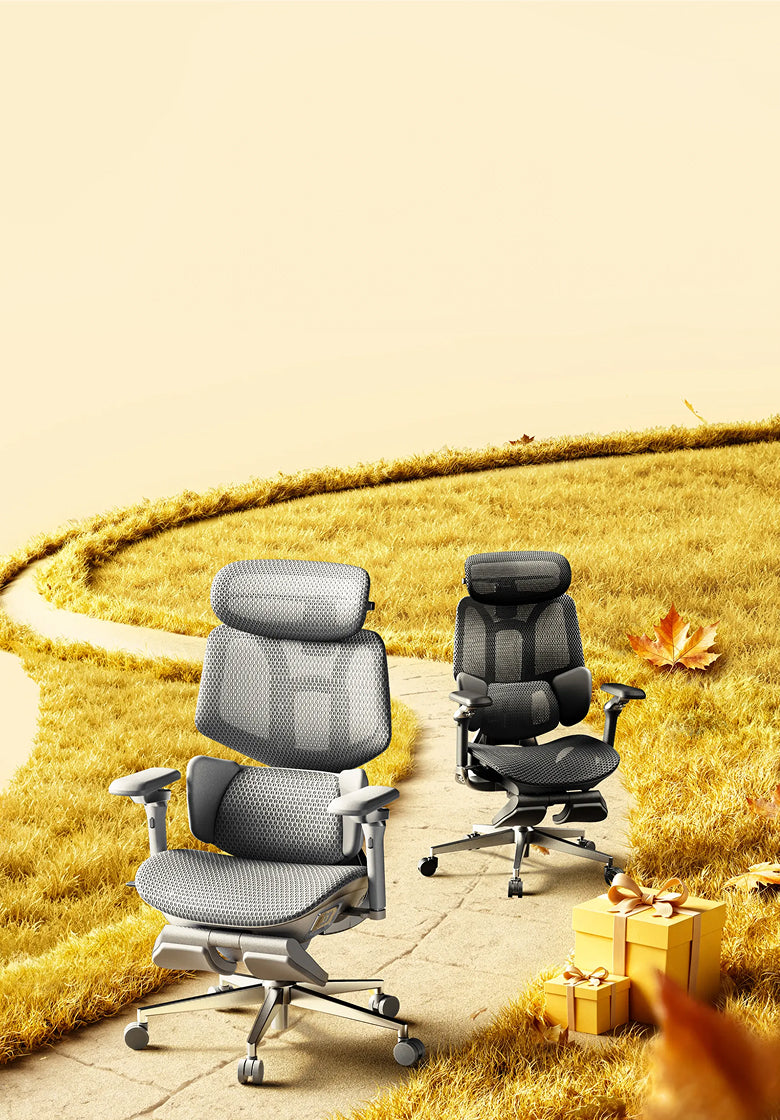







Room to focus.
Space to lean back.
From focused home-office work to a quiet reclined break, an ergonomic office chair with a footrest adds flexibility to your setup. Start with fit, then choose the support and comfort features that suit your day.
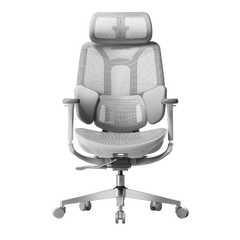
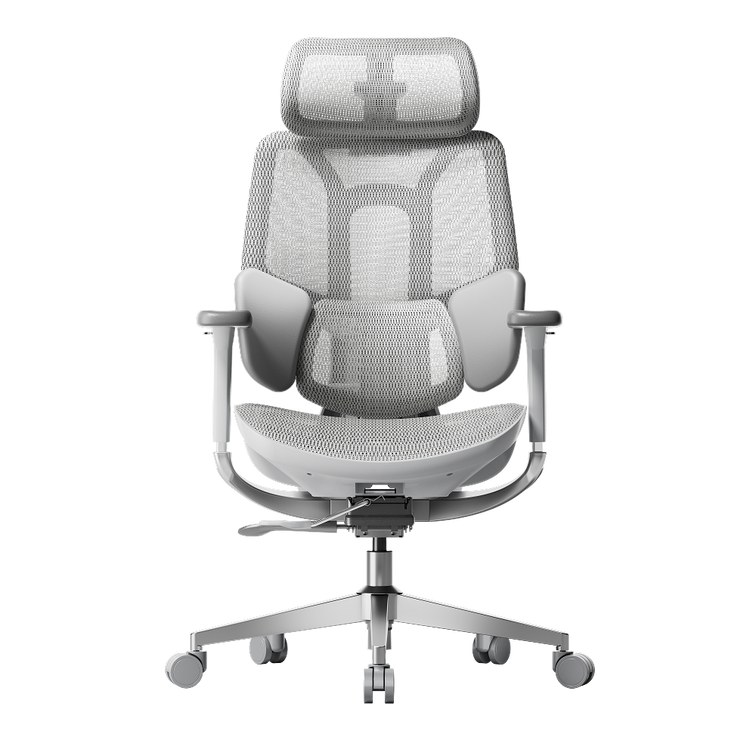
Which HBADA ergonomic office chair with a footrest should you choose? Consider X7 for a pull-out footrest alongside powered lumbar tracking, massage, heating and ventilation. Choose E3 Pro 2026 with footrest for adaptive mechanical support and hands-on adjustment. Always confirm the exact configuration on the EU product page.
Do you need an ergonomic office chair with a footrest?
A footrest is useful when it supports the position you actually use. Before choosing a chair, separate two different needs: resting your legs while reclining and keeping your feet supported during upright work.
A retractable chair footrest
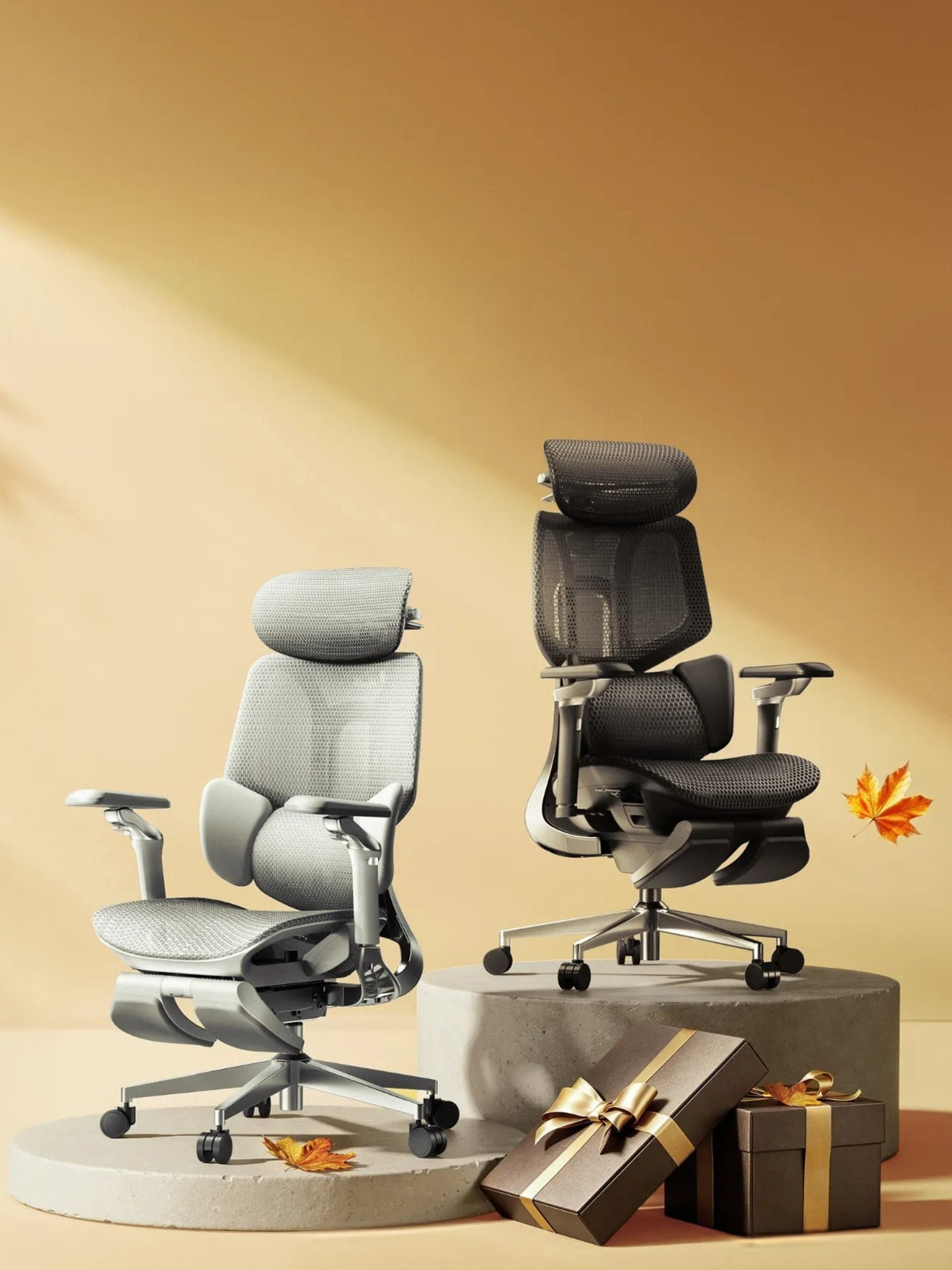
This extends from beneath the seat to support your legs as you lean back. It stores away when you return to a more upright working position.
A separate floor footrest
This provides a stable surface for your feet when your seat needs to be raised to match a fixed-height desk.
EU-OSHA’s office ergonomics guidance includes checking whether the feet can rest on the floor or a footrest without excessive pressure behind the legs. A chair’s pull-out leg support should not automatically be treated as a substitute for an under-desk footrest. Read the EU-OSHA office ergonomics guide .
Who benefits most from a built-in footrest?
- People who use their chair for desk work and reclined rest breaks.
- Users who want leg support that stores neatly beneath the seat.
- People who prefer an integrated solution rather than a separate ottoman.
If your feet hang above the floor while typing, first assess seat height, desk height and whether you need a separate floor footrest.
Which HBADA models offer a footrest?
HBADA X7: powered support

The HBADA X7 combines reclining leg support with automatic lumbar tracking, massage, heating and fan-assisted ventilation. Check the selected model and included configuration before ordering, particularly when comparing different chairs in the X7 family.
HBADA E3 Pro 2026: mechanical adjustment
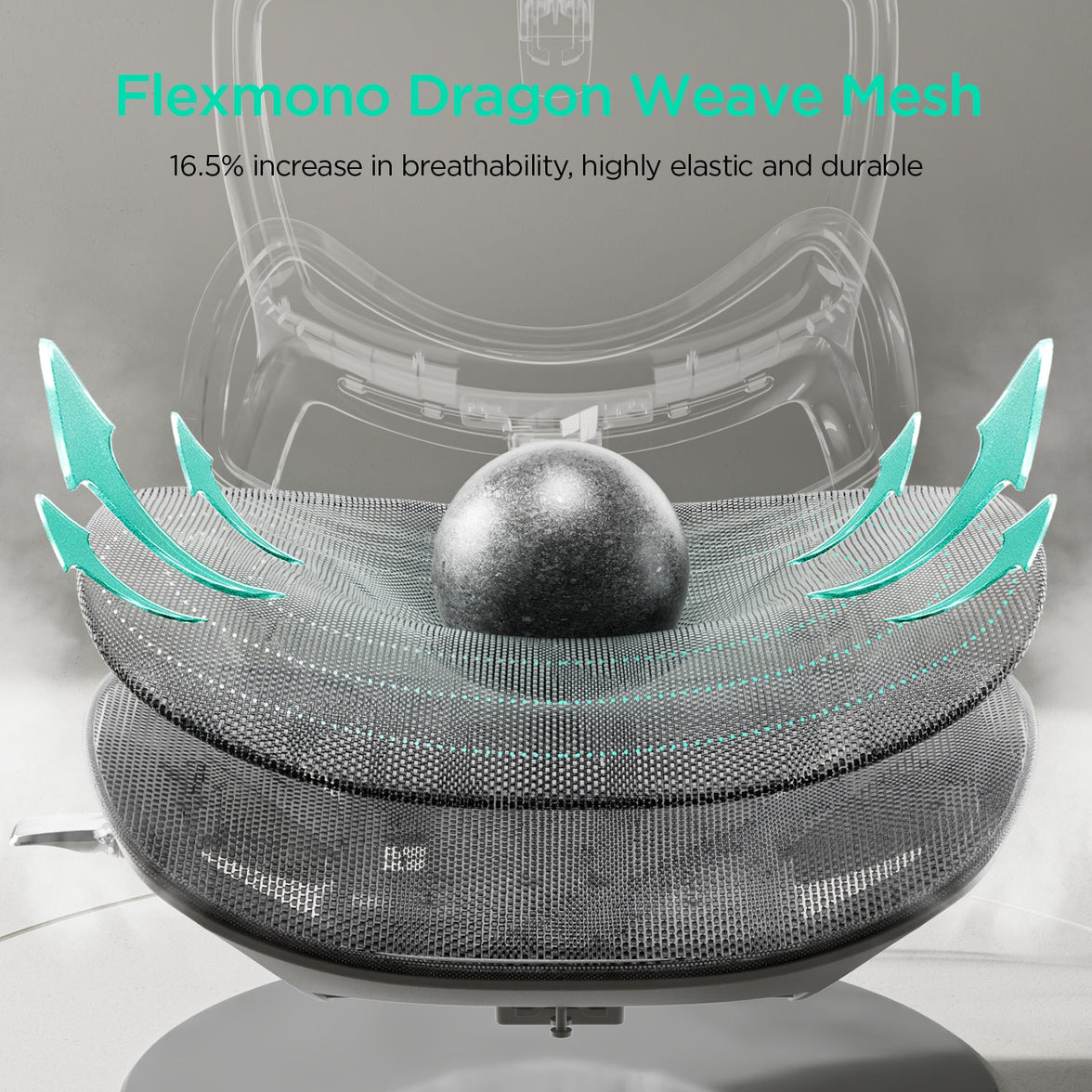
The E3 Pro 2026 combines three-zone adaptive lumbar support with a CloudMesh seat, adjustable headrest and multi-directional armrests. Choose the With Footrest configuration to include the retractable footrest.
Compare like with like. E3 Pro 2026 is not the same model as every older E3 Pro listing. Check the generation and configuration before comparing dimensions, controls or accessories.
HBADA footrest chair comparison
The main difference is the approach to support: powered functions on X7 versus mechanical adjustment on E3 Pro 2026. Their seat dimensions also differ.
| Feature | HBADA X7 | E3 Pro 2026 |
|---|---|---|
| Footrest | Pull-out leg support; confirm selected configuration | Select With Footrest |
| Lumbar support | Powered automatic tracking | Mechanical three-zone adaptive support |
| Seat height | 44.5–53 cm | 46–54.5 cm |
| Seat depth | 40.5–45.5 cm | 45–50 cm |
| Seat width | 52 cm | 51.5 cm |
| Additional functions | Massage, heating and fan-assisted ventilation | Mechanical adjustments without powered comfort functions |
| Main choice | Powered comfort features | Hands-on mechanical adjustment |
Dimensions refer to the linked EU product listings. Confirm the latest specifications and included features before purchase. The chair’s overall weight capacity is not a separate load rating for the extended footrest.
How should a footrest chair fit?

Start with your seated position, not the footrest. Compare seat height and depth with your proportions, then check lumbar contact and armrest placement.
A deeper seat is not automatically better. You should be able to sit against the backrest with comfortable clearance behind your knees. Your shoulders should remain relaxed when you reach the keyboard.
| If you notice | Check this | Aim for |
|---|---|---|
| Feet do not reach the floor | Seat and desk height; a floor footrest if needed | Supported feet during upright work |
| The seat edge presses behind your knees | Seat depth and height | Comfortable clearance without sliding forwards |
| Your lower back loses contact | Seat depth, lumbar position and sitting position | Comfortable support while sitting back |
| Your shoulders rise while typing | Desk, keyboard and armrest height | Relaxed shoulders with easy reach |
| The extended footrest feels uncomfortable | Recline, extension and your leg proportions | Leg support without concentrated pressure |
Recommended user-height ranges are only a starting point. Two people of the same height can have different leg lengths and need different seat settings.
How to set up your chair and footrest correctly
- Set up for upright work first. Adjust the seat and work surface so your shoulders stay relaxed. Support your feet on the floor or a separate floor footrest.
- Adjust seat depth. Sit back fully and leave comfortable space between the seat edge and the backs of your knees.
- Position the lumbar support and armrests. Aim for supportive contact without pushing your torso forwards or lifting your shoulders.
- Arrange your screen and keyboard. Keep the screen in front of you and avoid reaching forwards to use the keyboard or mouse.
- Test a reclined break. Leave space around the chair, extend the footrest according to the instructions and recline gradually. Do not use the footrest as a step or additional seat.
- Include movement. Retract the footrest when returning to your desk setup as appropriate. Alternate seated work with opportunities to stand and walk.
Which HBADA chair should you choose?

Choose X7
Choose X7 if you want automatic lumbar tracking and additional comfort functions such as massage, heating and cooling airflow alongside reclining leg support.
Explore X7 →Choose E3 Pro 2026
Choose the With Footrest version if you prefer adaptive mechanical lumbar support, breathable mesh and adjustment without powered comfort functions.
Explore E3 Pro 2026 →Before ordering, check the selected variant, delivery availability for your country and the applicable return and warranty terms. Do not choose on the basis of feature count alone.
Limitations and when this advice may not apply
- A chair and footrest support comfort; they do not treat medical conditions.
- A retractable leg support does not automatically solve an upright desk-height mismatch.
- A height-adjustable desk helps only if its range and the chair’s dimensions suit you.
- Footrest instructions and load limits must be checked for the exact model.
- Seek professional advice for severe, persistent or radiating pain.
The takeaway: match the chair to your day
The best ergonomic office chair with a footrest for you is one that supports comfortable upright work and gives you a useful option for reclined breaks.
Compare the X7’s powered features with the E3 Pro 2026’s mechanical support, check your seat dimensions and confirm the footrest configuration. Keep regular movement in your routine whichever model you choose.
Frequently asked questions
Are office chairs with footrests good for your back?
A built-in footrest can make a reclined break more comfortable by supporting your legs. Back comfort also depends on chair fit, lumbar support and movement. A footrest is not a medical treatment.
Do all HBADA chairs include a footrest?
No. Availability depends on the model and configuration. Select With Footrest for E3 Pro 2026 and check the included features of the exact X7 model before ordering.
Is a built-in footrest better than a separate one?
A built-in footrest is convenient for reclining and stores under the seat. A separate floor footrest supports the feet during upright work when the floor is out of reach. Choose by purpose rather than treating them as interchangeable.
Which HBADA chair should I choose for long workdays?
Start with dimensions and fit. X7 adds powered lumbar tracking, massage, heating and ventilation. E3 Pro 2026 offers adaptive mechanical support and a footrest configuration. Both still need to be adjusted to your body.
Can a footrest help with short legs or a tall desk?
A separate floor footrest may help when you need a higher seat position to reach a fixed desk. Check the chair’s minimum height and seat depth as well. Do not rely on an extended reclining footrest to correct every fit issue.
How much space does a footrest chair need?
Allow space in front for the extended footrest and behind for recline. Measure your available area and compare it with the model’s dimensions, including its reclined position where supplied. Keep walkways clear.