





Vice City
on the screen.
Comfort at home.
Before you settle into GTA 6, give your real-world gaming space a little attention. A controller-friendly chair setup can make your desk feel ready for the evening.
The game gets the attention. Your elbows get the desk edge. If that sounds familiar, start your GTA 6 gaming setup with the position you actually play in. Holding a controller changes where your arms rest, and a console connected to a desk monitor may need a different seating arrangement from a keyboard setup. At HBADA, we would start with the chair and build outwards.
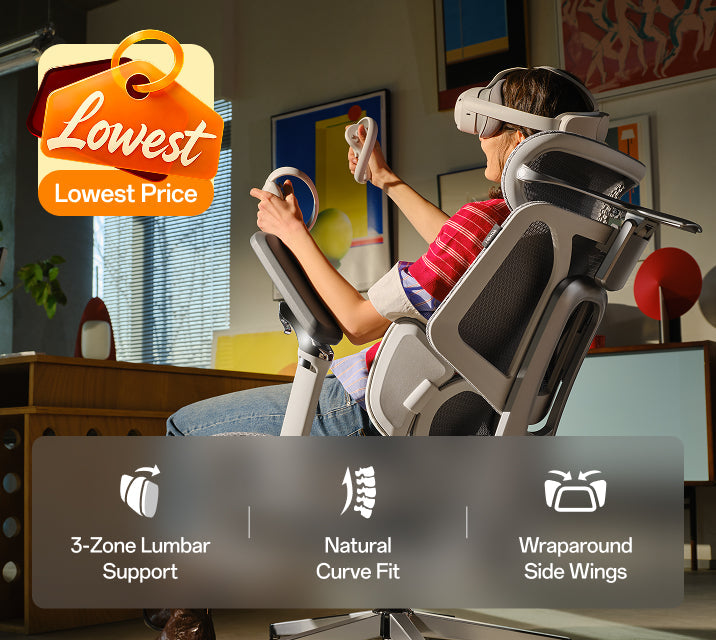
Set the chair with the controller in your hands.
Sit back, pick up your controller and let your elbows settle naturally. Then adjust the armrests. If you are lifting your shoulders to reach them, bring the supports down. If your arms hang without support, try a little more height.
Keep enough room for your hands to move freely. Armrests that feel fine for typing may sit too far forward or too wide when you hold a controller. Make these changes in your playing position.
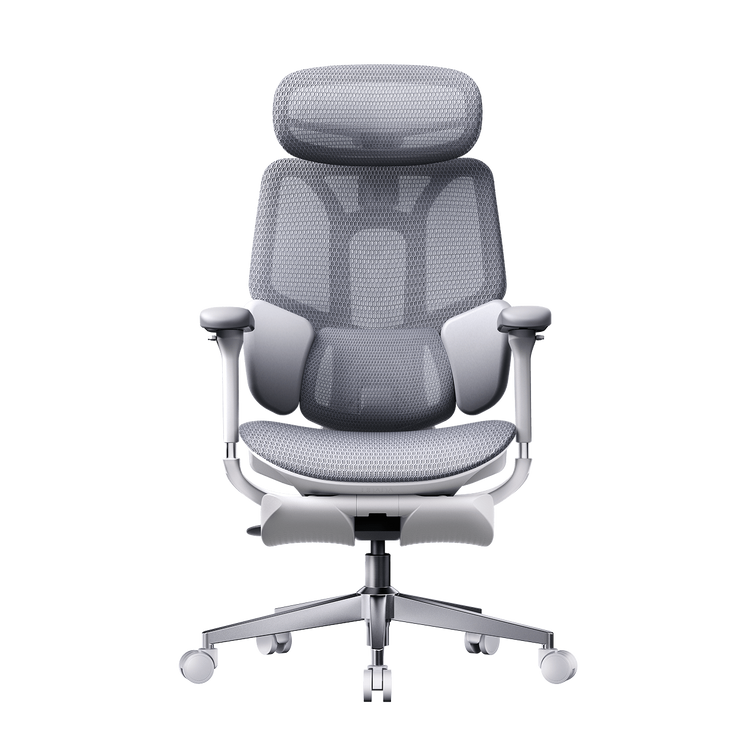
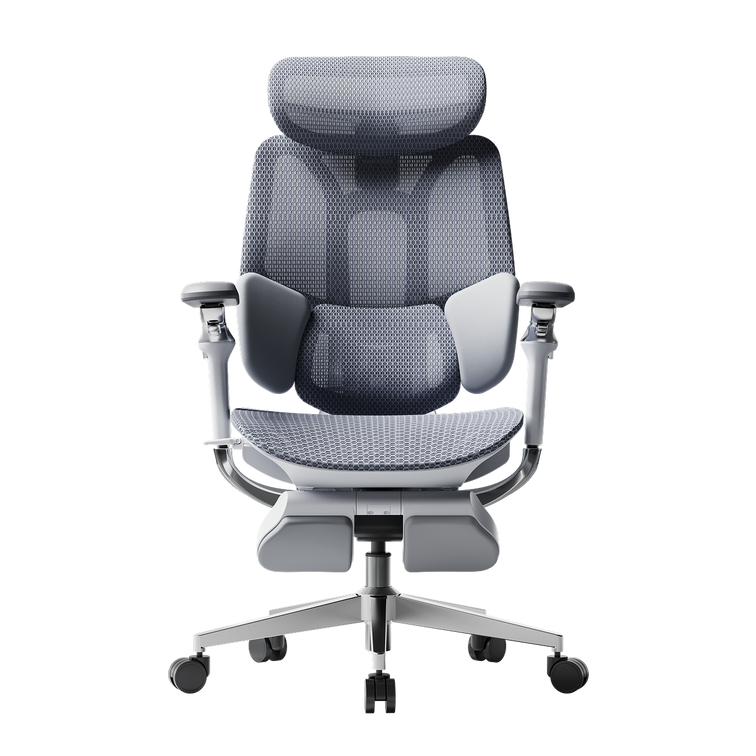
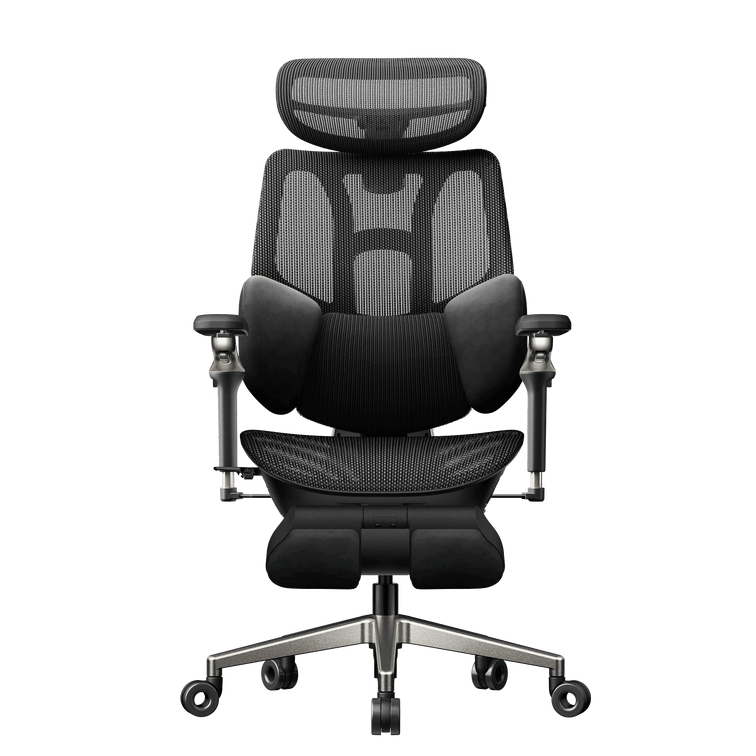
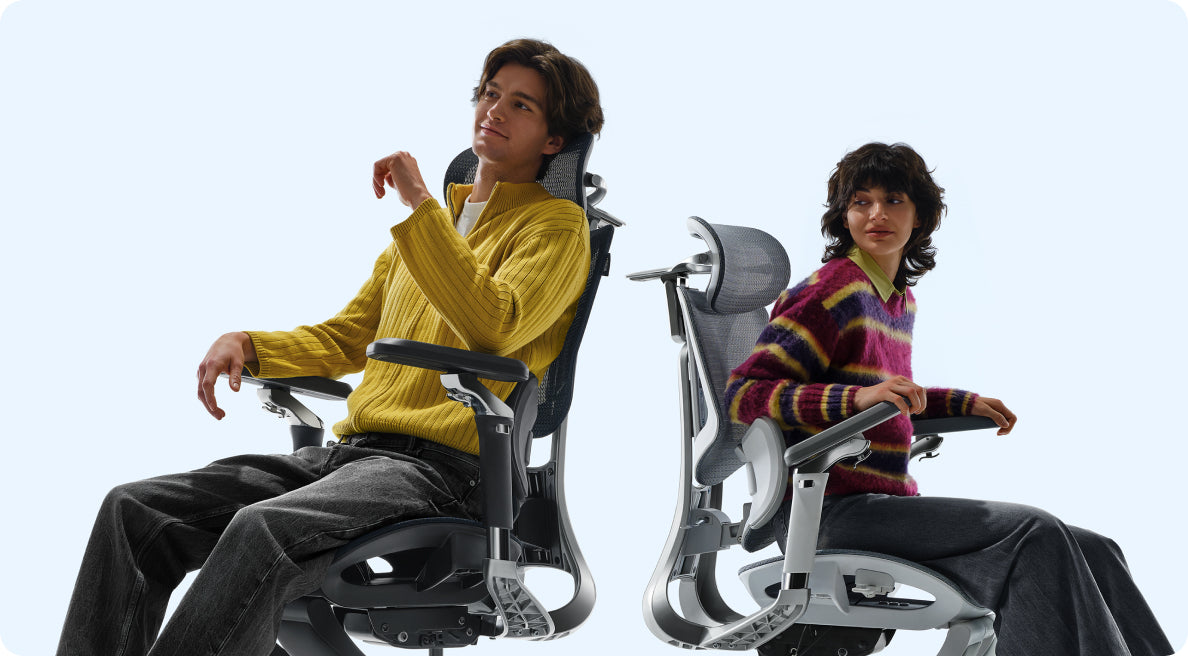
Our E3 Pro 2026 gives you adjustable arm support alongside seat-depth and lumbar adjustments. Use those controls together so you can sit back while keeping the controller close.
Bring the screen into your comfortable view.
After changing the chair, check where the screen sits. You should be able to see the information you need without repeatedly reaching your head towards it or tilting your chin upwards.
For a desk monitor, start with the display directly in front of you and adjust its height and distance. If you play on a television, consider whether a slight recline gives you a comfortable view. Recheck your head position rather than assuming the deepest recline is the best one.
Try your setup with another controller-based game you already own. It is a useful way to notice an awkward screen position before you commit to the new arrangement.
with the controller already in your hands.
Give your legs somewhere comfortable to go.
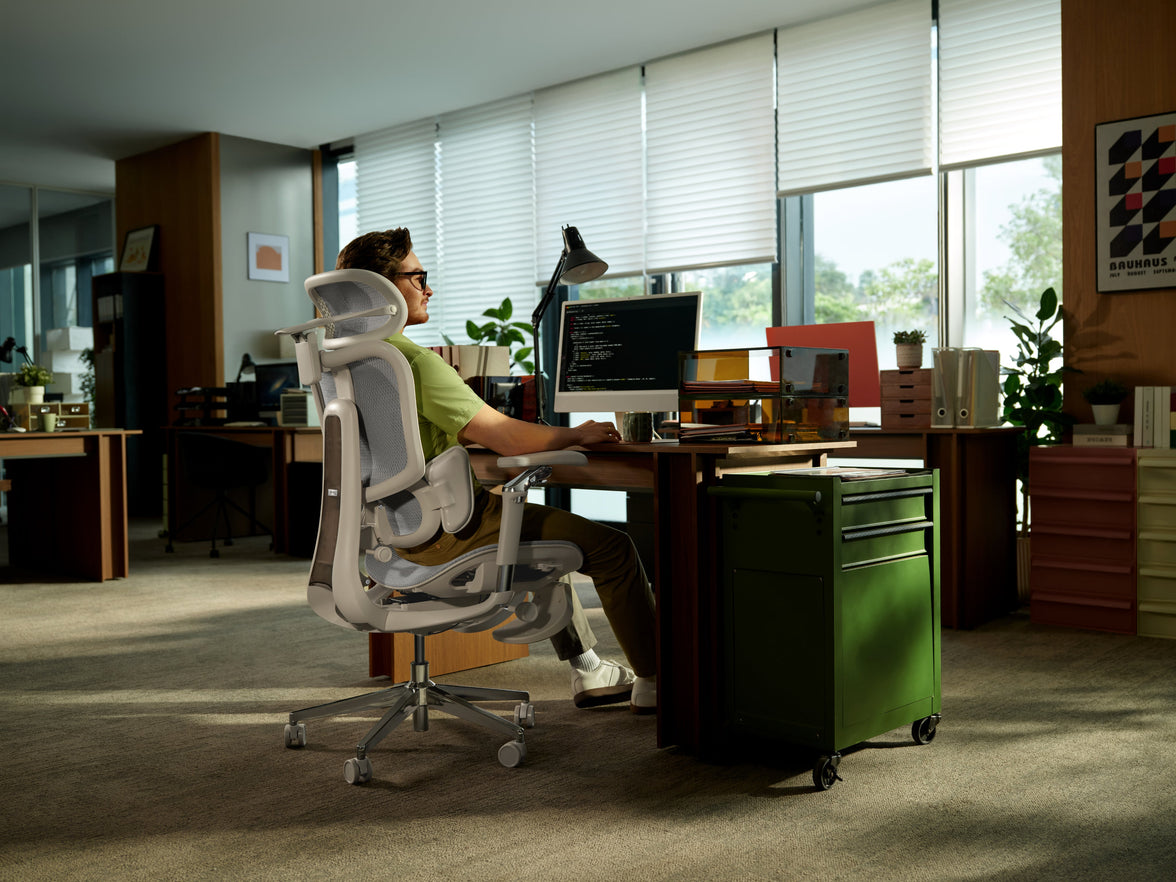
In an upright position, set the seat so your feet feel supported. Leave comfortable clearance behind your knees and enough space underneath the desk to change your leg position.
A pull-out leg rest can suit a reclined pause. For upright play at a desk, a separate floor footrest may be more useful if your feet do not reach the floor. Check that controller cables and charging leads stay clear of the chair’s wheels.
Borrow the sunset mood, keep the room usable.
A muted pink light against a dark blue wall can give your gaming corner a coastal evening feel. Keep decorative lighting outside your direct line of sight and check for reflections on the display.
Leave space around your console according to its manufacturer’s ventilation instructions. A clean shelf and a nearby controller charging spot make everyday use easier than a crowded display. Your chair also needs room to roll out and recline without meeting a cabinet behind it.
Which HBADA chair suits your gaming corner?
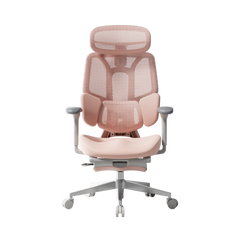
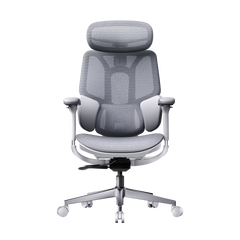
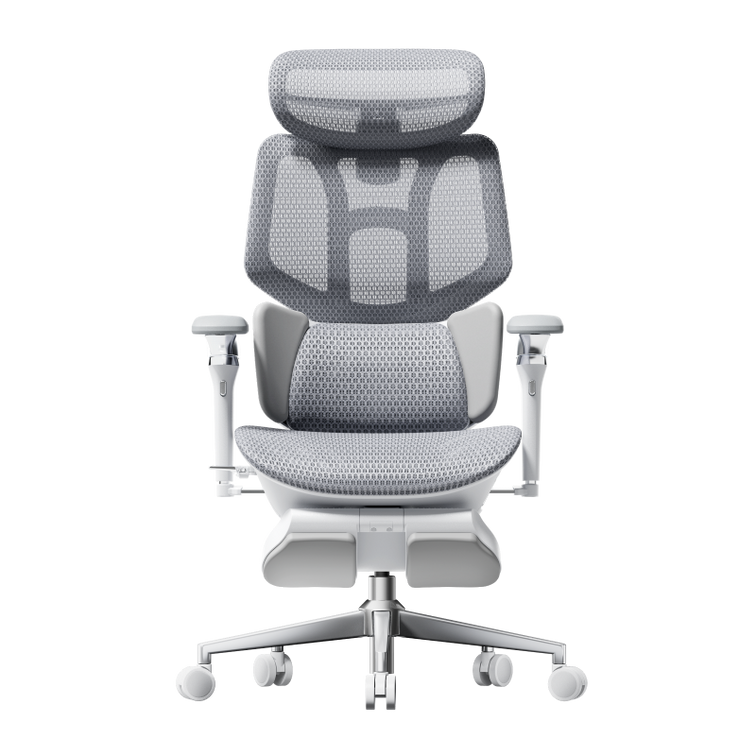
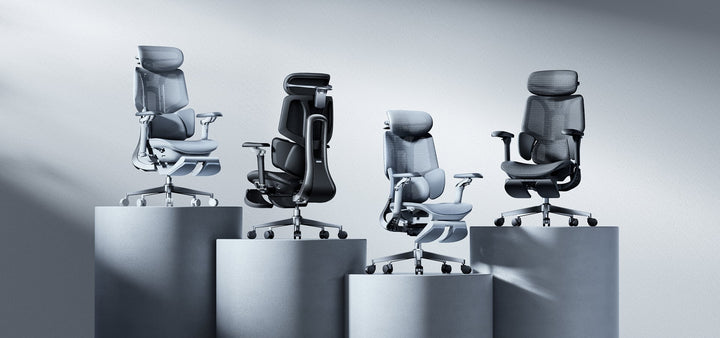
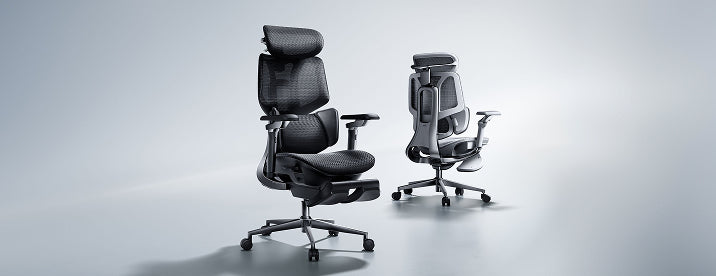
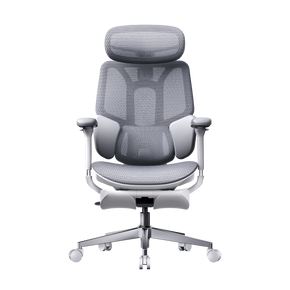
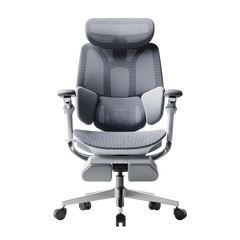
HBADA E3 Pro 2026
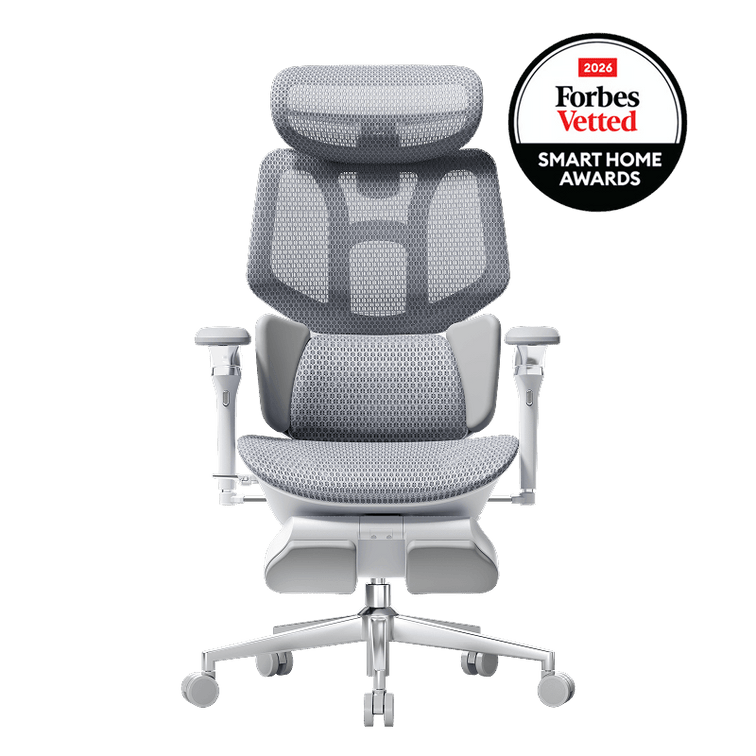
Consider the E3 Pro when the same desk handles work during the day and controller gaming later. Its three-zone lumbar support and adjustable seating let you change your setup between activities. Save your preferred positions as a short note if you switch frequently.
See E3 Pro 2026 adjustments ↗HBADA E3 Ultra Gen 5
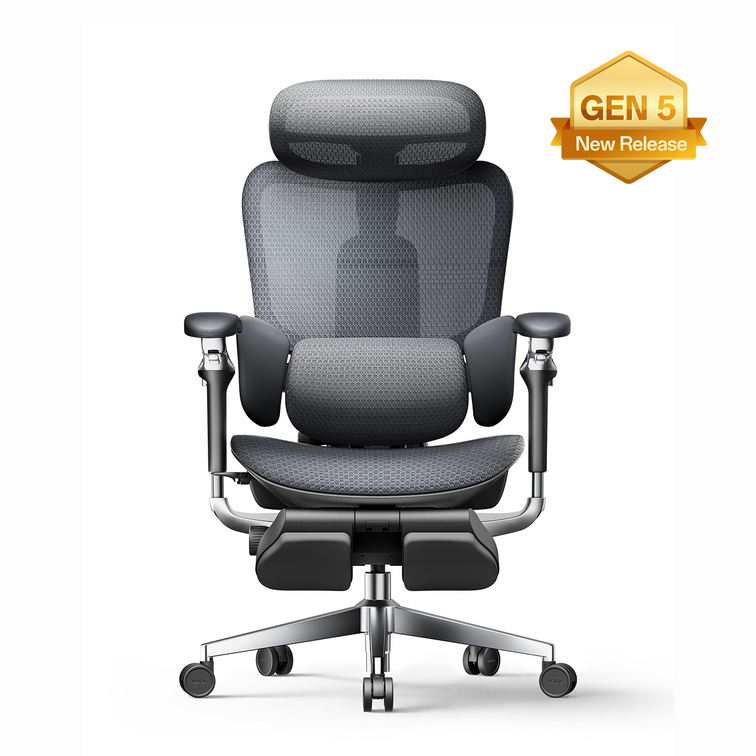
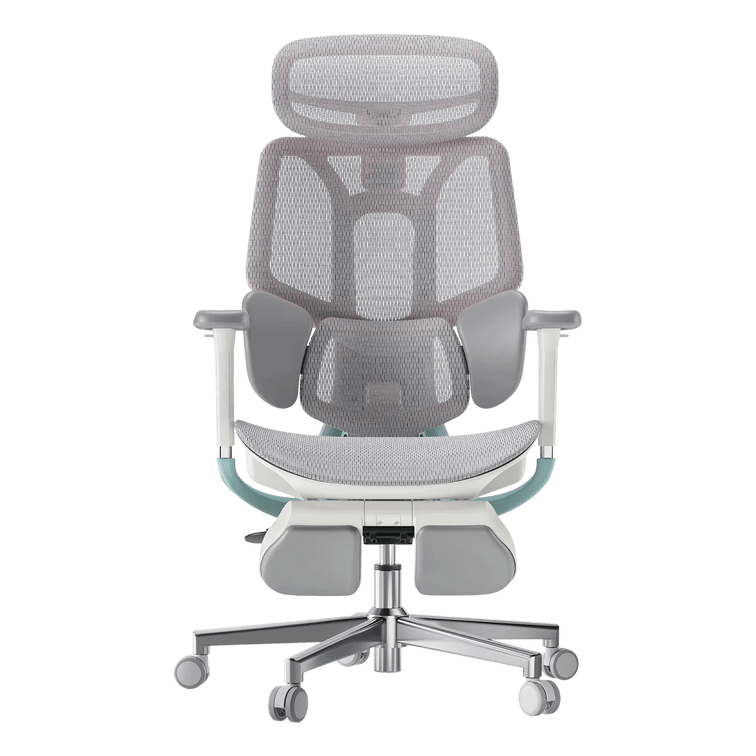
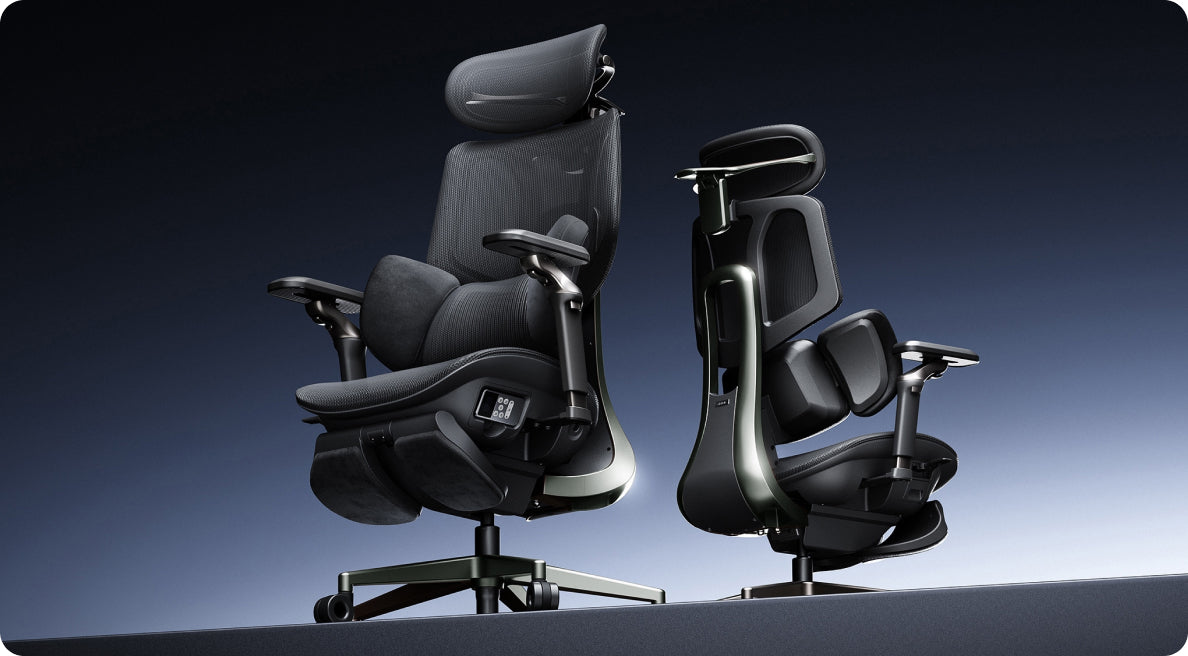
The E3 Ultra adds lower-back massage and graphene warmth to an adjustable ergonomic chair. Its reclining backrest and integrated footrest give you another way to settle back during a pause. Choose it for those comfort features, then check the dimensions against your desk and room.
Discover E3 Ultra Gen 5 ↗Build a pause into the evening.
An adjustable chair gives you options, and movement still matters. Stand up between sessions, stretch your legs and look away from the screen. Set a reminder if you tend to lose track of time.
Massage and warmth can make a seated break feel relaxing. Give yourself time out of the chair too, especially when you notice you have stayed in one position for a while.
Your controller-ready setup check
A few questions before you rearrange the room.
Do I need a racing-style gaming chair for GTA 6?
The game does not require a particular chair style. For a desk-based setup, compare seat fit, armrest positioning and back support. An adjustable ergonomic office chair can work for controller gaming as well as your daily desk tasks.
Can I use an HBADA chair with a console and television?
Yes, provided the chair fits your room and gives you a comfortable view of the television. Check the screen position from the chair before deciding where to place it.
What should I measure before ordering?
Record your desk clearance and available floor space in centimetres. Compare these with the selected chair’s dimensions, leaving room for the recline and any extended leg rest.
Is this an official GTA 6 chair or collaboration?
No. This is an independent HBADA setup guide. The chairs featured here are HBADA products, with no GTA VI licensing or endorsement implied.
New game on your list?
Put your setup on it too.
Our European Black Friday sale is a chance to upgrade the chair you use for both work and play. Browse the current offers and choose your preferred configuration. Check availability and delivery to your country before completing your order.
Shop HBADA Europe Black Friday Deals ↗Grand Theft Auto VI and related names are trademarks of their respective owners. HBADA is not affiliated with or endorsed by Rockstar Games or Take-Two Interactive. This article provides independent setup advice and does not review GTA VI gameplay.