
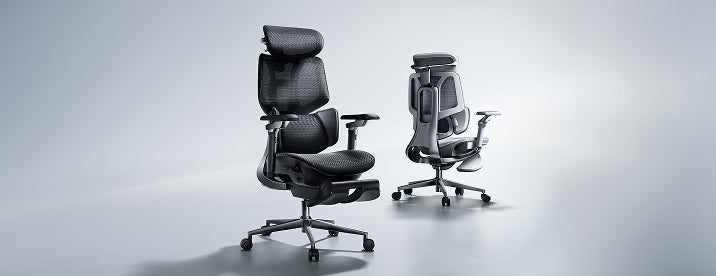

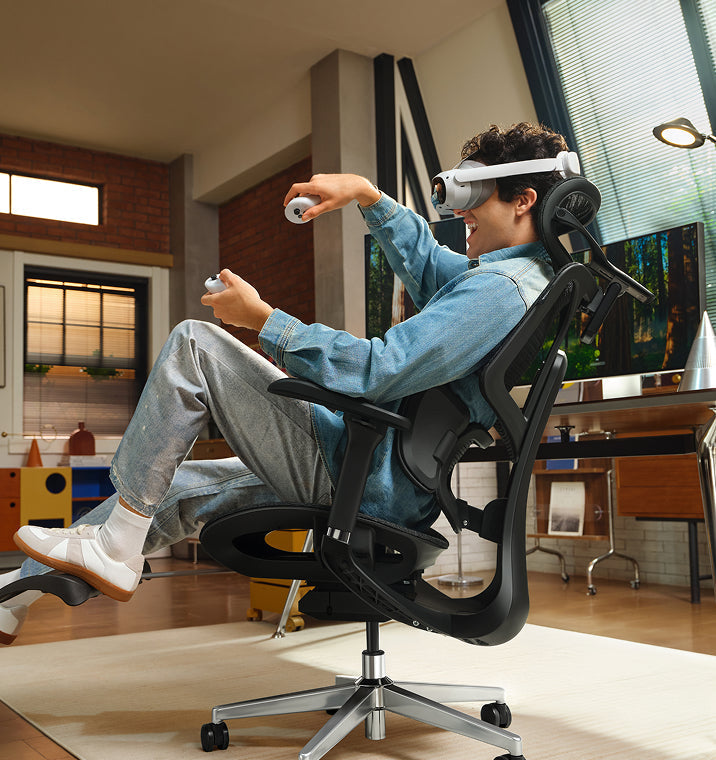
Gli spazi per ufficio in Europa stanno cambiando rapidamente. Sempre più professionisti stanno abbandonando i vecchi mobili da ufficio rigidi e scegliendo sedie che offrono un supporto migliore. Stare seduti da otto a dieci ore al giorno ha un costo reale sul corpo, rendendo più difficile la concentrazione e aggiungendo ulteriore tensione alla parte bassa della schiena.

Per affrontare questo problema, le aziende ora stanno dando priorità alla salute dei dipendenti rispetto ai mobili economici e basici. Passare a una sedia ergonomica aiuta a proteggere la colonna vertebrale, riduce l'affaticamento quotidiano e mantiene la produttività durante le lunghe giornate di lavoro.
1. Conformità con leggi più severe sulla salute e sicurezza
Il principale motore di questo cambiamento in tutto il continente è la severa applicazione di normative aggiornate sulla sicurezza sul lavoro. Nel Regno Unito, i datori di lavoro devono rispettare rigorosamente il Health and Safety (Display Screen Equipment) Regulations 1992. Queste leggi richiedono che qualsiasi dipendente che utilizzi attrezzature con schermo per un'ora o più al giorno venga sottoposto a una valutazione della postazione di lavoro.
Le normative richiedono che la seduta sia completamente stabile, consenta libertà di movimento e sia dotata di regolazione dell'altezza del sedile e dell'inclinazione dello schienale. Inoltre, ai sensi dell'Equality Act 2010, le organizzazioni del Regno Unito devono fornire attrezzature ergonomiche specializzate come adattamenti ragionevoli per i dipendenti con patologie croniche della schiena. Questi chiari obblighi legali richiedono ai datori di lavoro di fornire sedie altamente regolabili e incentrate sulla salute per proteggere i lavoratori da disturbi muscoloscheletrici a lungo termine.
2. Allontanamento dalle disposizioni delle scrivanie restrittive e obsolete
Molti uffici utilizzano ancora mobili basici e rigidi che non fanno bene alla salute. Quando si allestisce uno spazio di lavoro moderno, gli acquirenti spesso si chiedono perché così tante sedie da ufficio abbiano braccioli fissi.
-
Braccioli fissi: Questi elementi limitano il movimento naturale, impediscono alla sedia di scivolare vicino alla scrivania e costringono l'utente ad assumere una posizione curvata in avanti.
-
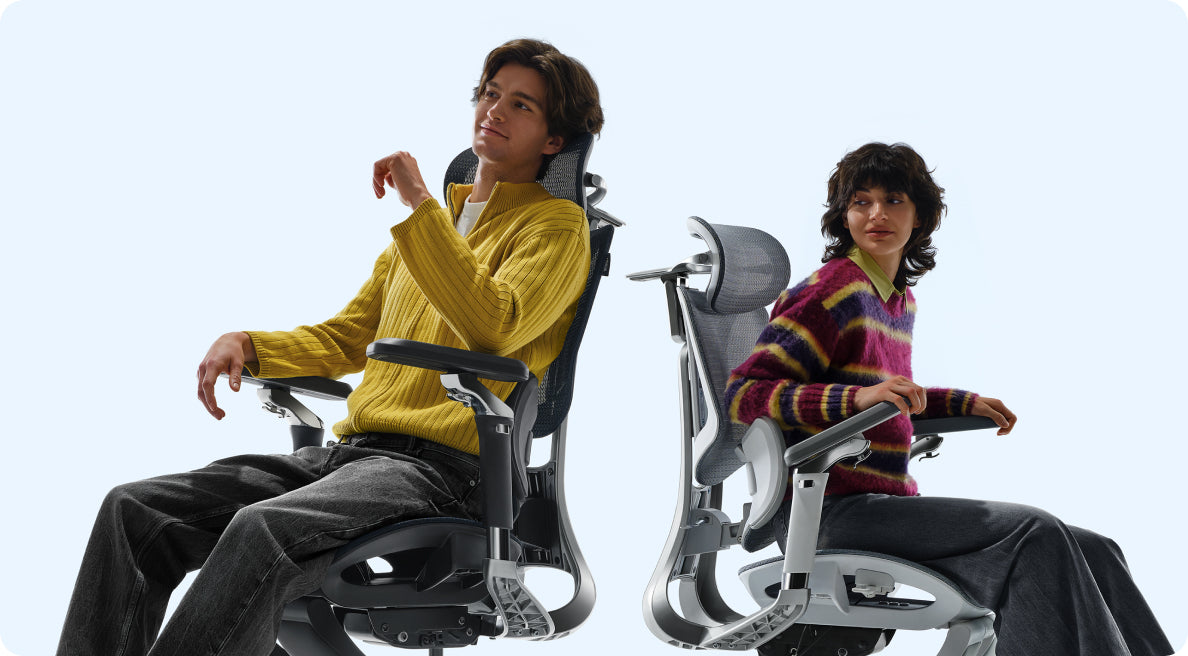
Braccioli a inseguimento multiaxiale: Questi moduli si allineano perfettamente con l'altezza della scrivania, mantenendo i gomiti supportati e riducendo la tensione su collo e spalle.
I braccioli fissi sono ancora comuni perché sono più economici da produrre con semplici stampi in plastica. Ma ti costringono a stare troppo lontano dalla tastiera, sollecitando braccia e parte superiore della schiena. Ecco perché molti europei ora preferiscono sedie con braccioli regolabili che si adattano a diversi compiti.
3. Cura mirata della zona lombare per il sollievo dalla sciatica
Stare seduti per lunghi periodi può esercitare una pressione non uniforme sui dischi intervertebrali inferiori. Quando una sedia manca di un adeguato supporto spinale, il bacino si inclina all'indietro, comprimendo i percorsi nervosi e scatenando dolori profondi e irradiati nella parte inferiore del corpo.
-
Inseguimento spinale continuo: Previene la pericolosa inclinazione pelvica che comprime i nervi.
-
Distribuzione uniforme della pressione: Distribuisce il peso della parte superiore del corpo in modo sicuro sul cuscino del sedile.
-
Riduzione della tensione muscolare: Rilassa i muscoli glutei profondi che possono irritare il percorso del nervo sciatico.
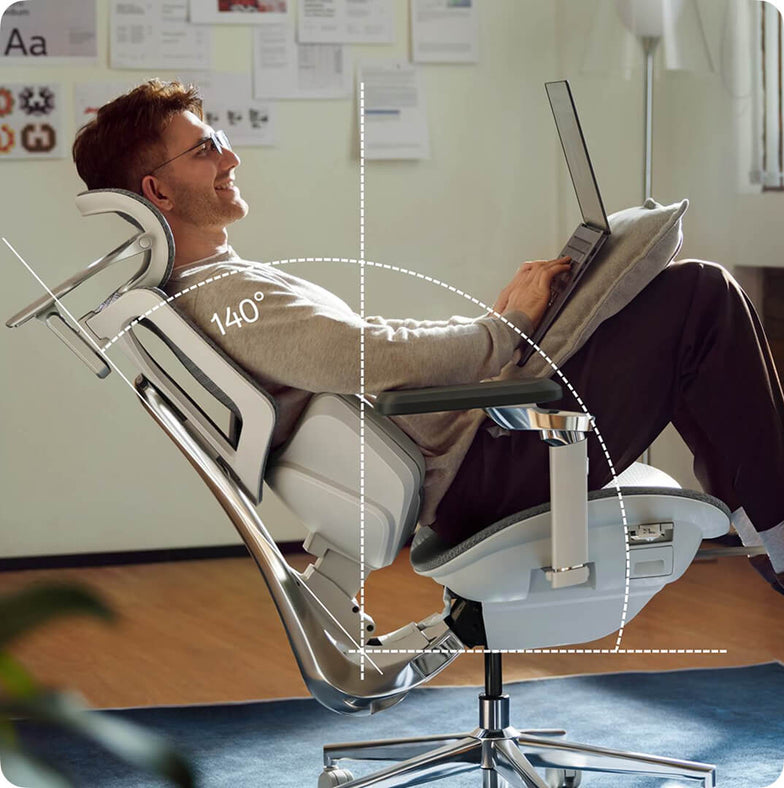
Se desideri un vero sollievo dalla sciatica, passare a una sedia che risponde ai tuoi movimenti è la chiave. Invece di schienali in plastica rigida, le nostre sedie ergonomiche utilizzano zone di supporto flessibili che si muovono con te, distribuiscono il peso in modo uniforme e alleviano la pressione sul nervo sciatico.
4. Abbracciare la salute proattiva e l'ingegneria dinamica
Le persone in Europa ora preferiscono strumenti di benessere intelligenti invece dei mobili manuali e antiquati. La maggior parte vuole che le proprie sedie da ufficio si regolino automaticamente mentre si muovono durante la giornata.
La nostra gamma di sedute avanzate riflette questo cambiamento, sostituendo le leve di controllo manuali con un'ingegneria automatizzata e reattiva:
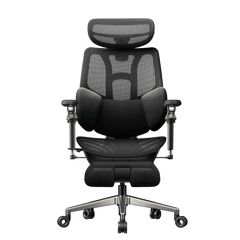
La scelta meccanica: Hbada E3 Pro
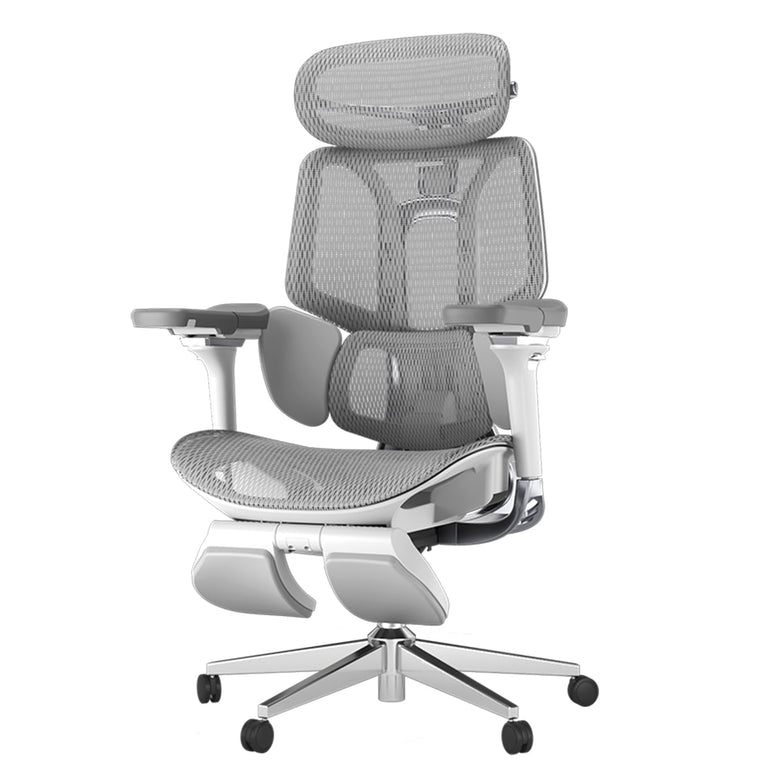
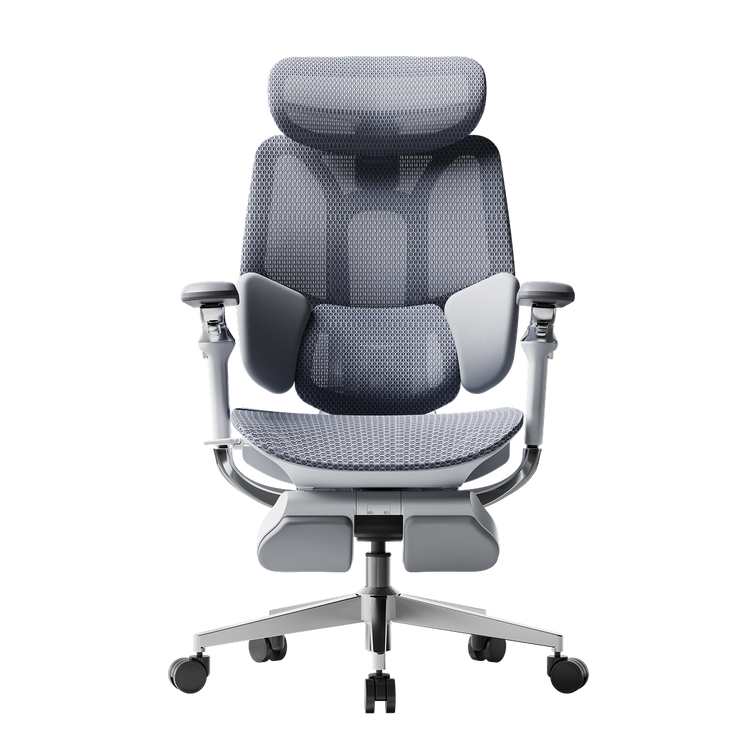
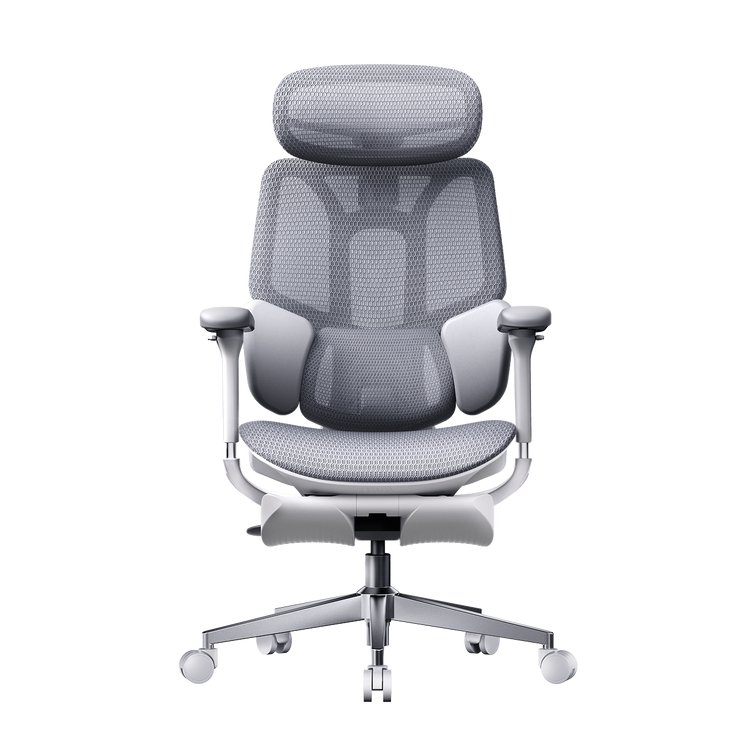
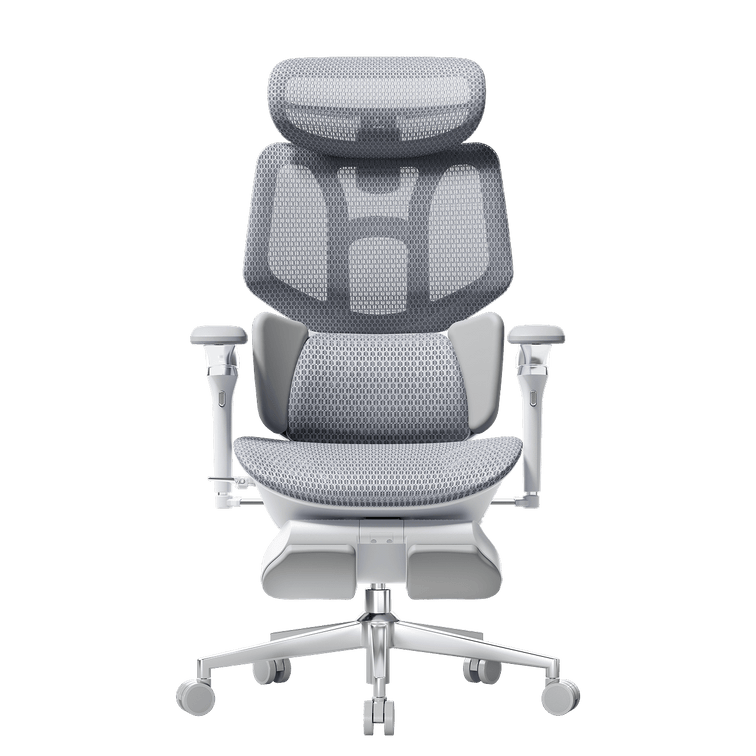
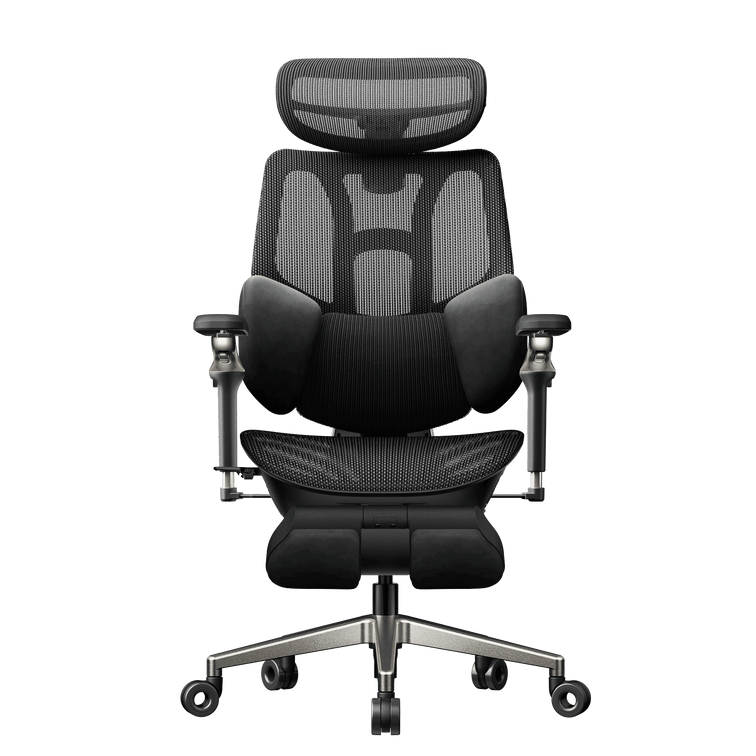
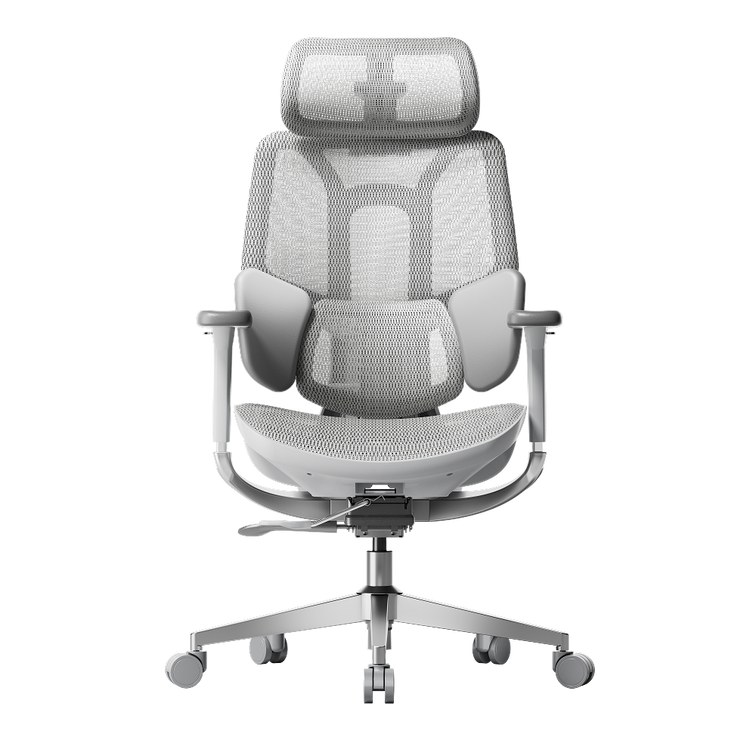
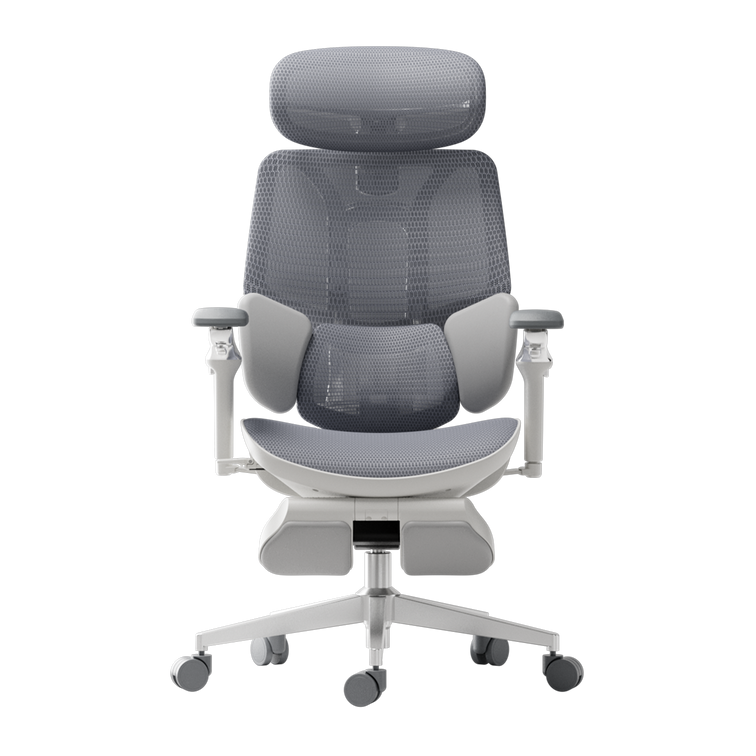
La HBADA E3 Pro è progettata per persone che desiderano un ottimo supporto senza bisogno di elettricità o molte regolazioni. Dispone di un sistema di supporto lombare speciale a 3 zone. La parte centrale mantiene la colonna stabile e le due ali laterali possono ruotare fino a 40 gradi per sostenere la zona lombare. Mentre ti muovi, la sedia segue la tua postura per mantenerti comodo.
La frontiera automatizzata: Hbada AI-Powered x7
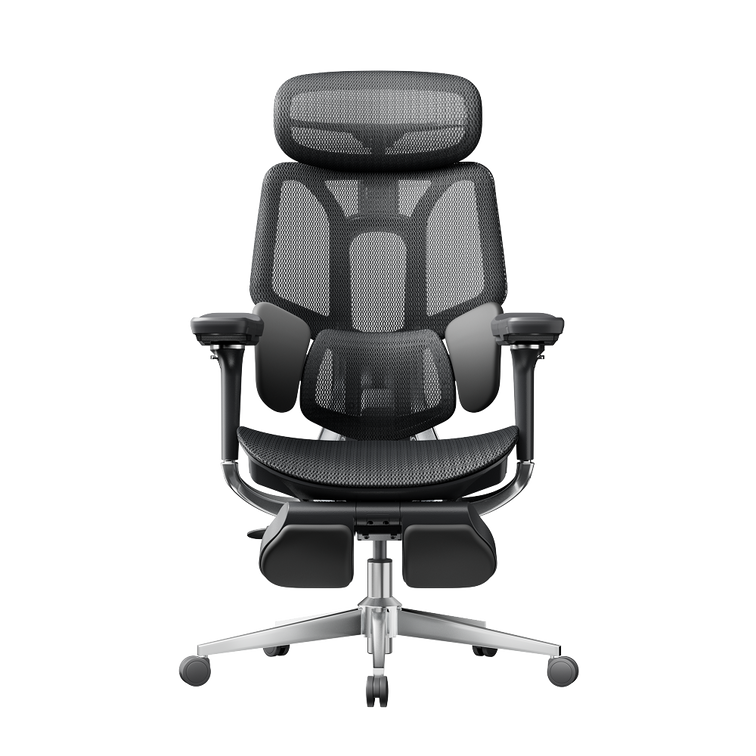
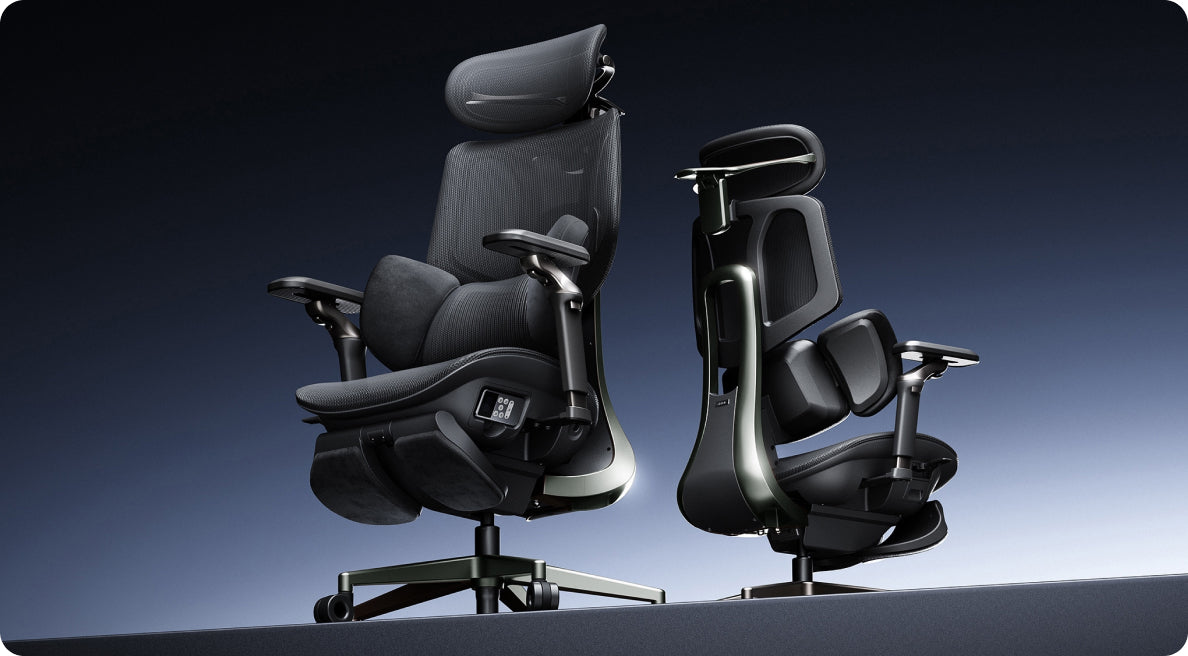
Se desideri il massimo della tecnologia sanitaria automatizzata, la Hbada AI-Powered x7 ti offre una sedia intelligente e reattiva. Utilizza sensori integrati per monitorare la tua postura in tempo reale.
Il sistema della sedia regola automaticamente il supporto lombare per adattarsi alla tua schiena. Se inizi ad incurvarti durante una lunga giornata, cambia forma per sostenerti prima che tu senta alcun disagio.

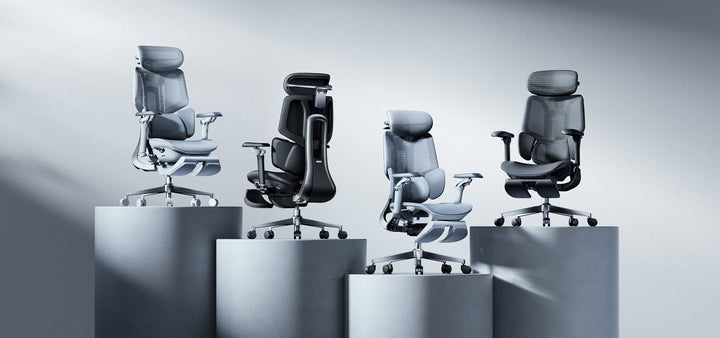
Matrice comparativa dei prodotti per sedute aziendali
-
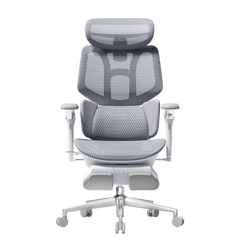
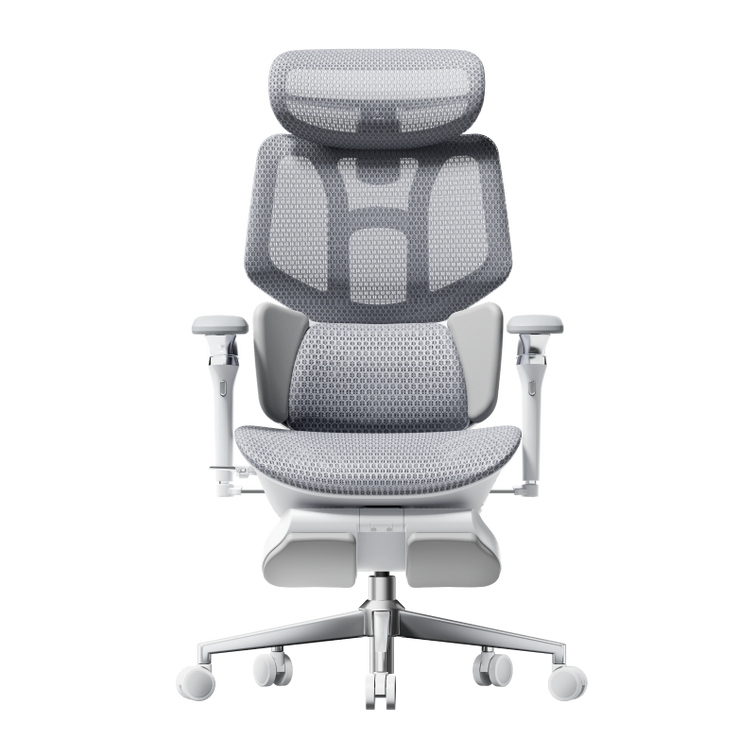
Hbada E3 Air: Progettata per spazi compatti e lavoro ibrido quotidiano, con braccioli regolabili 3D e supporto lombare elastico reattivo.
-
HBADA E3 Pro: Costruita per turni lunghi e utenti esigenti, con braccioli meccanici omnidirezionali 720° e un sistema di ali flottanti adattive a 3 zone.
-
Hbada AI-Powered x7: Progettata per suite esecutive premium, con tracciamento intelligente automatizzato tramite IA, massaggio bionico 8D e terapia termica a infrarossi.
5. Flusso d'aria e regolazione della temperatura ottimali
Le sedie in schiuma di vecchio stile trattengono calore e umidità, lasciandoti stanco e a disagio per lunghe ore. Gli uffici europei moderni ora si concentrano sull'uso di materiali traspiranti e tessuti avanzati.
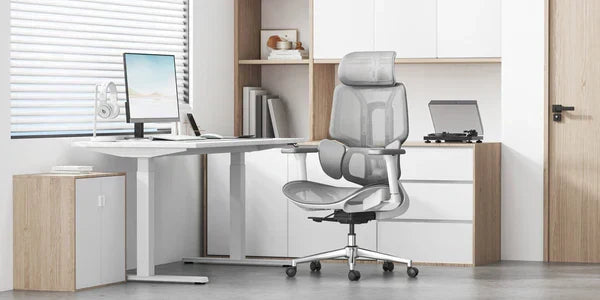
Le sedie con sedile e schienale in rete consentono all'aria di circolare liberamente intorno a te. Questo mantiene il corpo fresco e asciutto, così puoi rimanere concentrato anche quando il lavoro si intensifica.
Guide tecniche: Configurazione della geometria della postazione di lavoro
Una buona sedia funziona meglio quando anche lo spazio di lavoro è configurato correttamente. Ecco una lista di controllo per iniziare:
-
Allinea la tua linea di visura: Regola l'altezza del monitor in modo che il terzo superiore dello schermo sia all'altezza degli occhi, riducendo la tensione cervicale.
-
Appoggia i piedi a terra: Regola l'altezza del sedile in modo che i piedi siano appoggiati a terra con le ginocchia piegate a un comodo angolo di 90 gradi.
-
Allinea l'altezza dei braccioli: Imposta l'altezza dei braccioli per allinearli perfettamente alla superficie della scrivania, mantenendo i polsi dritti durante la digitazione.
-
Attiva il calore integrato: Se la tua sedia include il riscaldamento termico integrato, attivalo durante le ore mattutine più fresche per mantenere flessibili i muscoli lombari.
Domande frequenti (FAQ)
In che modo una sedia a postura ergonomica aiuta a prevenire l'affaticamento fisico quotidiano?
Una sedia da ufficio standard costringe i muscoli della schiena e del collo a lavorare di più per mantenerti eretto, portando all'esaurimento. Una sedia ergonomica per la postura si adatta alle curve naturali della colonna vertebrale, distribuisce il peso corporeo e consente ai muscoli di rilassarsi, aiutandoti a mantenere livelli di energia più elevati durante il giorno.
Perché molti modelli di sedie economiche hanno braccioli fissi?
I braccioli fissi sono comuni nelle sedie economiche perché sono poco costosi da produrre con un unico stampo in plastica. Tuttavia, impediscono alla sedia di avvicinarsi alla scrivania, costringendoti a piegarti in avanti e a sforzare la colonna, mentre i braccioli regolabili favoriscono un allineamento sano.
Una sedia da ufficio regolabile può fornire un sollievo affidabile dalla sciatica durante turni lunghi?
Sì. Una sedia regolabile allevia la sciatica utilizzando zone di supporto flessibili che si adattano ai tuoi movimenti. Questa gestione adattiva della pressione previene l'inclinazione pelvica, riduce la pressione diretta sui dischi intervertebrali inferiori e impedisce che i nervi lombari vengano compressi durante la seduta.
Quanto tempo ci vuole per adattarsi a una sedia ergonomica professionale?
La maggior parte degli utenti sperimenta un periodo di adattamento da 7 a 14 giorni. Durante questo periodo, i muscoli si stanno adattando a una postura corretta e "disimparando" anni di incurvamento. Una volta superata questa fase, stare seduti nell'allineamento corretto risulta del tutto naturale, comodo e di supporto.
Conclusione
Il modello giusto dipende dal tuo flusso di lavoro quotidiano e dal livello di controllo che desideri sulla tua configurazione. Se cerchi una sedia meccanica affidabile e robusta con regolazioni manuali altamente flessibili, la HBADA E3 Pro offre un equilibrio eccezionale tra prestazioni e valore. Se desideri sperimentare il futuro del benessere sul posto di lavoro, con monitoraggio automatizzato della postura, sollievo termico integrato e terapia massaggiante profonda, passare alla Hbada AI-Powered x7 è un eccellente investimento per la tua salute a lungo termine e la tua concentrazione quotidiana.