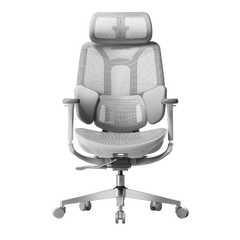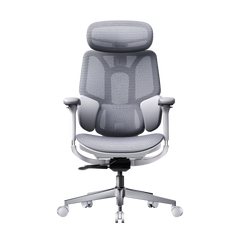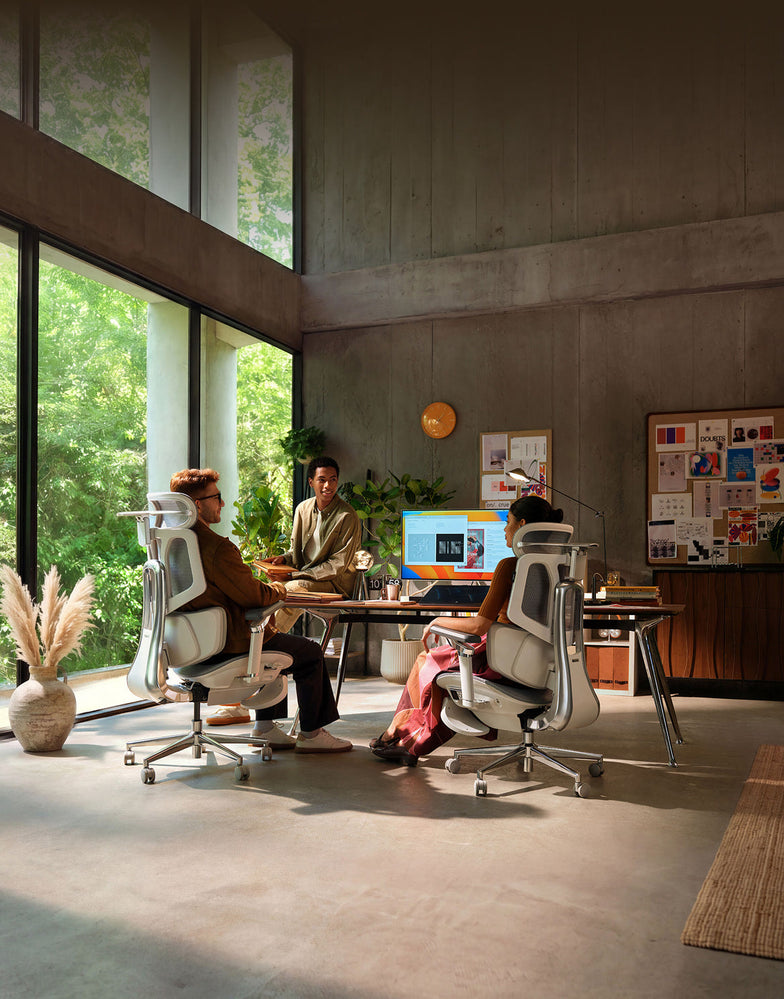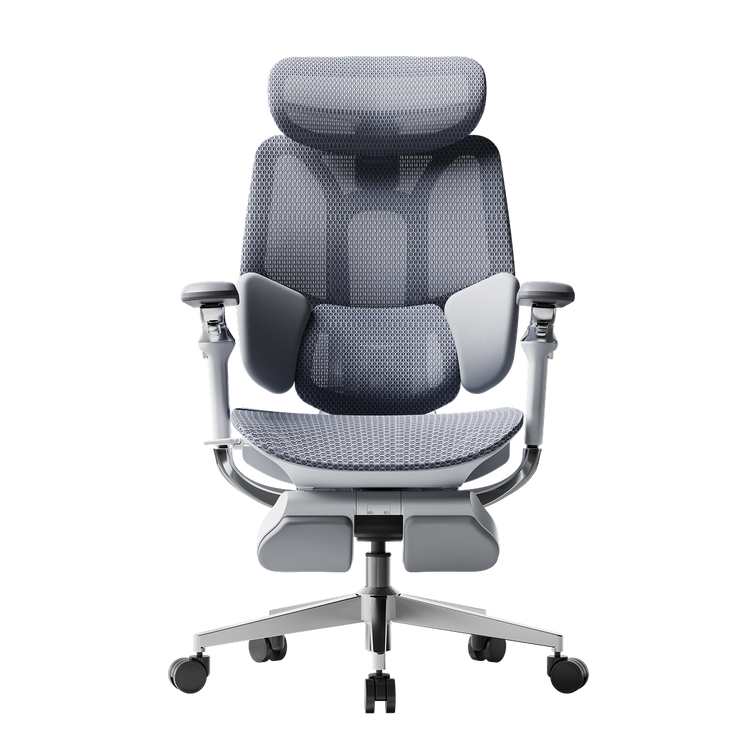
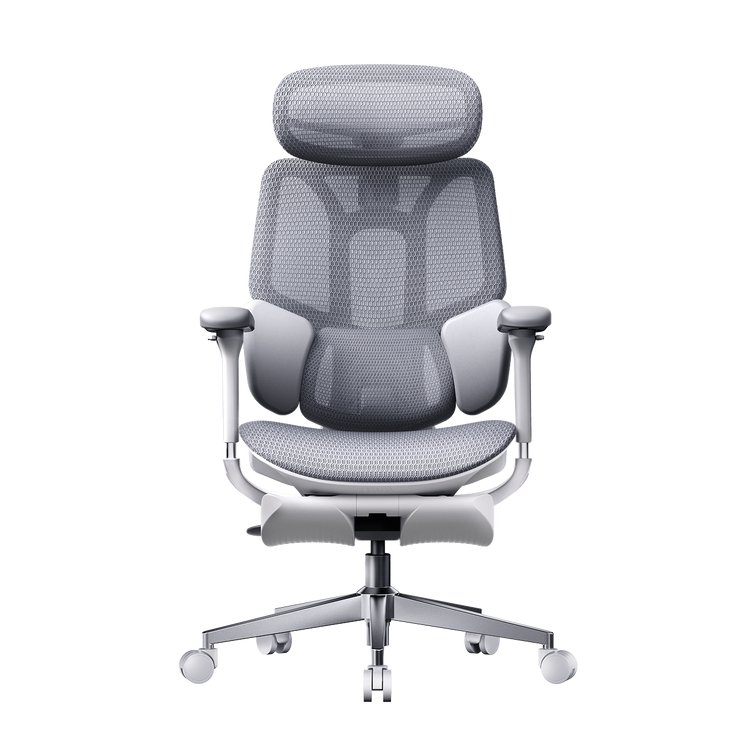
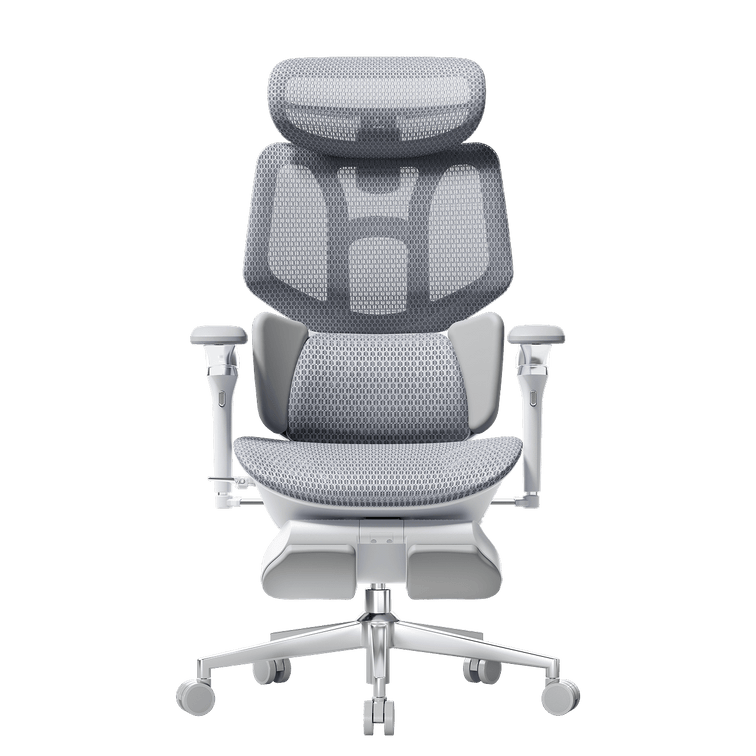
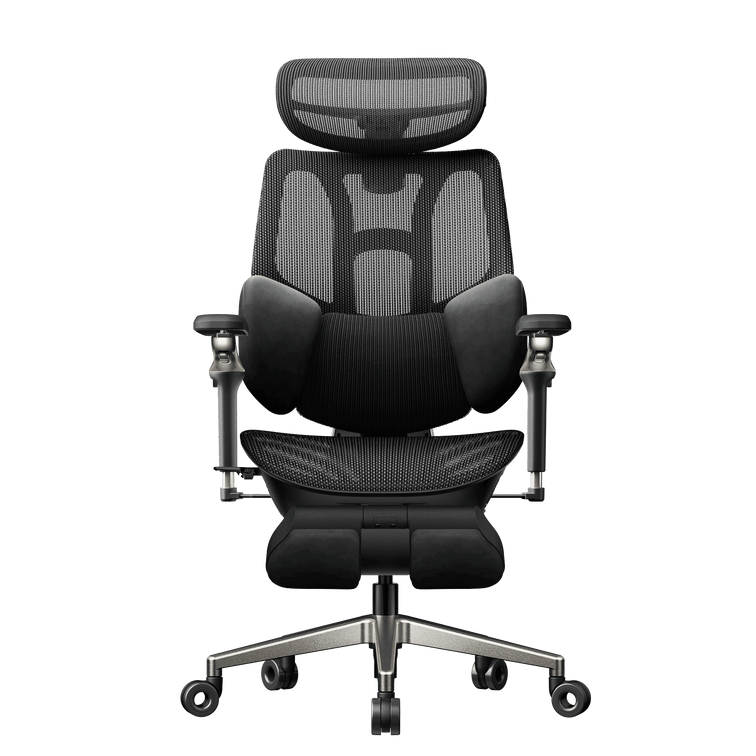
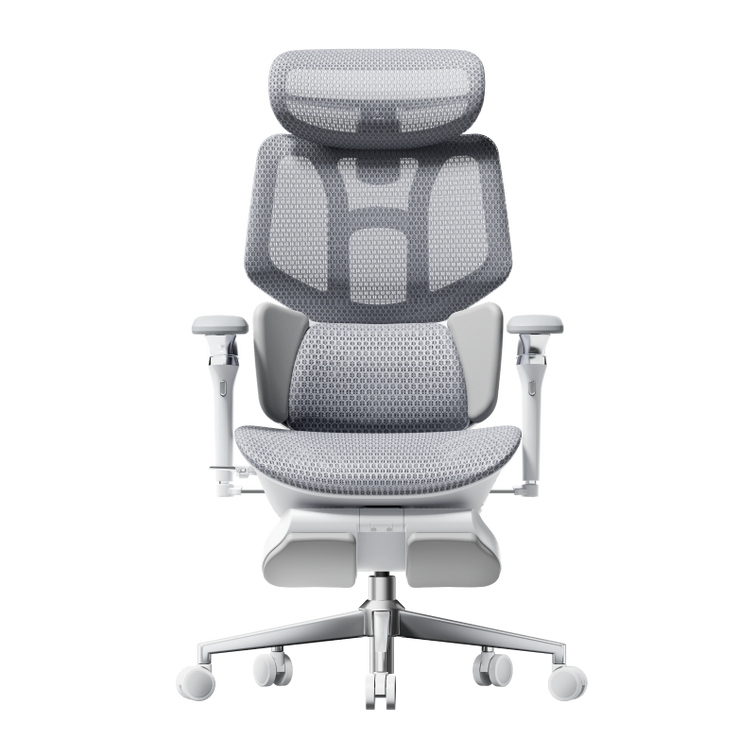
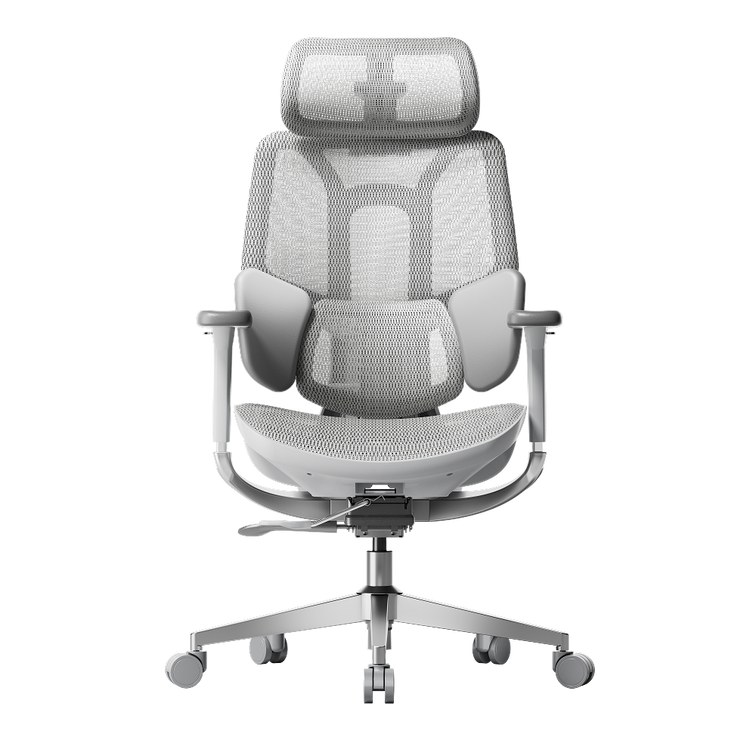
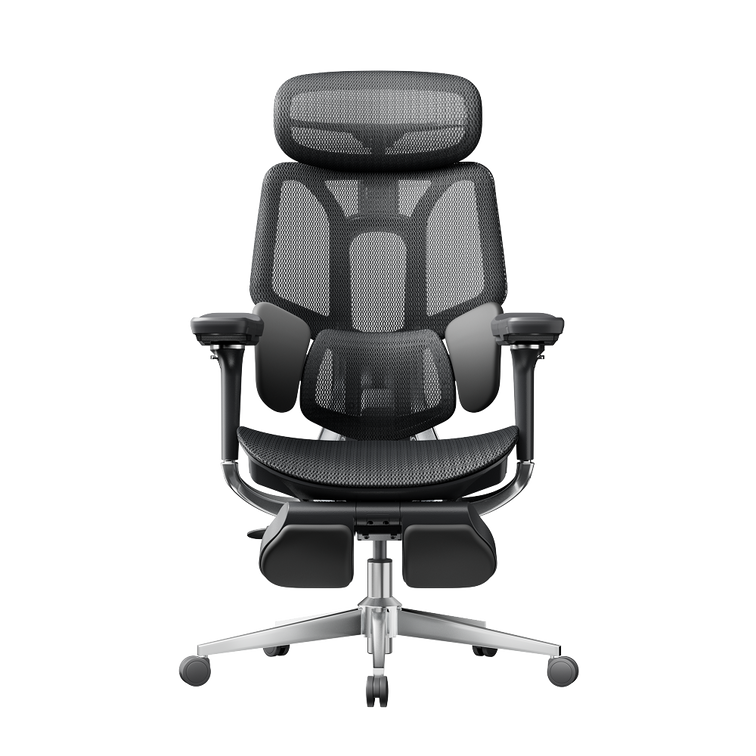
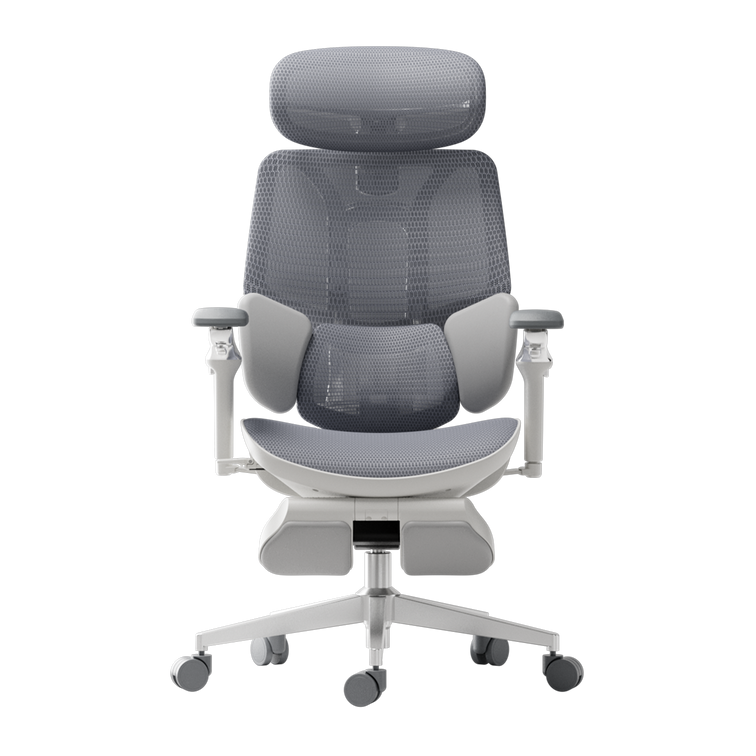
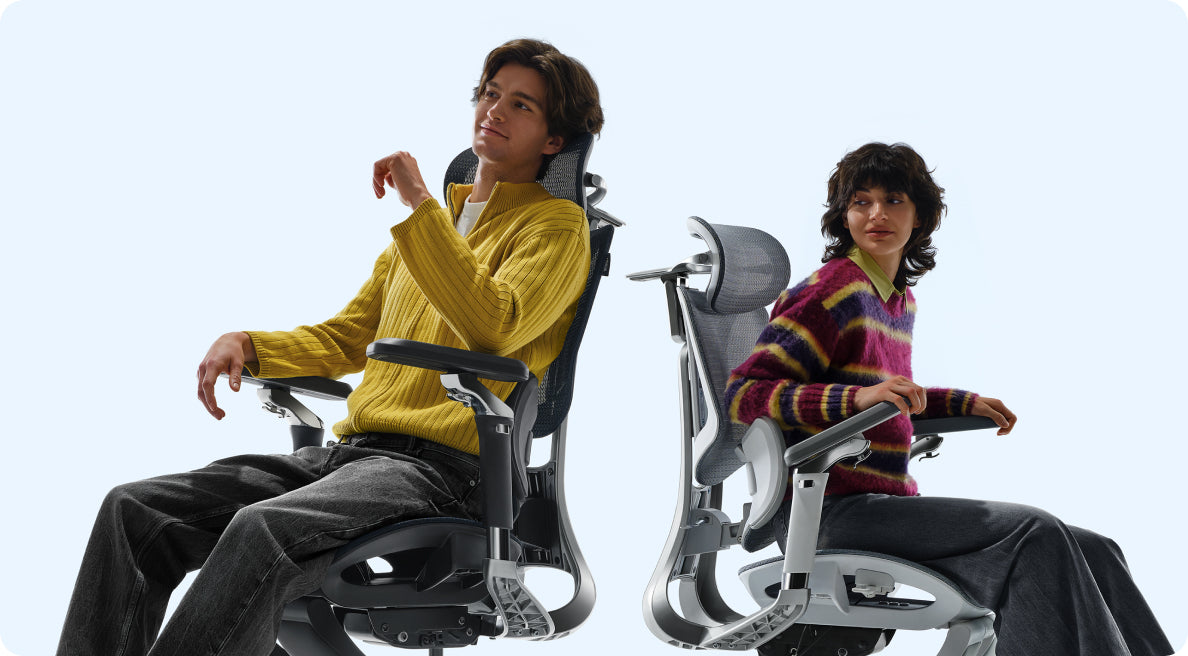
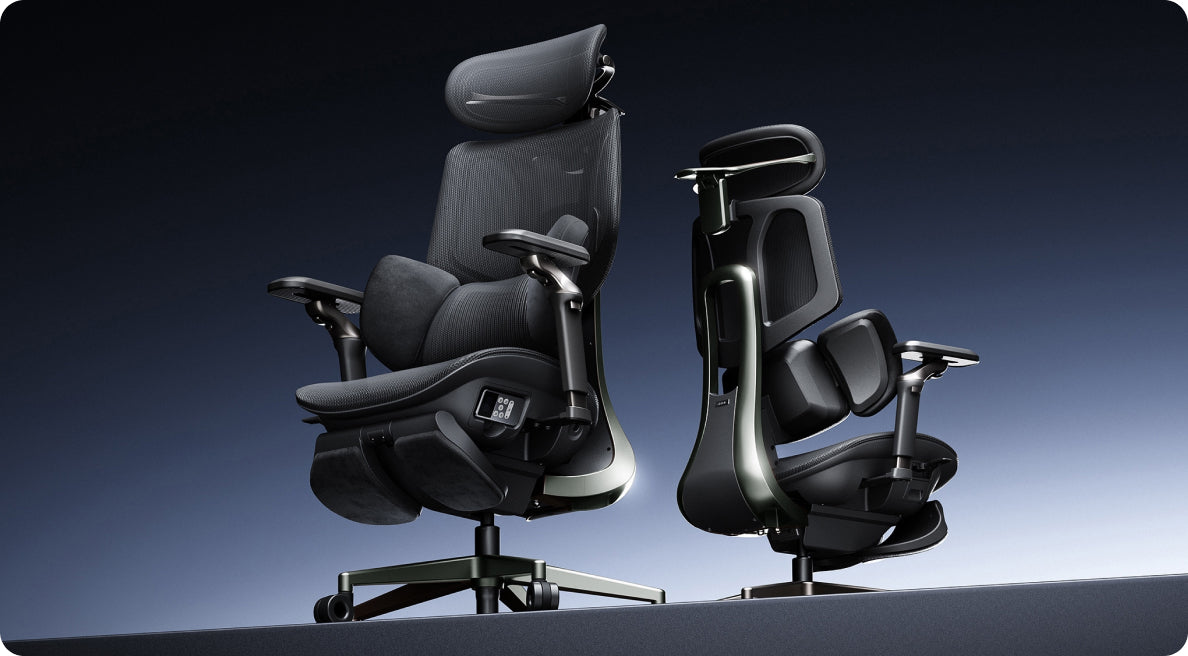

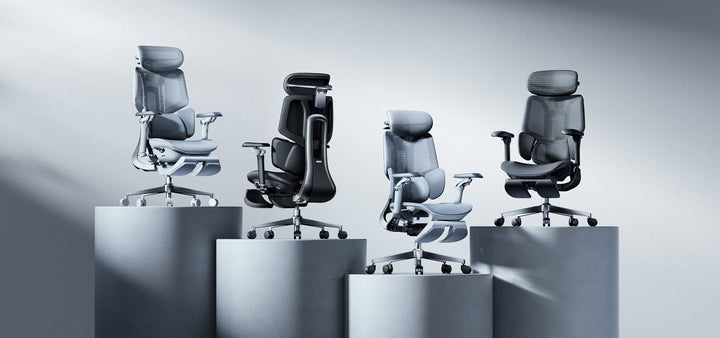
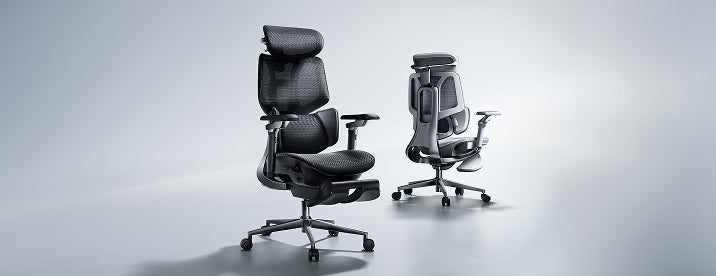
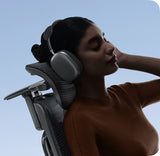
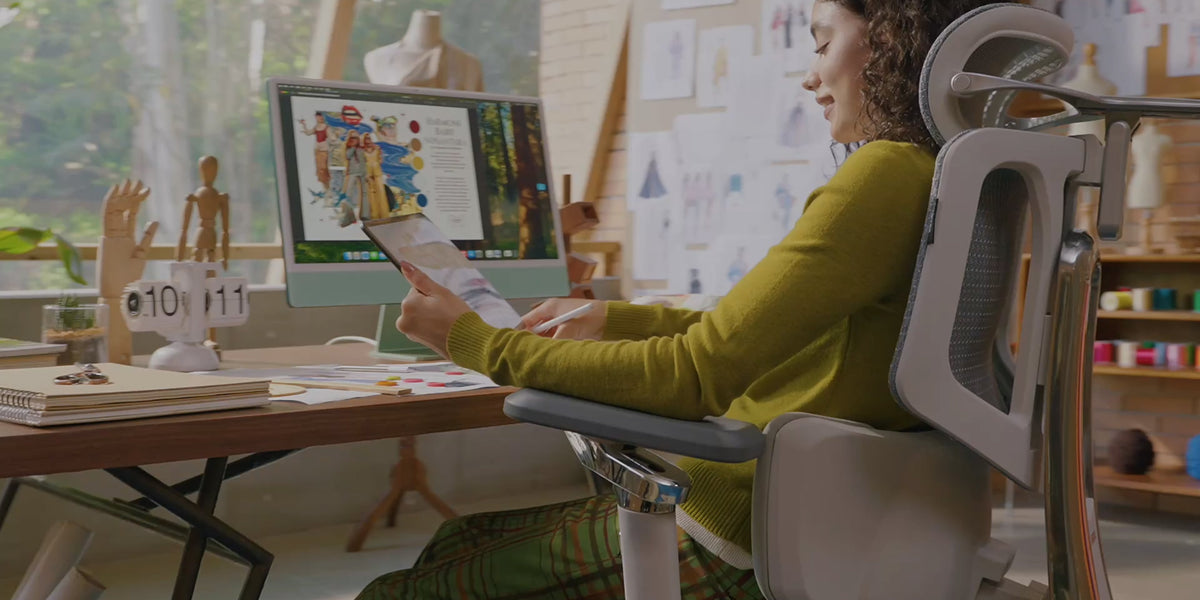
Regola con facilità
Le nostre sedie ergonomiche ti aiutano a trovare rapidamente e naturalmente la posizione di seduta ideale — su misura per il tuo corpo e il tuo flusso di lavoro.
Guarda i nostri video tutorial per semplici consigli su come regolare il tuo modello specifico.
Ecco a giornate lavorative migliori!
Orologio Video sull'uso della sedia ergonomica HBADA E3 Pro
Non tutte le sedie sono adatte a ogni corpo. Se stai seduto per molte ore, il modo in cui la tua sedia è regolata può fare una vera differenza su come si sentono la schiena, le spalle e le gambe alla fine della giornata.
Ecco perché la regolabilità è importante. Una buona sedia ergonomica dovrebbe aiutarti a sederti in modo naturale, supportato e confortevole. In questa guida, esamineremo le principali regolazioni della sedia e ti mostreremo come ottenere una configurazione migliore per il lavoro quotidiano.
Perché la regolabilità della sedia è importante
Una sedia che sembra ergonomica non è sempre sufficiente. Ciò che conta davvero è se si adatta al tuo corpo e al tuo modo di lavorare. Quando una sedia può essere regolata correttamente, può aiutare a ridurre la pressione sulla parte bassa della schiena, alleviare la tensione nelle spalle e rendere meno faticose le lunghe sessioni di seduta.
Questo è particolarmente importante se lavori alla scrivania per la maggior parte della giornata. Piccole modifiche come l'altezza del sedile, il supporto lombare e la posizione dei braccioli possono influenzare quanto ti senti stabile e rilassato. Se cerchi una sedia progettata con questi dettagli in mente, la collezione di sedie ergonomiche HBADA è un buon punto di partenza.
1. Regola l'altezza del sedile
Inizia prima con l'altezza del sedile. I piedi dovrebbero poggiare completamente a terra e le cosce dovrebbero rimanere più o meno parallele al suolo. Le ginocchia dovrebbero sentirsi rilassate, non sollevate o schiacciate.
Se il sedile è troppo alto, i piedi potrebbero penzolare e mettere pressione sulla parte posteriore delle gambe. Se è troppo basso, i fianchi potrebbero trovarsi più in basso delle ginocchia e compromettere la postura. Regolare correttamente l'altezza del sedile è uno dei modi più semplici per rendere la sedia più confortevole.
Se vuoi vedere come le sedie HBADA gestiscono questo aspetto, puoi controllare il Collezione di sedie ergonomiche HBADA.
2. Regola la profondità del sedile
La profondità del sedile è facile da trascurare, ma conta più di quanto molti pensino. L'obiettivo è lasciare un piccolo spazio tra il bordo del sedile e la parte posteriore delle ginocchia. Questo offre alle gambe un supporto sufficiente senza creare pressione.
Se la seduta è troppo profonda, potresti scivolare in avanti o sederti troppo lontano dallo schienale. Se è troppo superficiale, le cosce potrebbero non ricevere il supporto necessario. Una profondità della seduta adeguata ti aiuta a sederti in modo più naturale e a rimanere comodo per periodi più lunghi.
Per sedie con più opzioni di adattamento, HBADA sedie da ufficio regolabili sono progettate per offrire agli utenti un maggiore controllo sulla posizione di seduta.

3. Posiziona correttamente il supporto lombare
Il supporto lombare dovrebbe posizionarsi nella curva naturale della parte bassa della schiena. Deve risultare di supporto, non aggressivo. Quando è ben posizionato, aiuta a mantenere la colonna vertebrale in una forma più naturale e riduce l'impulso di incurvarsi.
Se il supporto è posizionato troppo in alto o troppo in basso, può risultare scomodo e perdere efficacia. Una piccola regolazione può fare una grande differenza. Per chi spesso avverte fastidi alla parte bassa della schiena durante la giornata, questa è solitamente la caratteristica più importante.
Guida alla regolazione lombare della sedia HBADA P2 Ultra
Hbada E3 | Dimostrazione della regolazione del supporto lombare

4. Regola i braccioli
I braccioli dovrebbero aiutare le spalle a rimanere rilassate. Quando sono impostati correttamente, i gomiti possono riposare comodamente vicino ai fianchi e le braccia si sentono supportate mentre si digita o si legge.
Se i braccioli sono troppo alti, le spalle potrebbero sollevarsi. Se sono troppo bassi, le braccia potrebbero non ricevere abbastanza supporto. La posizione giusta aiuta a ridurre la tensione nel collo e nella parte superiore del corpo, specialmente durante lunghe sessioni di lavoro.
Se la tua configurazione necessita di maggiore flessibilità, HBADA opzioni di seduta ergonomica includono sedie con braccioli regolabili progettati per l'uso quotidiano.
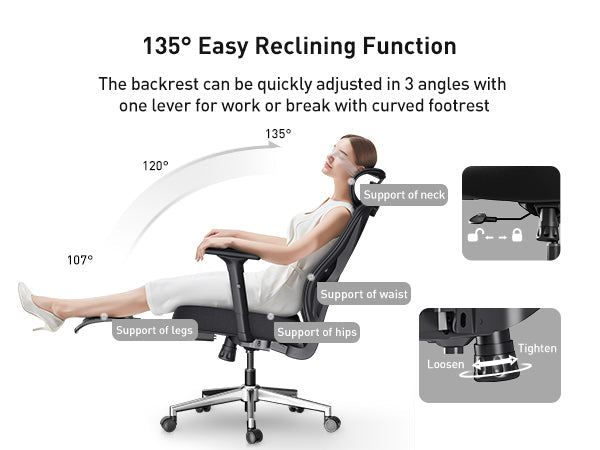
5. Regola finemente l'inclinazione
L'inclinazione non riguarda solo il fatto di reclinarsi. Aiuta a cambiare posizione e a ridurre la pressione che si accumula quando si resta seduti in una postura per troppo tempo. Una buona regolazione dell'inclinazione dovrebbe muoversi in modo fluido e sentirsi comunque controllata.
Se la resistenza è troppo bassa, la sedia può sembrare instabile. Se è troppo alta, l'inclinazione può risultare rigida e innaturale. Una volta regolata correttamente, l'inclinazione aggiunge una sensazione di maggiore relax alla tua giornata lavorativa senza sacrificare il supporto.
Hbada E3 | Dimostrazione della funzione di inclinazione
Hbada E3 | Dimostrazione dell'operazione di scorrimento del telaio

6. Usa il poggiatesta quando necessario
Se la tua sedia ha un poggiatesta, dovrebbe sostenere la parte posteriore della testa o del collo quando ti appoggi indietro. Non dovrebbe mai spingere la testa in avanti. La posizione giusta offre al collo un punto di riposo durante le pause o i momenti di lavoro meno intensi.
Un poggiatesta è particolarmente utile se trascorri molte ore alla scrivania o ti piace appoggiarti indietro di tanto in tanto durante la giornata. Aggiunge un ulteriore livello di comfort, soprattutto se combinato con un adeguato supporto lombare e inclinazione.
Hbada E3 | Dimostrazione della regolazione del poggiatesta
Come trovare la configurazione giusta
La configurazione migliore della sedia non è universale. Dipende dalla tua altezza, dall'altezza della scrivania, dalle abitudini di lavoro e da quanto tempo stai seduto ogni giorno. Un buon modo per iniziare è regolare una caratteristica alla volta e notare come risponde il tuo corpo.
Nella maggior parte dei casi, l'altezza del sedile viene regolata per prima, seguita dalla profondità del sedile, dal supporto lombare, dai braccioli e dall'inclinazione. Una volta impostati questi, puoi fare piccoli aggiustamenti finché la sedia non risulta naturale. Se una sedia ha abbastanza flessibilità, è molto più facile creare una configurazione che funzioni per te.
Video sull'uso della sedia ergonomica HBADA E3 Pro
Chi beneficia maggiormente della regolabilità
Le sedie regolabili sono particolarmente utili per chi:
Lavori molte ore alla scrivania.
Vuoi un miglior supporto lombare.
Condividi una sedia con altri.
Passa dal lavoro concentrato alla seduta rilassata.
Preferisci un'esperienza di seduta più personalizzata.

Ecco perché HBADA progetta sedie con la regolabilità in mente. L'obiettivo non è solo il comfort per pochi minuti, ma un supporto che duri per tutta la giornata lavorativa.
Una sedia dovrebbe rendere più facile sedersi, non più difficile. Quando le regolazioni sono impostate correttamente, puoi migliorare il comfort, ridurre lo sforzo e mantenere la concentrazione per tutta la giornata. And HBADA è sempre qui per aiutarti, sia prima che dopo la vendita.
Se stai cercando una sedia che ti dia più controllo su come sederti, la collezione di sedie ergonomiche di HBADA vale la pena di essere esplorata. Inizia con le caratteristiche che contano di più e crea una configurazione che si adatti al tuo corpo, alla tua scrivania e alla tua routine.