

Introduzione
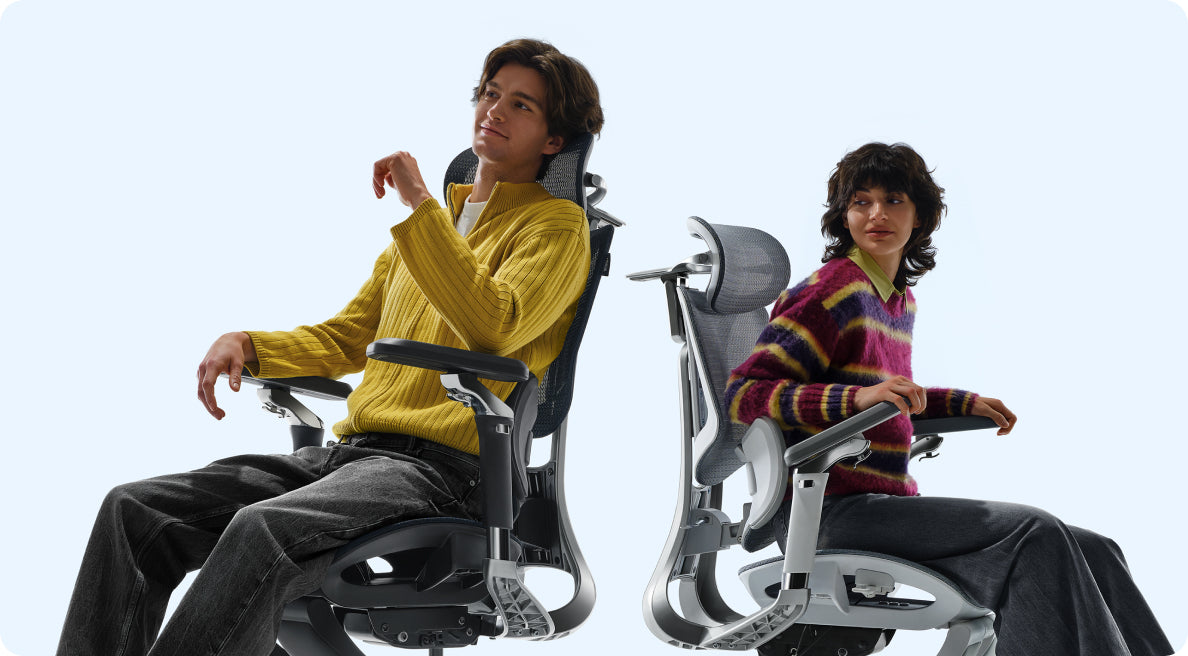
Scegliere la sedia ergonomica giusta può essere complicato. Molte sedie promettono comfort ma non reggono durante lunghe ore di lavoro. I nuovi modelli HBADA E3 Air e E3 Pro 2026 affrontano questi problemi con un'ergonomia precisa, un supporto adattivo e un design che fa risparmiare spazio. Questa guida ti aiuterà a decidere quale modello è più adatto a te.

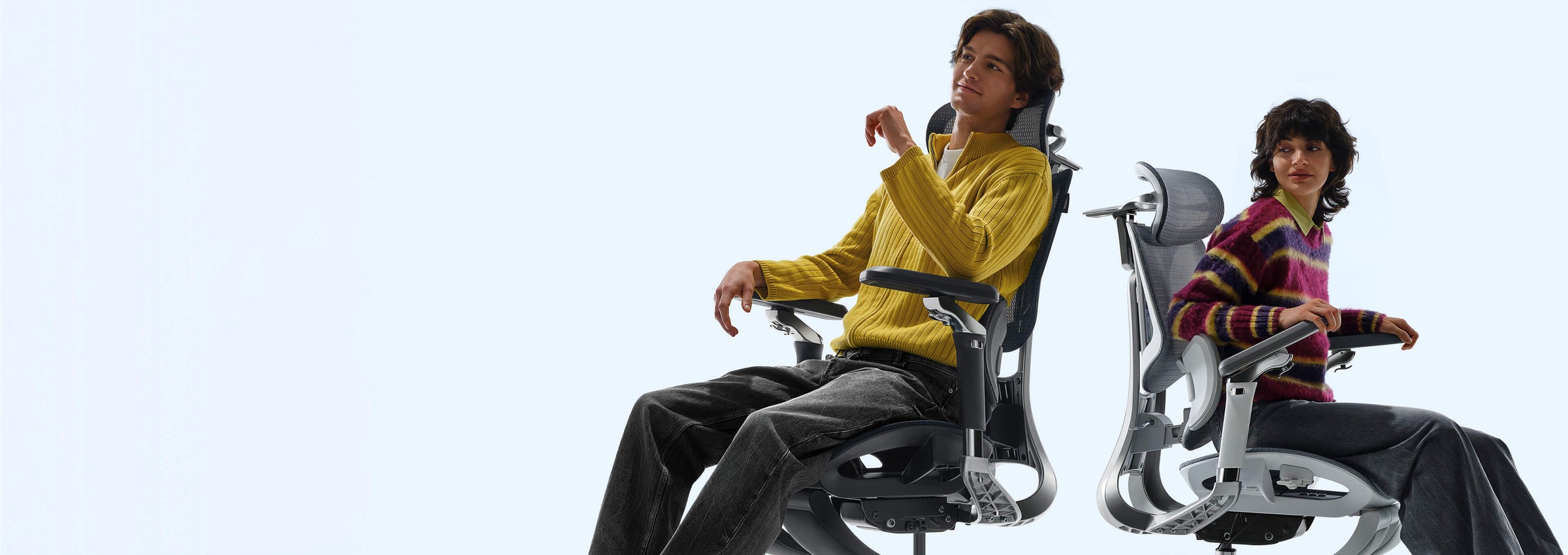
Panoramica della nuova linea di prodotti HBADA 2026
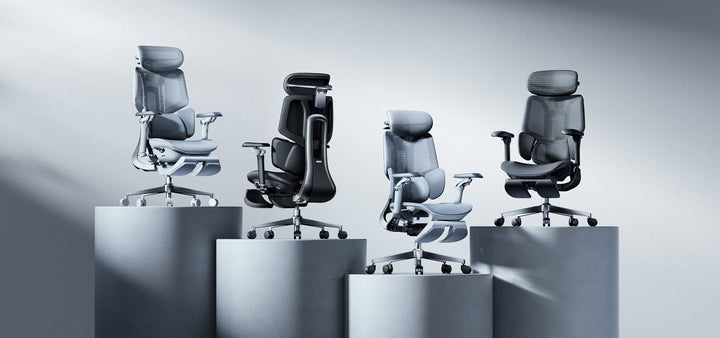
Nel 2026, HBADA si concentra sulla correzione posturale e sulla salute della colonna vertebrale. Utilizzano un'ergonomia basata sull'intelligenza artificiale e design che si muovono con il tuo corpo. Sia la E3 Air che la E3 Pro offrono un forte supporto lombare, ma ciascuna è pensata per un diverso tipo di utente.
-
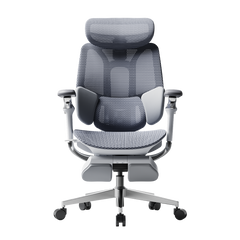
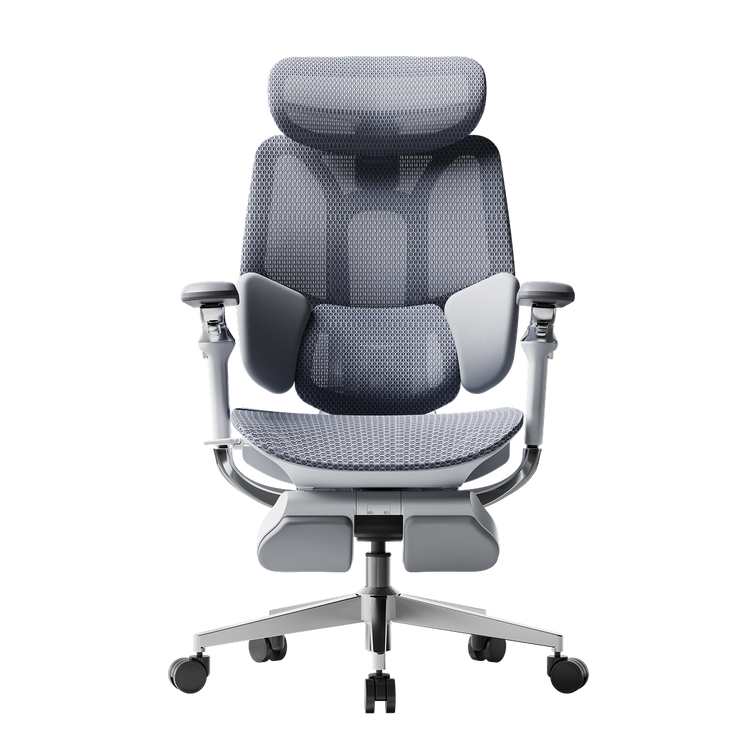
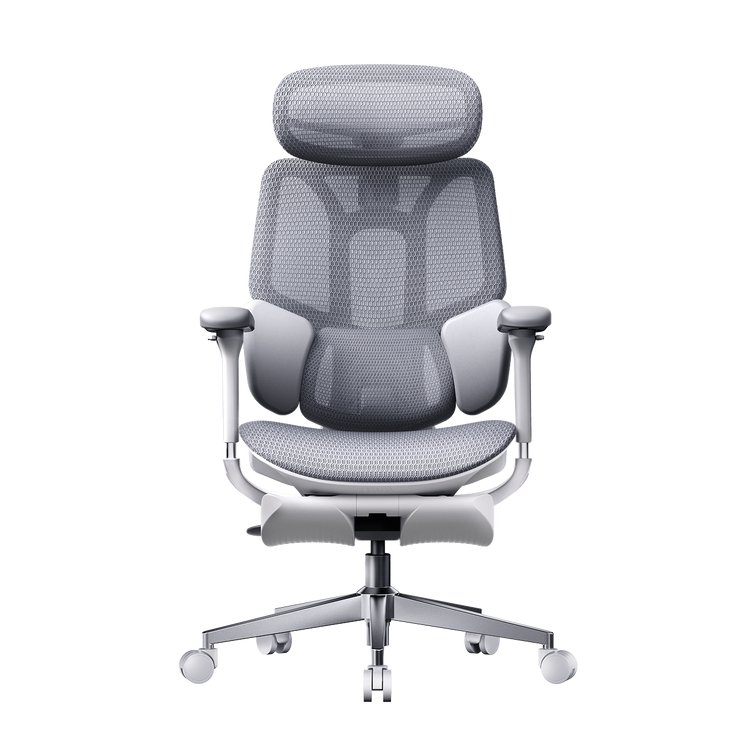
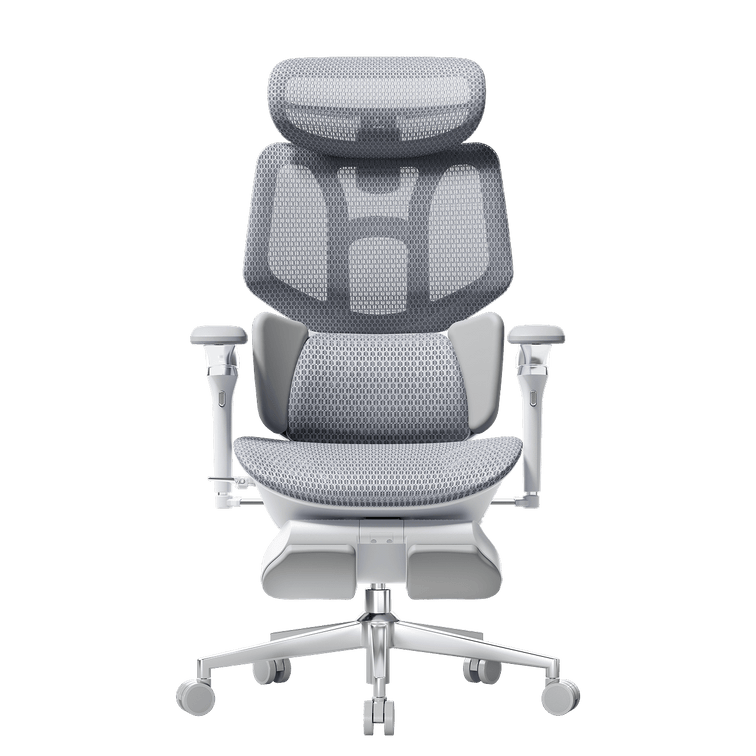
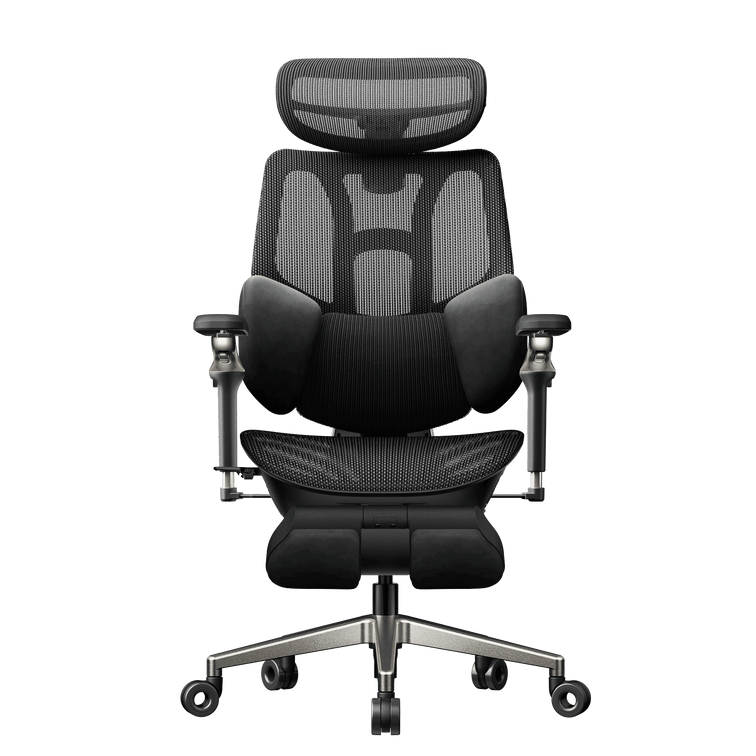
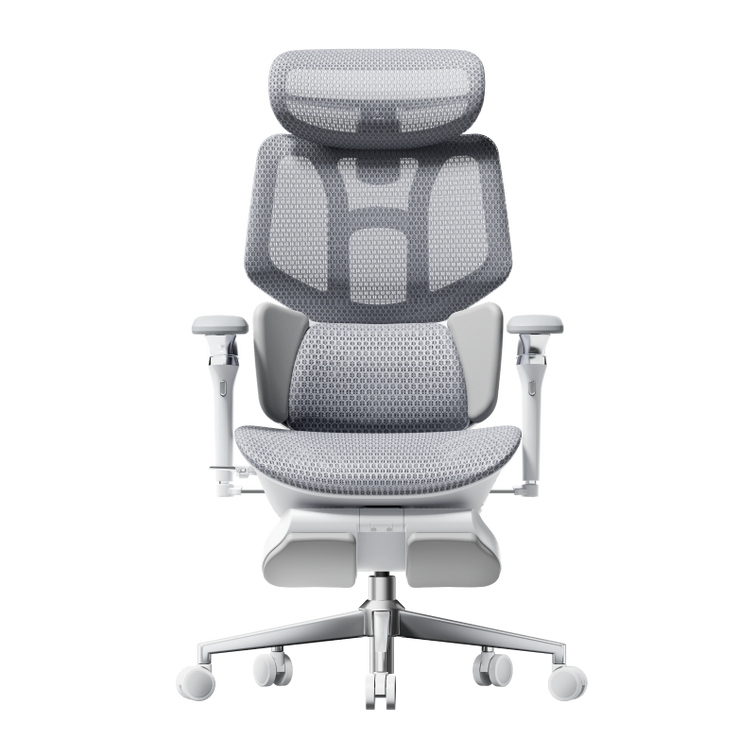
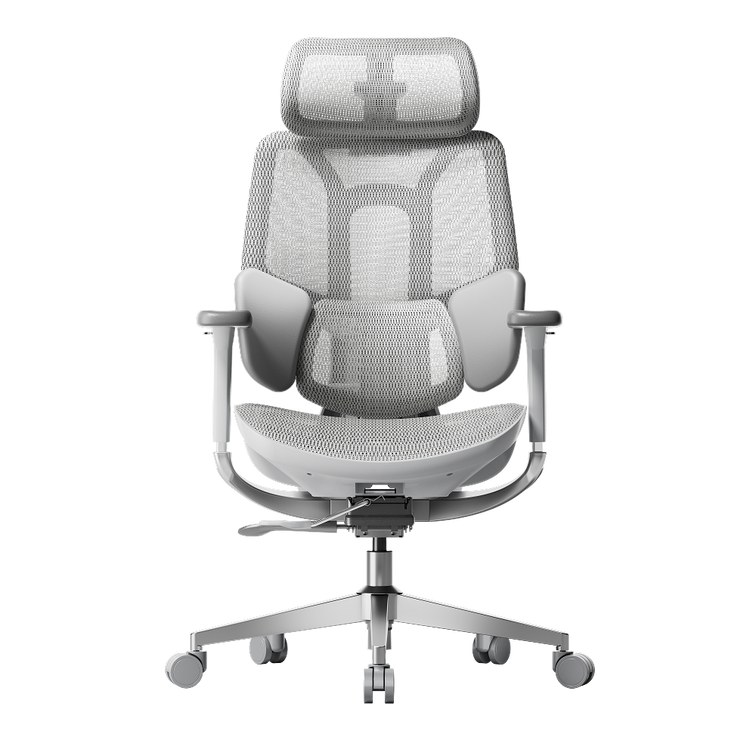
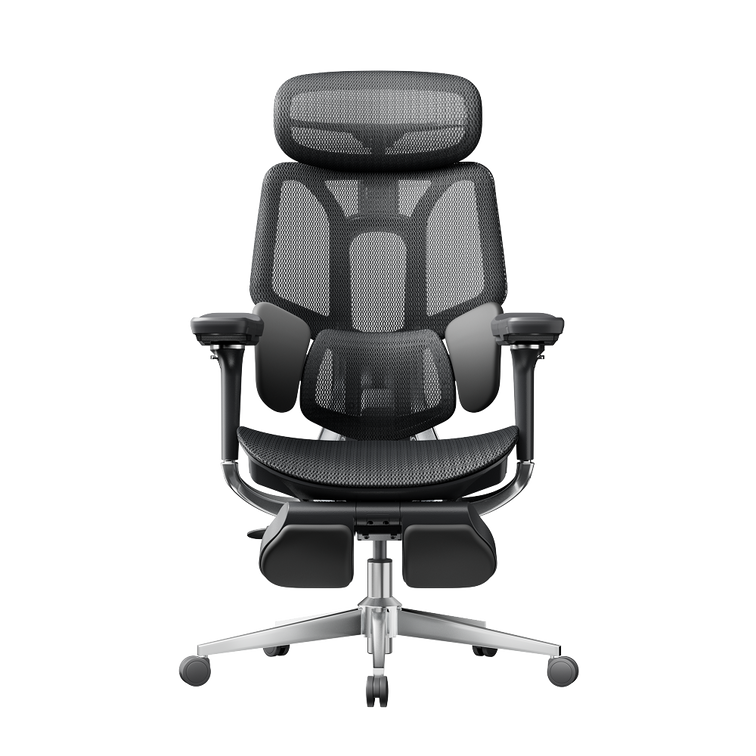
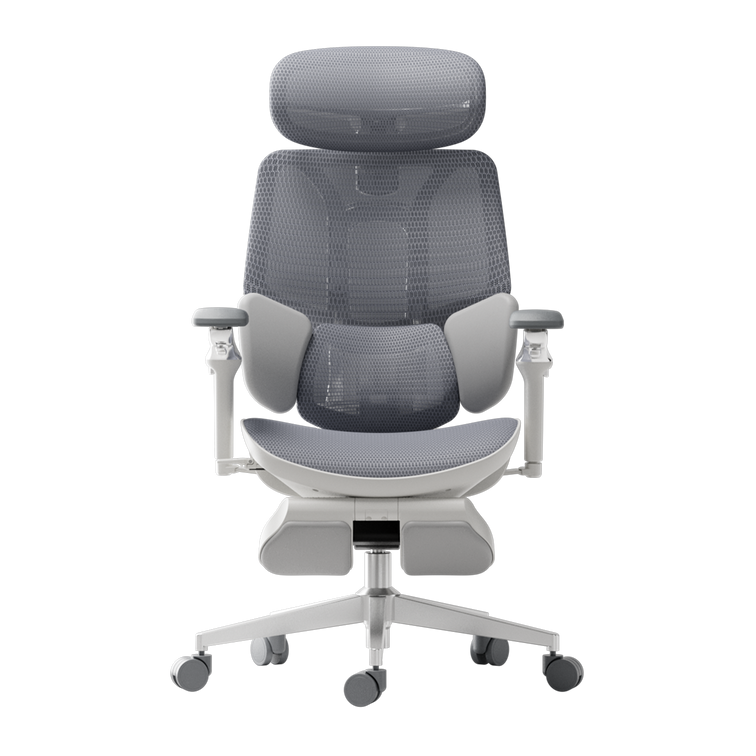
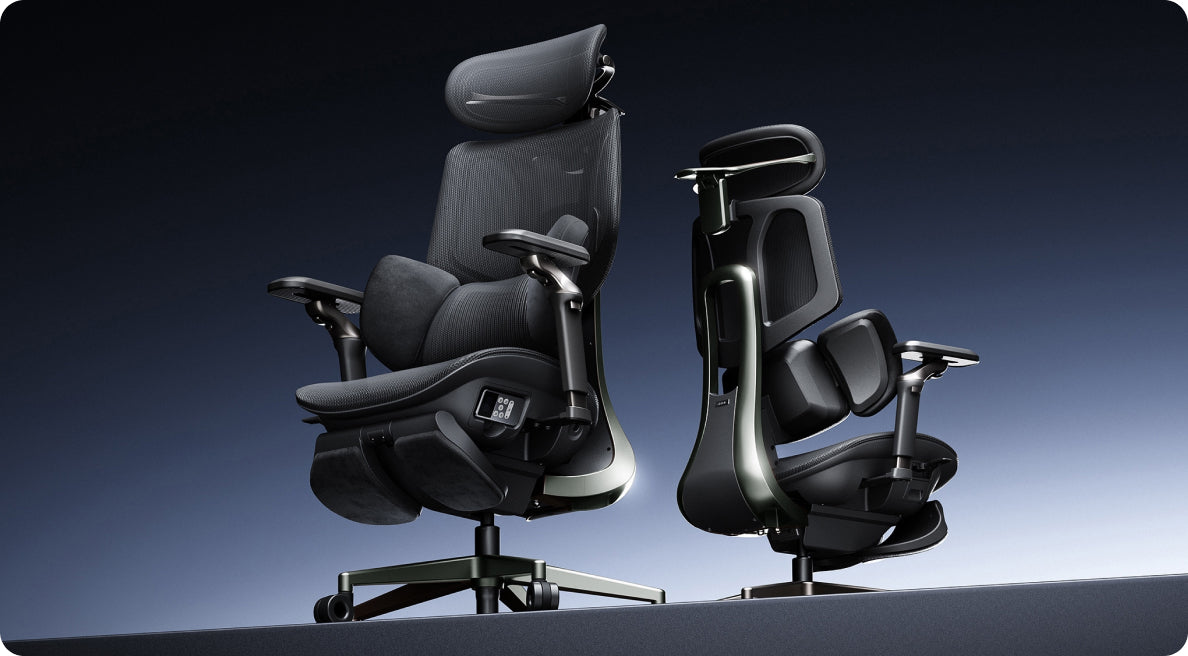
E3 Pro 2026: Prestazioni premium con caratteristiche ergonomiche avanzate.
-
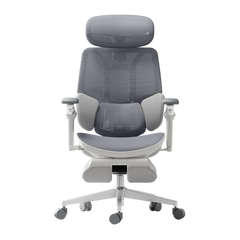
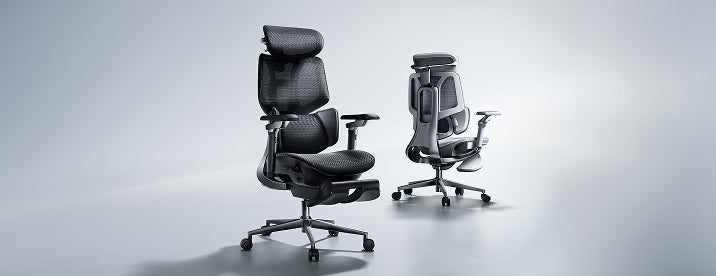
E3 Air 2026: Sedia ergonomica leggera e compatta per piccoli appartamenti.
Entrambe le sedie sono progettate per supportarti durante lunghe ore al computer. Tuttavia, differiscono per il livello di regolazione e per la quantità di supporto ergonomico offerto.
Differenze chiave a colpo d'occhio
Tabella comparativa dei prodotti
| E3 Air 2026 | E3 Pro 2026 | |
|---|---|---|
| Utente target | Home office, studenti | Professionisti, utenti a lungo termine |
| Sistema lombare | Supporto lombare elastico | Sistema di supporto lombare dinamico a 3 zone |
| Livello di regolazione | Regolazioni essenziali | Sistema adattivo completo |
| Braccioli | 4D regolabili | Braccioli con regolazione omnidirezionale 720° |
| Peso e dimensioni | Leggero, compatto | Più grande, costruzione premium |
| Funzioni smart | Manuale + assistito | Tracciamento lombare adattivo |
| Migliore utilizzo | Piccoli appartamenti | Lunga durata in posizione seduta (6–10 ore) |
Analisi della tecnologia di supporto lombare
E3 Pro — Precisione dinamica a 3 zone
La E3 Pro si distingue per il suo sistema di supporto lombare a 3 zone, che significa che fornisce un sostegno mirato per la parte superiore, media e inferiore della schiena. Questo approccio aiuta a mantenere la colonna vertebrale allineata durante tutto il giorno, anziché concentrarsi su una sola area.
Vantaggi principali:
-
Allineamento spinale continuo
-
Riduzione della pressione lombare
-
Risposta adattiva ai cambi di postura
Detto ciò, la E3 Pro è un'ottima scelta se passi 8 o più ore al giorno alla scrivania, come i lavoratori da remoto o i professionisti che necessitano di un supporto affidabile per periodi prolungati.
E3 Air — Supporto ergonomico essenziale
La E3 Air adotta un approccio più semplice. Invece di multiple zone di regolazione, utilizza un supporto lombare elastico per aiutarti a mantenere una buona postura senza dover modificare molte impostazioni.
Funziona bene per:
-
Sessioni di lavoro brevi o medie
-
Studenti e lavoratori da remoto
-
Utenti che preferiscono una configurazione minima
Ingegneria dei braccioli e supporto della parte superiore del corpo
Braccioli con regolazione omnidirezionale 720° (E3 Pro)
La E3 Pro è dotata di un sistema di braccioli con regolazione omnidirezionale 720°. Questo consente:
-
Movimento verticale, orizzontale e rotazionale
-
Posizionamento preciso dei gomiti
-
Riduzione della tensione alle spalle
Questi braccioli ergonomici sono particolarmente utili per ridurre la tensione alle spalle e mantenere una postura corretta, il che può fare una grande differenza quando si digita o si usa il mouse per ore.
Braccioli funzionali (E3 Air)
La E3 Air include braccioli regolabili 4D. Sebbene meno complessi, offrono comunque:
-
Regolazione base di altezza e profondità
-
Postura confortevole per digitare
-
Posizionamento bilanciato delle braccia
Se cerchi una sedia pratica che ti permetta di regolare i braccioli per una digitazione comoda, la E3 Air copre l'essenziale senza complicazioni.

Efficienza spaziale e filosofia di design
Sedia ergonomica compatta per piccoli appartamenti
Se non hai molto spazio, la E3 Air ha un ingombro ridotto. È facile da far scivolare sotto la maggior parte delle scrivanie e da spostare in stanze piccole.
-
Facile collocazione sotto le scrivanie
-
Migliore mobilità in spazi ristretti
-
Minore ingombro visivo
Se vivi in un appartamento con spazio limitato, questo modello si integra perfettamente nella tua configurazione.
Struttura premium per stabilità (E3 Pro)
La E3 Pro dà priorità alle prestazioni rispetto alla compattezza. La sua struttura offre:
-
Maggiore durata
-
Allineamento ergonomico di tutto il corpo
-
Stabilità durante la reclinazione
La E3 Pro è migliore se disponi di un ufficio domestico o di uno spazio di lavoro dedicato con abbastanza spazio per una sedia più grande e robusta.
Ergonomia intelligente e tecnologia adattiva
Tracciamento lombare adattivo (E3 Pro)
La E3 Pro introduce la tecnologia di tracciamento lombare adattivo. Si regola automaticamente in base alla tua postura.
Ciò si traduce in:
-
Supporto continuo senza modifiche manuali
-
Migliore correzione posturale e salute della colonna
-
Riduzione dell'affaticamento durante sessioni prolungate
Ergonomia assistita (E3 Air)
La E3 Air, in confronto, si basa su regolazioni manuali. Sebbene non abbia lo stesso livello di automazione, offre comunque un solido supporto ergonomico a patto che tu dedichi qualche minuto alla configurazione per adattarla al tuo corpo.
Qual è la migliore sedia ergonomica per le tue esigenze?
Scegli la E3 Pro se hai bisogno di:
-
La migliore sedia ergonomica per lunghe ore
-
Correzione posturale avanzata
-
Caratteristiche ergonomiche premium / avanzate
-
Regolabilità e automazione complete
Questo modello è progettato per utenti che danno priorità alle prestazioni e alla salute spinale a lungo termine.
Scegli la E3 Air se hai bisogno di:
-
Una sedia ergonomica compatta per piccoli appartamenti
-
Design leggero e facile da spostare
-
Supporto ergonomico affidabile senza complessità
-
Una soluzione semplice per la tua casa e ufficio

Suggerimenti pratici di configurazione per il massimo beneficio
Per ottenere il massimo da entrambe le sedie:
-
Regola l'altezza del sedile in modo che i piedi rimangano appoggiati a terra.
-
Allinea il supporto lombare con la parte bassa della schiena.
-
Imposta i braccioli per mantenere i gomiti a 90 gradi.
-
Posiziona lo schermo all'altezza degli occhi.
Seguire questi passaggi ti aiuterà a sfruttare al meglio la tua sedia e a mantenere una postura corretta, indipendentemente dal modello scelto.
Errori di acquisto comuni da evitare
-
Scegliere in base all'aspetto invece che all'ergonomia
-
Ignorare la qualità del supporto lombare
-
Trascurare la regolabilità dei braccioli
-
Acquistare sedie troppo grandi per spazi piccoli
-
Non regolare la sedia dopo l'acquisto
Anche la migliore sedia fallirà se selezionata o configurata in modo errato.