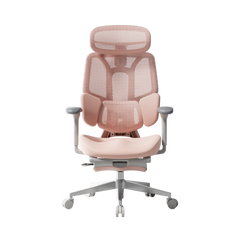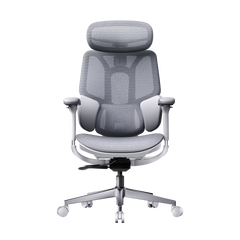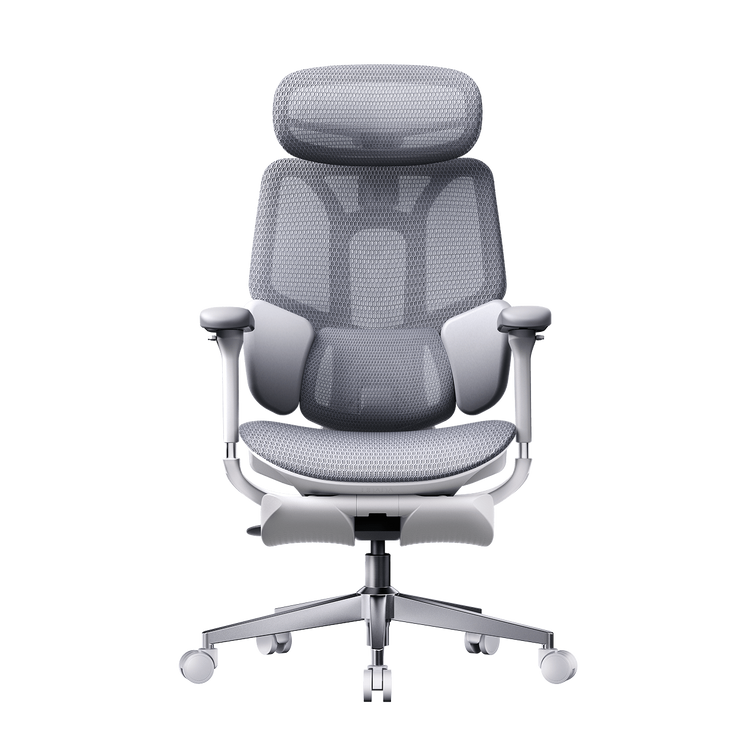
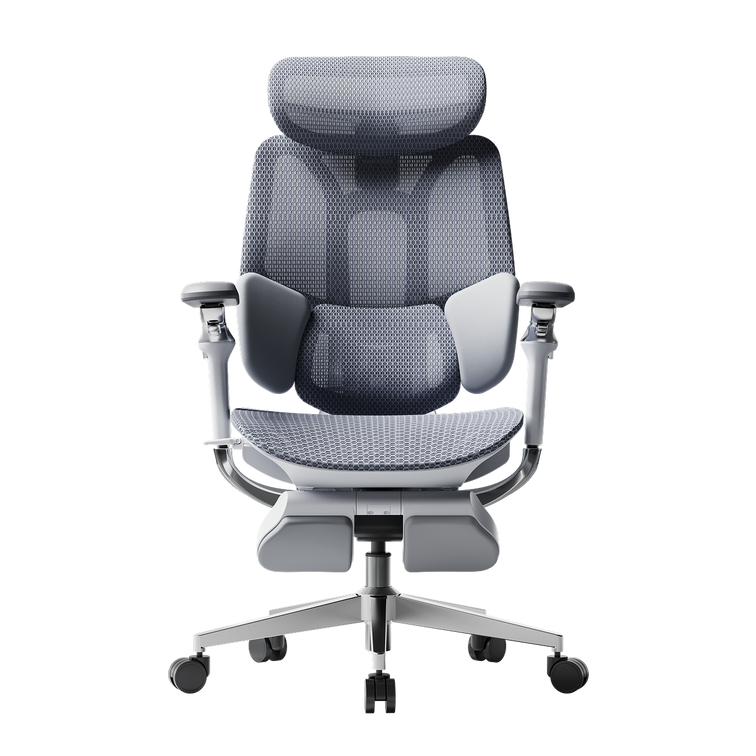
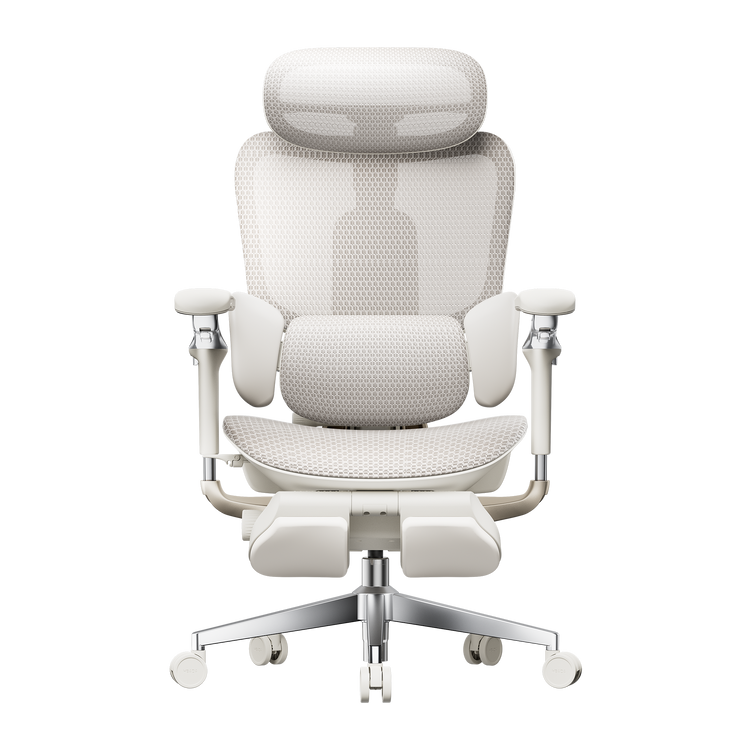
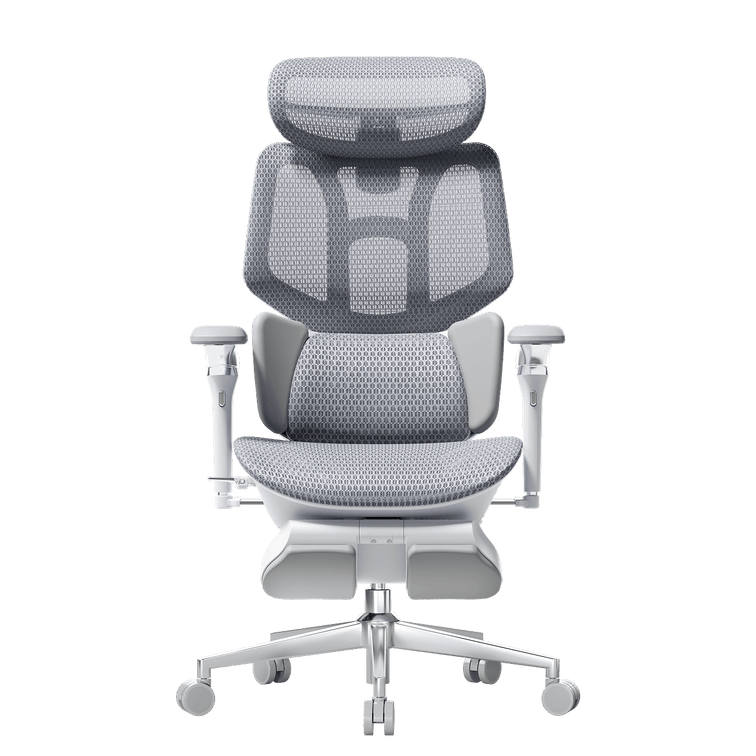
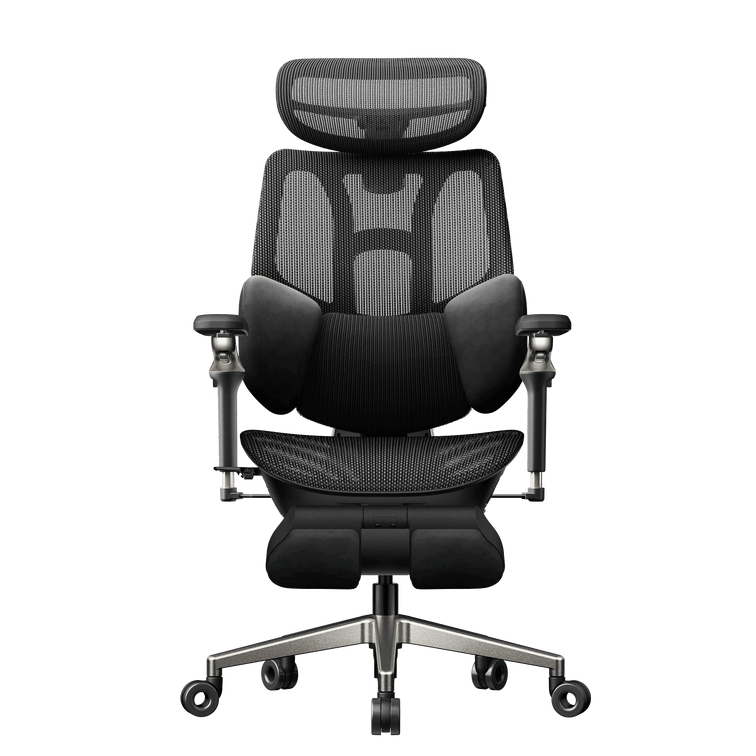
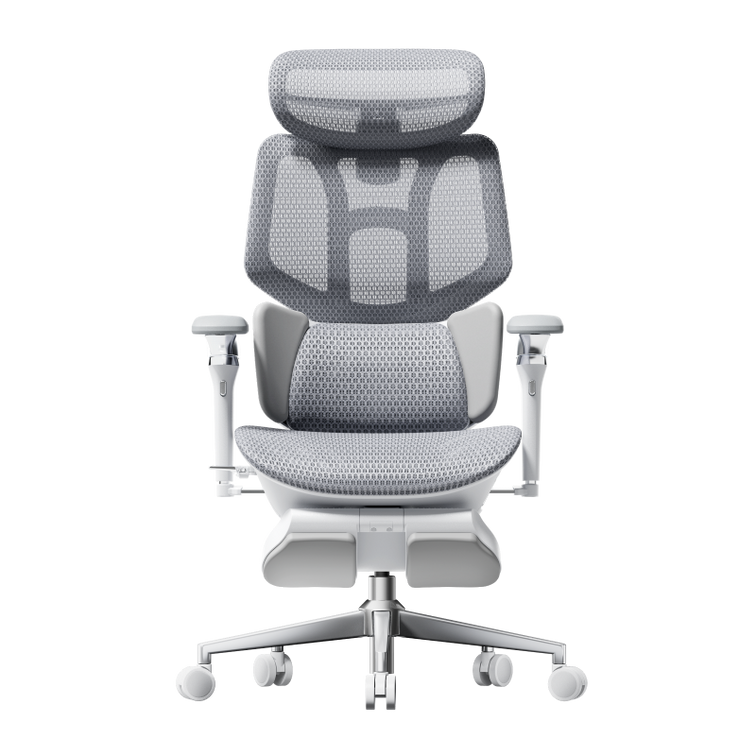

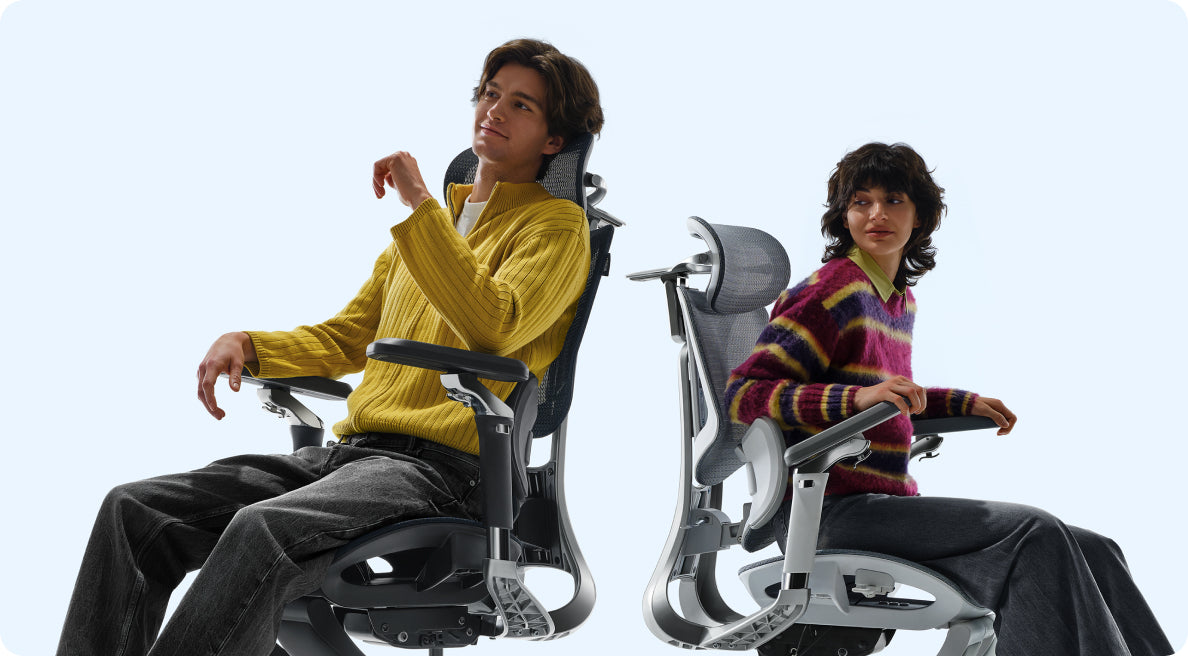
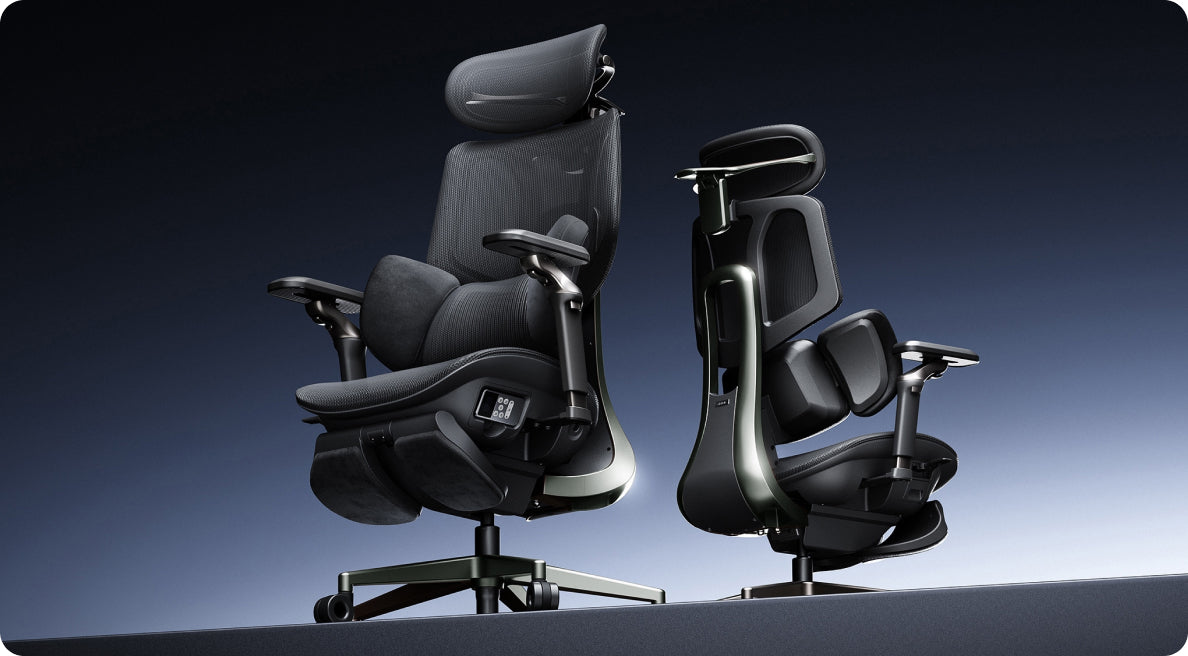

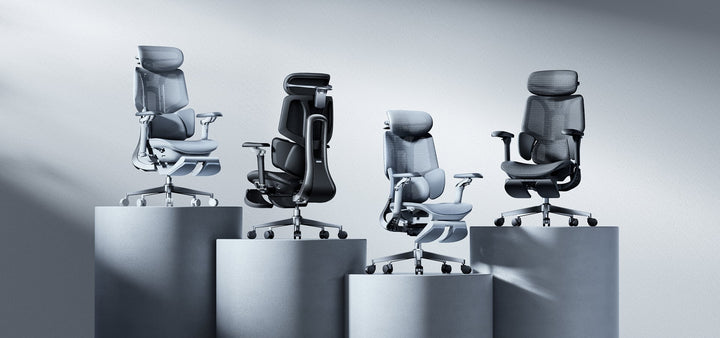
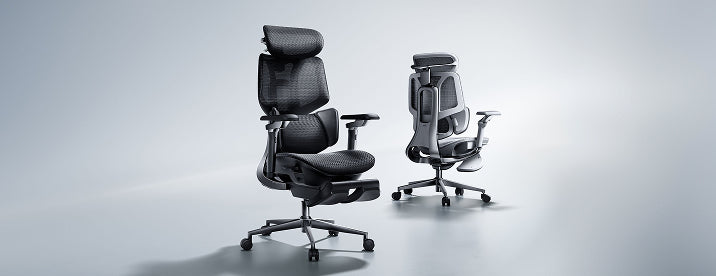



The HBADA Black Friday Buying Guide
Fit first.
Features second.
Then find your deal.
A Black Friday ergonomic office chair deal can make a chair look like a bargain. It cannot make that chair fit. Start with your body and your desk, then choose the adjustments that deserve a place in your workspace.
A practical 2026 European buyer’s guide to fit, features and the final checkout price.
The quick answer: check these six things.
01 / Your measurements Know your seated leg measurements, hip width and desk clearance.
02 / Seat fit Compare usable seat depth and seat height with your needs.
03 / Lumbar contact Find support that meets your lower back without pushing you forward.
04 / Armrest clearance Check whether the armrests suit your desk and elbow position.
05 / Delivered cost Review the price, VAT information and any delivery charges for your country.
06 / Exact configuration Match the generation, colour and footrest option before comparing offers.
Best for whom, and for what?
There is no single best ergonomic office chair for every body and every desk. A chair that suits a shorter student at a low desk may not suit a taller remote worker using the same setup.
Before comparing Black Friday office chair deals, write down how you actually spend your day. Frequent typing makes armrest positioning important. Reading and calls may make recline more useful. A shared workspace needs adjustments that are easy to reset.
Decide what you need the chair to do before deciding how much a discount is worth.
The best chair is the one whose adjustment ranges include your numbers.
Seat fit comes before the feature list.
Lumbar support, headrests and massage are easier to appreciate when the seat already fits. Check these three dimensions before comparing more advanced features.
Seat height
With your usual footwear on, check that your feet can rest comfortably on the floor or a suitable footrest, without pressure building under your thighs.
Seat depth
Sit back against the backrest. Leave a small, comfortable gap behind your knees rather than allowing the seat edge to press into them.
Usable width
Check the space available to your hips, including the distance between the armrests. Overall chair width is not the same as usable sitting space.
Record your measurements in centimetres and compare them with the dimensions of the exact model. A recommended user-height range is a starting point, not a personal fit guarantee: two people of the same height can have different leg and torso proportions.
Our office chair fit measurement guide explains how to assess height, depth, width and lumbar positioning. Use those measurements when checking the E3 Pro 2026 or another model on your shortlist.
Lumbar placement matters more than the label.
Lower-back support should make comfortable contact when you sit back in the chair. If you have to slide forward to escape the pressure, or stretch backwards to reach the support, the setup needs attention.
Manually adjustable systems let you set the support position. Adaptive systems respond to movement. Motorised tracking adds another way to maintain contact as your posture changes.
Our E3 Air 2026 and E3 Pro 2026 offer three-zone lumbar support, while the HBADA X7 offers AI lumbar tracking. Choose the adjustment approach you prefer, then check the actual fit.
Check the lowest armrest setting, too.
A chair can have a long list of armrest adjustments and still clash with your desk. Measure the underside clearance, including any drawer or support rail, and check the armrest height at your working seat height.
For keyboard and mouse use, look for a position that lets your shoulders relax and keeps your elbows comfortably near your body. The pads should not force you to sit too far from the desk.
Instead of comparing “D” labels alone, compare the movements: height, forward and backward travel, sideways positioning and rotation. Our E3 Pro 2026 has 720° OmniMechanical armrests . Check the exact model and configuration you are ordering.
The real price is the complete order.
A lower headline price is useful only when you know what is included. Compare the same configuration and select your delivery country before deciding which offer works best for you.
| Check | What to confirm |
|---|---|
| Model and generation | Compare the same edition, rather than an older clearance model with a newer release. |
| Colour and options | Confirm your selected colour and whether a footrest or other accessories are included. |
| VAT and delivery | Check the displayed VAT information and any delivery charges for your address. Use the final checkout total for your comparison. |
| Returns and trial | Review the applicable conditions, deadlines, packaging requirements and return process for your order. |
| Warranty | Read which components are covered, for how long and under what conditions. |
| Discount combinations | Check whether your selected offer can be combined with a code or gift card. |
A warranty period is not a prediction of a chair’s lifespan. Likewise, an accessory has value only if you will use it. Keep the comparison focused on the setup you actually want.
Black Friday offers: five checks before checkout.
Our EU Black Friday sale page is the place to check current promotions. Use this guide to choose your chair, then use the activity and product pages to confirm the offer available for your selection.
- Dates: Confirm when your selected promotion ends and which time zone applies.
- Configuration: Check that the offer applies to your model, colour and options.
- Stacking: Verify which discounts or gift cards can be used together.
- Delivery: Distinguish in-stock items from pre-orders and check your destination.
- Final total: Review the applied savings, VAT information and order summary.
Build your HBADA shortlist.
Start with the features you expect to use most. These models offer different approaches to support and adjustment; your measurements should make the final decision.
Everyday support and flexibility
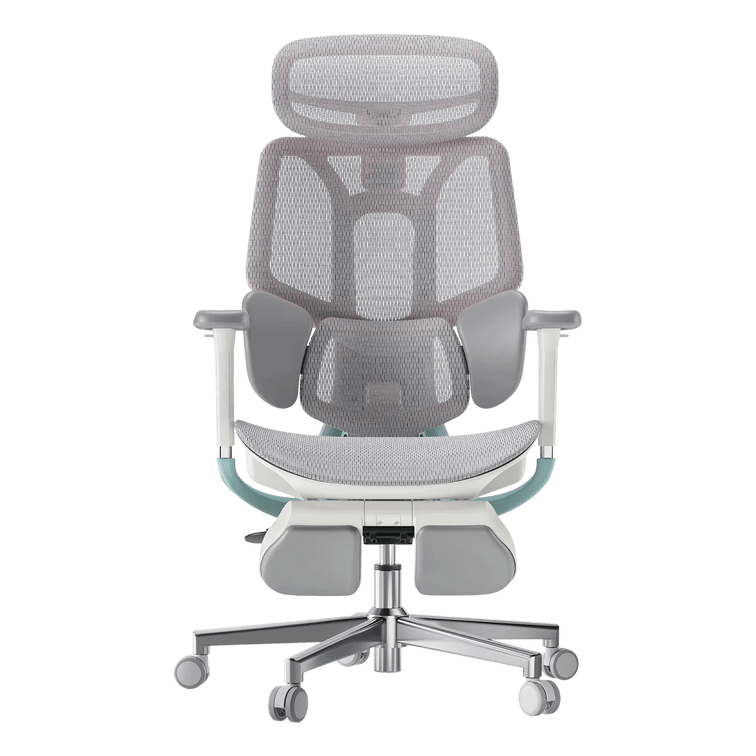
HBADA E3 Air 2026
Consider E3 Air 2026 if you want three-zone lumbar support and adjustable seating for your everyday desk setup. Compare its dimensions and available options with your measurements.
See E3 Air 2026 details →Fine-tune your working position
HBADA E3 Pro 2026
Put E3 Pro 2026 on your shortlist if three-zone lumbar support, seat-depth adjustment and 720° armrest positioning are priorities for your desk-based routine.
See E3 Pro 2026 details →Support meets massage and heat
HBADA E3 Ultra Gen 5
E3 Ultra Gen 5 combines dynamic support with 4D bionic massage and graphene heat. Consider it when lower-back relaxation during seated breaks is an important part of your wish list.
Look at the seating adjustments first, then decide how massage, warmth and recline would fit into your routine. A chair for focused work can also make room for a more relaxing pause.
Meet E3 Ultra Gen 5 →Automatic lumbar tracking
HBADA X7
If you prefer automatic lumbar tracking, put X7 on your shortlist. Review how its smart support system works alongside its dimensions and available adjustments.
See X7 details →Another route to smart support
HBADA X7 Air
X7 Air offers another option for shoppers interested in AI lumbar tracking. Compare its frame, configuration and current price with X7 before choosing between them.
See X7 Air details →Prices and availability can change during the promotion. Product links show the current options. This shortlist is organised by features, not an overall comfort ranking.
Eight boxes before you buy.
Keep your measurements beside the product page and work through this list. You can tick each item as you check it.
This checklist is for your own reference. Your selections are not submitted and may reset when you leave or reload the page.
Before you call it a bargain.
What is the best ergonomic office chair to buy on Black Friday?
Start with a chair whose seat dimensions, lumbar support and armrest adjustments suit your body and desk. Then compare the complete cost and the terms of the offer. The largest discount does not necessarily identify the best chair for you.
Should I buy an office chair before Black Friday or wait?
Compare the offer available now with your budget and delivery needs. If price protection is offered, read its conditions. Do not assume that a later sale will be cheaper or that an early purchase is automatically covered.
How do I choose a chair if I am between recommended sizes?
Use your seated measurements rather than height alone. Check usable seat depth, the seat-height range and the position of the back and arm supports. Our chair fit guide can help you organise the measurements before comparing models.
Is an office chair with a footrest worth it?
A pull-out footrest can be useful for reclined breaks if that is how you plan to use the chair. It is different from an under-desk footrest used to support your feet during upright work. Choose it for your routine, not simply because it appears in a bundle.
Which HBADA chair should I consider for massage and heat?
Start with E3 Ultra Gen 5 if you want dynamic ergonomic support with built-in lower-back massage and warmth. Check the seating dimensions and adjustments alongside these comfort features.
Are HBADA Black Friday offers the same in every country?
Do not assume that offers are identical across storefronts. Use the EU website, select your delivery country and check the applicable product configuration, promotion terms and checkout total for your address.
Where can I find current HBADA Black Friday deals in Europe?
Visit our EU Black Friday offers page . Confirm your selected product’s price, availability and discount eligibility before paying.
Can an ergonomic chair help with lower-back discomfort?
A well-fitted chair can support a more comfortable sitting setup. Massage and warmth can also provide a relaxing experience. Our chairs are not intended to diagnose or treat medical conditions. Persistent or severe pain needs professional assessment.