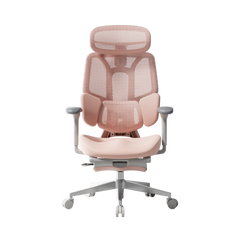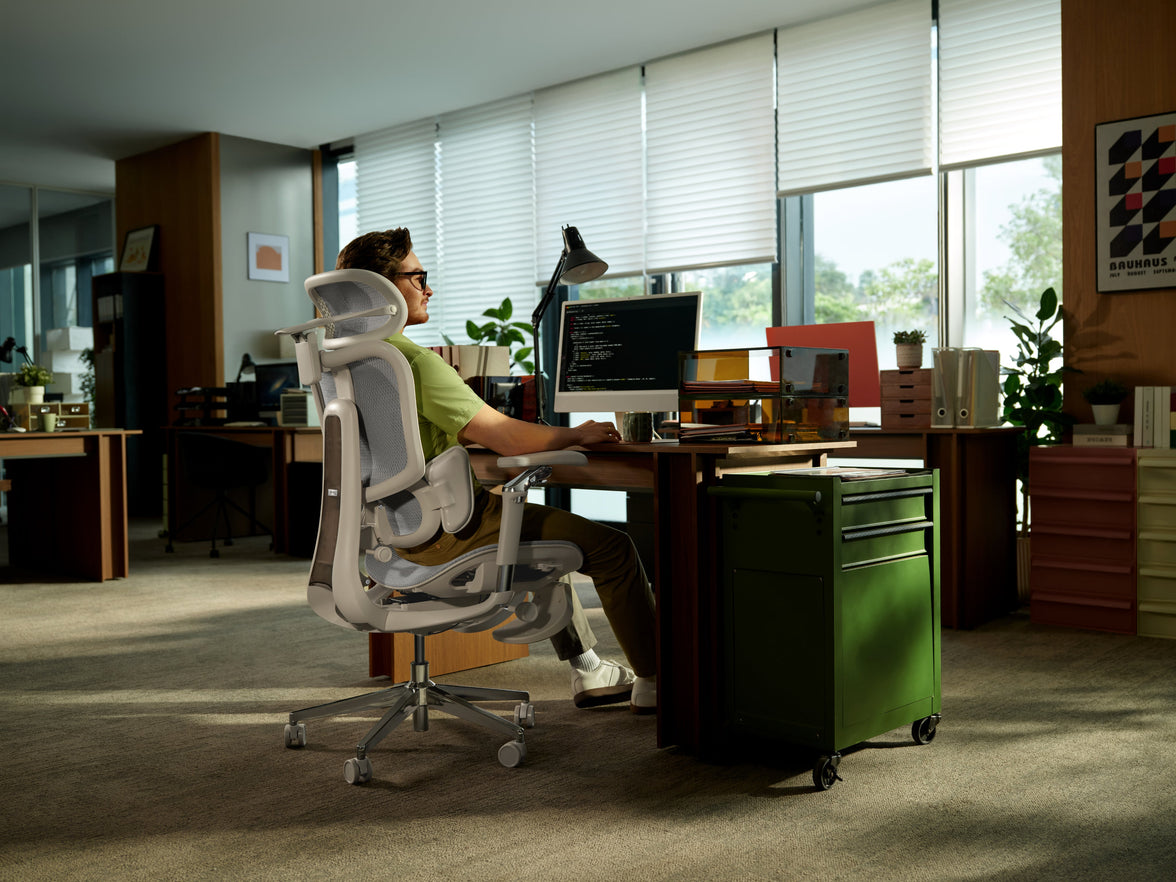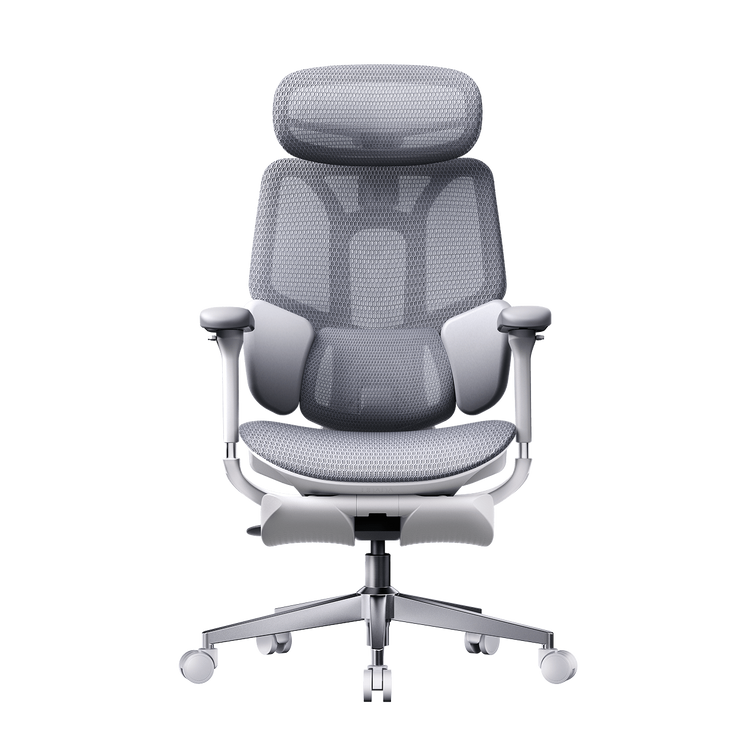
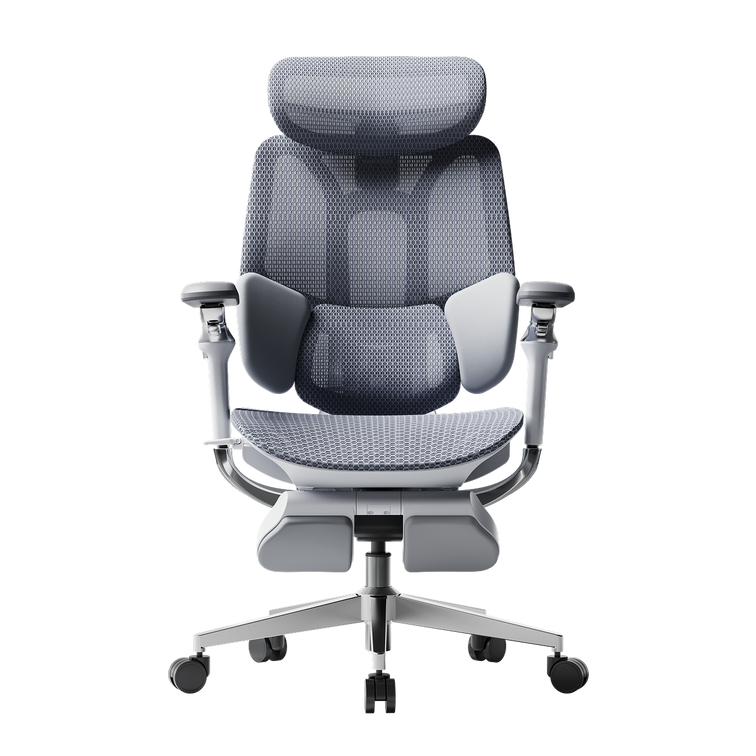







Your space.
Your chair.
A better fit.
Buying a home office chair this Black Friday? Seven practical checks will help you choose an HBADA chair that works with your body and your desk.

A home office chair has to work in a real room. Your desk may have a drawer underneath, the wall may be closer than it looks, and your legs need space to settle. Keep a tape measure nearby as you browse our Black Friday offers. These checks connect the dimensions on the product page with the way you actually sit.
Start where your feet land.
Wearing your usual footwear, sit on a firm surface with your feet flat. Measure from the floor to the crease behind your knee and record the result in centimetres. Use this as a starting point when comparing the chair’s seat-height range.
In your working position, your feet should feel supported and the seat edge should sit comfortably beneath your thighs. Your desk height also matters, especially if you need to raise the chair to reach the keyboard.
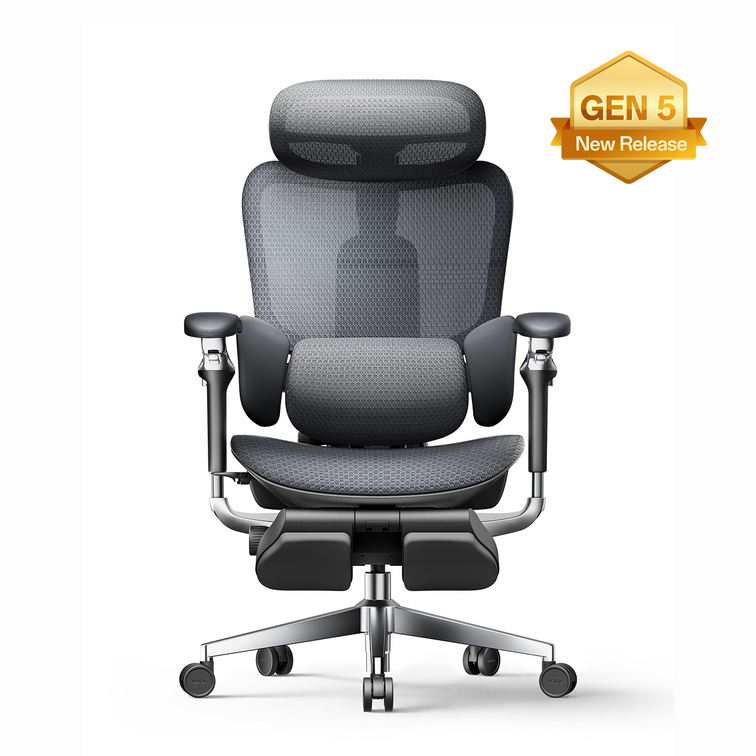
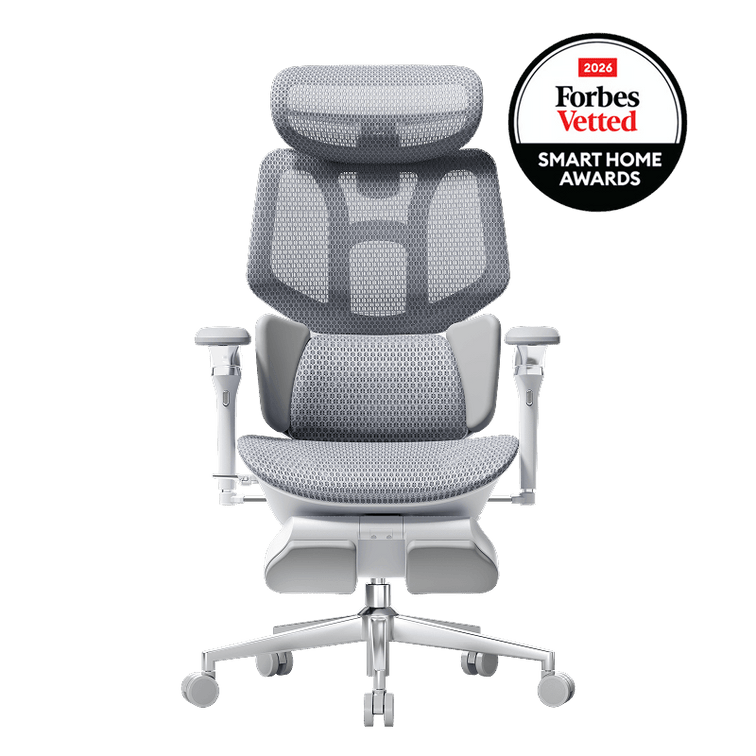
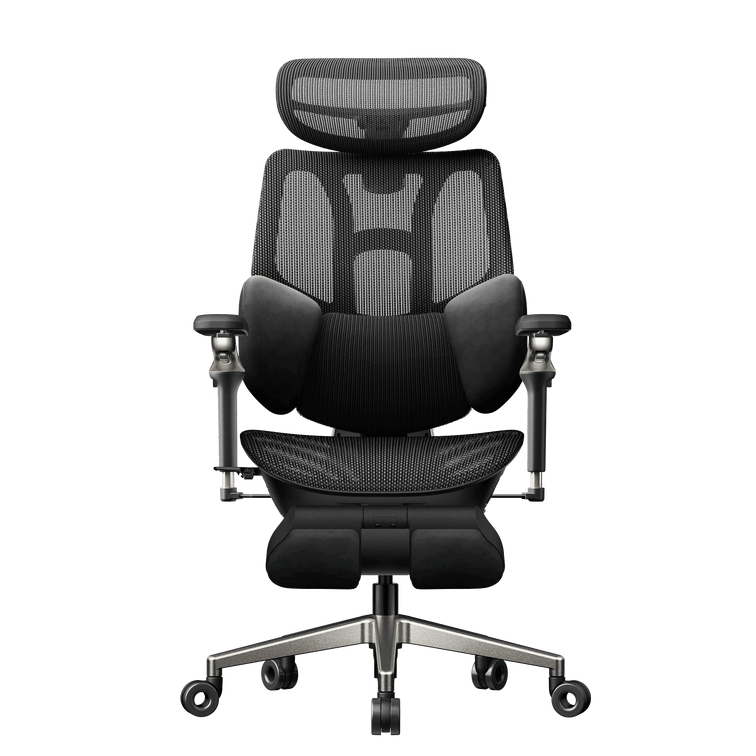
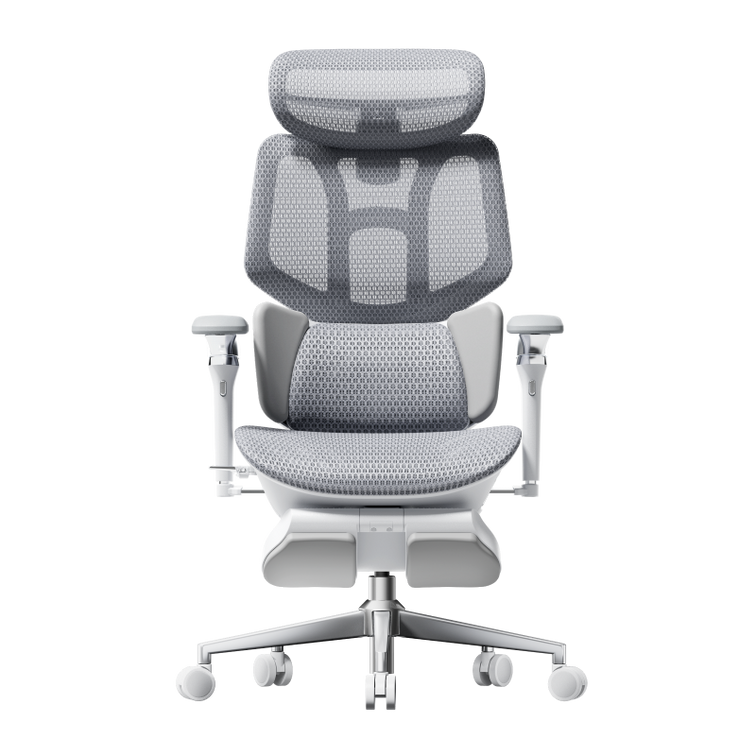
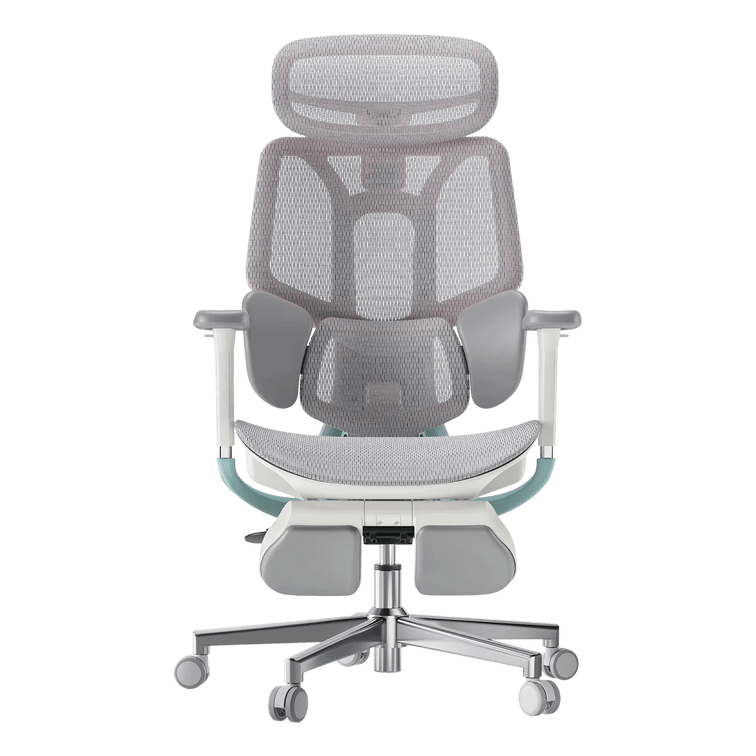
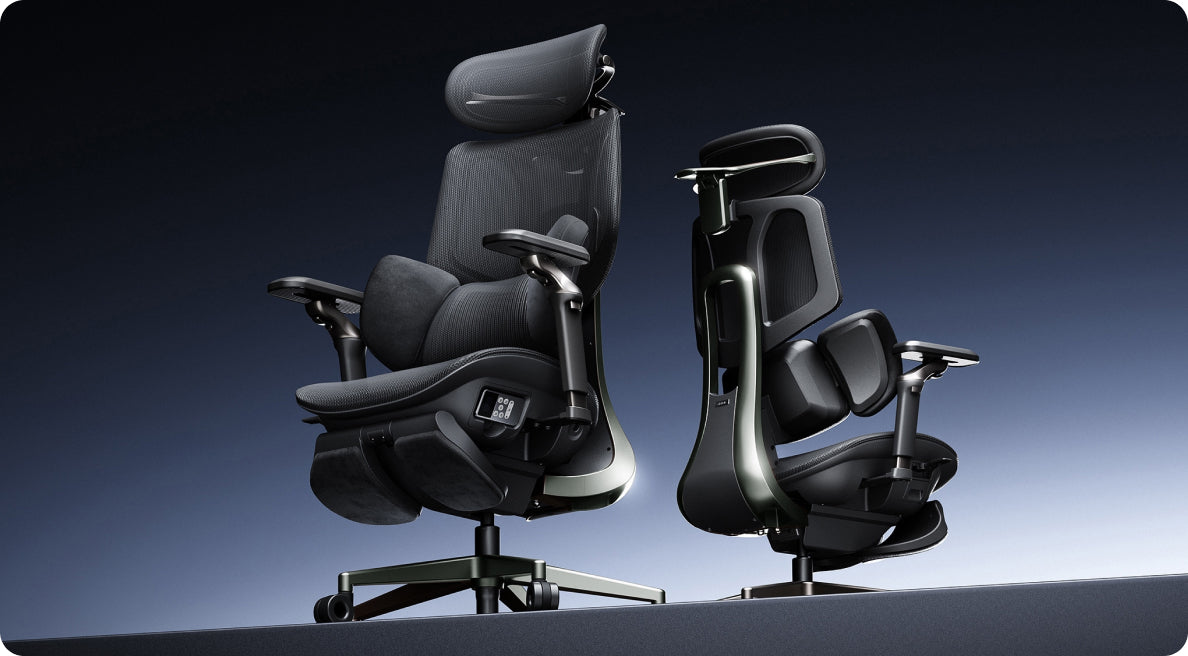
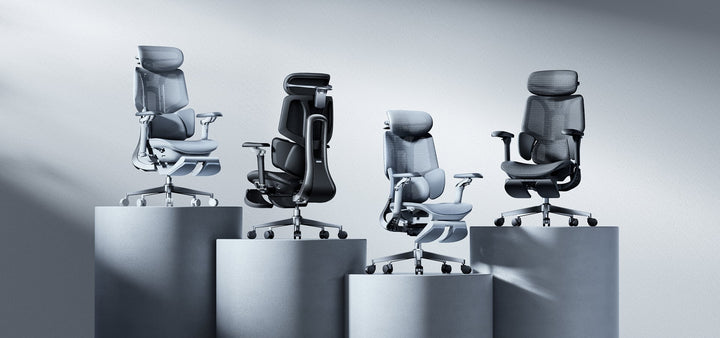
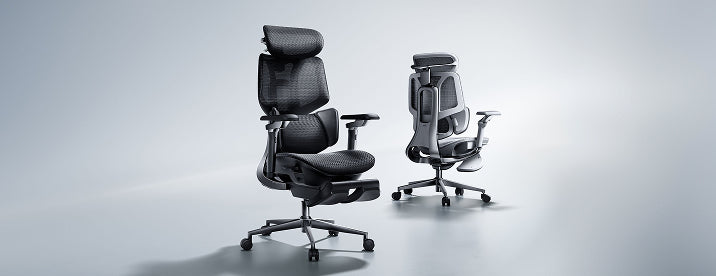
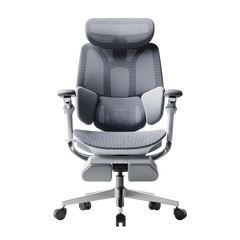
For your HBADA shortlist: Compare the seat-height ranges on the E3 Air 2026 and E3 Pro 2026 pages. For upright desk work, a separate under-desk footrest can help when your feet need support. The chair’s pull-out leg rest is intended for reclined breaks.
Leave a gap behind your knees.
Sit back against the backrest. There should be a small, comfortable gap between the seat’s front edge and the backs of your knees.
A seat that extends too far forward can make you slide away from the lumbar support. Measure from the back of your buttocks to the crease behind your knee, then allow for that clearance when comparing usable seat depth.
Both the E3 Air and E3 Pro 2026 offer seat-depth adjustment. Compare the adjustment range in centimetres with your own measurement so you can sit back with your legs comfortably supported.
Measure the space you sit in.
Measure across your hips while seated, allowing room for clothing and small changes in position. Compare this with both the usable seat width and the space between the armrests.
The chair’s overall width includes its frame and armrests. Use that measurement for room planning, while keeping the actual sitting space as a separate fit check. If a dimension is unclear, contact our team at service@hbada.eu with the exact model and configuration.
Look underneath the desktop.
Measure from the floor to the lowest obstruction under your desk. A drawer, apron or support rail can reduce clearance even when the top of the desk looks high enough.
Check the armrest height at a seat setting that fits you. Lowering the entire chair simply to tuck it away may change your working position. During use, bring the keyboard close enough that your shoulders can relax.
Before ordering an E3 Pro 2026 or E3 Air 2026, compare the armrest dimensions with your desk’s underside. Desktop height alone cannot confirm clearance.
Find support that meets your lower back.
Sit back and adjust the lumbar support towards the curve of your lower back. It should feel comfortably supportive without pushing you towards the front of the seat.
Begin with a gentle setting, then change one adjustment at a time. Shift position and try the recline. Notice whether the contact remains comfortable as you move between activities.
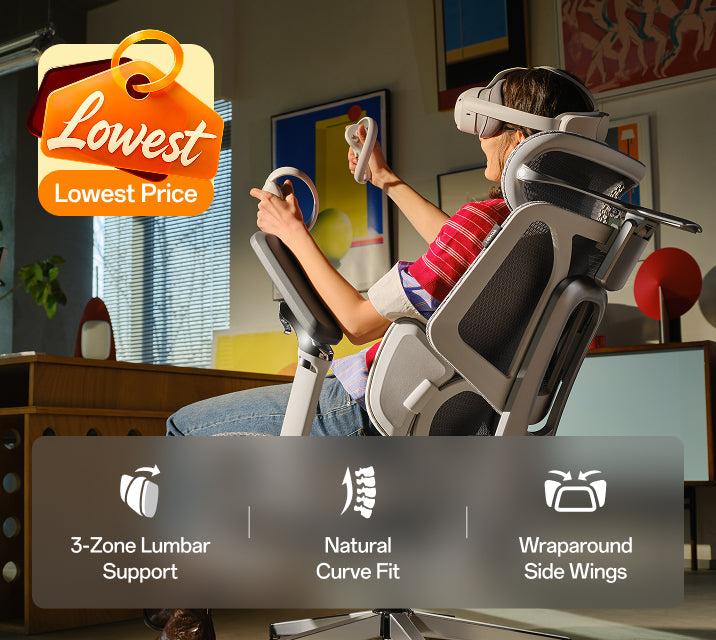
Our E3 Pro 2026 and E3 Air 2026 bring three-zone lumbar support into your shortlist. Compare the adjustment controls alongside seat fit to decide which setup suits your workspace.
Give the recline some room.
Measure behind the desk as well as beneath it. The chair needs space to roll out, turn and lean back. An extended leg rest also takes up space in front.
Check nearby doors, bed frames and rug edges. Mark the planned chair area with removable tape if it helps you picture the setup. In a compact home office, comfortable upright access may matter more than using the deepest recline.
Keep your measurements in centimetres when comparing the selected model’s dimensions. Allow extra clearance for movement, especially when your desk shares a bedroom or living room.
Make the offer work for your order.
Confirm the colour and footrest configuration before comparing prices. Select your delivery country and check the estimate for your address, including any preorder information.
Read our return and refund policy for eligibility, return costs and packaging requirements. Our warranty and service guide explains the applicable coverage. Check these details on the European store where you place your order.
Review the coupon threshold and combination rules for your chosen offer. If more than one coupon is available, compare the eligible final totals before completing your purchase.
Eight boxes before you buy.
Use this final pass while you compare your preferred HBADA chair with your home setup.
This is a personal checklist. Your selections are not submitted and may reset when you reload the page.
Before you click buy.
What should I check when buying an office chair for a small space?
Compare overall width and base size with your available floor space. Leave room to roll away from the desk, and account for the backrest and leg rest when reclined. A chair can fit beneath a desk yet still need more room to use.
Can I choose an office chair using my height alone?
Height is a useful starting point. Your leg proportions and desk clearance also affect fit, so compare seat height and usable seat depth with your own measurements.
Which measurement matters for a low desk?
Measure floor-to-underside clearance at the lowest obstruction. Compare it with the armrests at your intended working seat height, allowing a little space for movement.