







HBADA / At Home
Start with your chair.
Build a room around it.
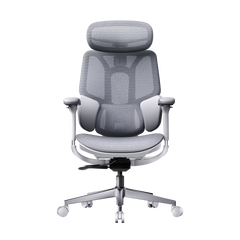
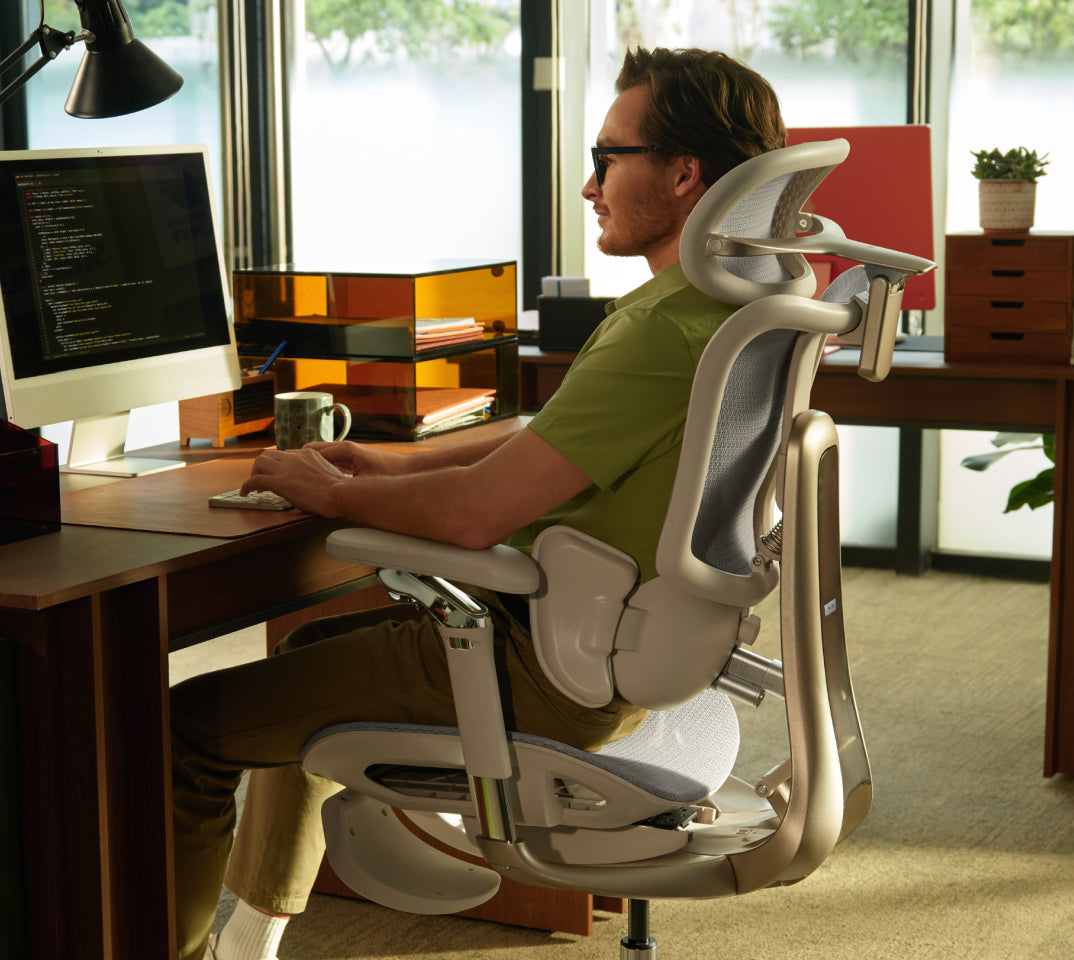
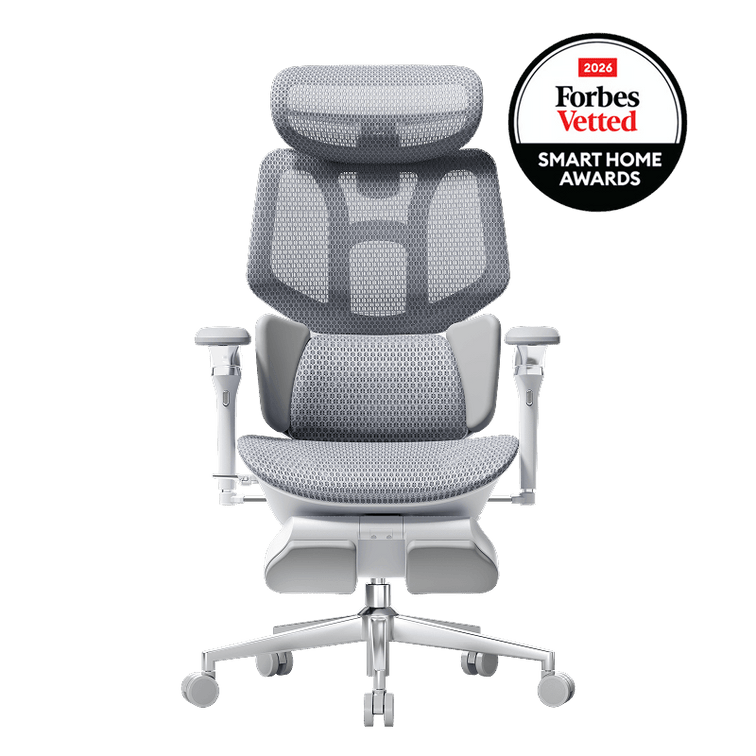
A grey mesh chair beside a warm oak desk. A black frame picked up in the lamp and shelving. Enough space to pull back, settle in and change position without rearranging the room.
That is our starting point for a HBADA home office: make the chair part of the design from the beginning. Here is how to bring our ergonomic seating into a space that feels practical, personal and unmistakably like home.
How do you style a home office around a HBADA chair?
Start with the chair’s colour, dimensions and movement needs. Pair grey mesh with warm wood and soft neutrals, or connect a black chair to darker desk accessories. Choose a desk with suitable legroom and armrest clearance, then leave enough space for the chair’s everyday movement. Add lighting and storage around that working layout.
Two palettes that work with HBADA’s grey and black finishes.

The mesh, shaped back support and visible frame of an ergonomic chair bring more detail to a room than a simple dining chair. Rather than disguising that detail, give it a calm background. A restrained desk surface and repeated colours help the whole workspace feel intentional.
Grey mesh, pale oak and sage.
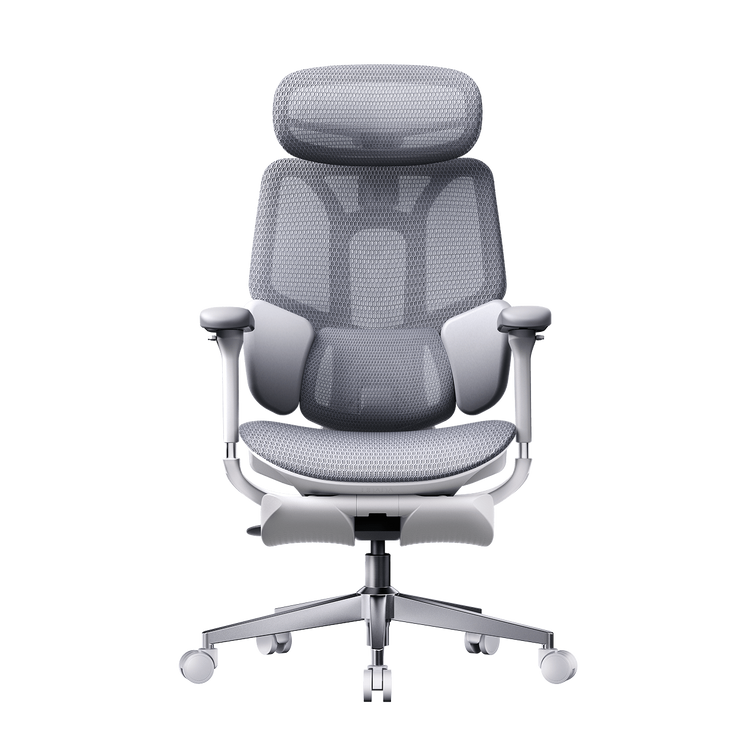
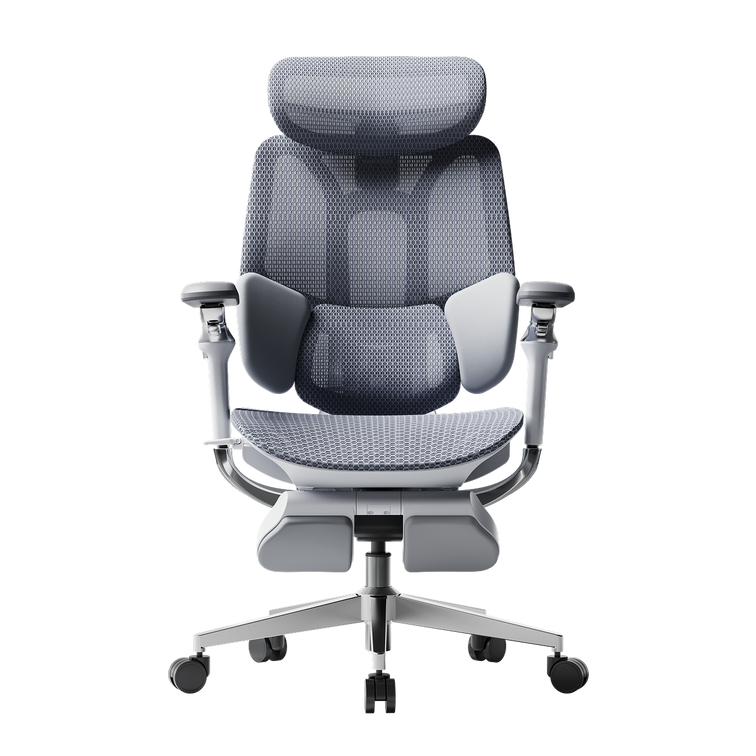
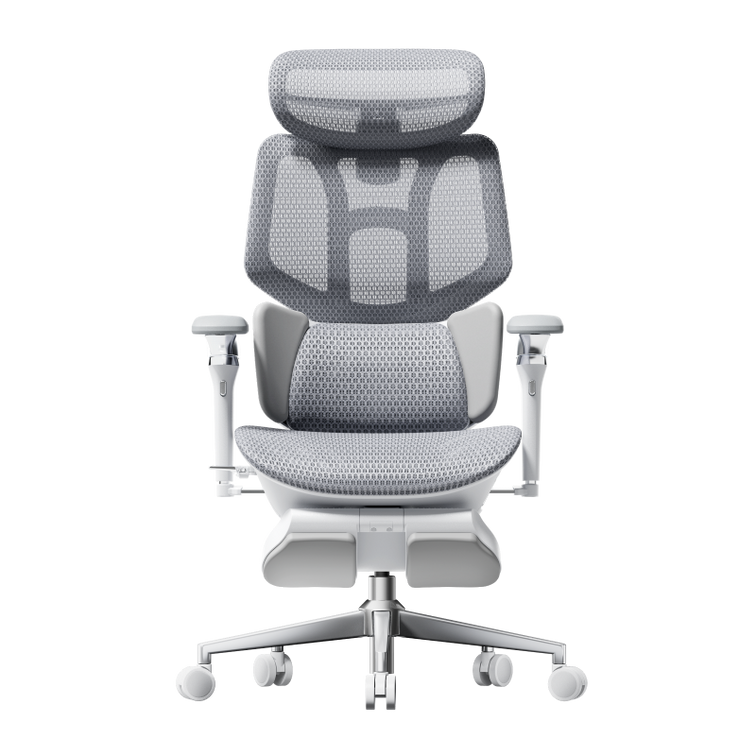
Use the grey chair as a cool neutral, then add warmth through an oak desktop, cream walls and linen curtains. A sage lamp or desk mat introduces colour without competing with the chair.
Where your selected chair has metallic details, a small brushed-metal accessory can echo them. Keep the repetition subtle rather than making every finish identical.
The combination: grey HBADA chair + oak desk + cream background + one muted green accent.
Black mesh, walnut and warm white.
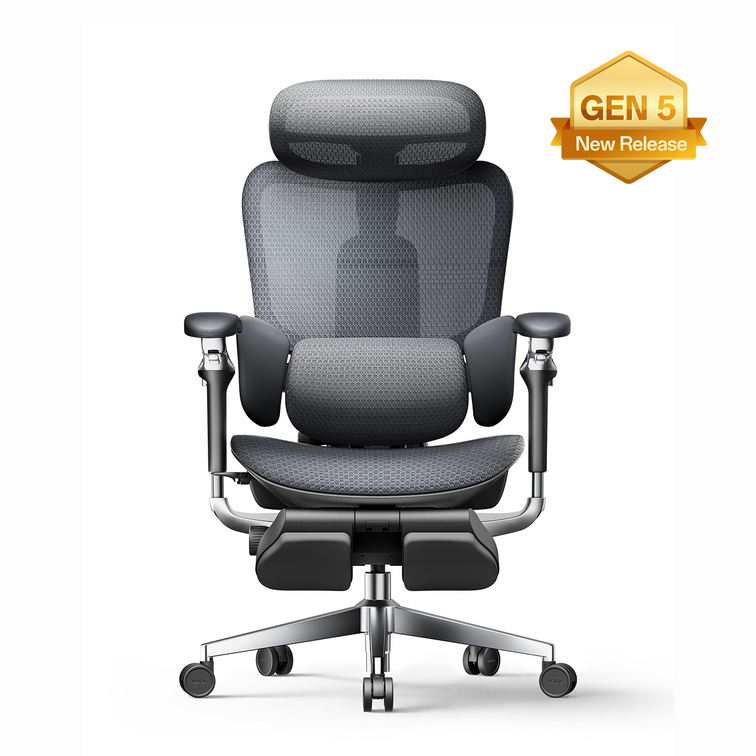
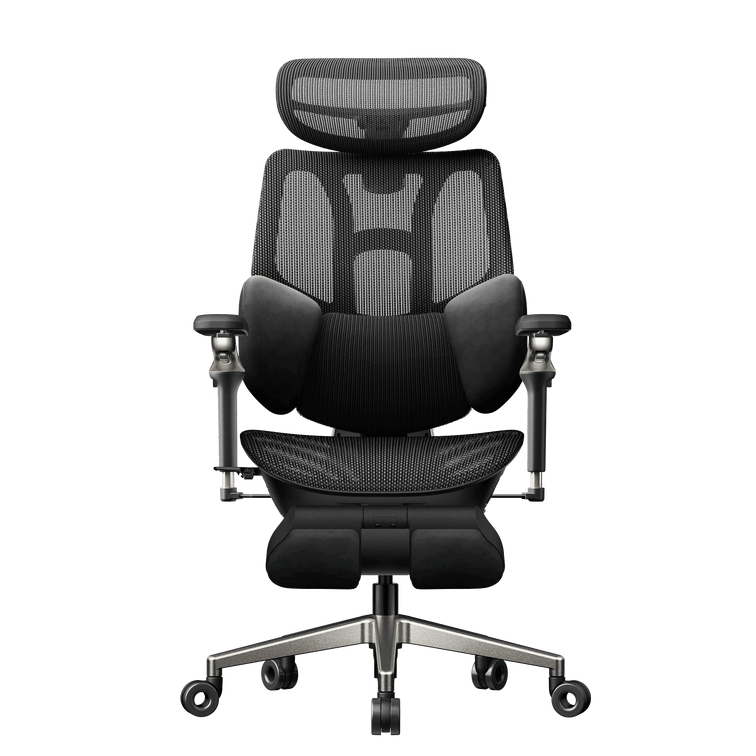
A black HBADA chair can anchor a darker desk setup. Pair it with walnut or another warm wood finish, then repeat black in the monitor frame or task lamp.
Keep the surrounding wall and larger accessories lighter if you want contrast. A ceramic cup or fabric curtain softens the more technical-looking elements.
The combination: black HBADA chair + warm wood desk + light wall + restrained dark accessories.
Check the colours available for your chosen model before buying accessories. The aim is to style around the chair that fits your needs—not choose an unsuitable chair just to complete a palette.
The best-looking desk still needs to fit your chair.
A slim oak desk may look perfect beside your HBADA chair, but the space beneath the desktop matters as much as the surface above it. Deep drawers, crossbars and thick aprons can limit how close you can sit.
Measure the clear opening beneath the desk and compare it with the selected chair’s dimensions and adjustment range. Check the working position you need first; being able to tuck the chair away afterwards is a separate consideration.
| Check | Why it matters | What to do |
|---|---|---|
| Desk opening | Drawers and supports can narrow the usable space. | Measure the clear opening, not only the desk’s overall width. |
| Armrest clearance | Armrests may contact the underside of the desk. | Compare their adjustment range with the desk’s lowest obstruction. |
| Legroom | Storage and crossbars can interrupt your sitting position. | Keep the area around your legs and feet clear. |
| Chair movement | The chair needs space beyond its tucked-in footprint. | Check pulling out, turning and any recline or footrest use. |
Our HBADA chair-fit measurement guide explains the seat dimensions to compare before you settle on a desk-and-chair combination.
A useful buying habit: keep a short note of your desk opening, usable floor space and chair dimensions in centimetres. This is more reliable than judging compatibility from product photographs.
Give your chair a working position—and room for a break.
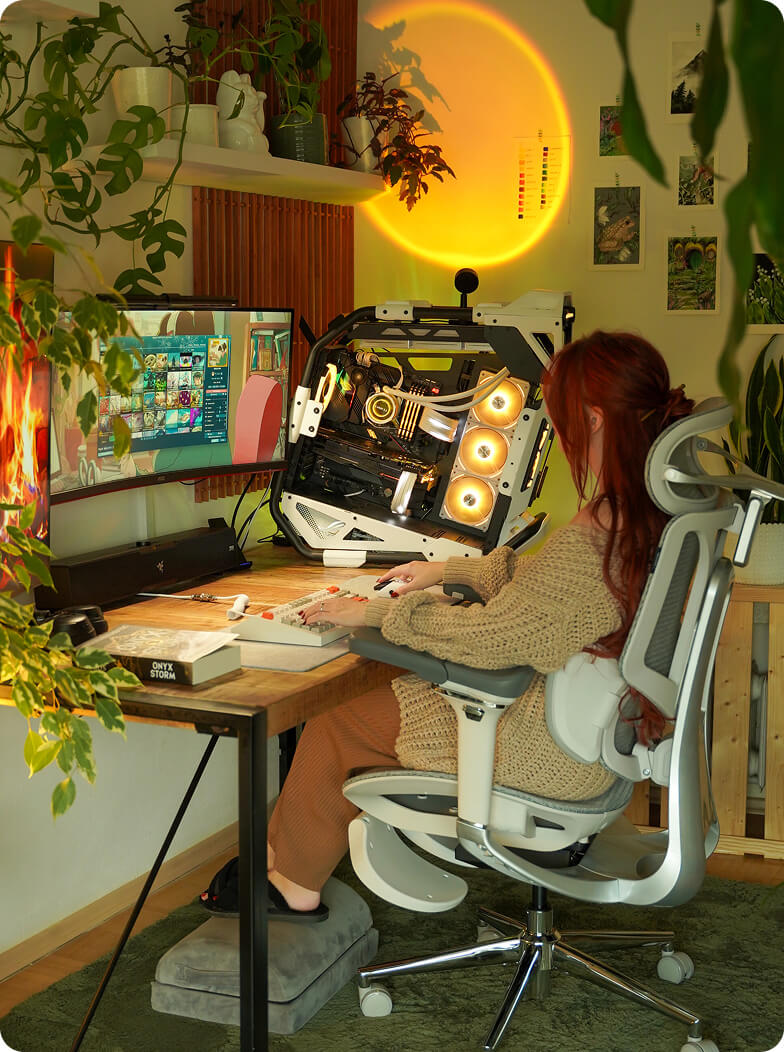
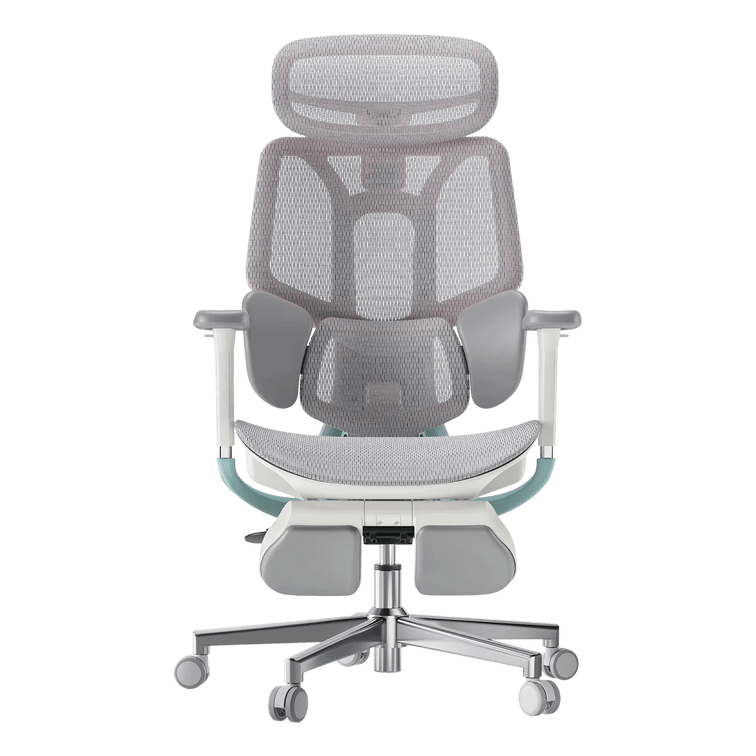
If you are choosing a HBADA model with a reclining backrest or integrated footrest, plan for those features before placing a cabinet directly behind the chair or a storage basket in front.
For desk work, keep your keyboard and mouse within comfortable reach. For a reclined break, move clear of the desk and use the chair according to its instructions. The room should let you make that change without catching a cable or blocking the main walkway.
Build the space around the features you will actually use.
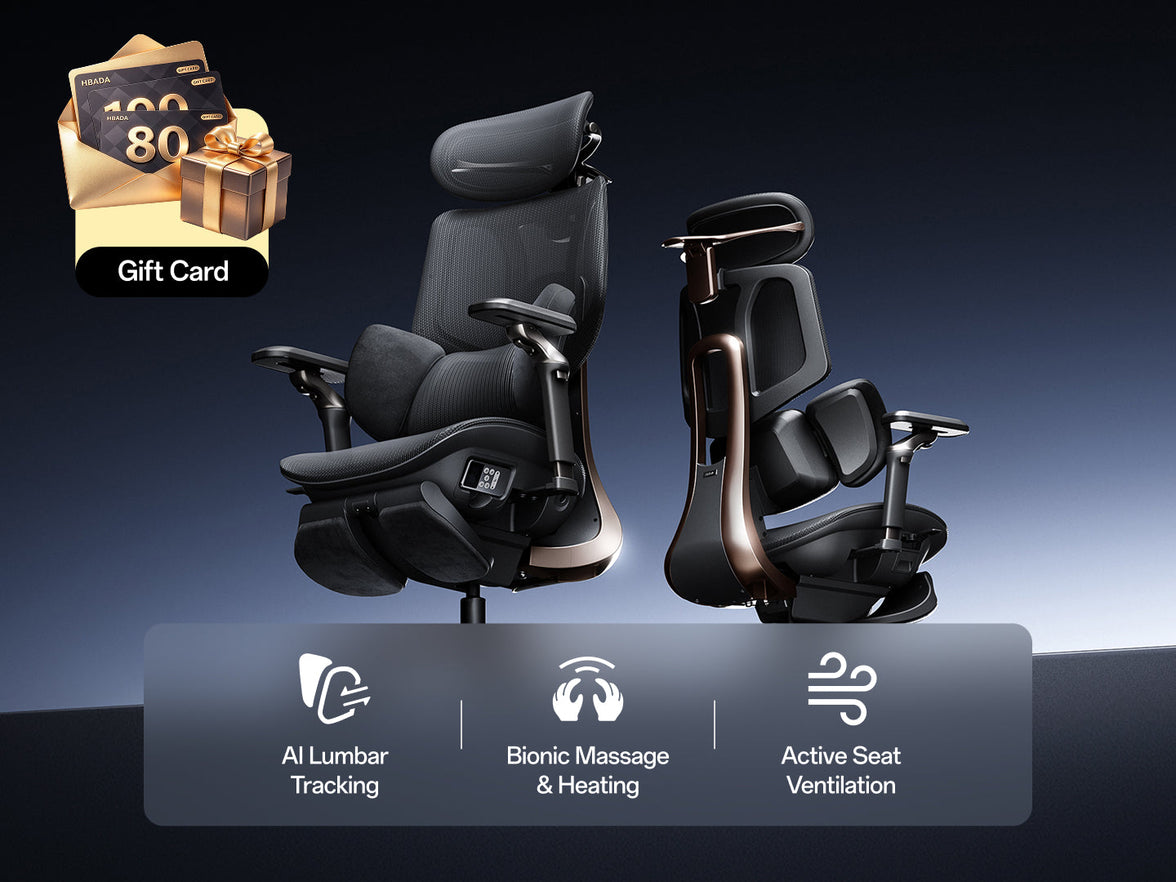
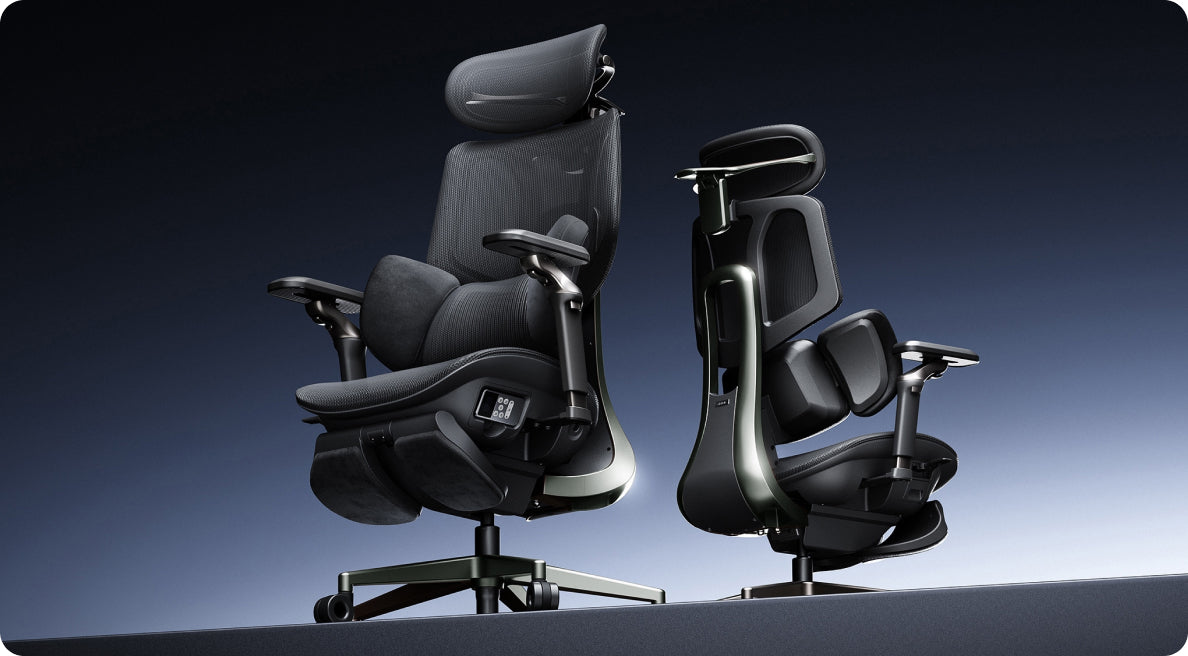
Our E3 Ultra brings massage and heating into an ergonomic chair, making a seated pause part of its appeal. If those are features you want in your home office, leave the controls accessible and plan any required power connection so cables stay clear of the base and moving parts.
See the E3 Ultra product page for the selected model’s features and specifications. Do not assume that every HBADA model has the same footrest, recline range or power requirements.
The room is not finished until the chair can do more than look good tucked under the desk.
Echo the chair’s details instead of covering them up.
Once your HBADA chair and desk are in place, the smaller choices become easier. Use the chair as a reference for colour and finish, then add softer materials around it.
Keep the mesh visible.
Let the backrest remain part of the design. Add softness with curtains, artwork or nearby upholstery rather than draping a blanket over the chair’s support surfaces and adjustment controls.
Repeat one finish.
A dark lamp can relate to a black frame. A muted grey desk mat can connect to grey mesh. One or two repetitions are enough; the whole room does not need to match.
Put storage beside the setup.
A narrow cabinet or wall shelf can hold paperwork without taking over the chair’s movement area. Keep the space beneath the desk available for you.
Test lighting from the seat.
Sit in the chair at your usual working height and check the screen for reflections. Position the task lamp so it lights your work without obstructing your view.
Finish with one personal detail—a print, a small plant or a favourite ceramic piece. Keep it outside the area you use for typing and writing. The chair should belong to a room you enjoy, not a display you have to dismantle every morning.
Build around the HBADA features that matter to you.
Your preferred room style is one part of the choice. The other is how you want the chair to work. Start with your seating priorities, then use the available finish to shape the rest of the setup.

HBADA E3 Ultra
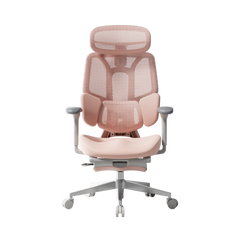
The E3 Ultra combines ergonomic support with 4D bionic massage and graphene heating. Build its corner around a practical desk, clear movement space and accessible controls, then add warm materials to make the setting feel at home.
Keep decorative storage away from the footrest area and check the model’s dimensions before deciding where nearby furniture belongs.
Discover E3 Ultra →HBADA X7
The X7 offers smart lumbar tracking and a distinctive technical design. Pair it with a clean desktop and restrained accessories so its structure becomes an intentional part of the workspace.
Choose the configuration around your fit and feature preferences, then coordinate the available colour with the desk and lighting.
Take a closer look at X7 →Try the setup as a workspace, not just a scene.
Sit down, open your usual work and use the chair’s adjustments. A few minutes of real use can reveal the small changes that make the arrangement more practical.
- You can reach the desk without the armrests preventing a comfortable position.
- You can pull the chair out without hitting furniture or blocking a doorway.
- The chair’s controls remain visible and accessible.
- Any recline and footrest movement has enough clear space.
- Cables remain clear of the wheels and moving parts.
- Your chosen accessories do not crowd the keyboard, mouse or writing area.
- The chair’s colour or finish is echoed elsewhere without making the room feel overly matched.
If the chair looks right but the fit still feels unsettled, revisit our seat height, depth and lumbar-fit guide before changing the room around it.
HBADA home office setup FAQs.
What desk colour works with a grey HBADA chair?
Pale oak and warm neutral finishes are an easy starting point. They add warmth beside grey mesh. Repeat grey in a small accessory, then introduce a muted accent such as sage or terracotta if it suits the rest of your room.
How can I style a black ergonomic chair at home?
Connect it to another dark element such as a lamp or monitor frame, then balance it with wood and lighter surfaces. Keeping the desktop simple helps the chair look intentional rather than visually competing with lots of accessories.
Will a HBADA chair fit beneath my desk?
That depends on the model, its adjustment settings and the desk’s clear opening. Compare the chair’s specifications with the space beneath the desk, including drawers and support bars. Check working comfort separately from whether the chair can tuck away fully.
How much room should I leave for a reclining chair?
Use the selected model’s dimensions and movement requirements rather than a single universal measurement. Account for pulling the chair out, backrest movement and footrest extension where fitted, while keeping a usable walkway.
Should I add a cushion or throw to match the room?
Avoid adding accessories solely for appearance if they interfere with back support, usable seat depth or controls. Bring colour and texture into the room through curtains, artwork and desk accessories instead.
A home office, built around you
Let your HBADA chair
take its place in the room.
Choose the support and adjustments you want. Give the chair space to move. Then bring in the wood, lighting and personal details that make the workspace yours.
A thoughtful home office does not hide the chair. It makes the chair part of why the room works.
Build your setup with E3 Ultra →